





















Motorcycle Simulator
Motorcycle Simulator - Play Online

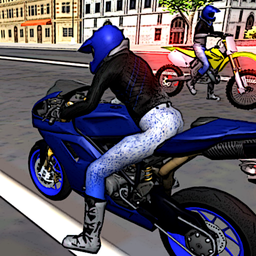
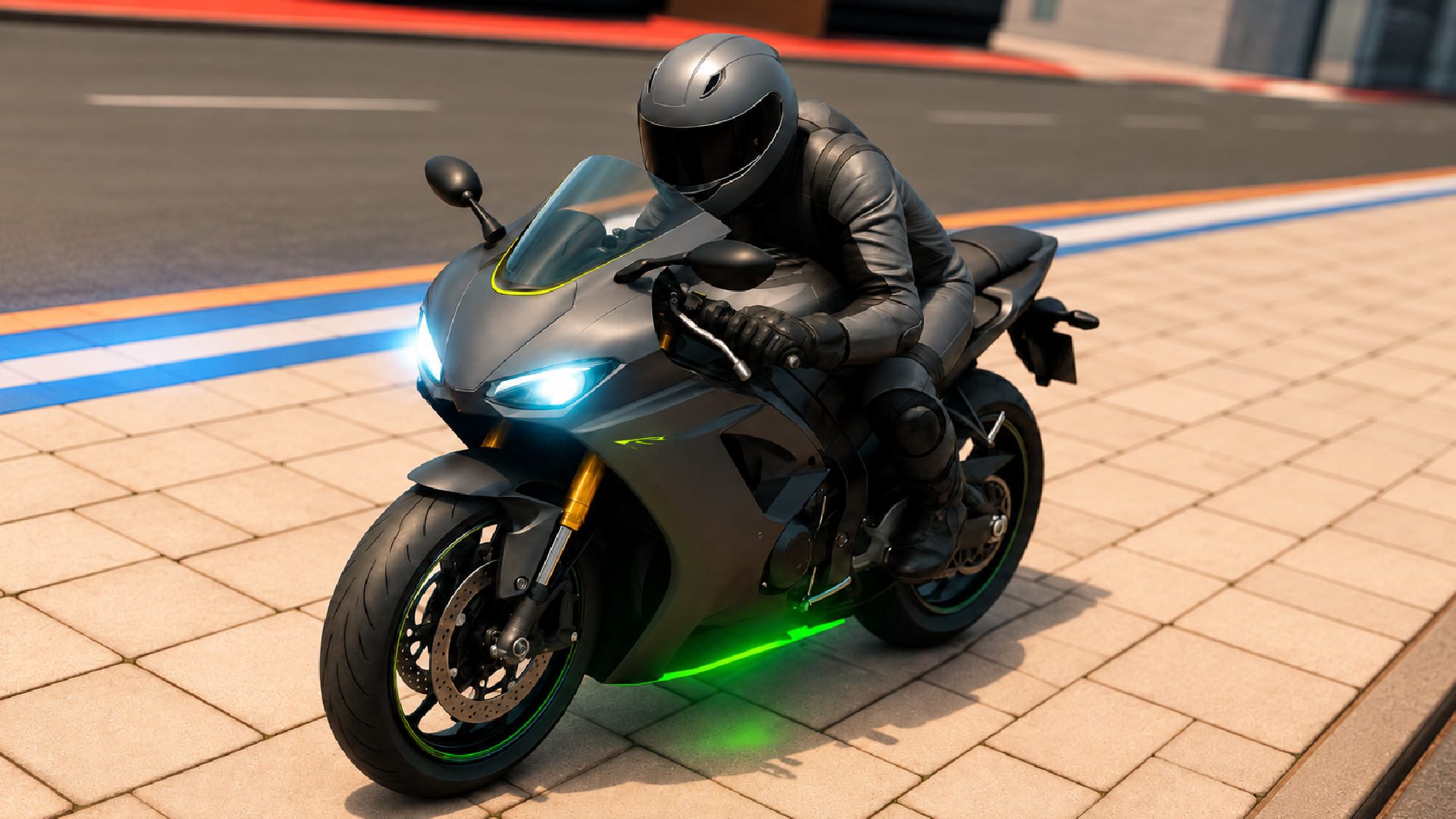
Ever wanted to just hop on a bike and cause chaos with zero consequences? Motorcycle Simulator is your playground. Pick from three bikes—racer, cop bike, or motocross—and tear through four different environments doing whatever stunts you can dream up. It's a no-pressure, pure sandbox experience built for players who want freedom over structure. Think of it like the bike-only mode from GTA, but stripped down to just the fun part: riding and flying off ramps.

Key Features
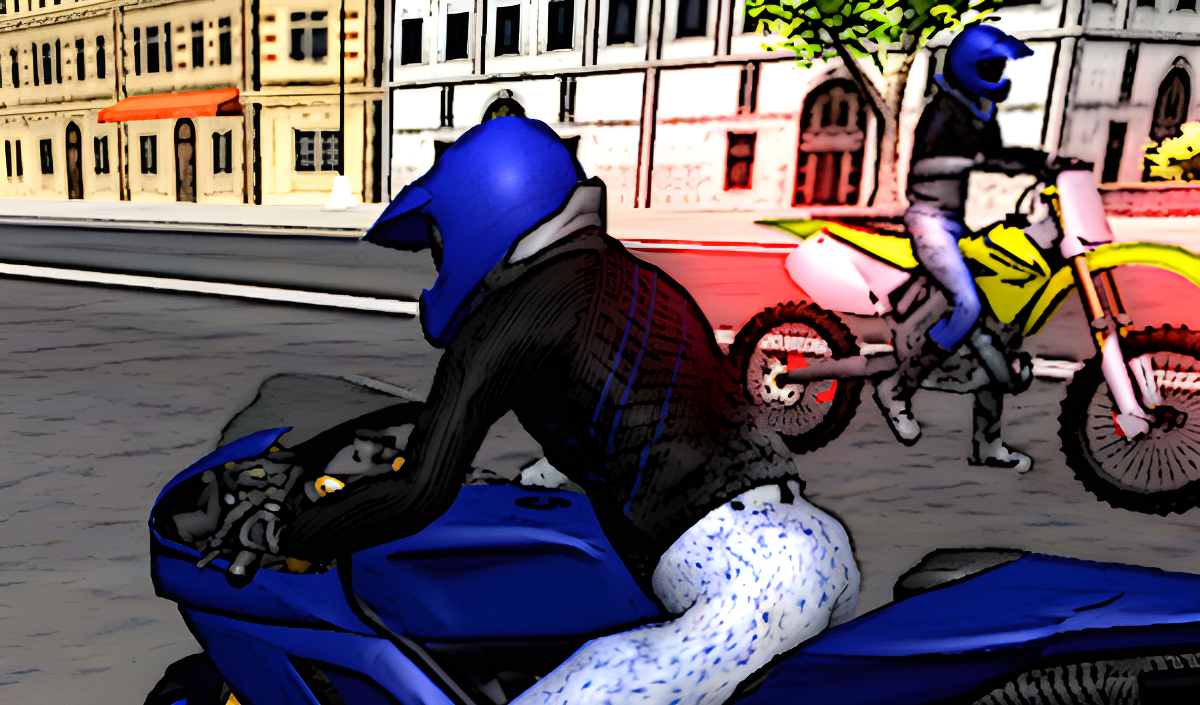
- Three Distinct Bikes: Choose between a street racer, police motorcycle (with working lights!), or a rugged motocross bike.
- 4 Different Environments: Urban streets, stunt arenas, and obstacle courses to explore at your own pace.
- Crazy Stunt Platforms: Metal ramps, barrels to dodge, and massive jumps that let you launch into the sky.
- True Sandbox Mode: No timers, no scores to chase. Just ride, crash, and reset whenever you feel like it.
How to Play Motorcycle Simulator

Getting started takes five seconds, but pulling off clean stunts? That's where the challenge kicks in.
Pick Your Ride and Hit the Streets
You start by choosing one of three bikes. The racer's built for speed, the cop bike has flashing lights you can toggle with E (which is honestly just fun to mess with), and the motocross handles rougher terrain. Use arrow keys or WASD to steer, Shift to boost your acceleration, and Spacebar to slam the handbrake for sharp turns or drifts.
Navigate Obstacles and Find the Ramps
Each scene is loaded with barrels, curved ramps, and vertical platforms. The barrels act as simple slalom obstacles—you can weave through them or just plow straight through if you're feeling reckless. The real meat of the game is finding those metal-mesh ramps and figuring out the right speed to nail a clean jump. Too slow and you'll stall out; too fast and you'll flip mid-air.
Experiment, Crash, and Reset
There's no fail state. If you wreck your bike, hit R to reset your position or press G to go back to bike selection and swap rides. Press C to cycle through camera angles until you find the view that feels right. The entire loop is about testing physics, trying ridiculous jumps, and seeing how far you can push each bike before gravity wins.
Who is Motorcycle Simulator for?

This is perfect for casual players who want a quick 10-minute distraction without tutorials or grinding. Kids will love the zero-stakes playground vibe—there's no violence, no pressure, just bikes and ramps. If you're looking for a racing sim with realistic physics or competitive leaderboards, this isn't it. But if you just want to zone out and do backflips off ramps while a podcast plays in the background, you're in the right place.
The Gameplay Vibe
It's super chill and meditative, honestly. The visuals are basic—think low-budget Unity web game with simple textures and boxy buildings—but that actually helps it run smoothly on older machines. The lighting is flat, the bike models are straightforward, and the environments are repetitive, but none of that matters when you're mid-air off a vertical ramp. There's no music that I noticed, just engine sounds and the clatter of your bike hitting pavement. It's the kind of game you play to shut your brain off for a bit.
Technical Check: Saves & Performance
The game doesn't save progress because there's nothing to save—it's a sandbox with no unlocks or levels. You just jump in and ride. Performance-wise, this runs on basically anything. The low-poly graphics and minimal effects mean even old laptops or budget PCs will handle it without lag. Browser cache might store your last bike choice, but don't expect persistent stats.
Quick Verdict: Pros & Cons
A no-frills stunt bike sandbox that delivers exactly what it promises: bikes, ramps, and freedom.
- ✅ Pro: Instant action with zero learning curve. You're riding within seconds.
- ✅ Pro: The physics are janky in a fun way—crashes and flips feel chaotic and unpredictable.
- ❌ Con: Gets repetitive fast. After 20 minutes, you've seen everything the game has to offer.
Controls
Responsive enough for what the game is. The handbrake feels a bit stiff, but the basic movement works fine.
- Desktop: Arrow Keys or WASD to move, Spacebar for handbrake, Shift to accelerate, C to change camera, R to reset position, G to change bike, E for police lights, X to hide instructions.
- Mobile: Touch controls supported with on-screen buttons for steering and acceleration.
Release Date & Developer
Developed by JulGames and released on January 1, 2023. It's a straightforward indie project built in Unity for browser play.