








Game Factory









About Game Factory
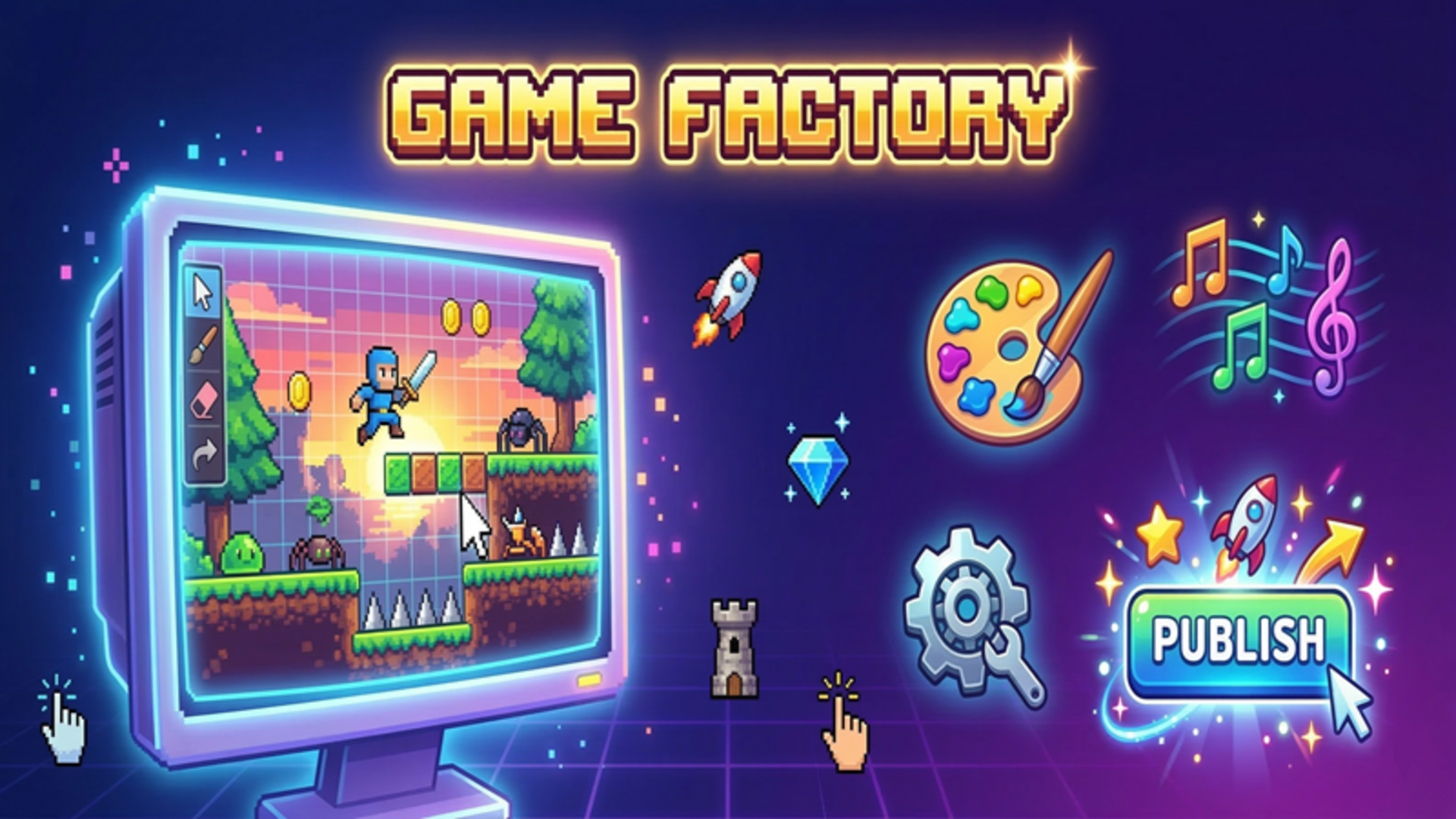
Game Factory puts a full-featured game development studio directly on your device. Starting from scratch, you choose a genre, design sprites, set up levels, pick a soundtrack, and publish a finished game — all within the same tool. The creation loop covers six distinct genres, a pixel drawing editor, customizable settings, and a sharing system that lets friends play what you build using a code.
Earning coins and XP for published games feeds back into the studio itself, letting you upgrade your workspace and unlock new genres and sprite packs over time.
How to Play Game Factory: Create, Test, and Share
Choosing a Genre
Start by clicking "Create Game" and selecting one of the six available genres.
- Platformer
- Clicker
- Shooter
- Match-3
- Runner
- Tower Defense
Customizing Your Game
Once a genre is chosen, adjust the settings to shape how the game plays — speed, gravity, number of enemies, and more are all configurable. Head to the Drawing section to create original pixel sprites or select from ready-made sprite packs. Open the Sounds tab to pick a music track for the game.
Testing and Publishing
Click Test to play through your creation and check that everything works as intended. When the game is ready, click Publish to release it and earn coins and XP. Share the finished game with friends via a code so they can play your creation directly.
Controls
- Click "Create Game": Start a new project and choose a genre
- Click settings fields: Adjust speed, gravity, number of enemies, and other parameters
- Click Drawing: Open the sprite editor to draw or select sprites
- Click Sounds tab: Browse and select a music track
- Click Test: Play the game in test mode
- Click Publish: Release the game and receive coins and XP
Games You Might Like
If building and customizing is your thing, the full range of customization games on Playgama covers everything from studio tools to creative sandboxes. For more open-ended making and sharing, the scratch games collection is a natural next stop, and the creativity games tag gathers titles built around original expression.
For something with a strong creative and storytelling angle, Toca World Adventure lets you design homes, dress characters, and build out a vibrant city scene. If you prefer shaping looks and interiors from the ground up, TB World focuses on crafting one-of-a-kind styles and cozy spaces. Fans of the match-3 genre that Game Factory lets you build will find a polished example in Dream Castle, which pairs colorful puzzle levels with a castle-restoration story.
Use this link to embed the game on your website using an iframe
 Sign in to Embed and Monetize Games