

Test Your Platforming Skills in 3D Obby Courses
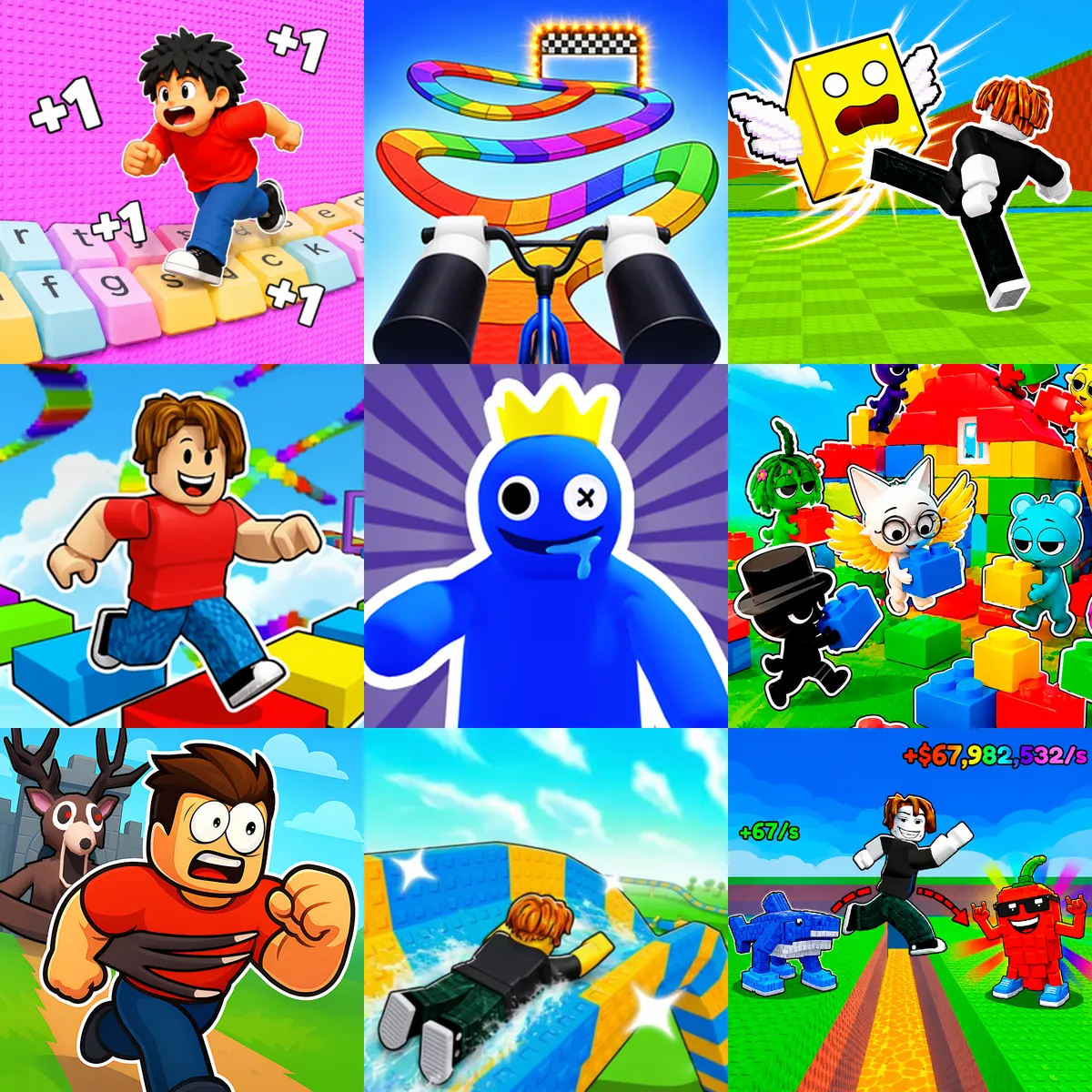
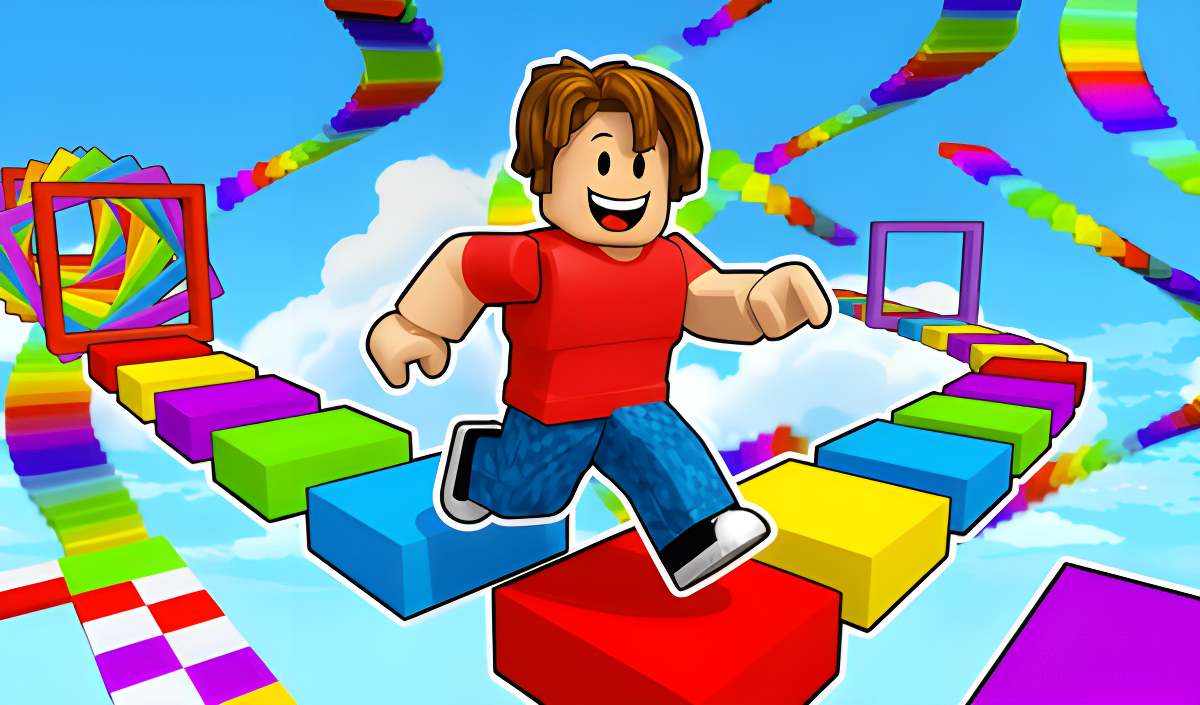
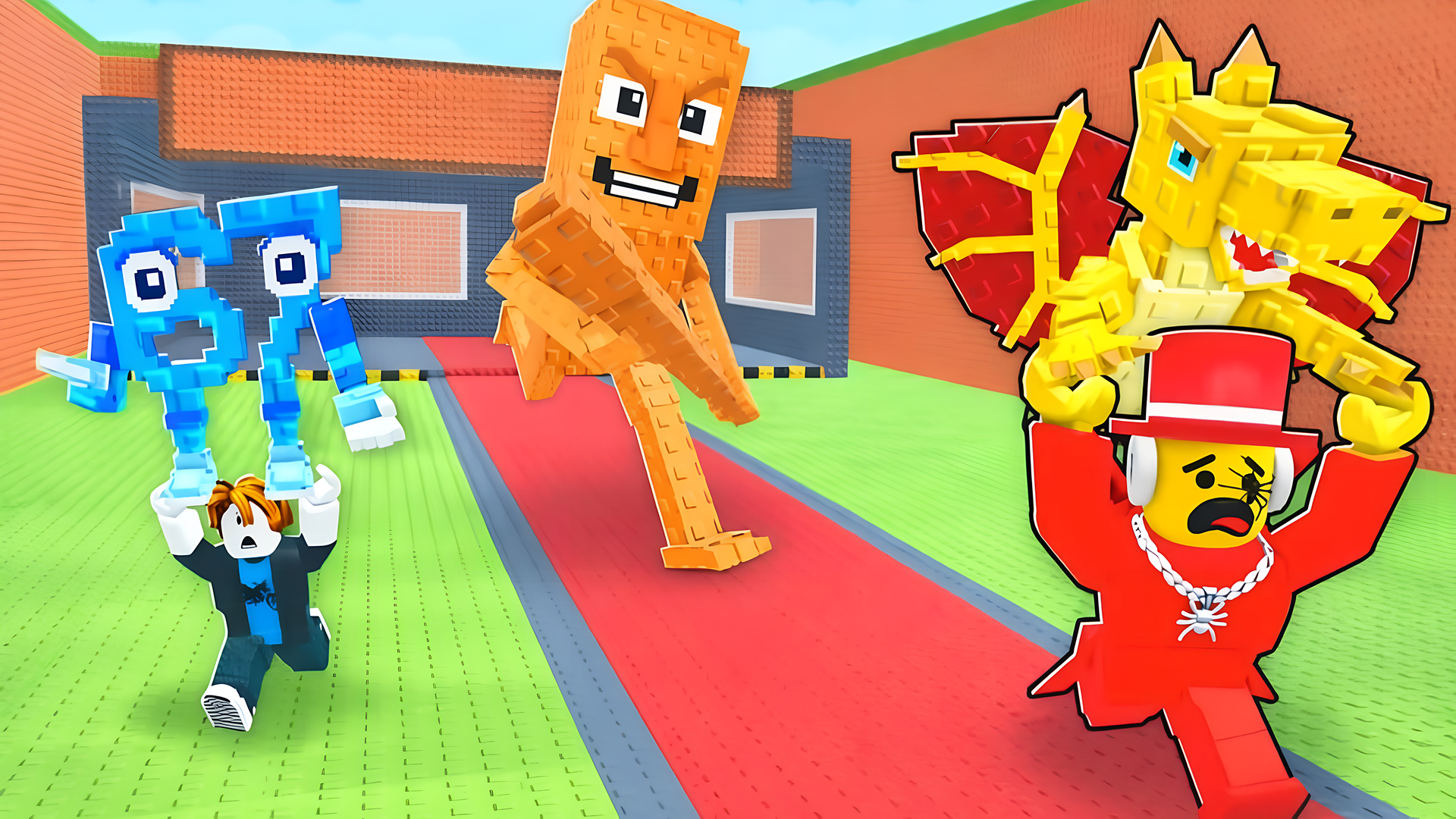
Obby games are 3D obstacle courses where you navigate platforms, avoid hazards, and attempt to reach the end of the level. Playgama provides a collection of 500+ titles in this genre. These games run directly in your browser without requiring downloads, and are playable on both desktop and mobile devices. Many of these titles share mechanics with traditional Platform games, requiring precise timing and spatial awareness.
Parkour and Escape Courses
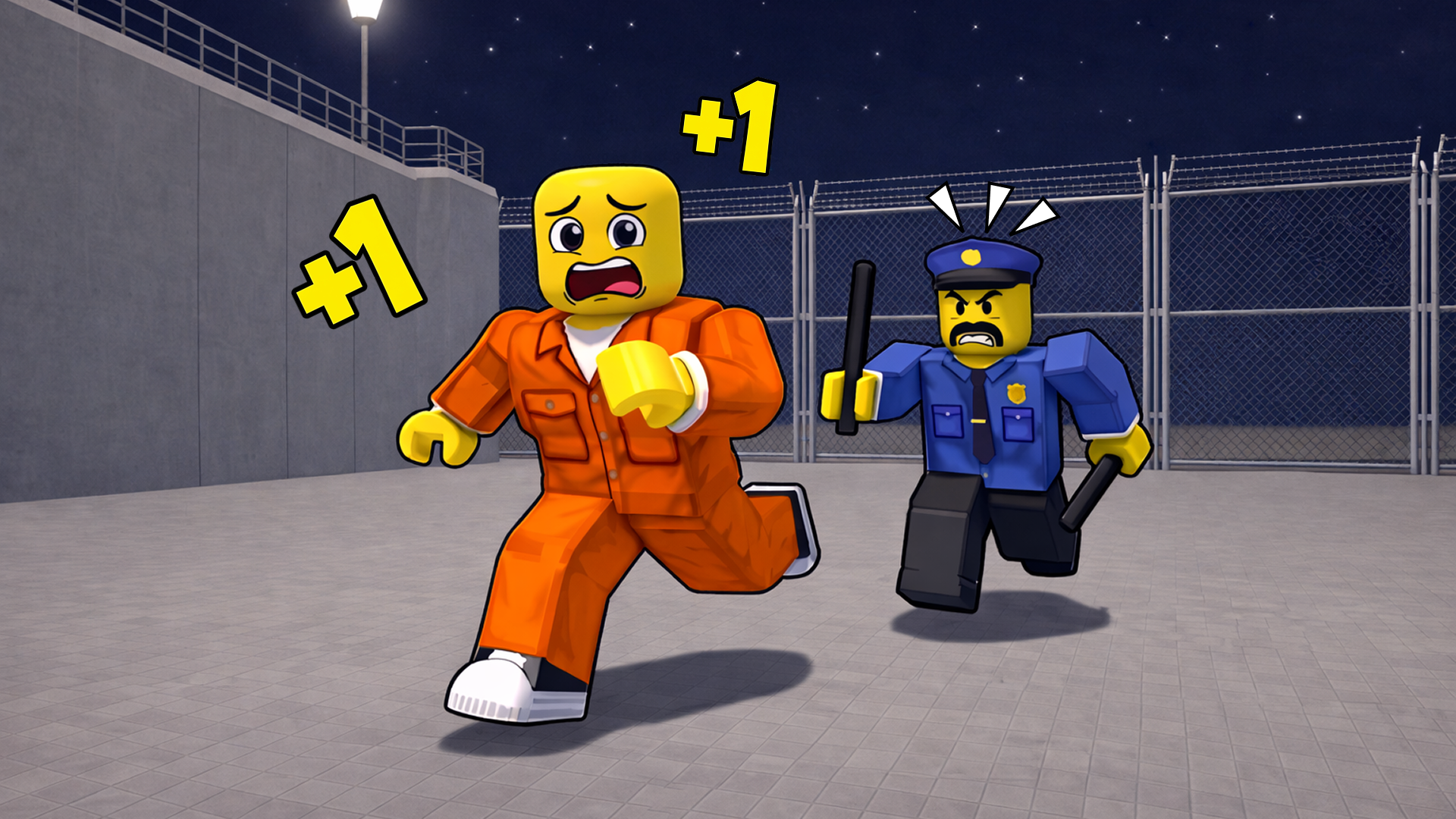
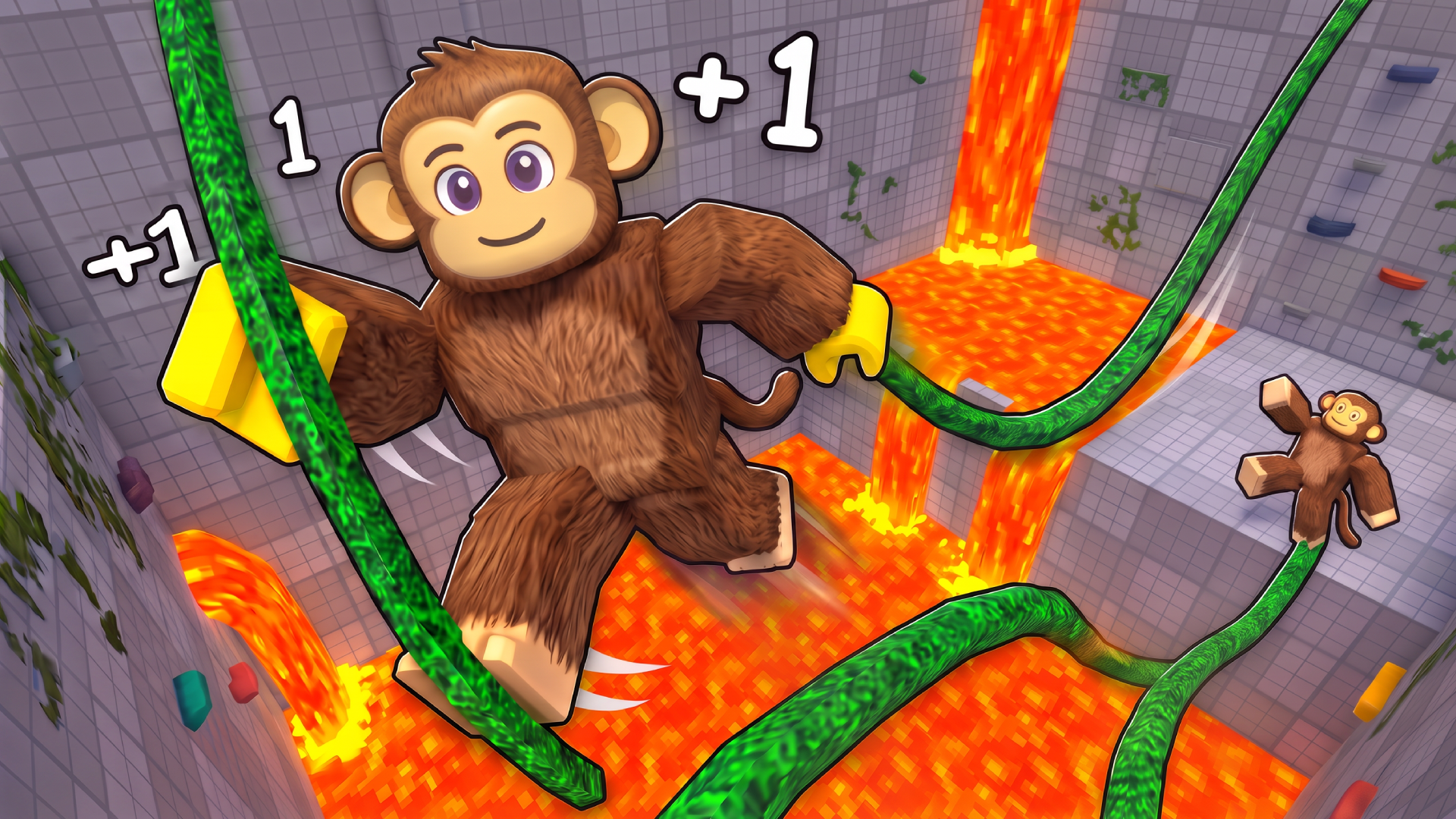
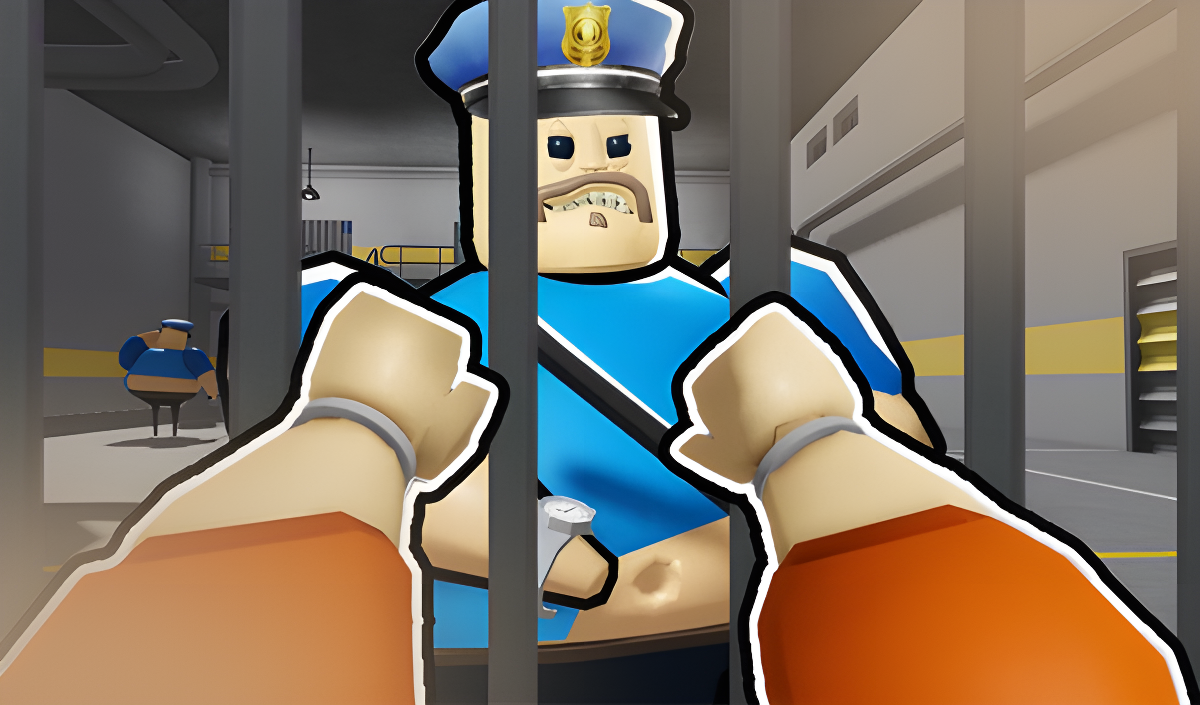
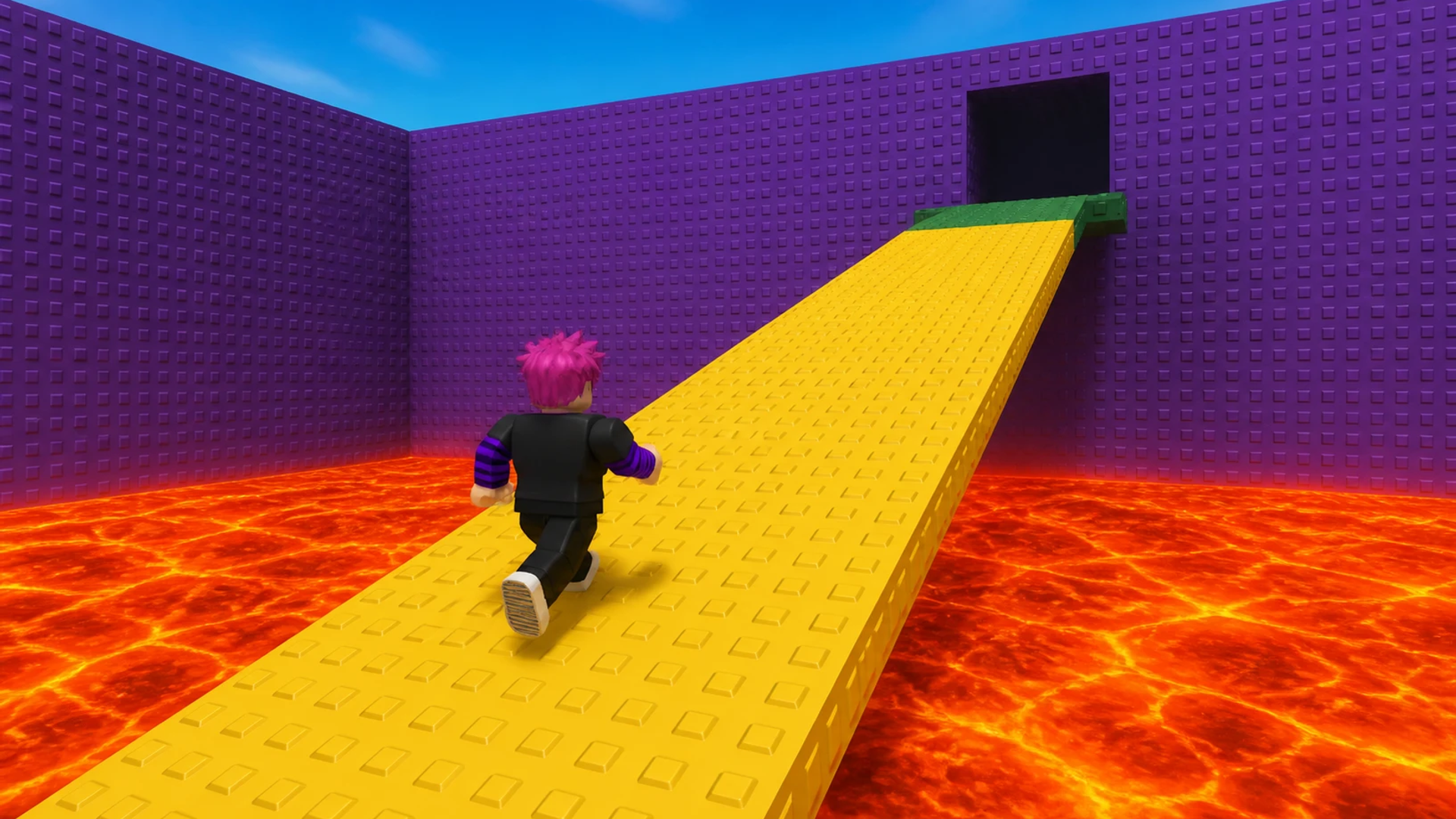
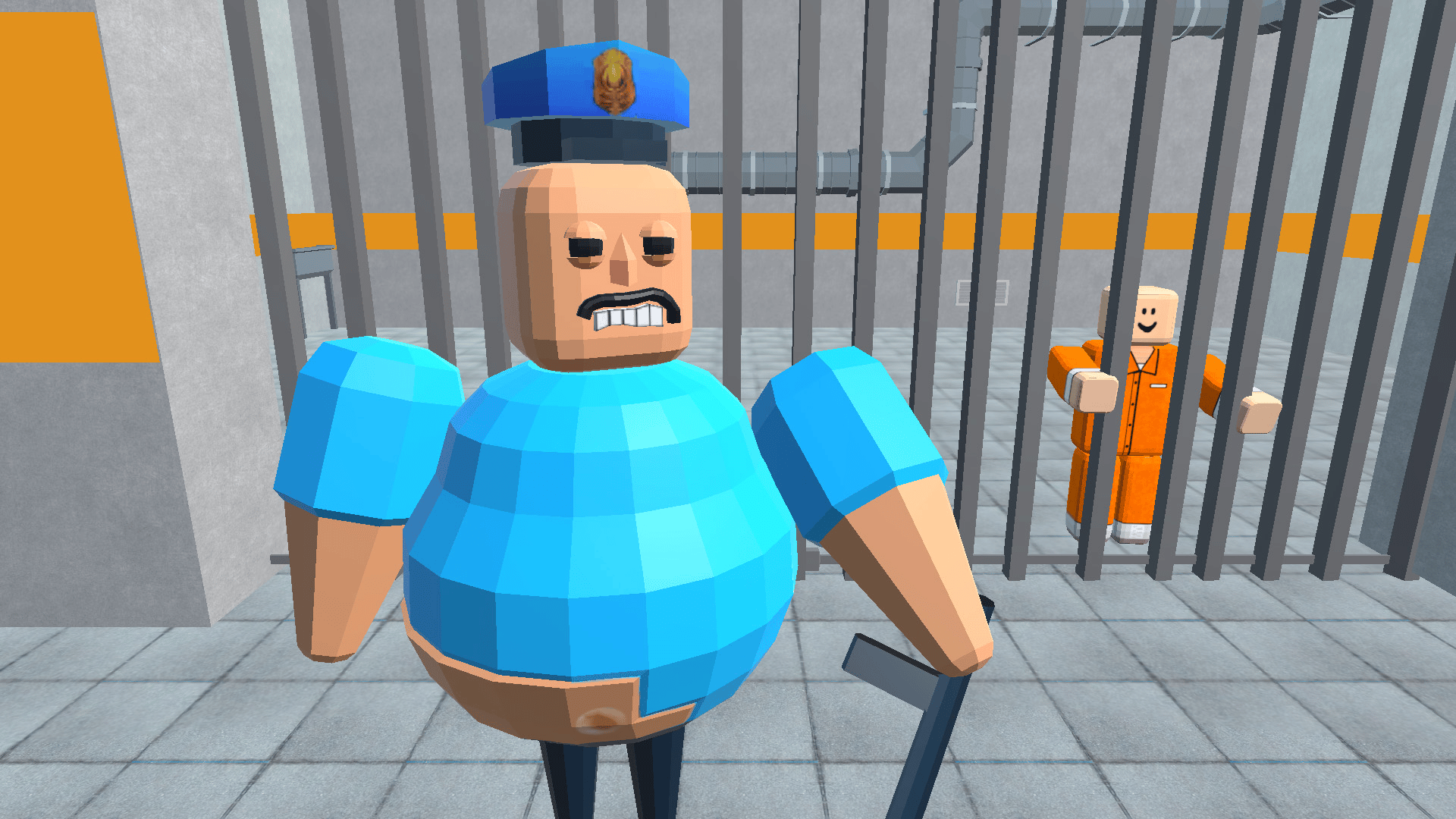
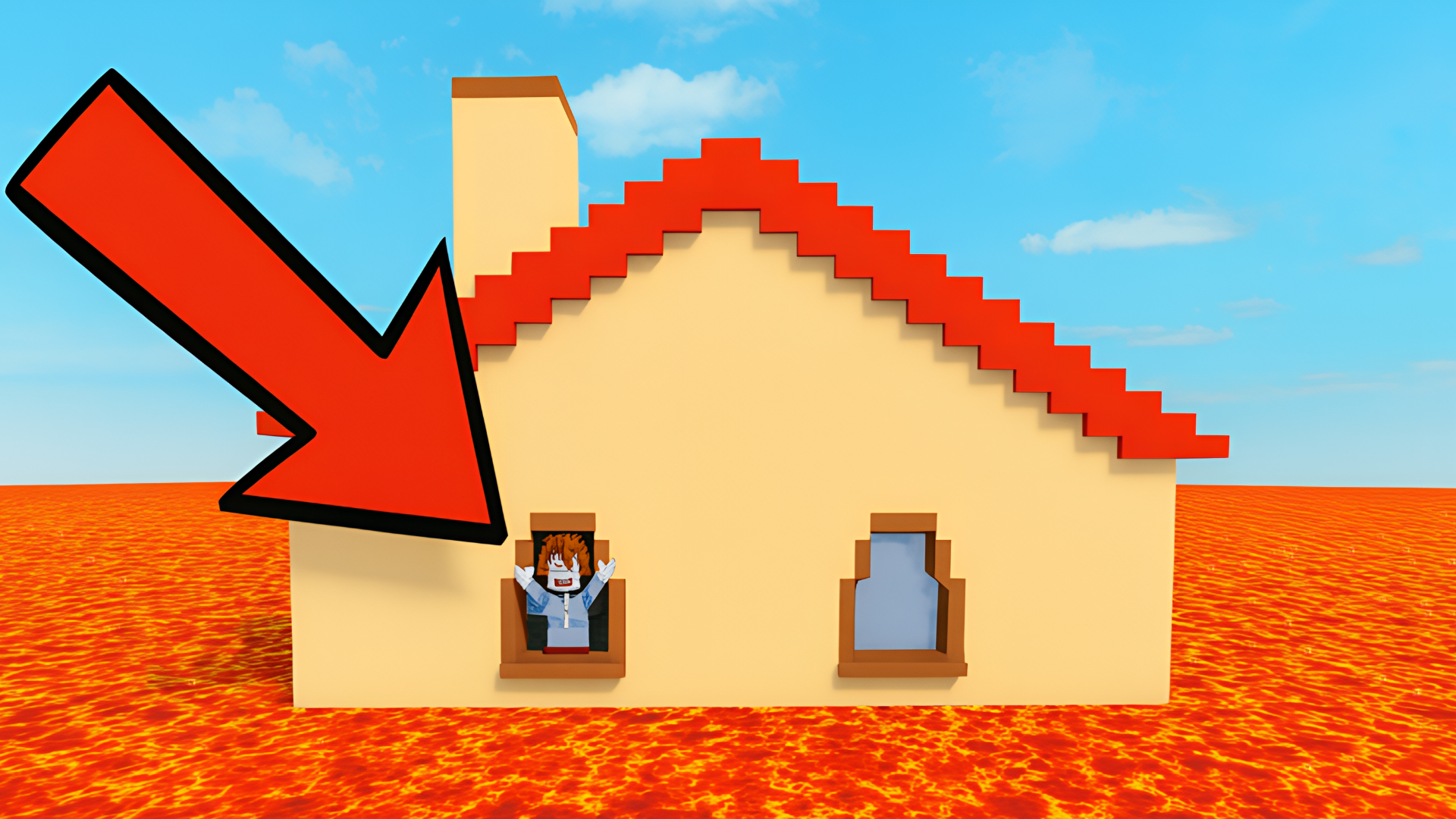
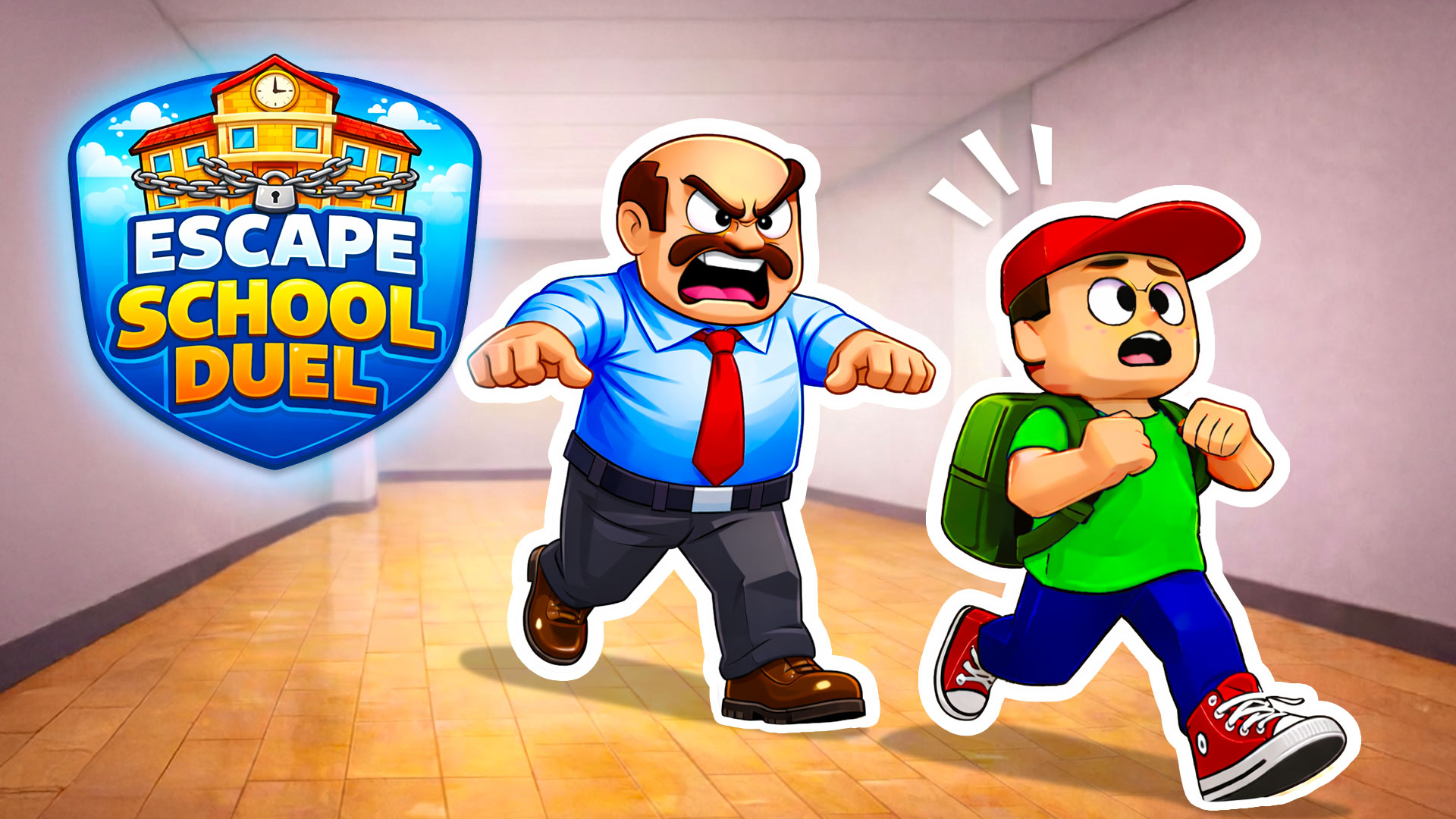
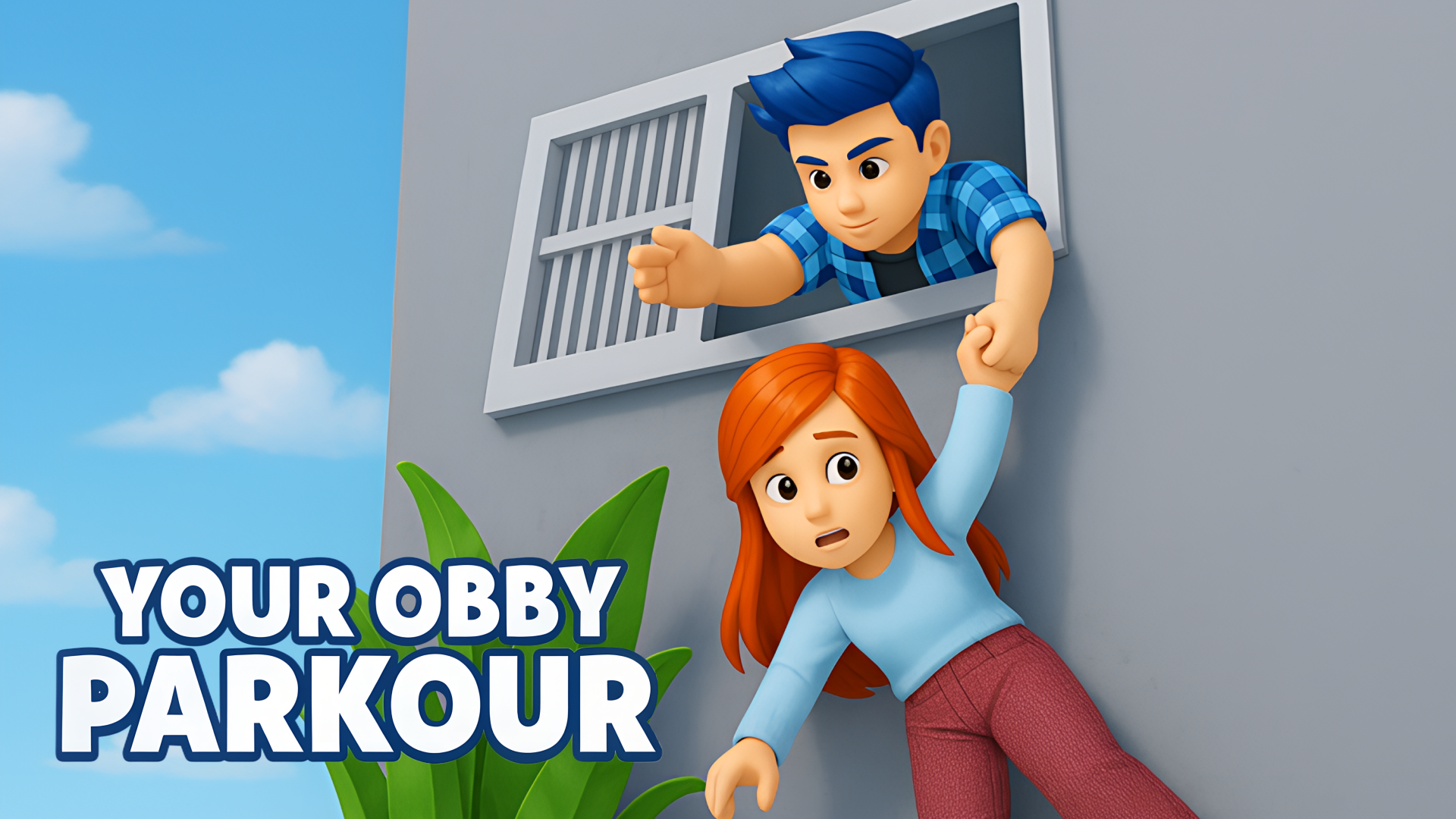
The core of the genre involves precise movements to cross gaps and bypass traps. In Barry Prison: Parkour Escape!, you must outwit guards and navigate prison infrastructure to reach the exit. Similarly, Your Obby Parkour requires you to survive environmental hazards like lava pits and ice slides. For cooperative gameplay, Your Obby Escape allows you to navigate exit routes and discover hidden paths alongside other players on shared servers.
Mechanical Variations and Vehicles
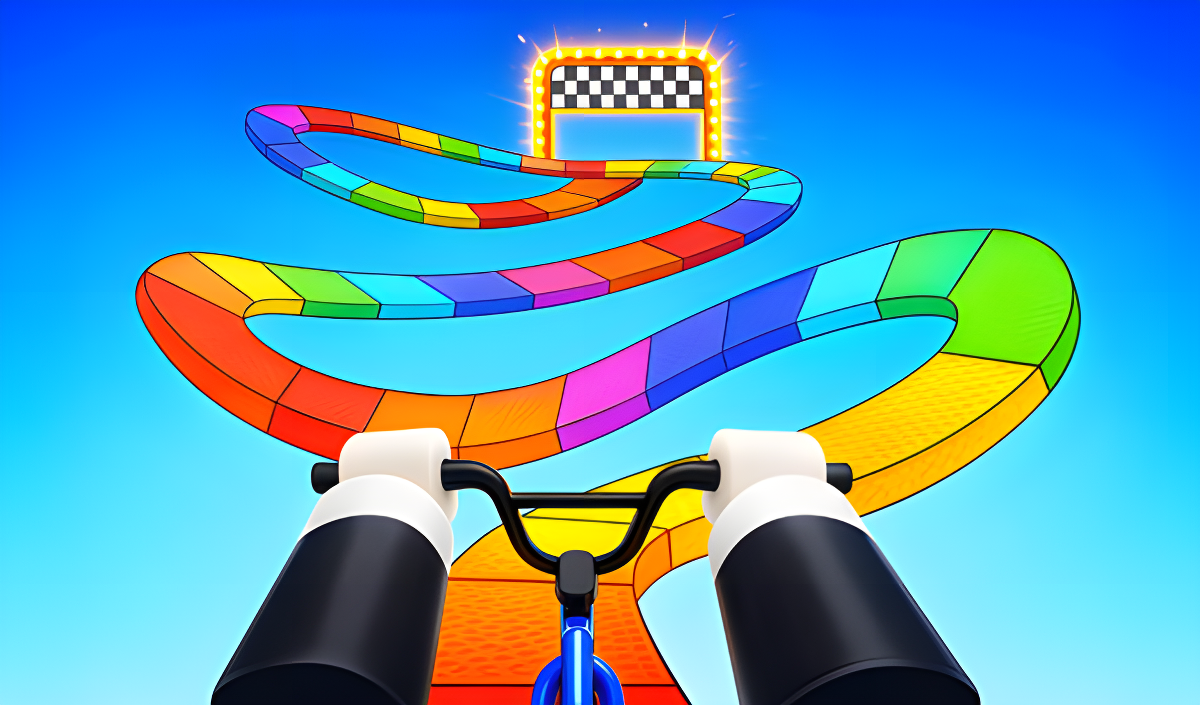
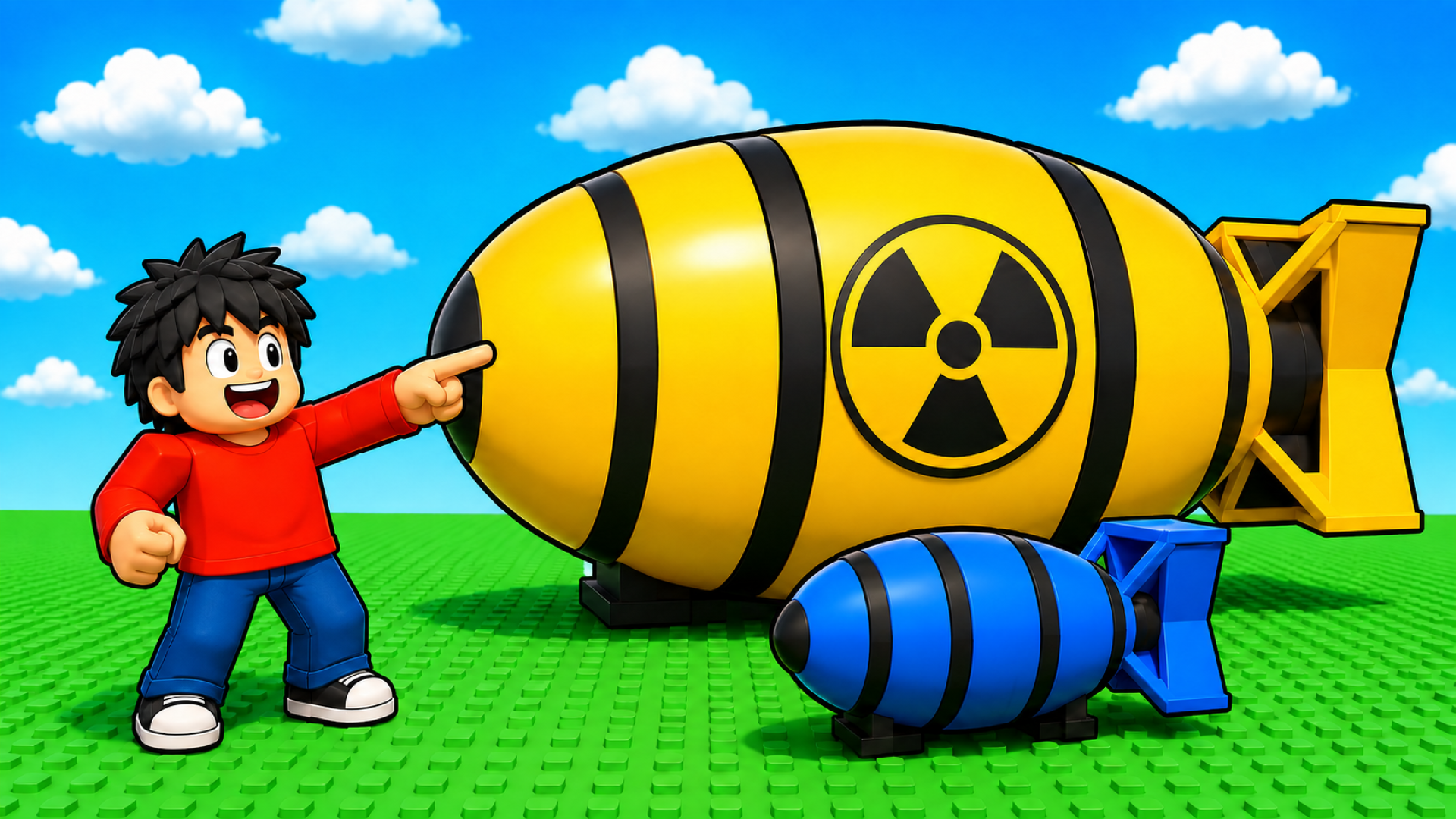
Some titles introduce specific movement mechanics or tools to alter how you interact with the environment. Obby but You're on a Bike replaces standard walking with bicycle controls, changing the physics of jumping and balancing across narrow beams. In Your Obby Size, you must actively scale your character's dimensions to fit through specific gaps or cross large distances. Other variations integrate incremental mechanics, such as Speed per Click: Obby, where clicking increases your movement speed before you attempt the course.
Minigames and Survival Modes
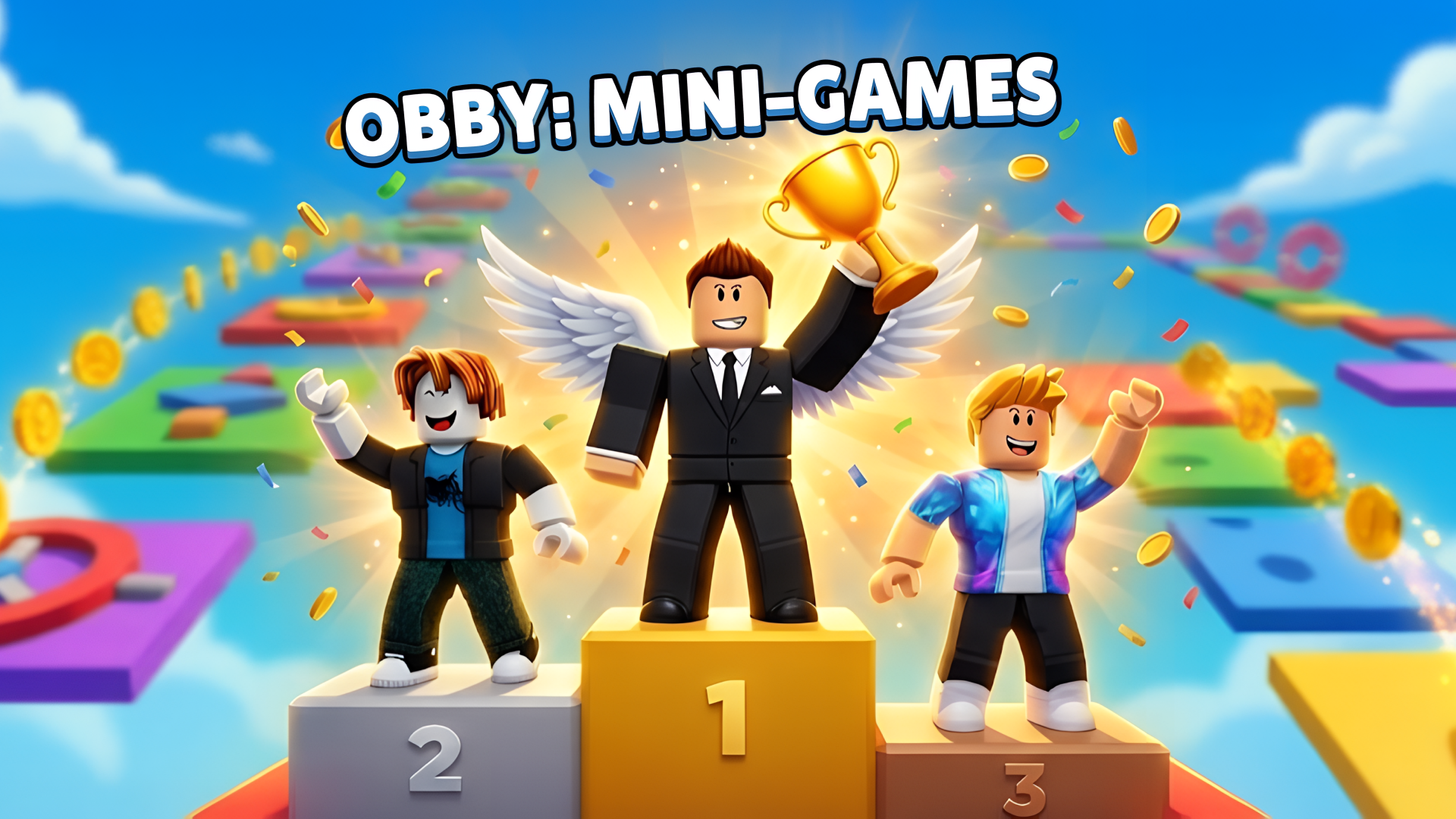
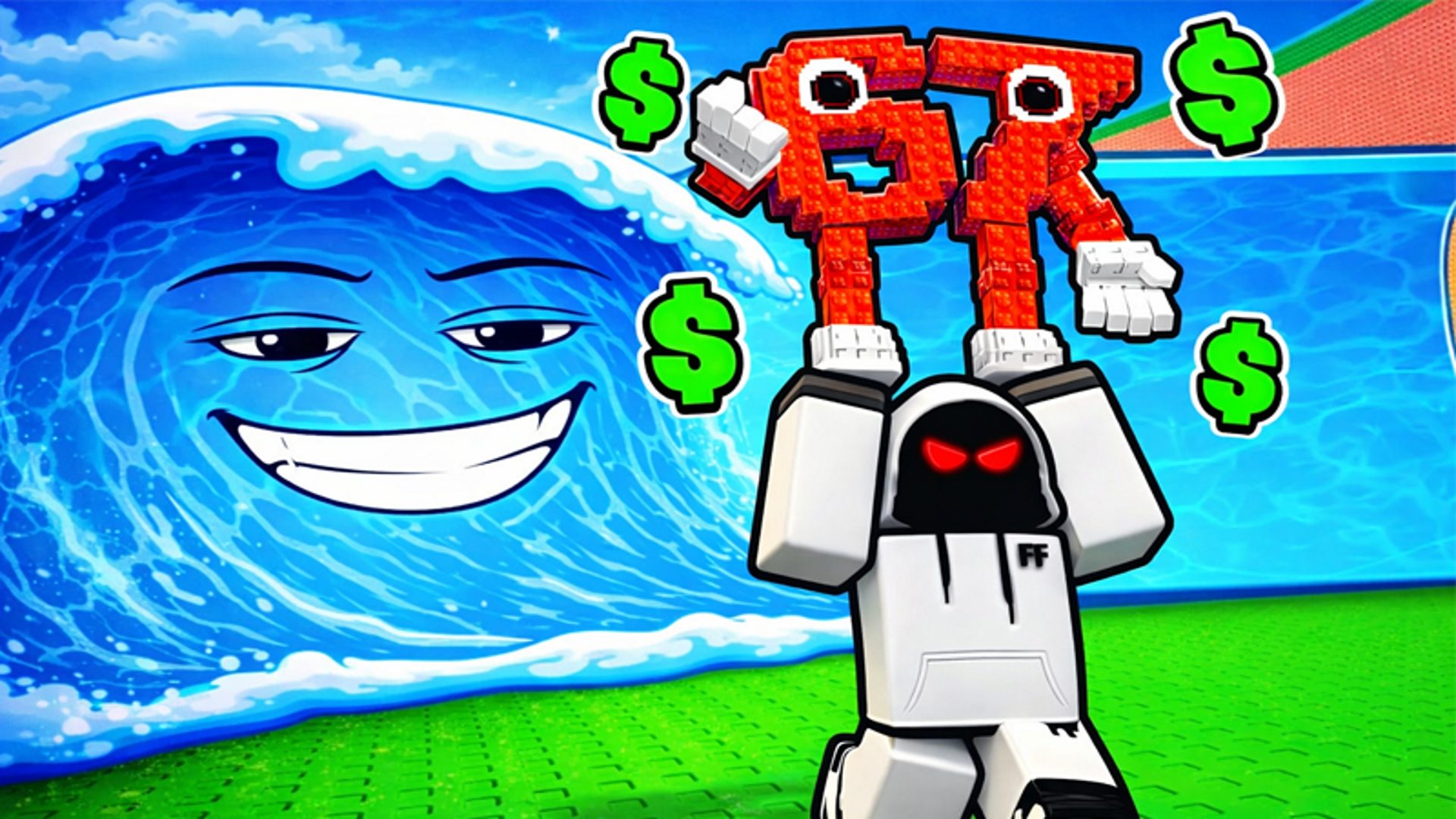
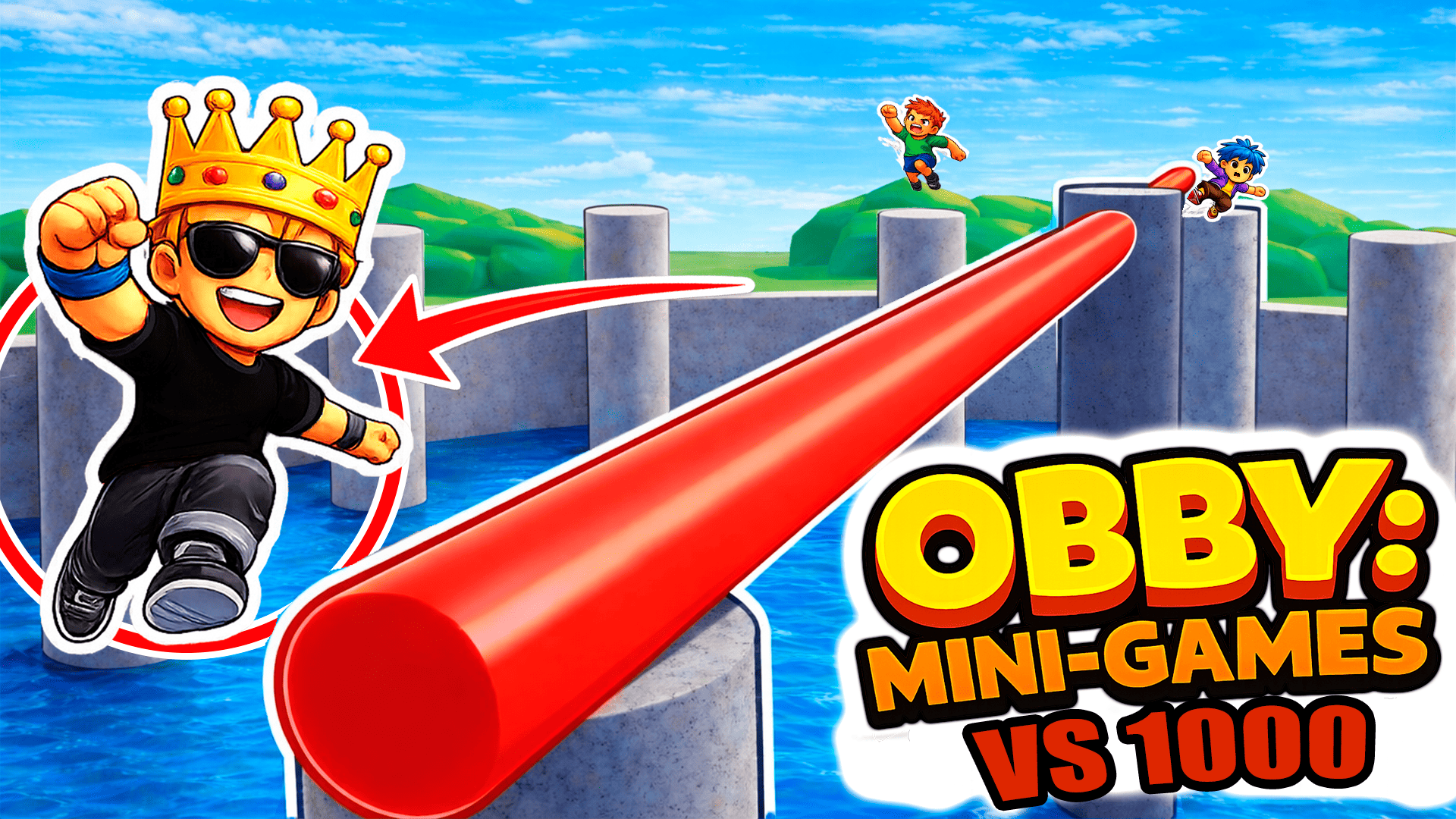
Beyond standard linear courses, the genre includes competitive arenas and survival challenges. Obby: Mini-Games features multiple modes where you compete against others for trophies on various map types. In Escape Tsunami for Brainrots, the objective shifts to collecting items while outrunning environmental threats like a rising water level. These variations often overlap with Jumping Games and require quick reflexes to avoid elimination.
Features of Obby Games
- Platforming Mechanics: Navigate gaps, moving platforms, and hazardous surfaces to progress through levels.
- Checkpoints: Progress is saved at specific intervals to prevent restarting the entire course upon failure.
- Customization: Many titles allow you to change character skins or unlock companions using in-game currency.
- Cross-Platform Controls: Support for both keyboard and mouse inputs as well as mobile touch joysticks.
- Multiplayer Integration: Several games feature shared environments where you can see or compete with other players in real time.
FAQ
What are the most popular Obby?
These titles feature the highest player engagement and the most frequently completed obstacle courses in the genre.
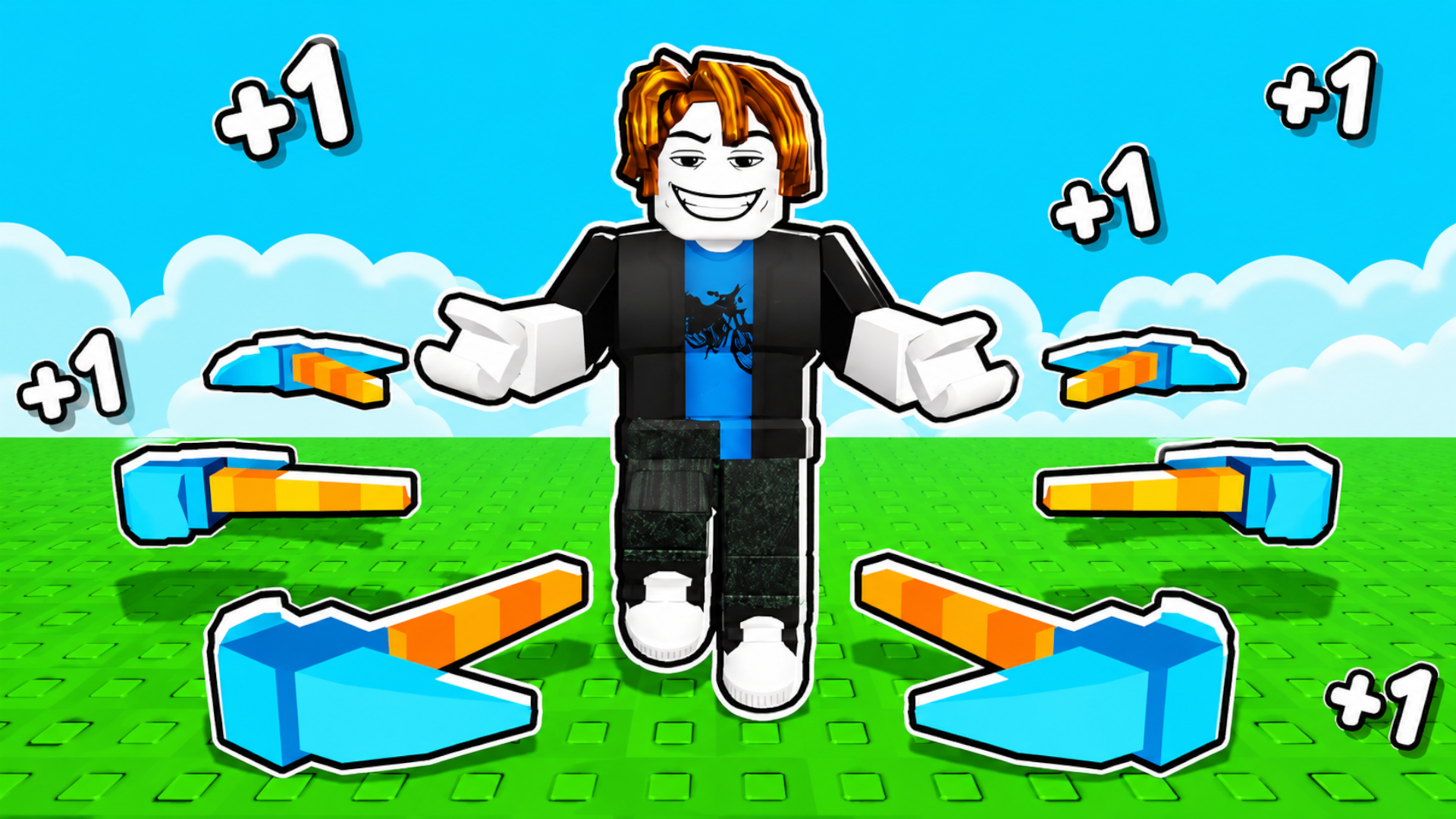
- Obby: +1 Pickaxe Swing Escape
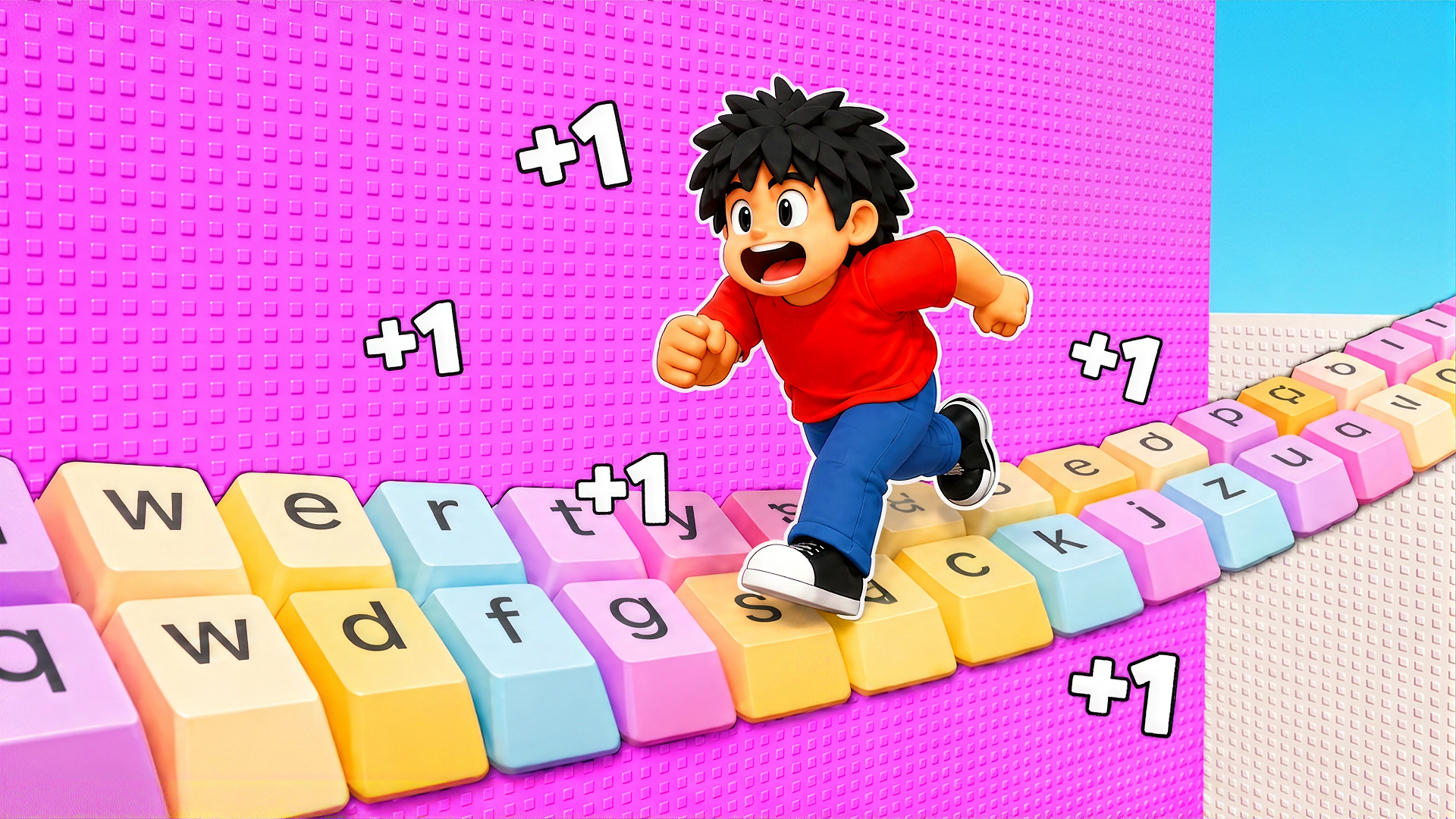
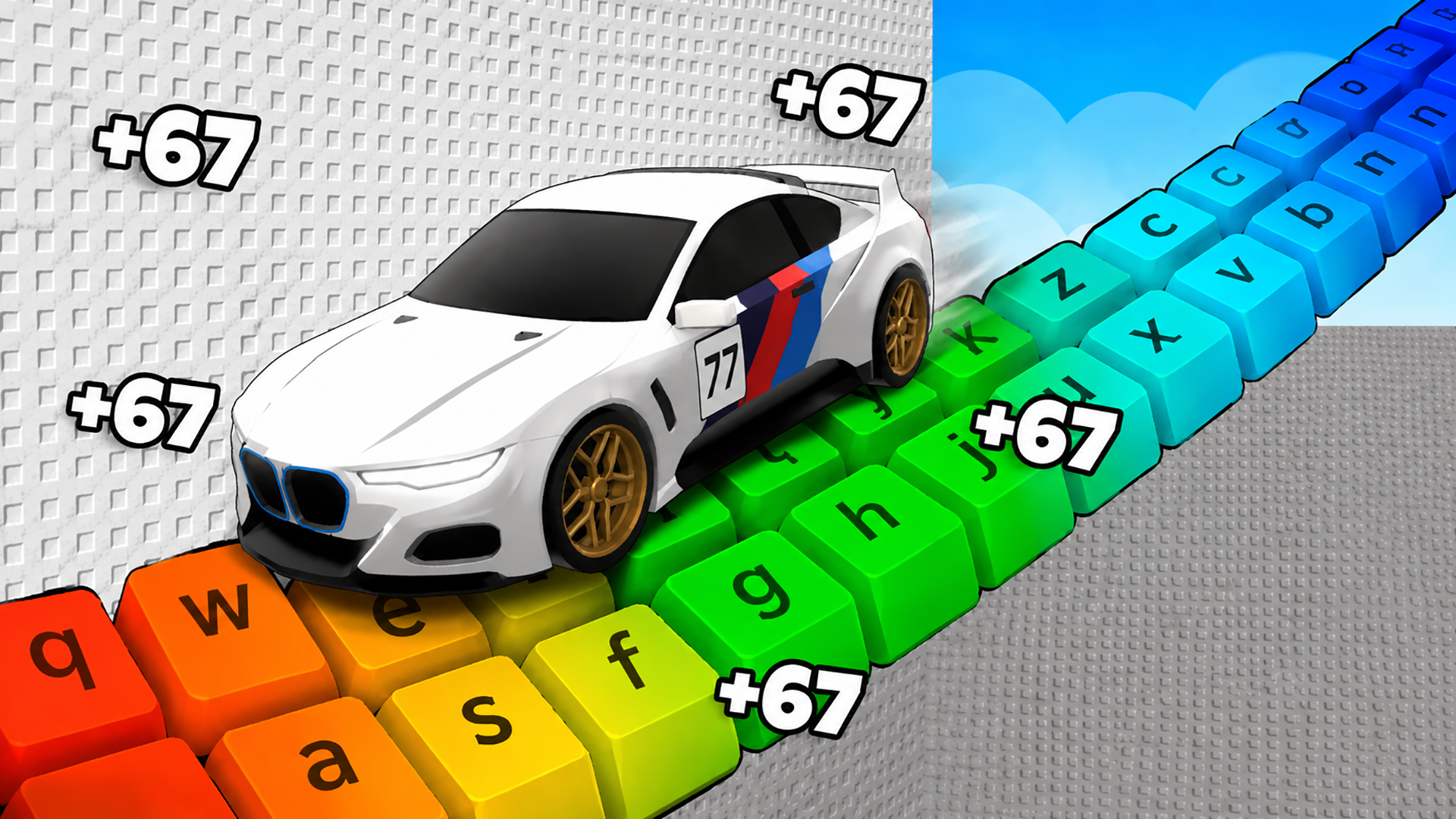
- +1 Speed Keyboard Escape: Obby
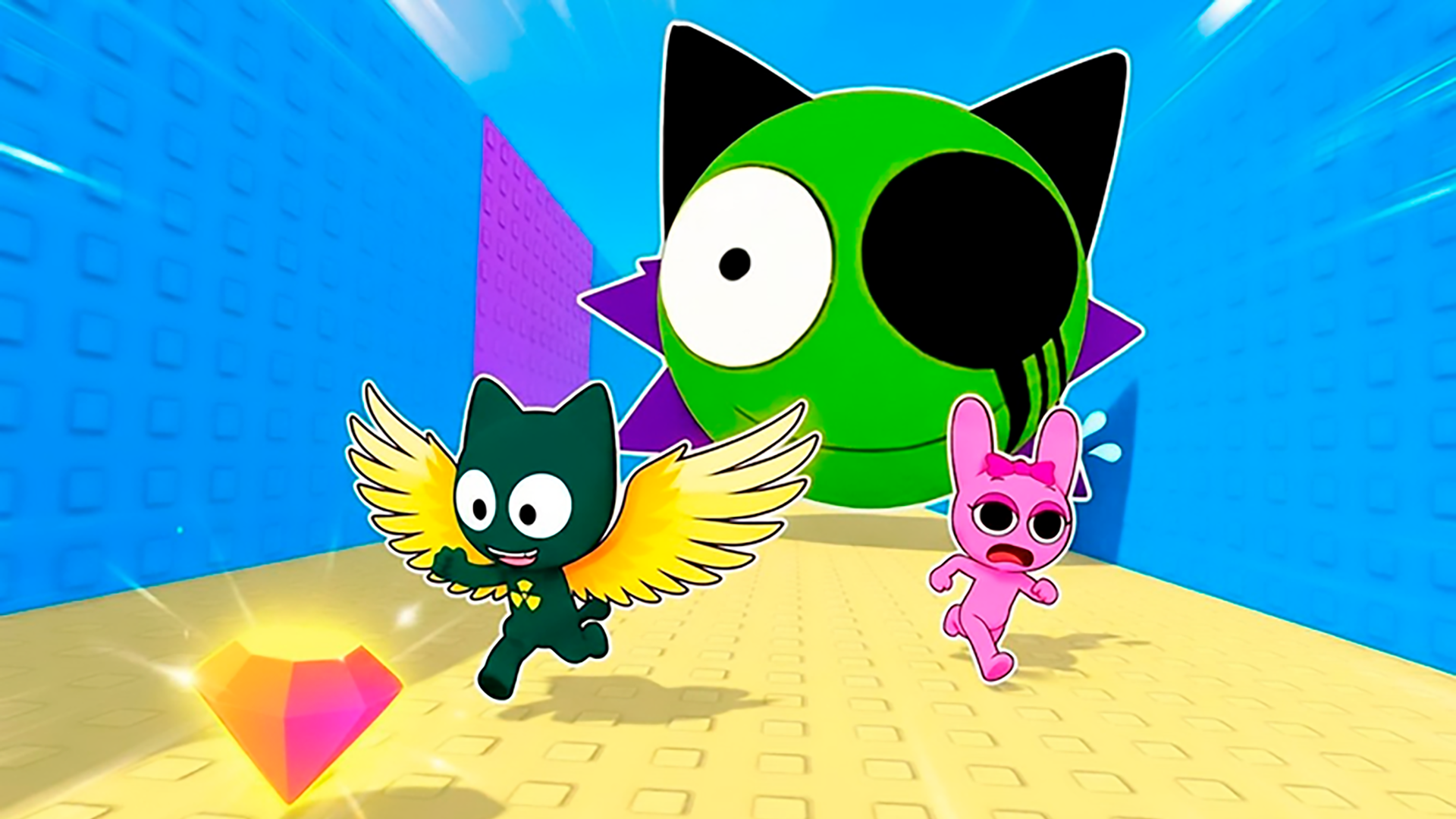
- Sprunki World Online RP - Play with Friends!
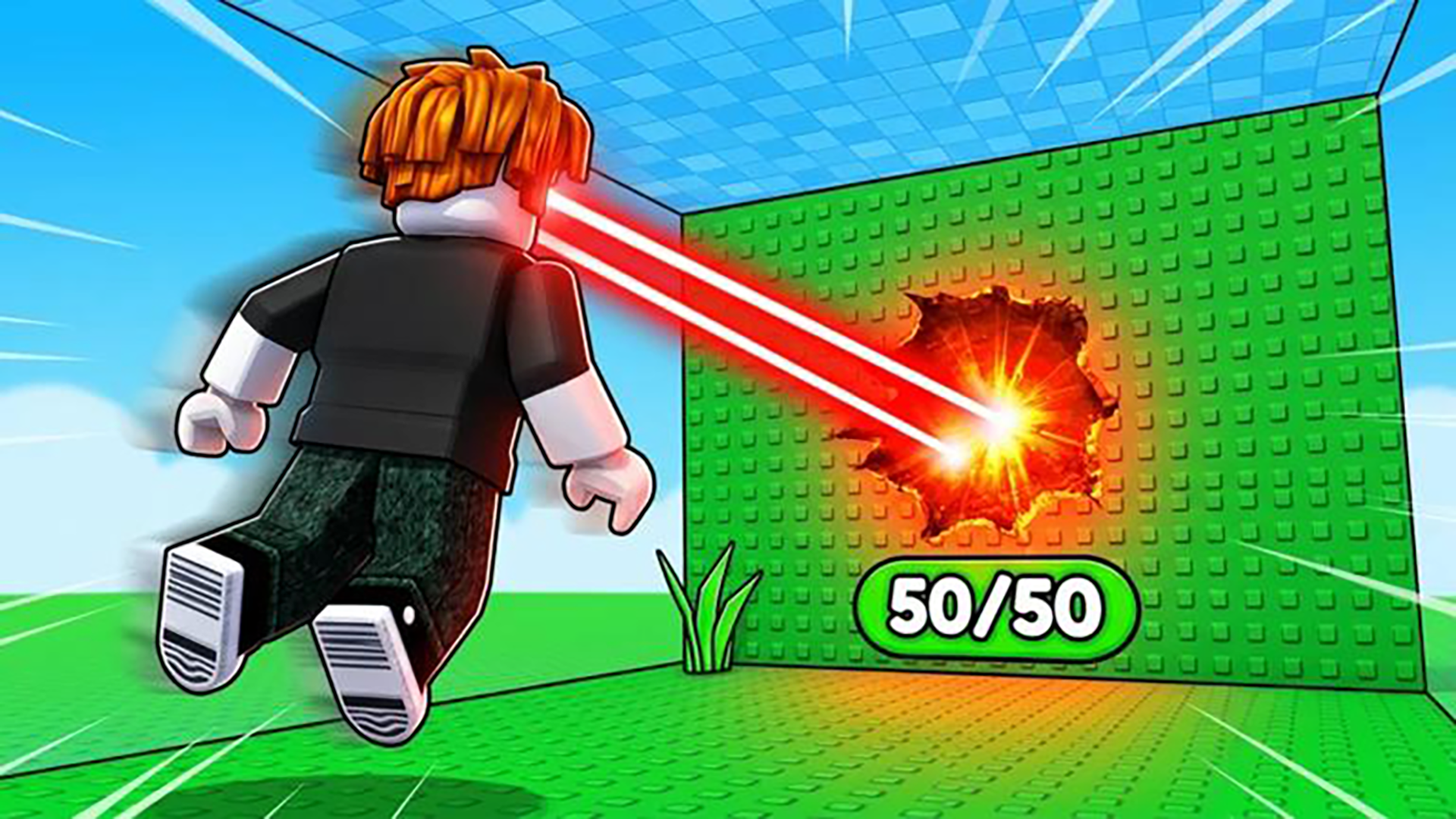
- Obby: +1 Laser to Break Walls
- Obby but You're on a Bike
- Obby Parkour: Tower of Hell
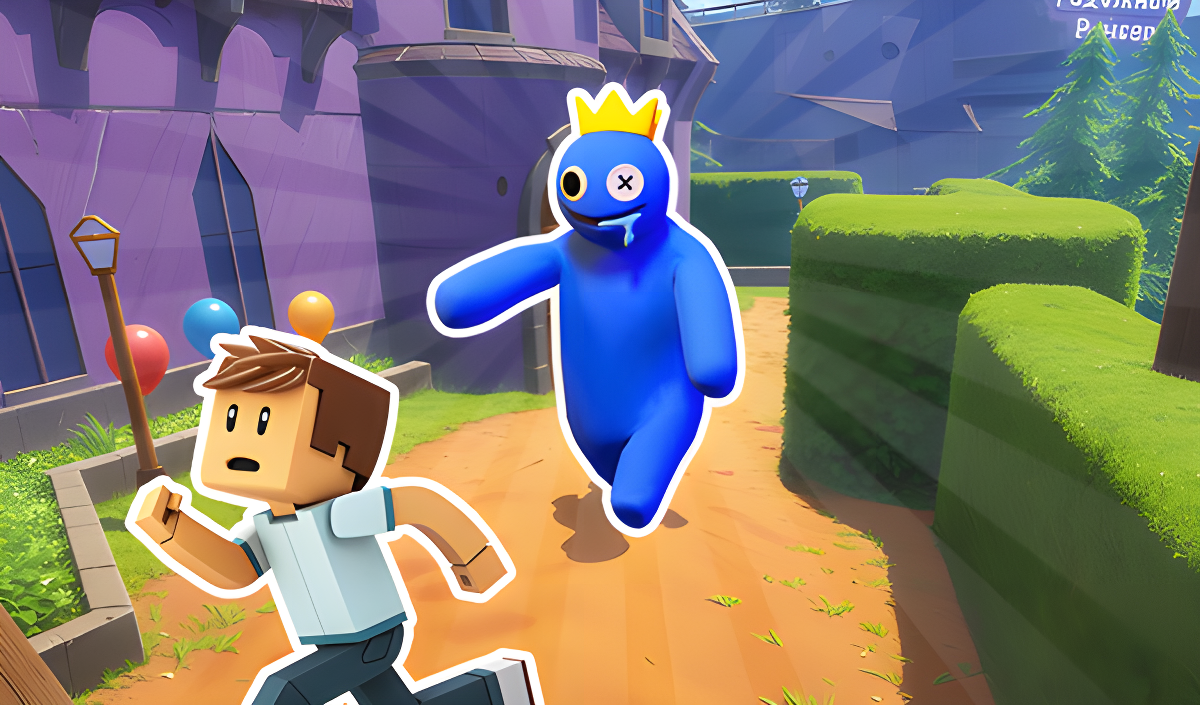
- Rainbow Friends Return
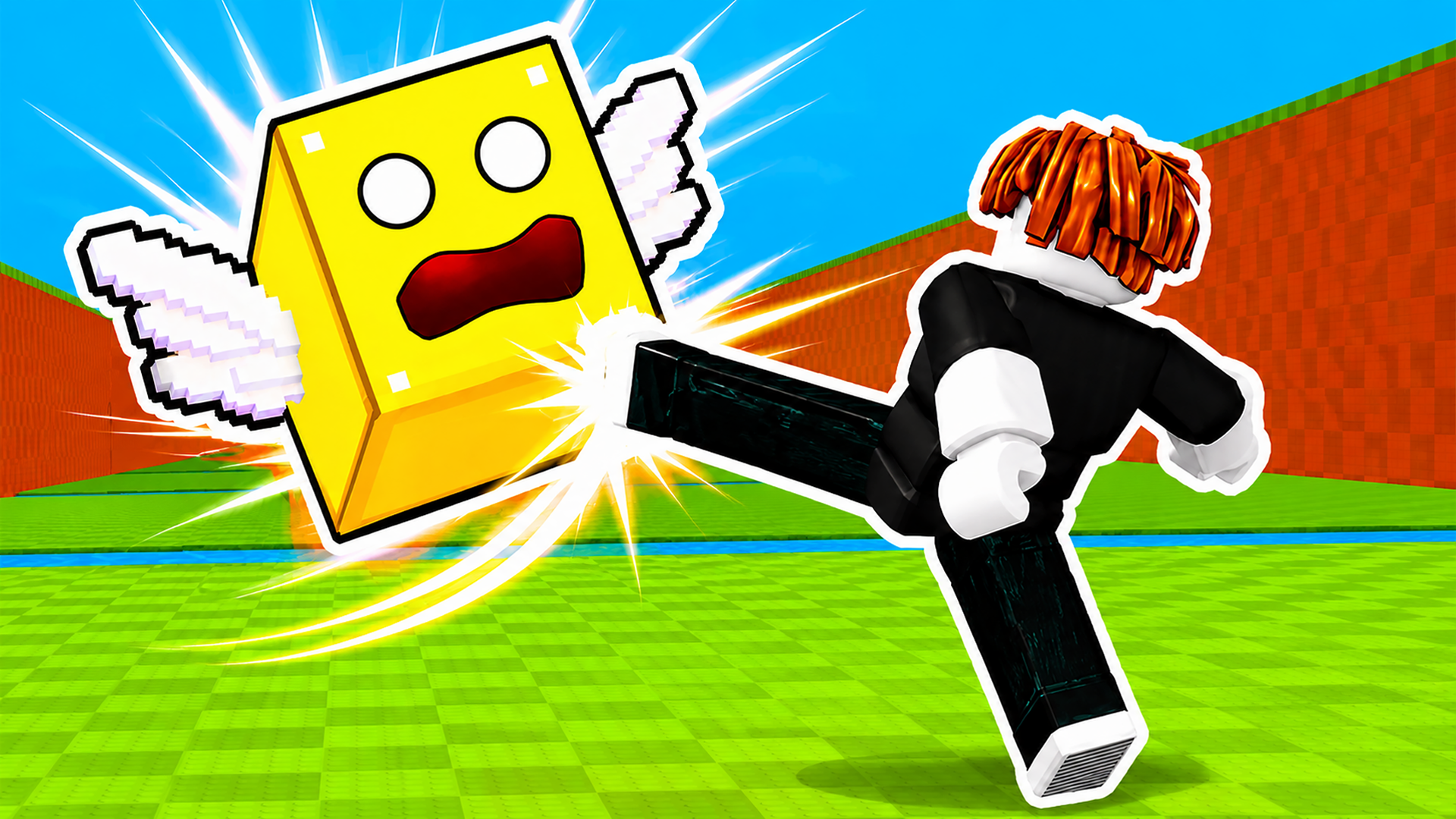
- Kick Lucky Blocks Online
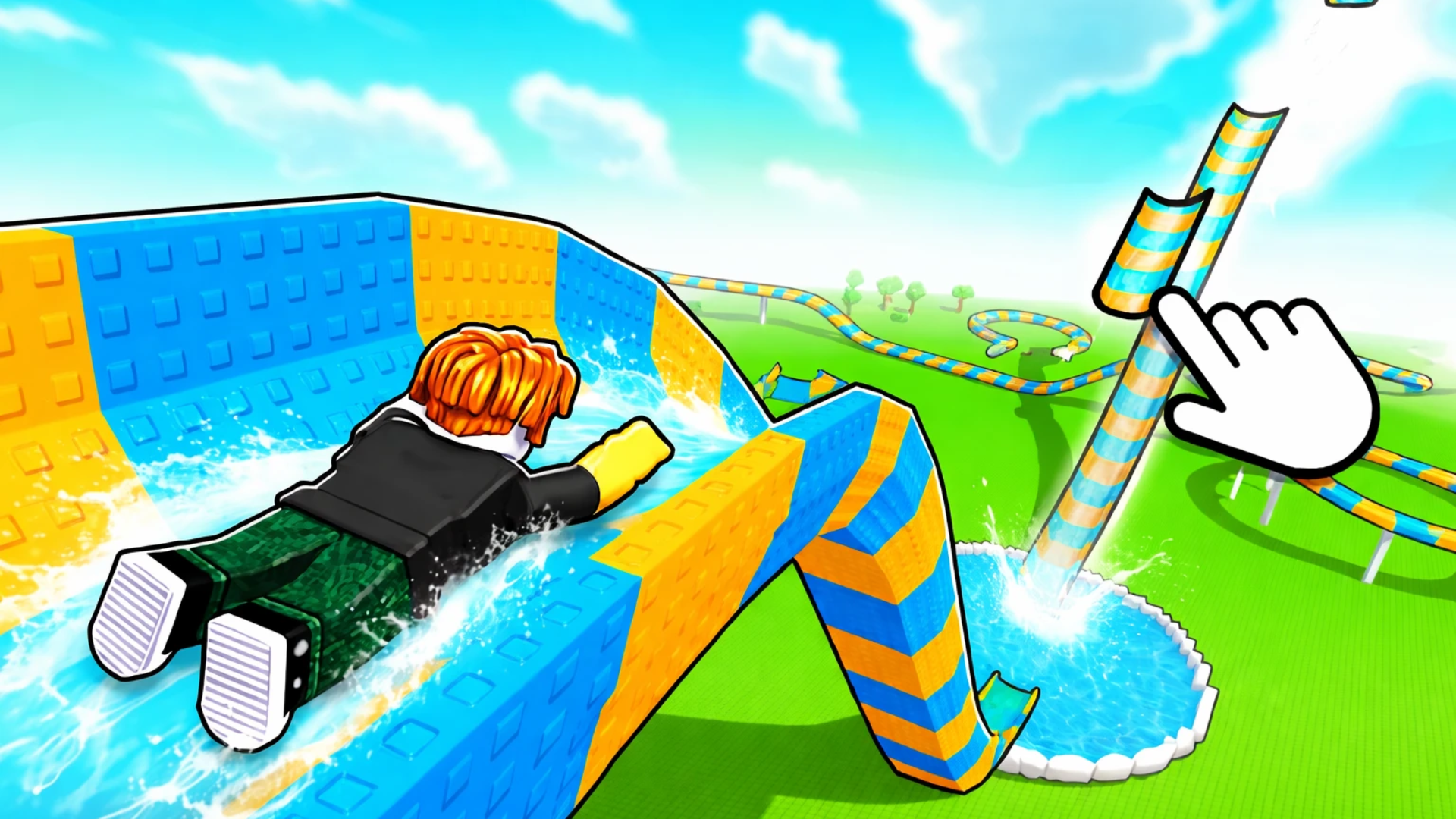
- Build an Aquapark
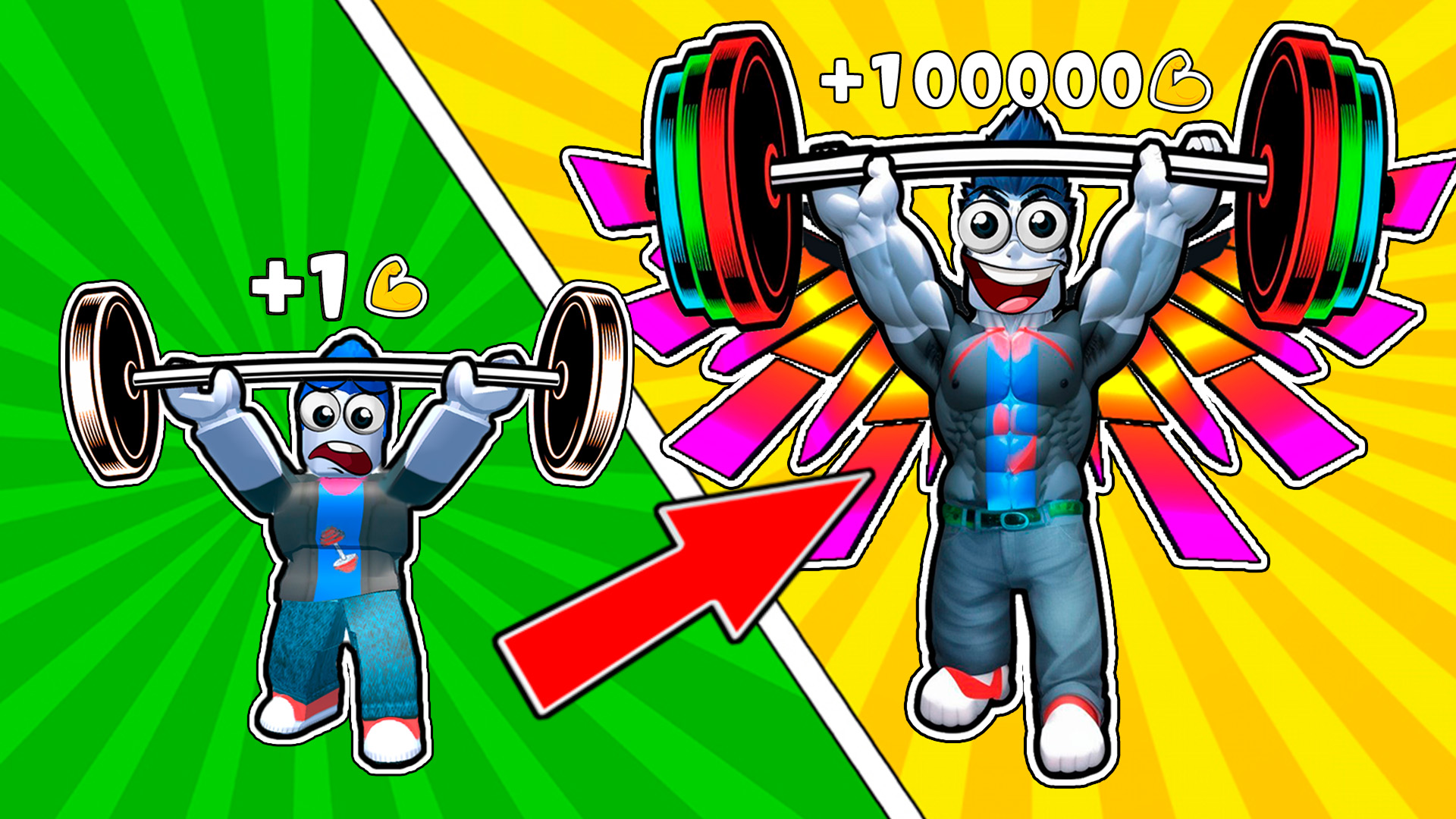
- Gym Simulator Online, Escape
What are the best Obby for mobile?
These games include optimized touch controls and virtual joysticks for precise platforming on smartphones and tablets.