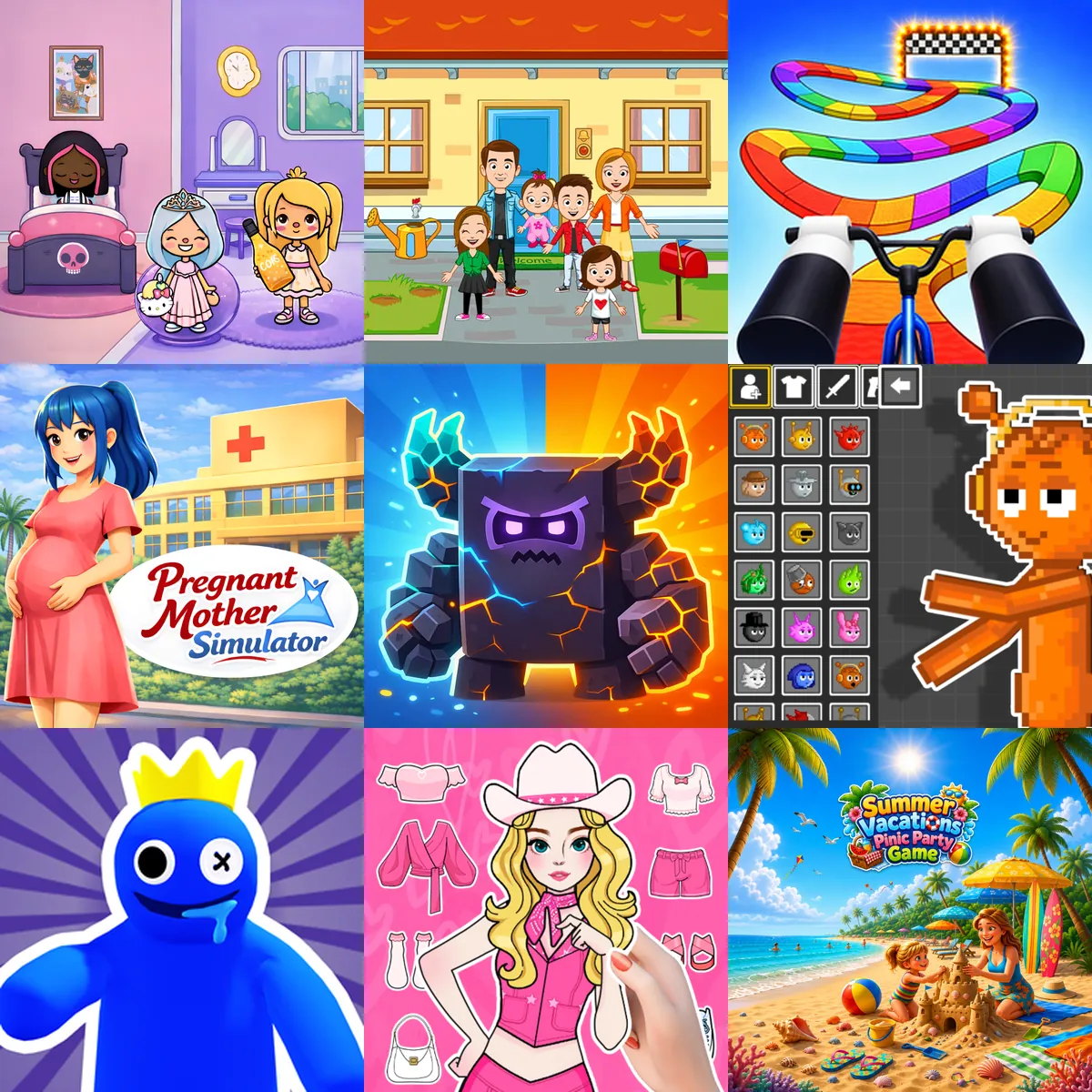
Kids Games

Spark Creativity and Master Simple Mechanics in Interactive Games for Kids
Kids games encompass a wide variety of genres designed for younger audiences and casual players. You can explore 1000+ titles that focus on creativity, problem-solving, and simple mechanics. All titles in this collection are browser-based, allowing you to play on both desktop and mobile devices without downloading additional software. These games often overlap with Children Games and Casual Games.
Creative and Simulation Games
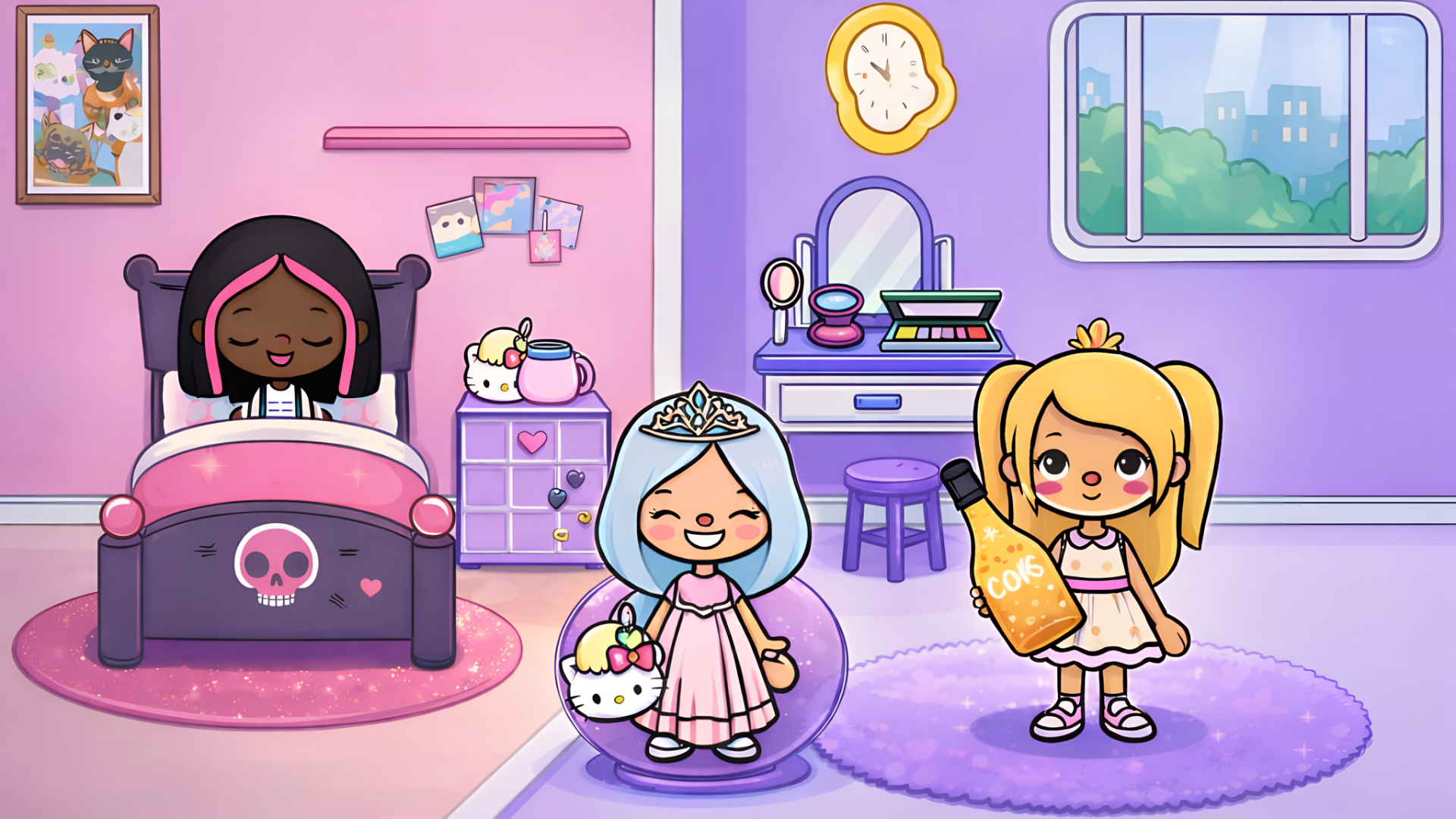
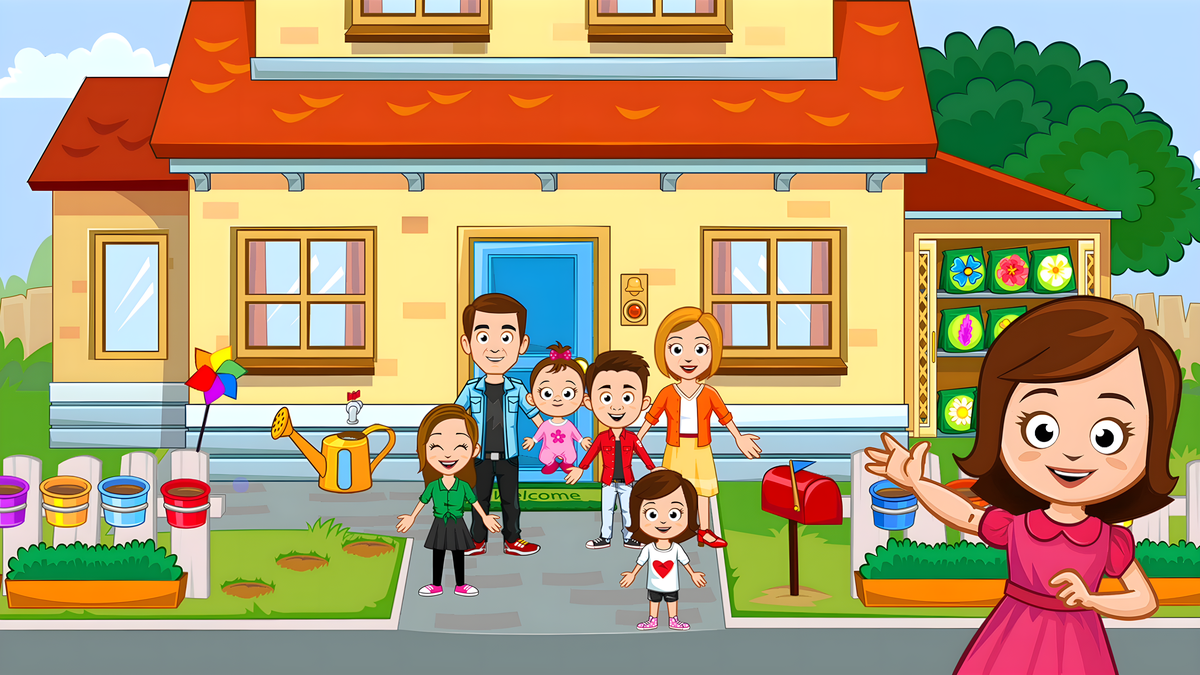
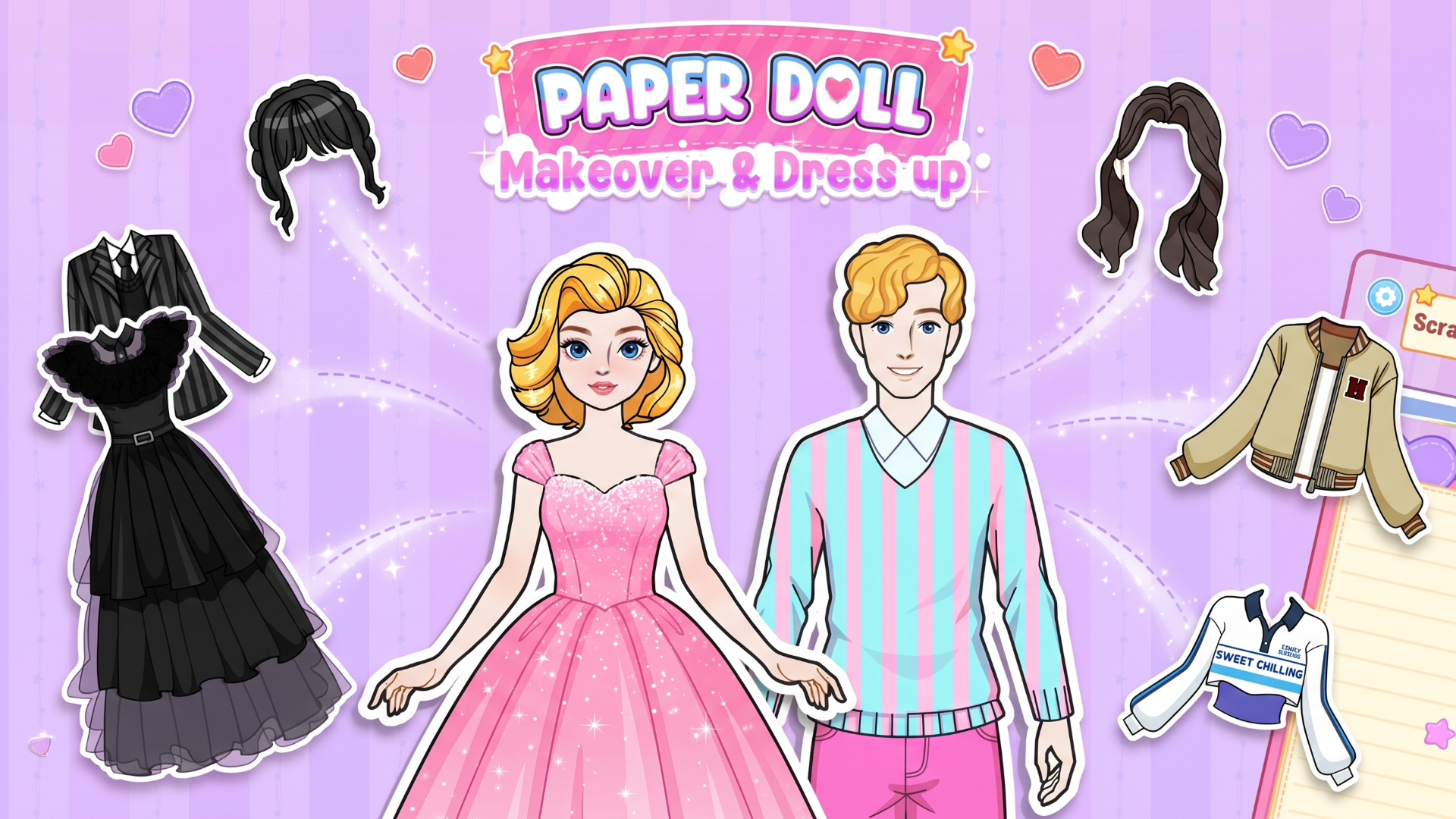
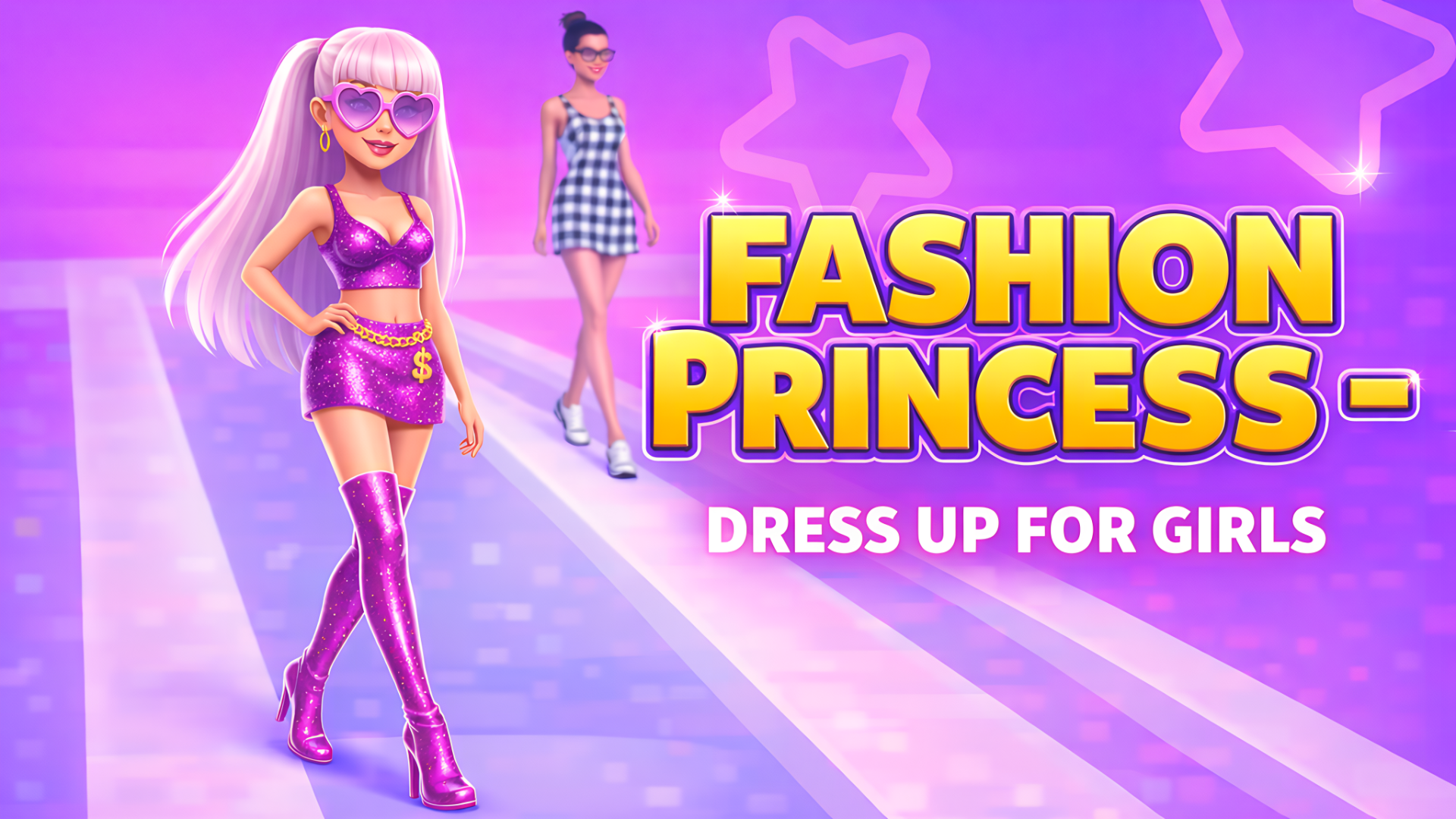
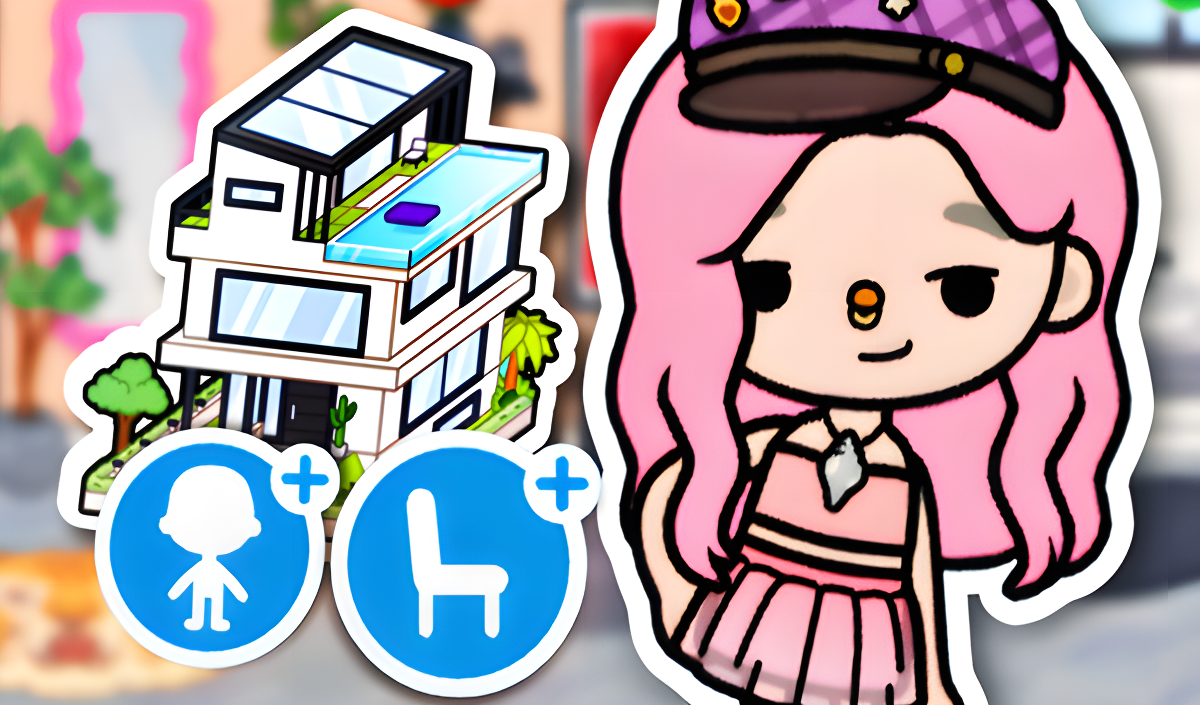
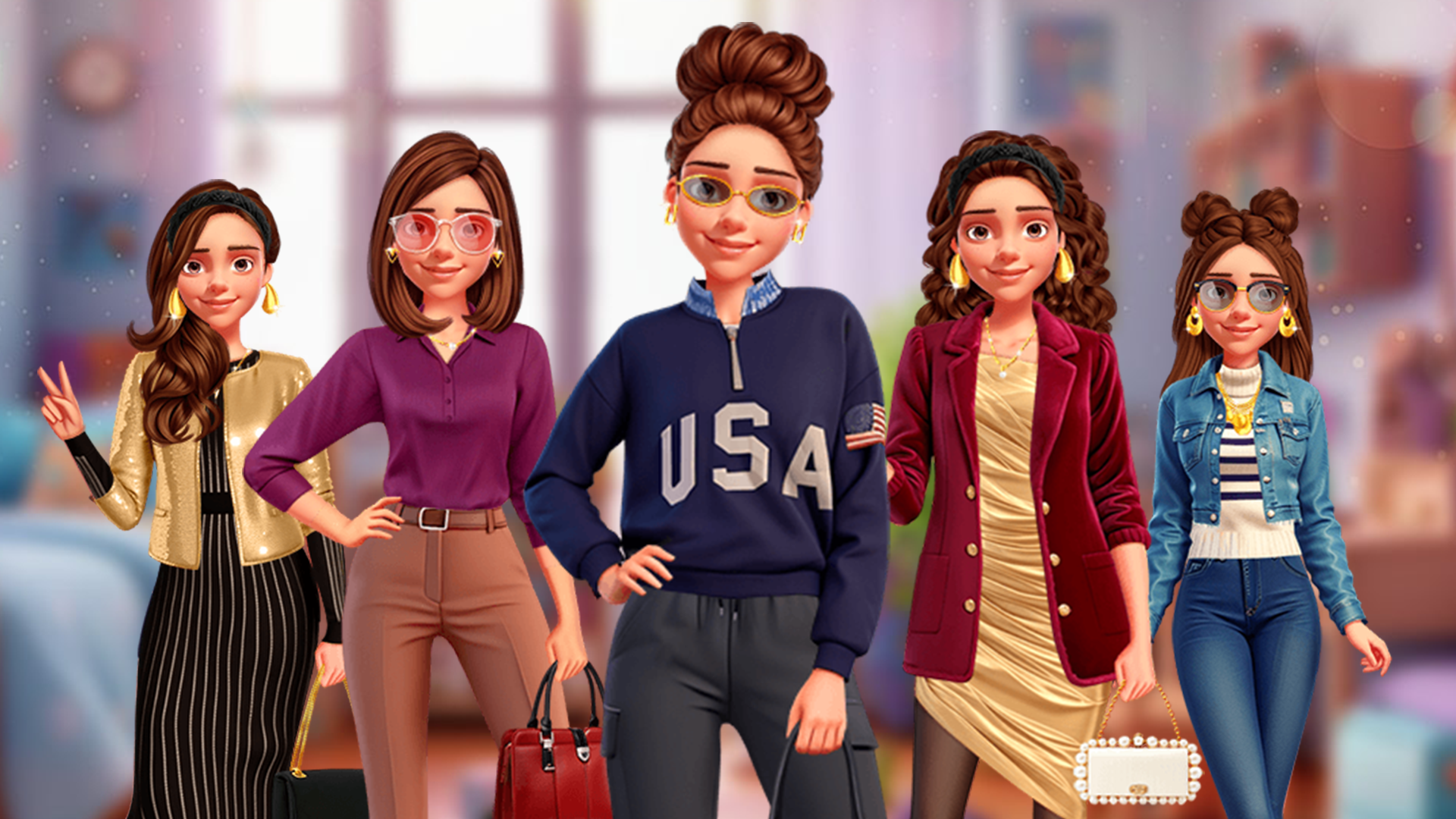
In this sub-genre, you interact with virtual environments and customize characters. TB World allows you to design outfits and decorate interior spaces. Similarly, My Town Home: Family Playhouse functions as a digital dollhouse where you navigate through six different rooms to cook and build family narratives. If you prefer styling mechanics, Fashion Princess - Dress Up for Girls requires you to select clothing and hairstyles to earn scores from virtual judges. These titles are well-suited For Girls and anyone interested in design.
Physics and Sandbox Games
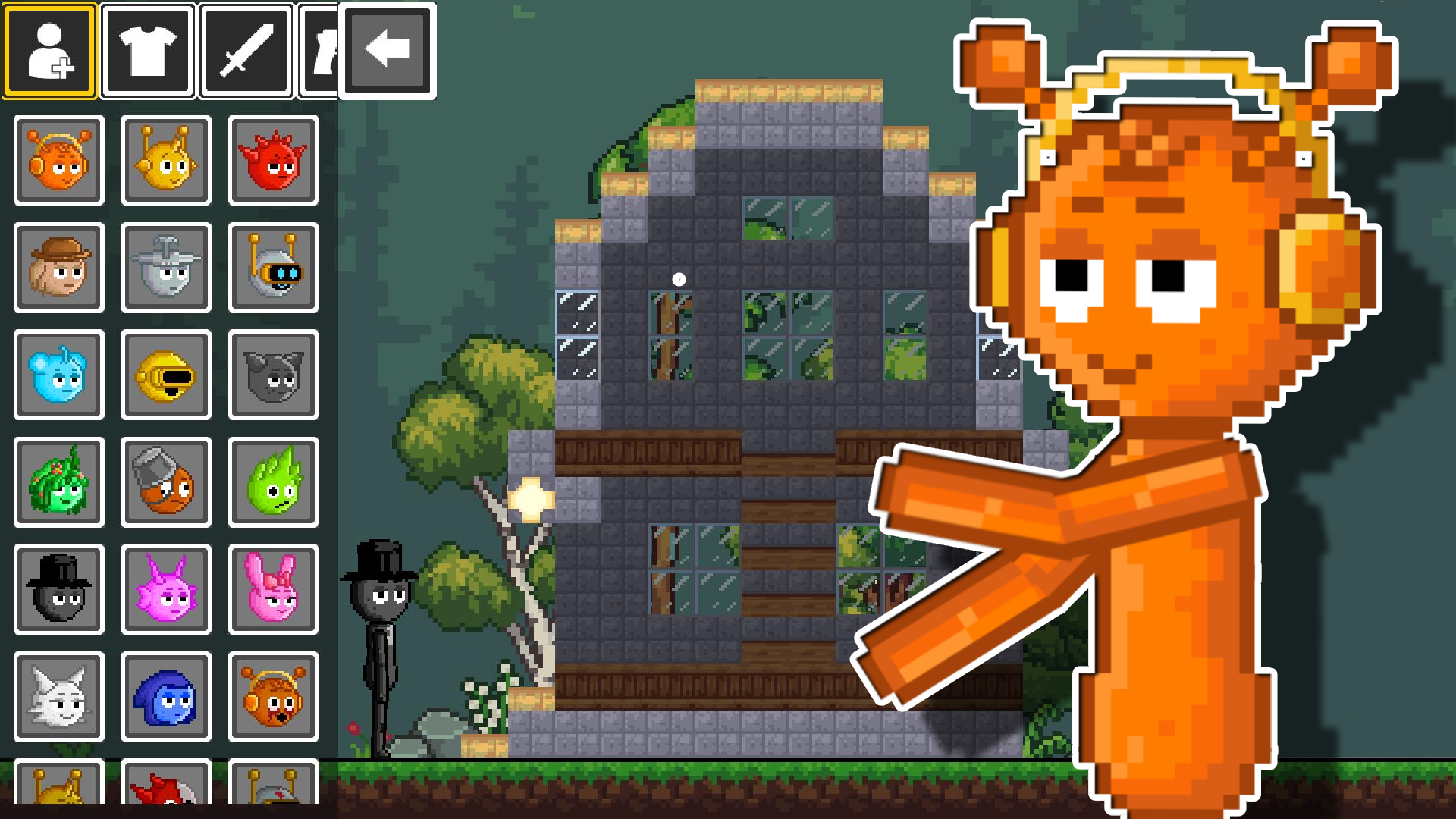
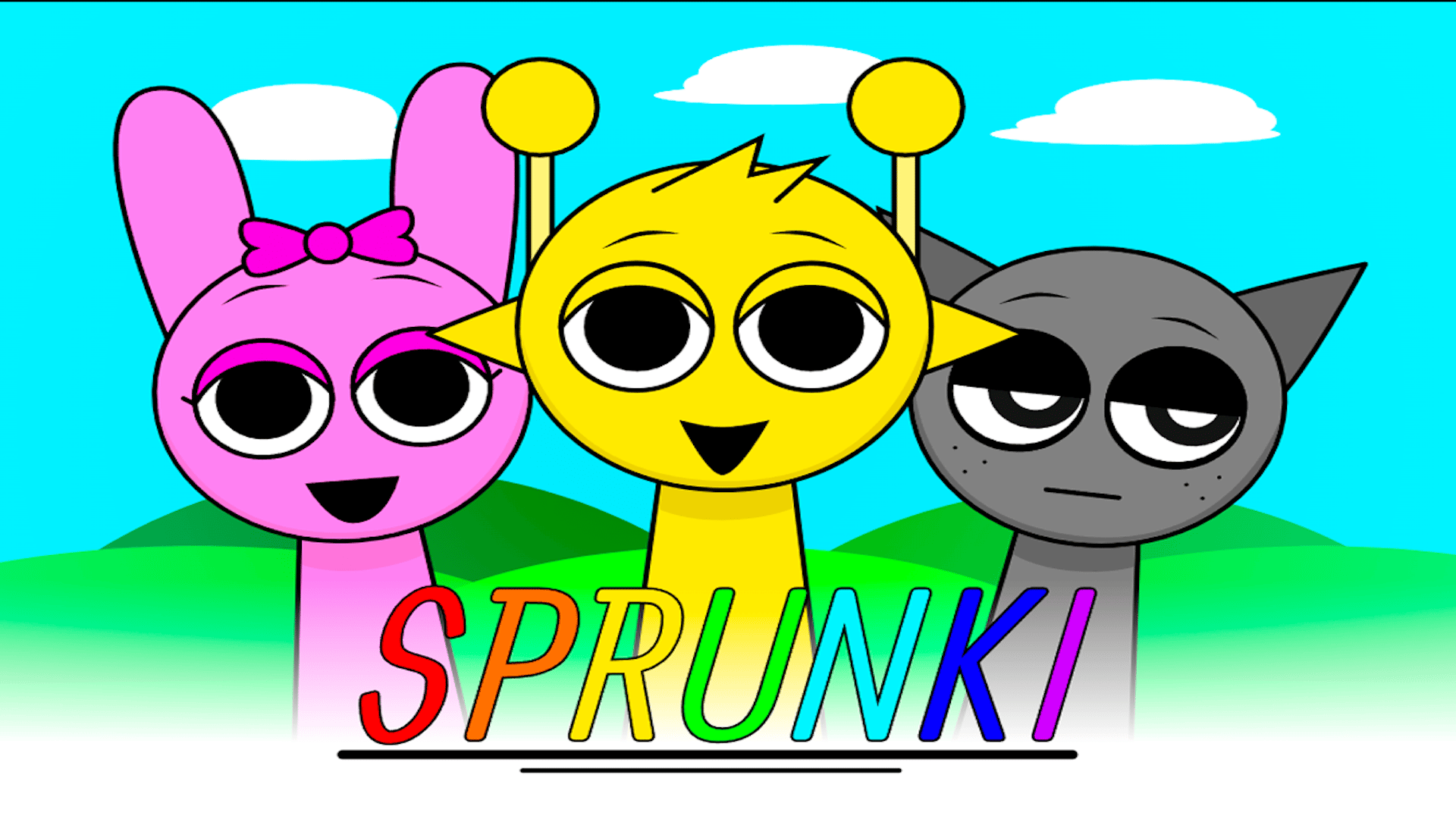
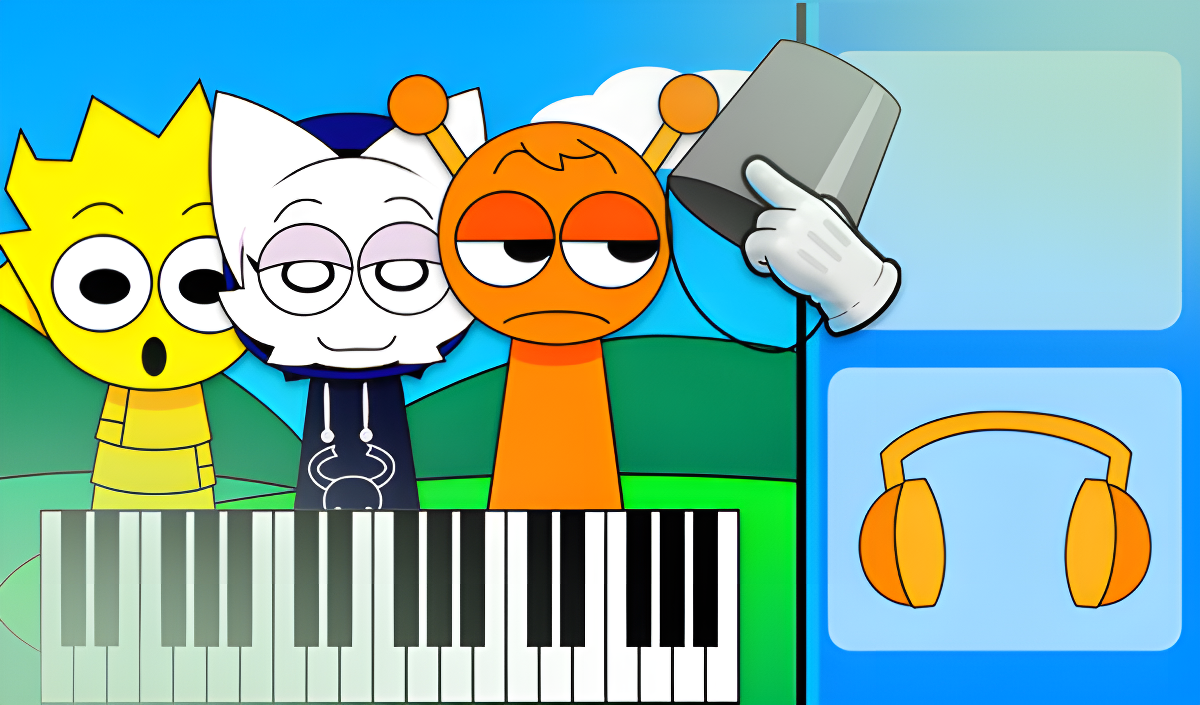
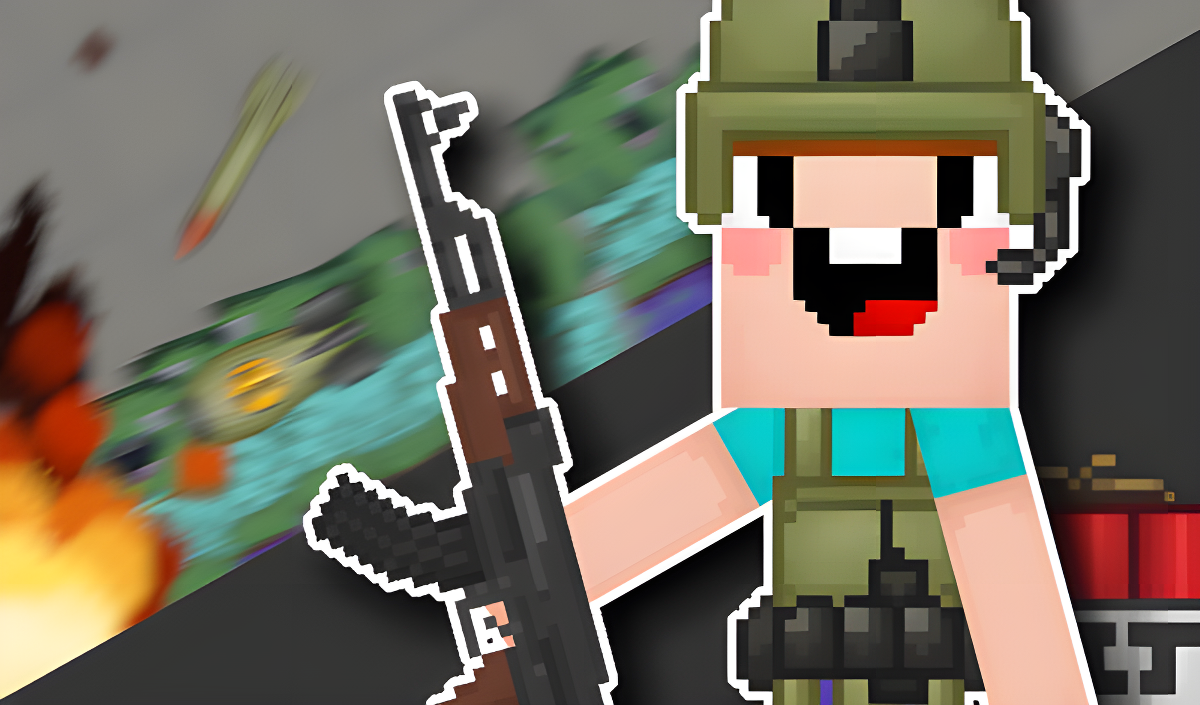
Sandbox games provide open environments where you can experiment with physics engines and object interactions. Playground Man! Ragdoll Show! involves solving puzzles by manipulating a wooden stickman and other level objects. Sprunki Sandbox: Ragdoll Playground Mode offers a 2D environment where you can construct, combat, and observe ragdoll physics reactions.
Obstacle Courses and Action
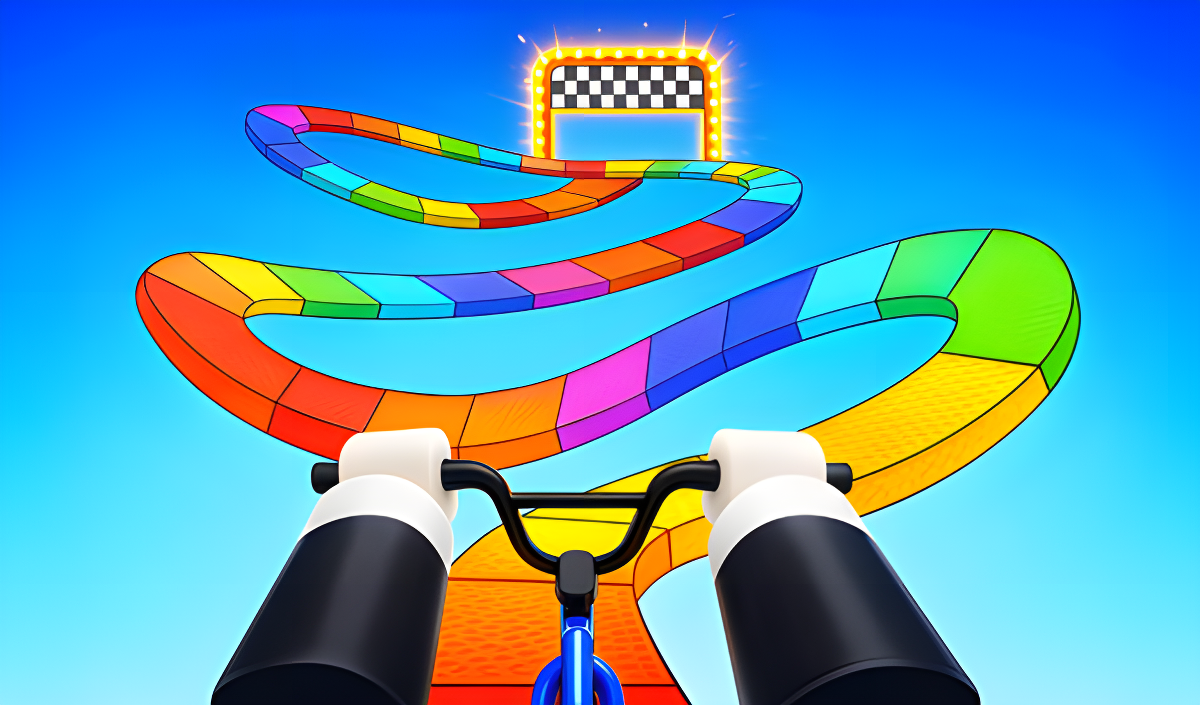
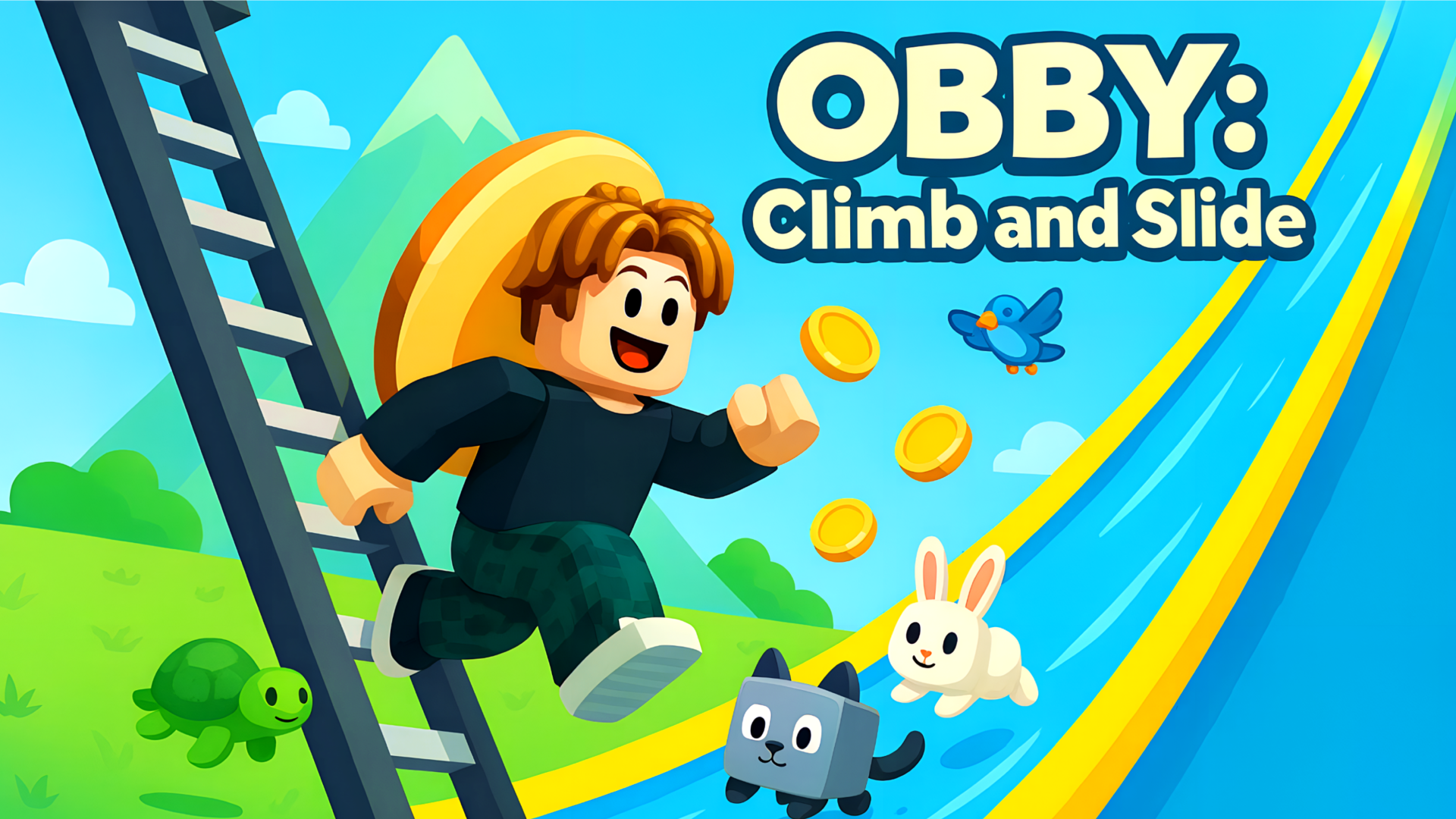
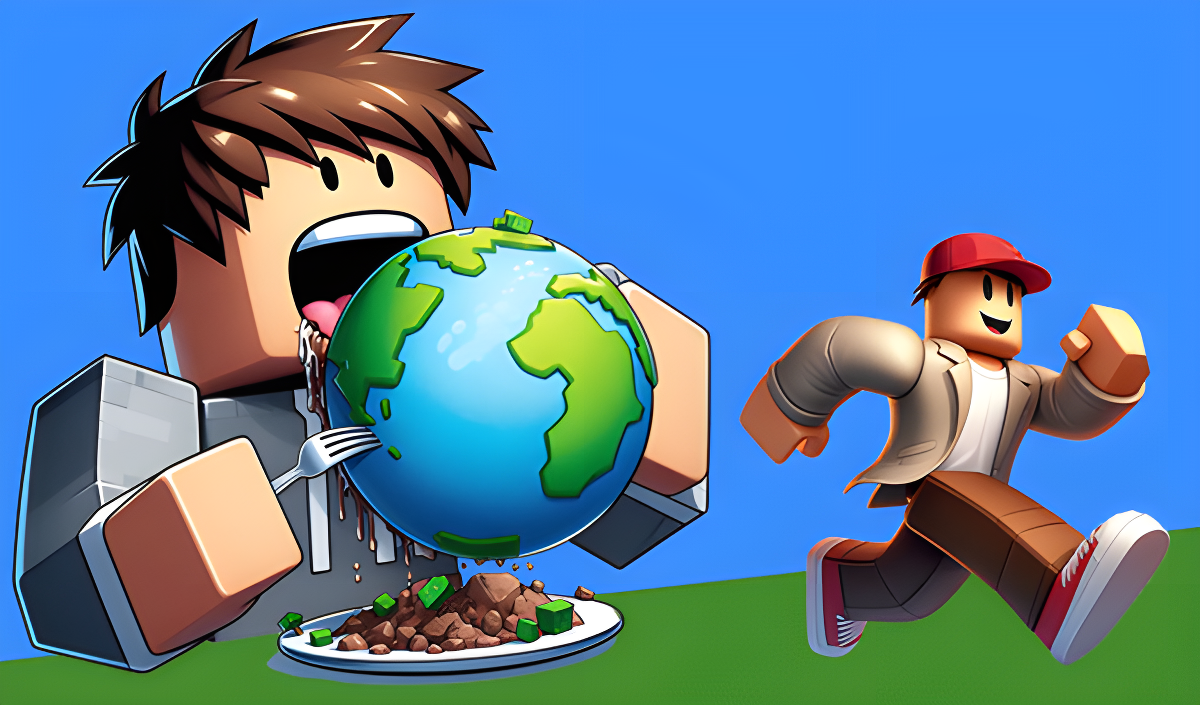
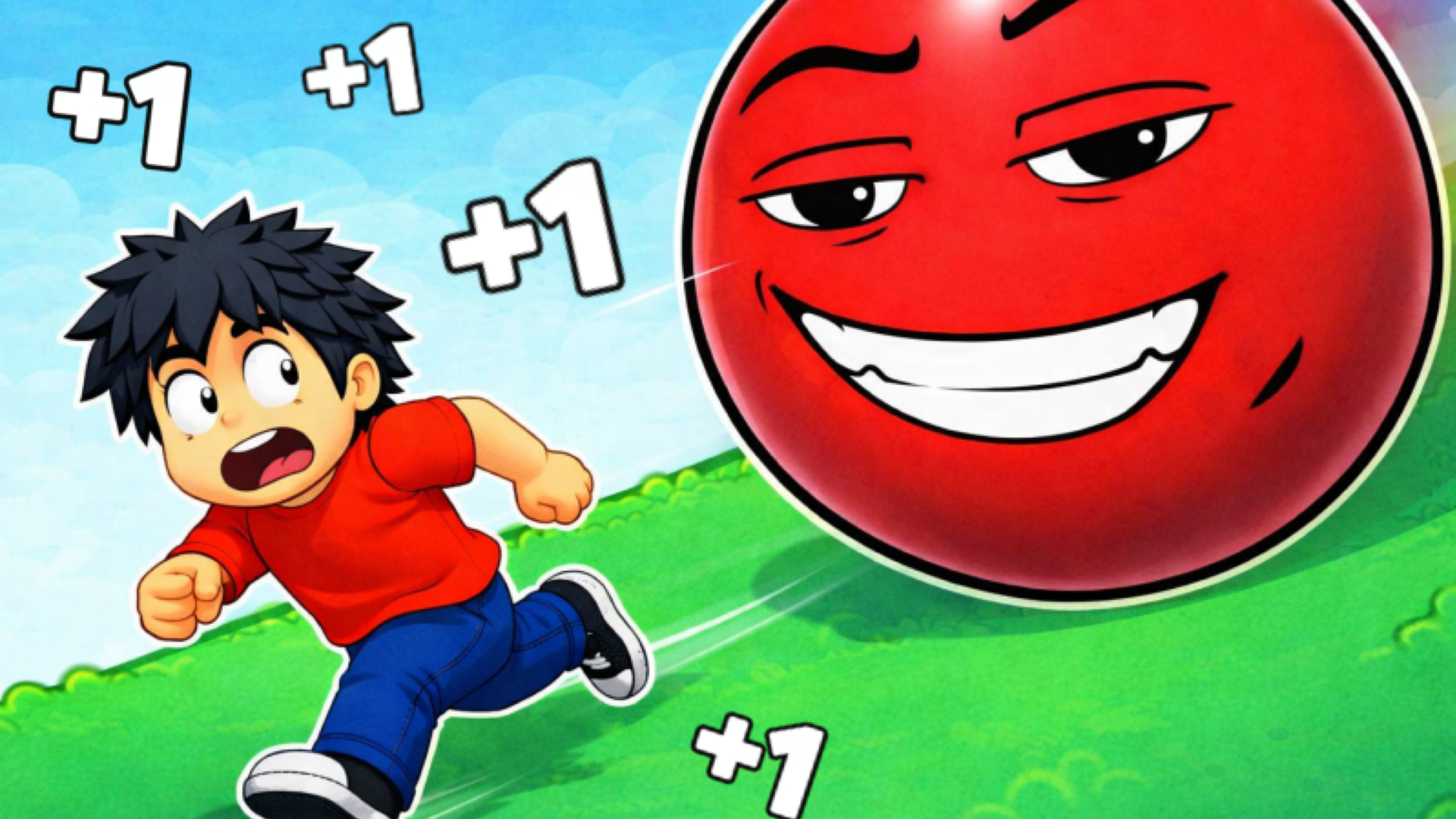
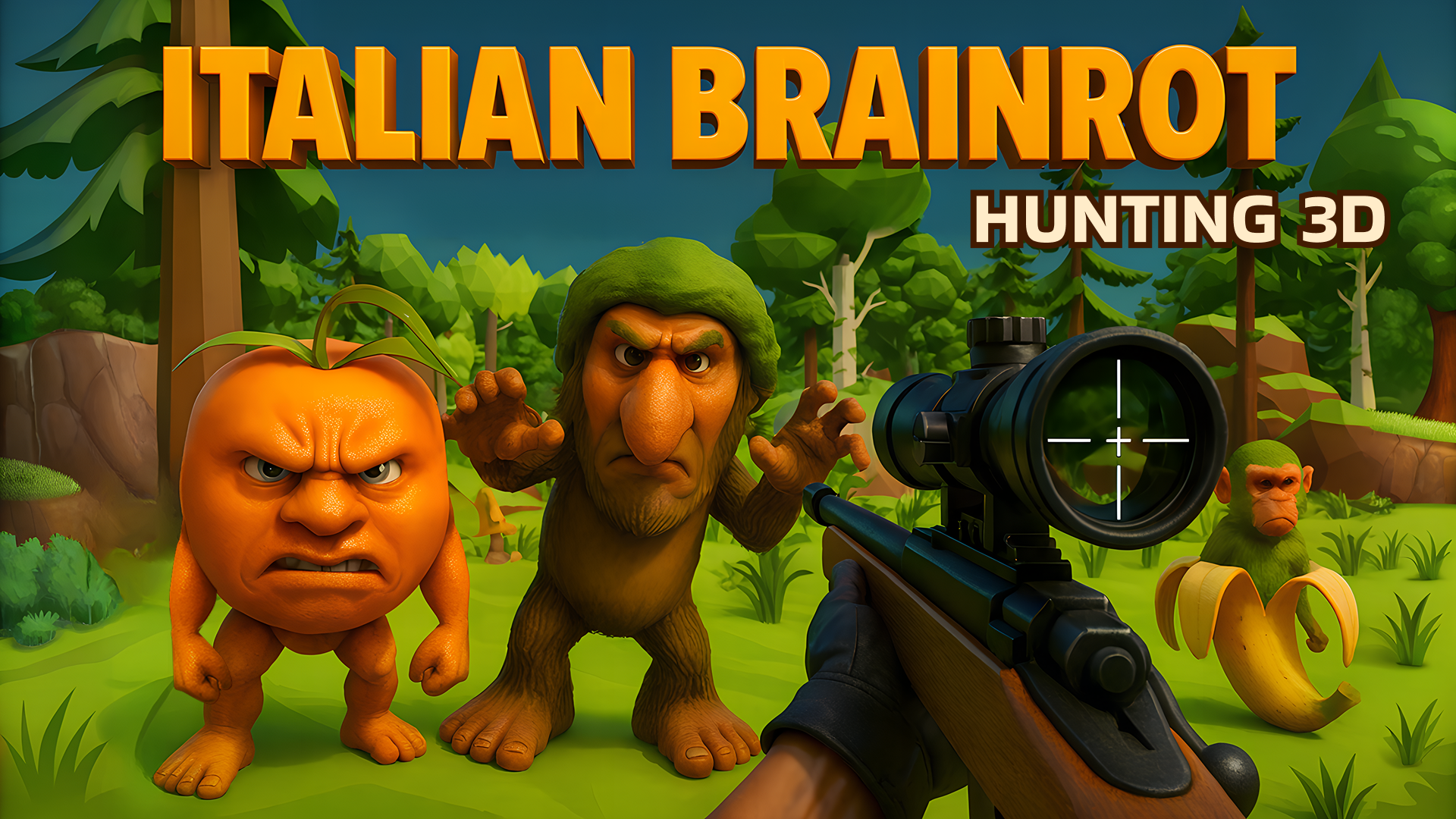
Many titles challenge your timing and reflexes through platforming mechanics. Speed per Click: Obby is a clicker simulator where you earn speed to navigate blocky obstacle courses. In Obby but You're on a Bike, you ride a bicycle across platforms and try to reach the end of the track without falling. For a different type of aiming challenge, Italian Brainrot Hunting 3D requires you to track and shoot targets in a 3D environment.
Features of Kids Games
- Intuitive Controls: Games feature straightforward inputs, such as tapping on mobile screens or using basic mouse clicks and keyboard keys.
- Creative Freedom: Many titles incorporate customization options for avatars, clothing, and virtual rooms.
- Physics-Based Mechanics: Sandbox and puzzle games utilize ragdoll physics and object manipulation to solve challenges.
- Skill Progression: Obstacle courses and clicker games require you to build speed or collect items to advance through levels.
FAQ
What are the most popular Kids?
The most frequently played games in this category typically feature sandbox environments, creative dress-up mechanics, or blocky obstacle courses.
- TB World
- My Town Home: Family Playhouse
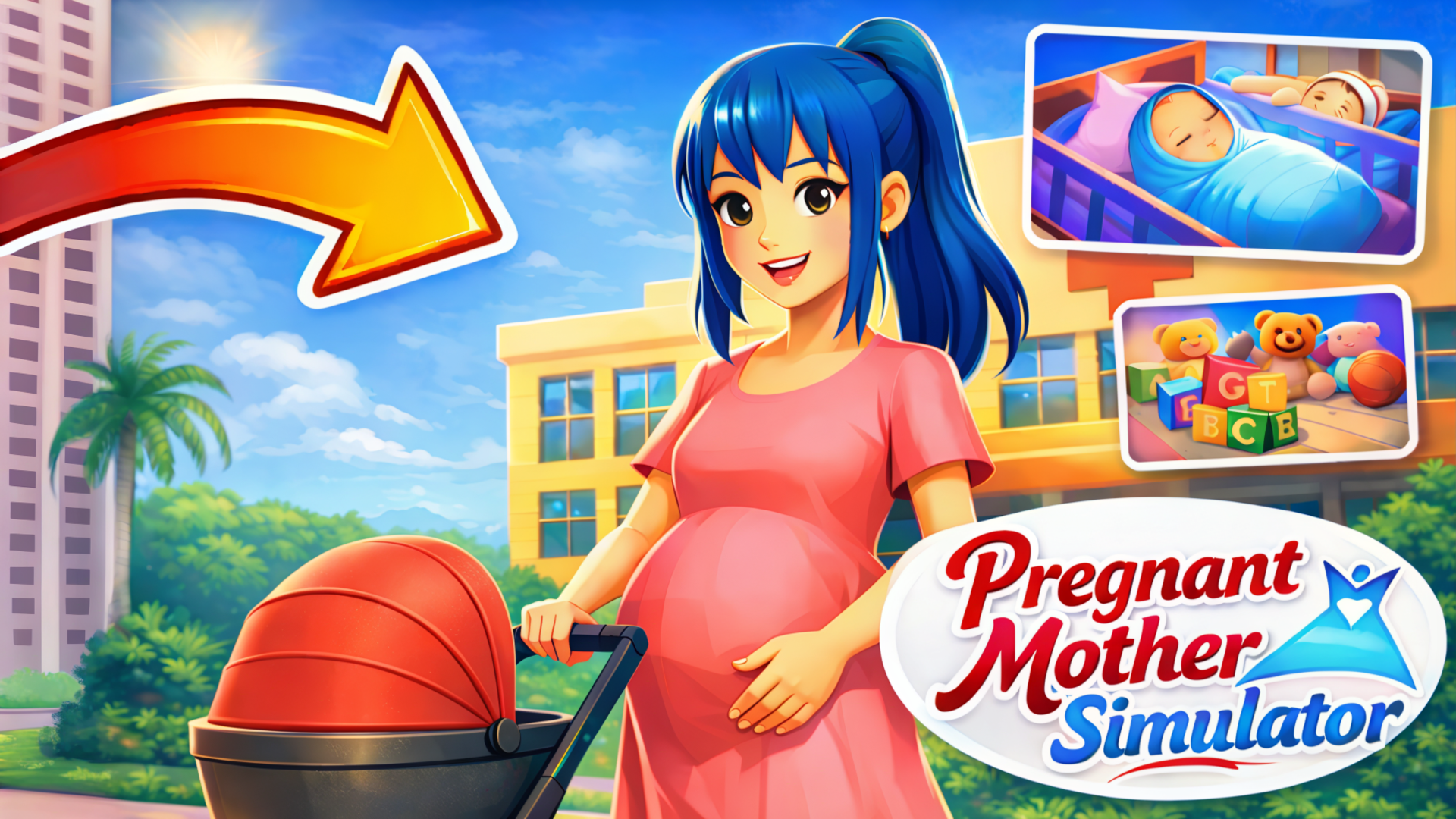
- Pregnant Mother Simulator
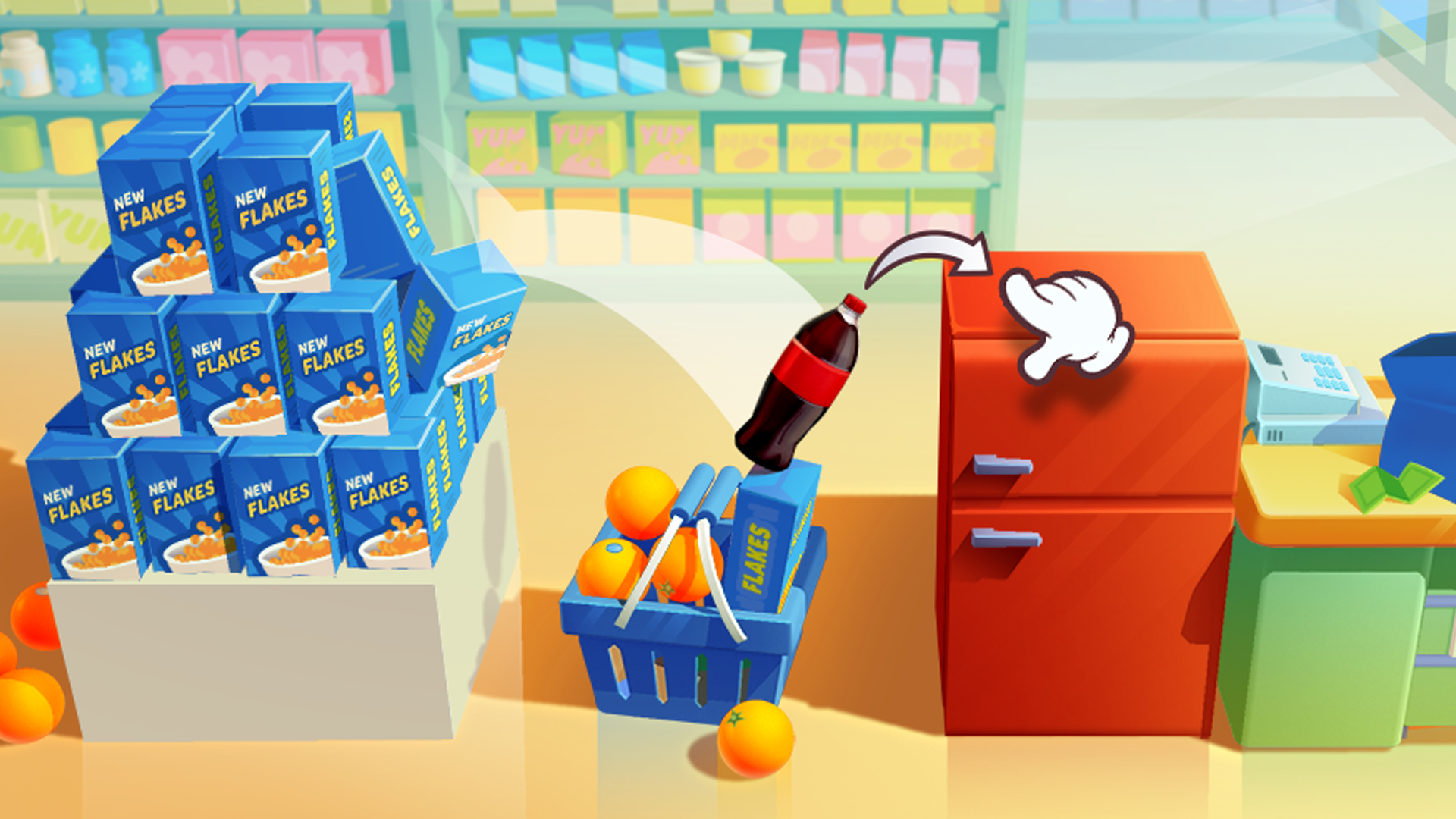
- Bottle Jump 3D
- Obby but You're on a Bike
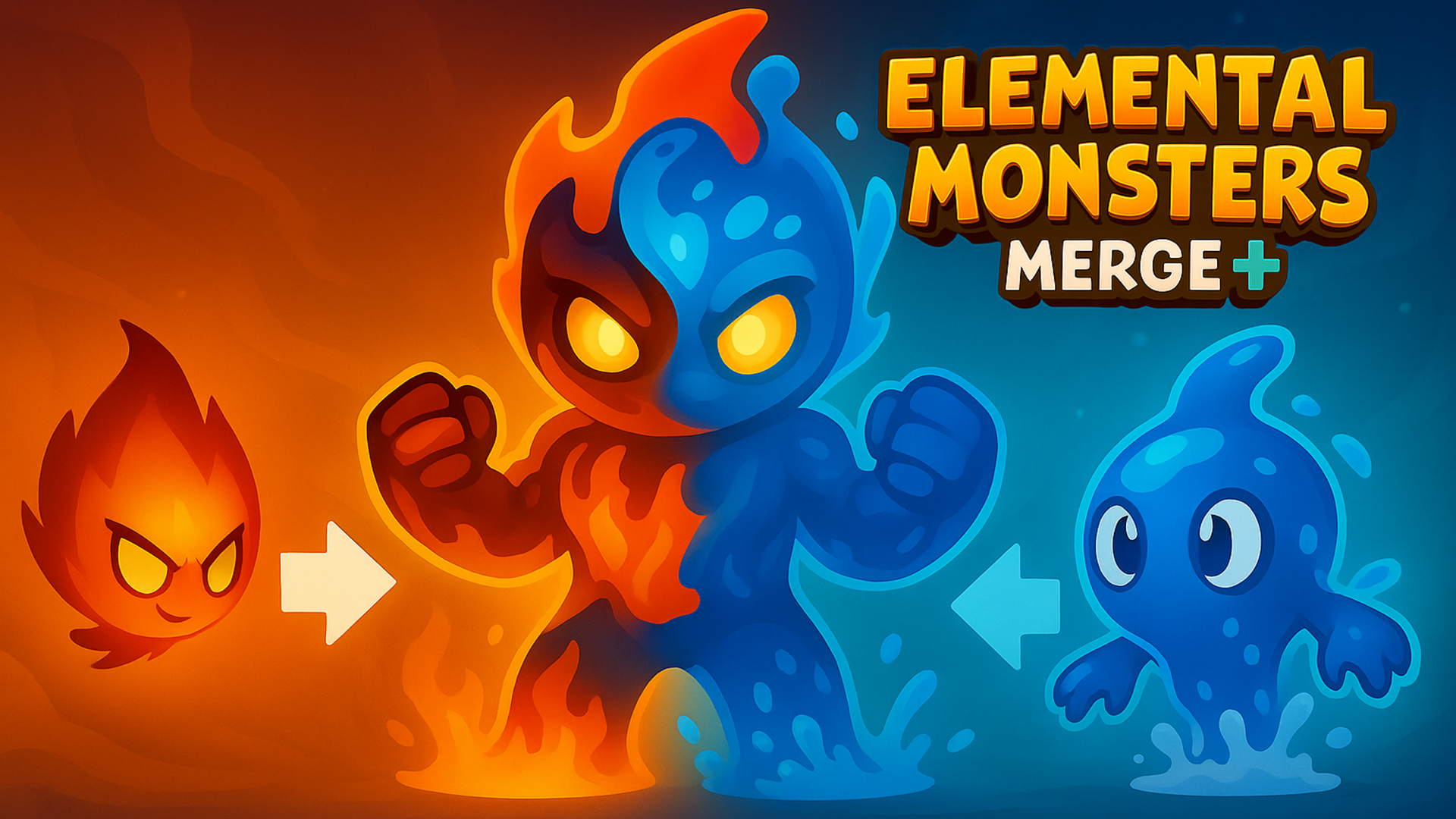
- Elemental Monsters: Merge
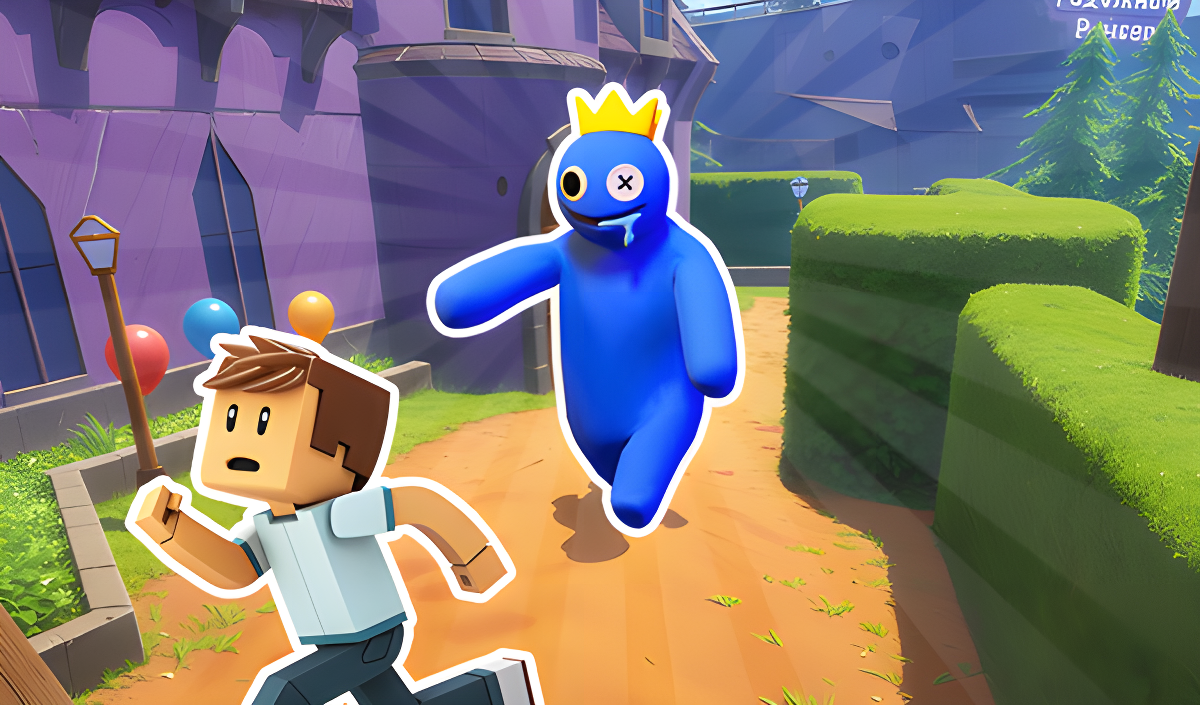
- Rainbow Friends Return
- Paper Doll Makeover & Dress Up
- Sprunki Sandbox: Ragdoll Playground Mode
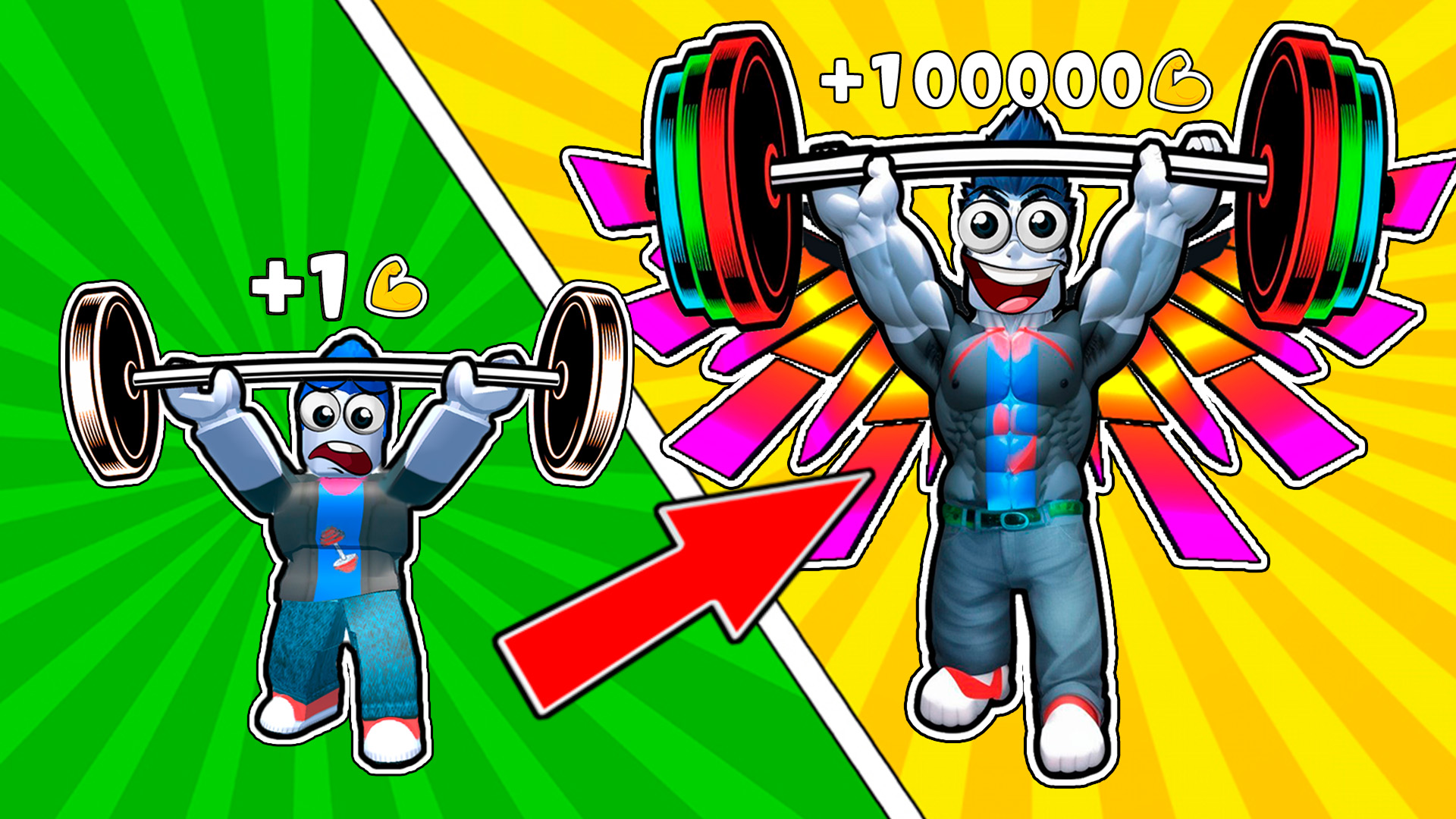
- Gym Simulator Online, Escape
What are the best Kids for mobile?
Touchscreen-friendly kids games utilize simple tap and swipe controls for navigating menus, styling characters, or moving through 3D spaces.