Funny Games












Dive into Funny Scenarios and Unpredictable Gameplay
Funny games focus on humorous situations, unconventional physics, and lighthearted gameplay mechanics. Players interact with comedic scenarios ranging from physics-based sandbox environments to meme-themed challenges. Playgama offers a collection of 1500+ titles in this category. All games are accessible directly in your web browser on both desktop and mobile devices without requiring downloads.
Ragdoll Physics and Sandbox Environments
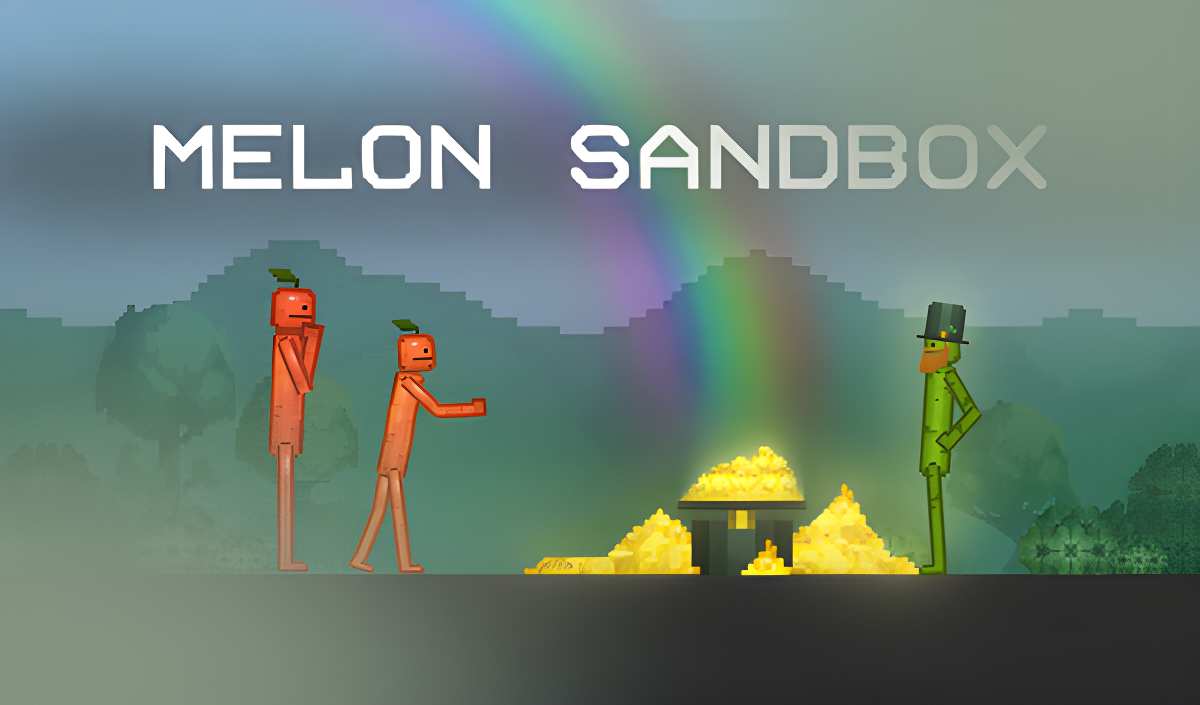
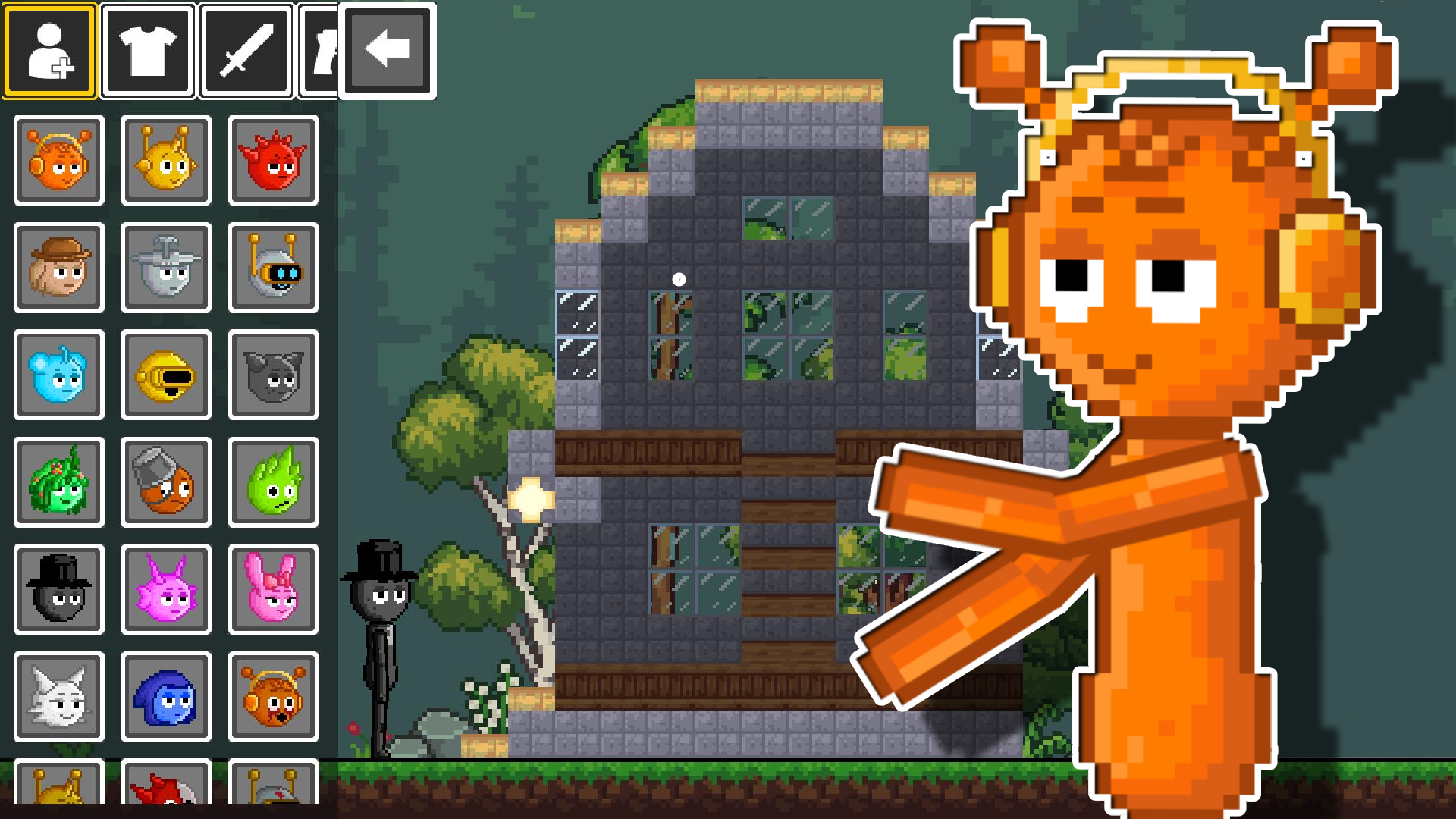
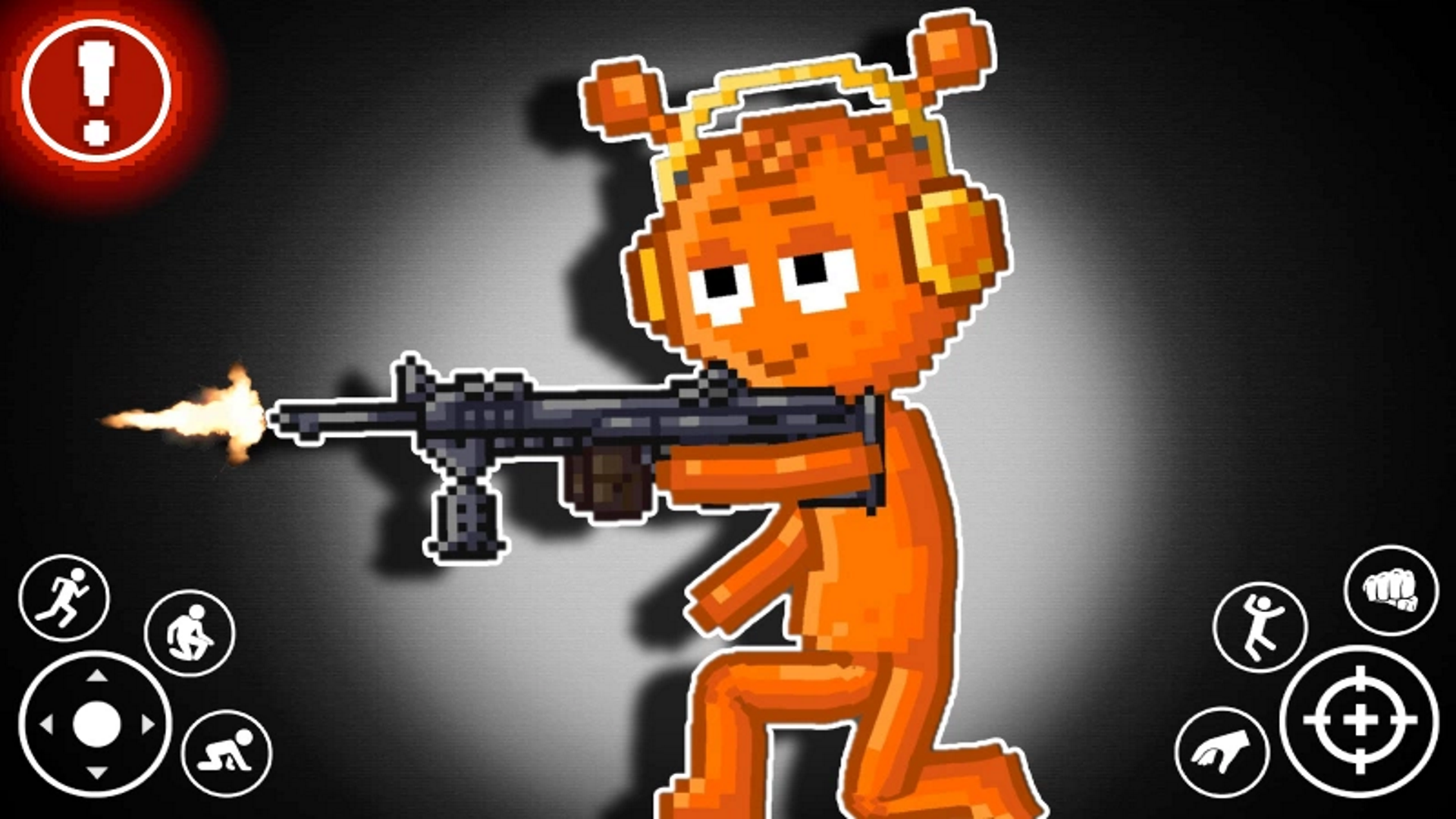
Many games in this category utilize physics engines to create unpredictable results. In Playground Man! Ragdoll Show!, you solve puzzles by controlling a stickman and manipulating objects to cause controlled destruction. Similarly, Sprunki Sandbox: Ragdoll Playground Mode and Melon Sandbox provide open interactive environments. In these titles, you place items, weapons, and characters onto a 2D grid to observe their physical interactions. These sandbox titles often share mechanics with the Crazy category due to their chaotic item combinations.
Meme Culture and Casual Puzzles
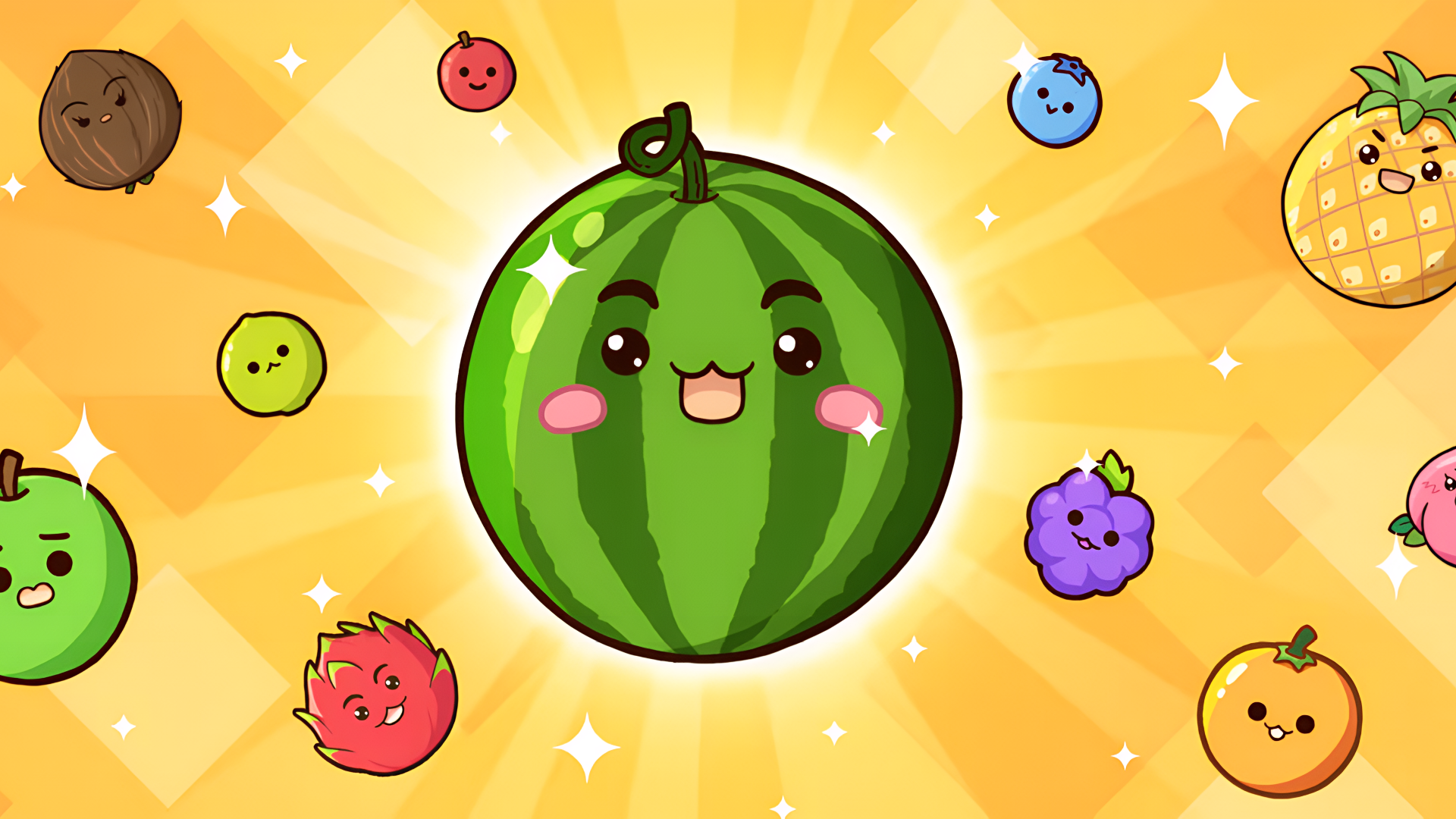
Humor is frequently derived from internet culture and absurd premises. Italian Brainrot Hunting 3D places players in a 3D environment to track and shoot meme-inspired targets, combining standard sniper mechanics with internet humor, similar to titles found in Meme Games. For a different type of gameplay, Fruit Merge: Juicy Drop Game requires you to drop and combine identical fruits to create larger varieties. The focus here is on spatial management and preventing the container from overflowing.
Obby Challenges and Simulation
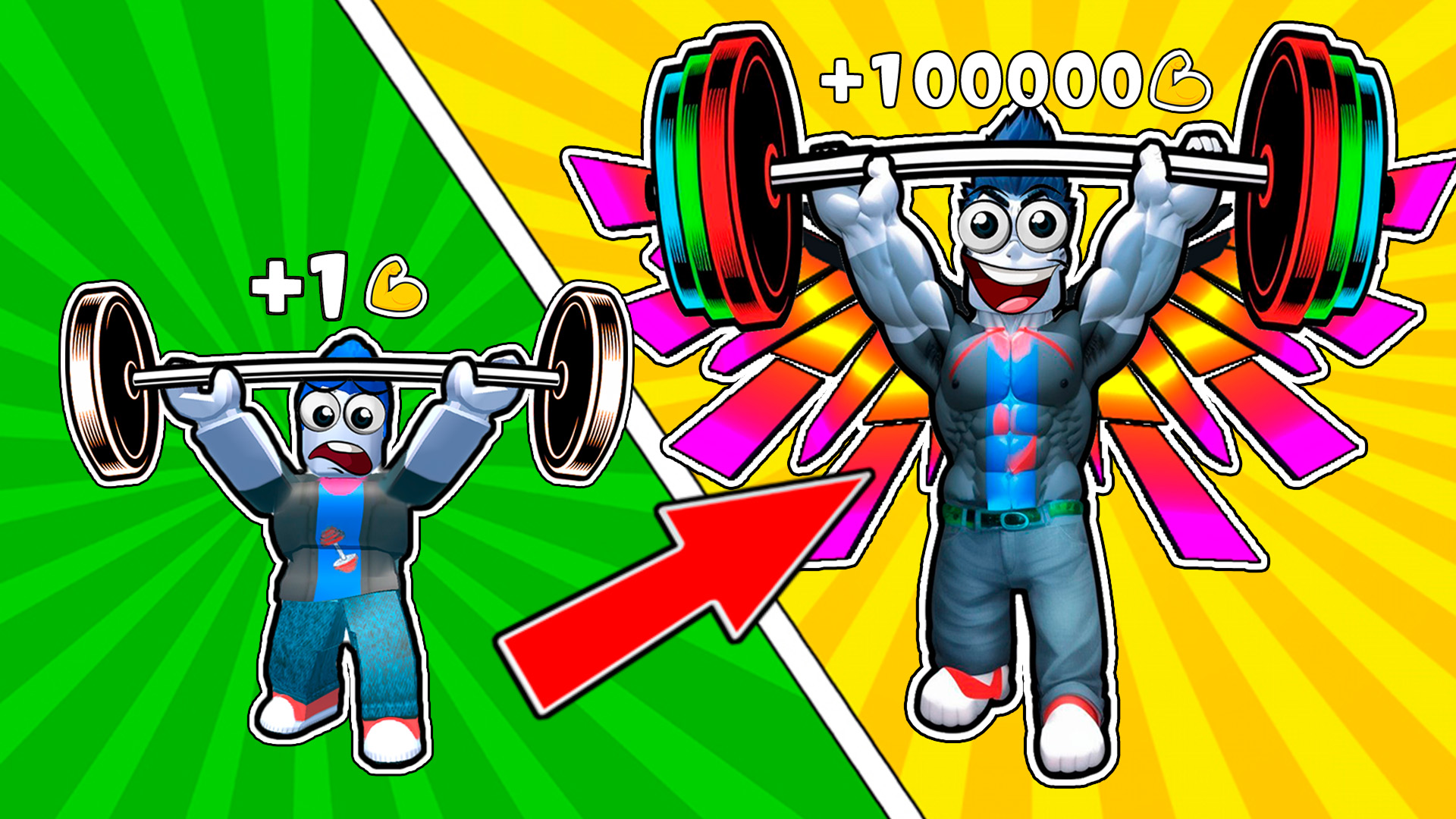
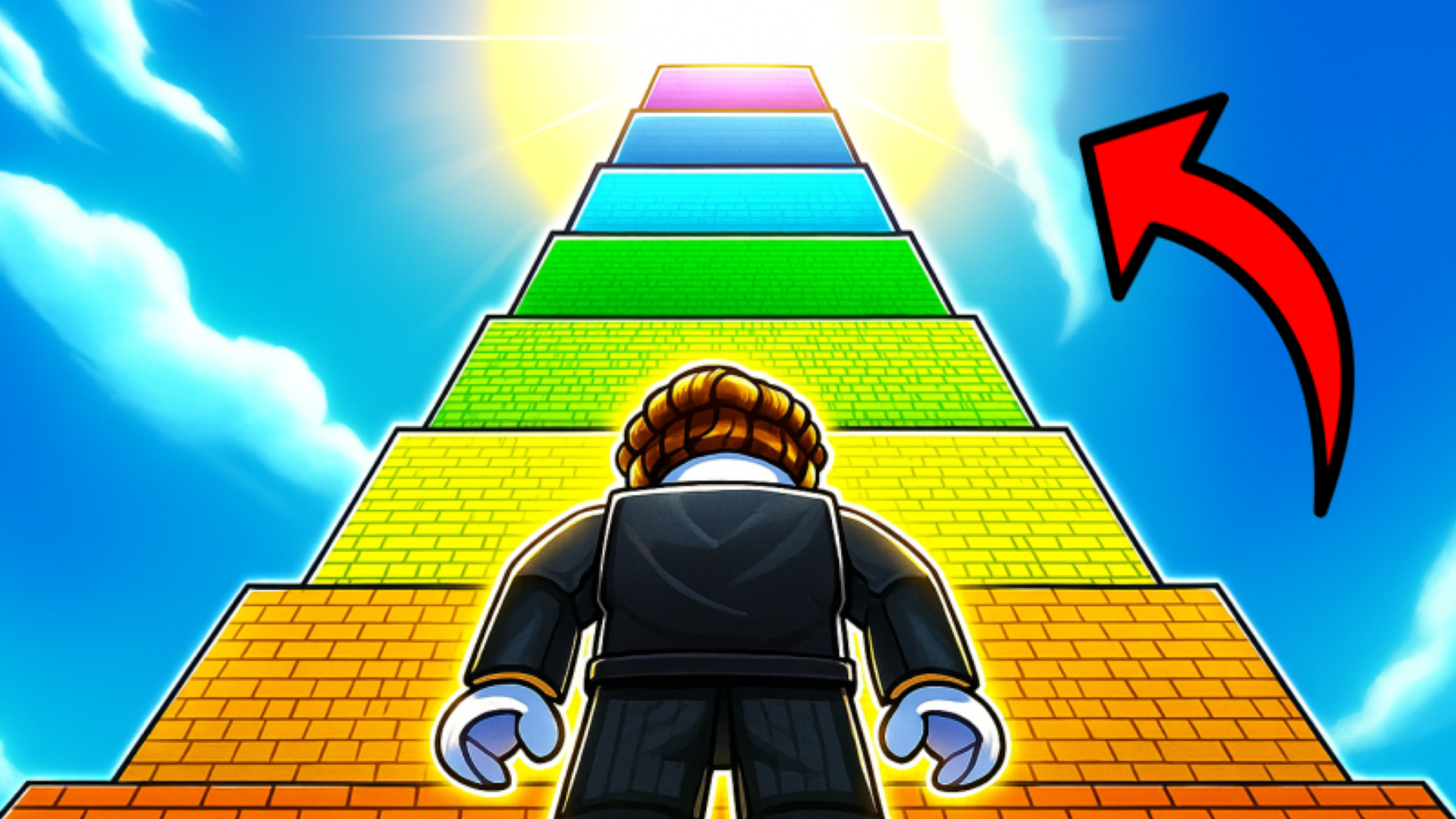
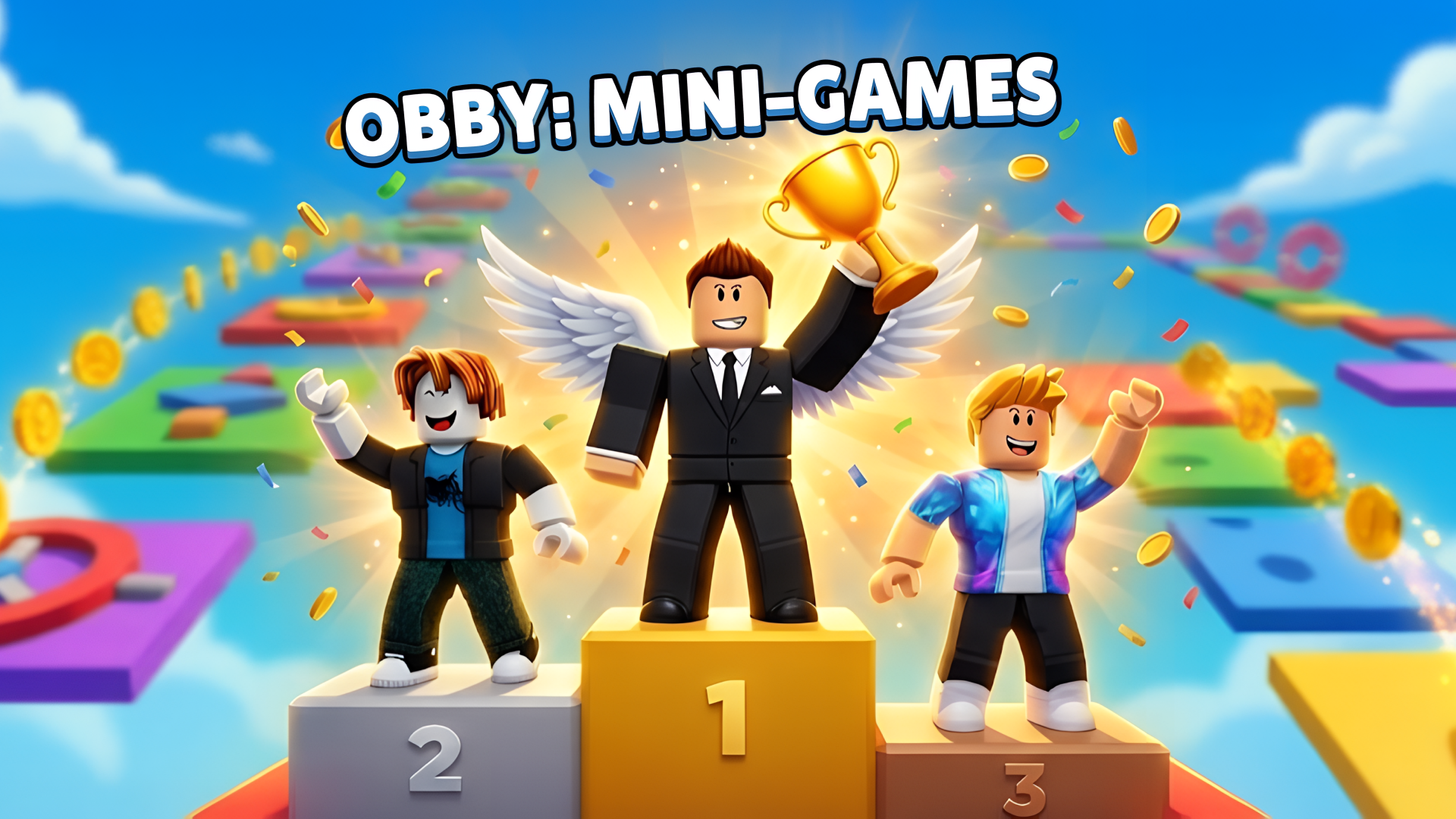
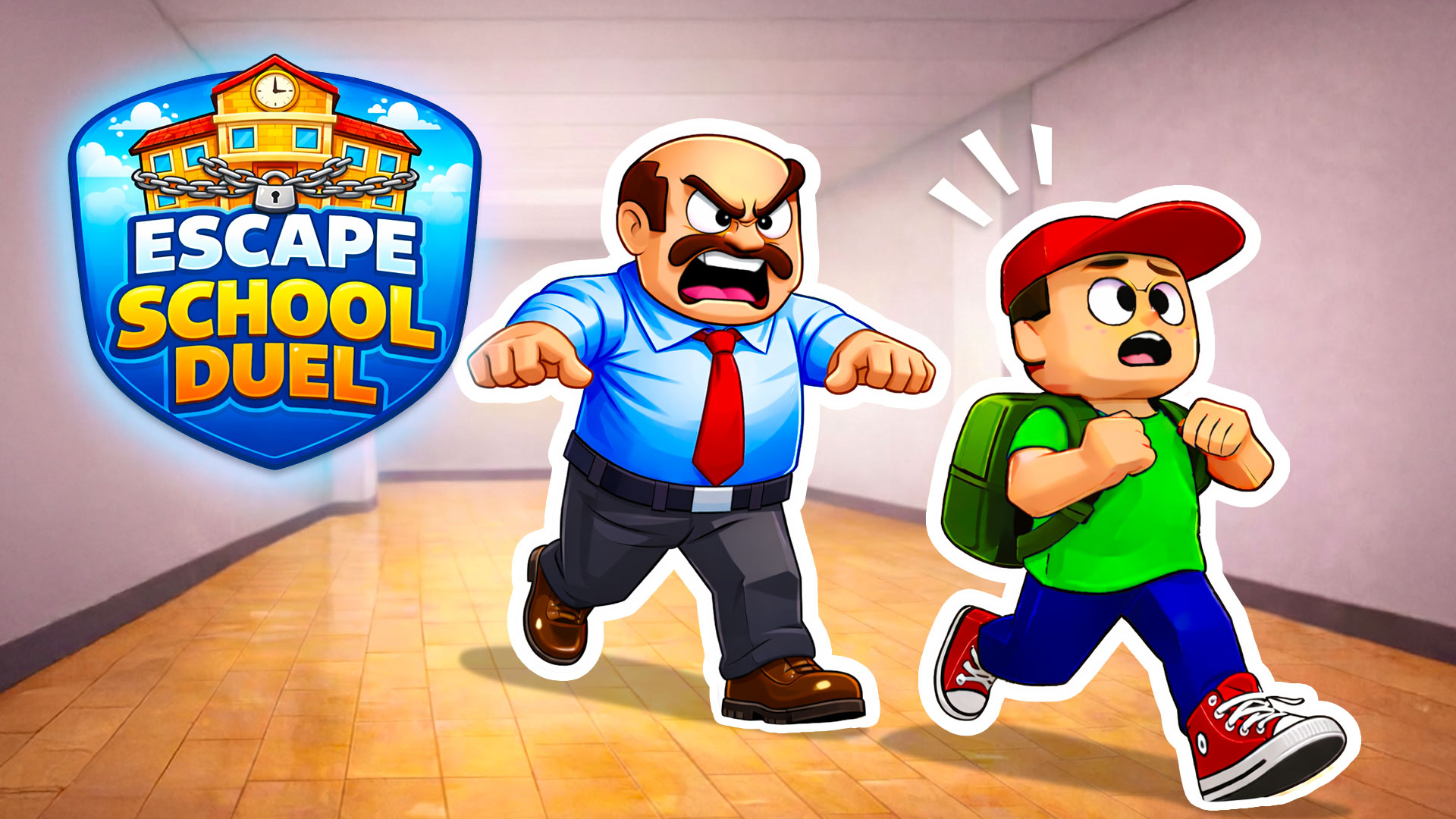
Multiplayer obstacle courses, known as "obbies," provide comedic moments through difficult jumps and frequent player resets. Titles like Obby: Mini-Games and Your Obby Escape require you to navigate floating platforms, avoid hazards, and reach the finish line alongside other players. Alternatively, simulation games like Idle Game Dev Simulator offer a humorous take on industry management. You start in a small garage, tap to generate resources, and research different game genres to build a virtual studio.
Features of Funny Games
- Physics-Based Mechanics: Utilize ragdoll physics and observe unpredictable object interactions.
- Sandbox Gameplay: Spawn items, build structures, and experiment with different tools without strict objectives.
- Meme References: Encounter characters, sounds, and scenarios based on popular internet culture.
- Obstacle Navigation: Complete jumping puzzles and parkour maps in 3D environments.
- Casual Progression: Engage in idle mechanics and simple merging tasks that require minimal complex inputs.
FAQ
What are the most popular Funny?
The most frequently played games in this category feature sandbox physics environments and multiplayer obstacle courses.
- Melon Sandbox
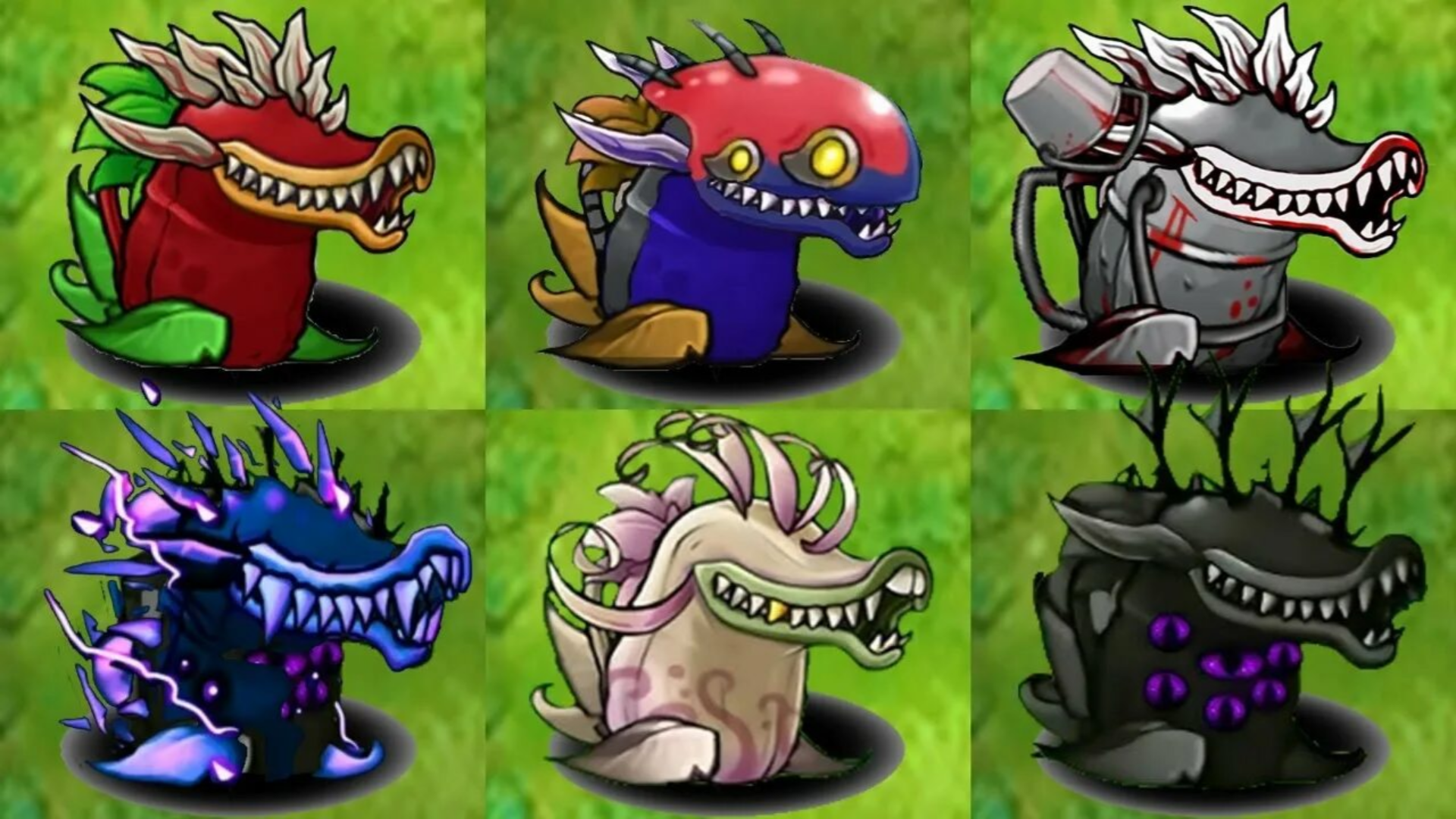
- Plants vs Zombies Fusion Mode
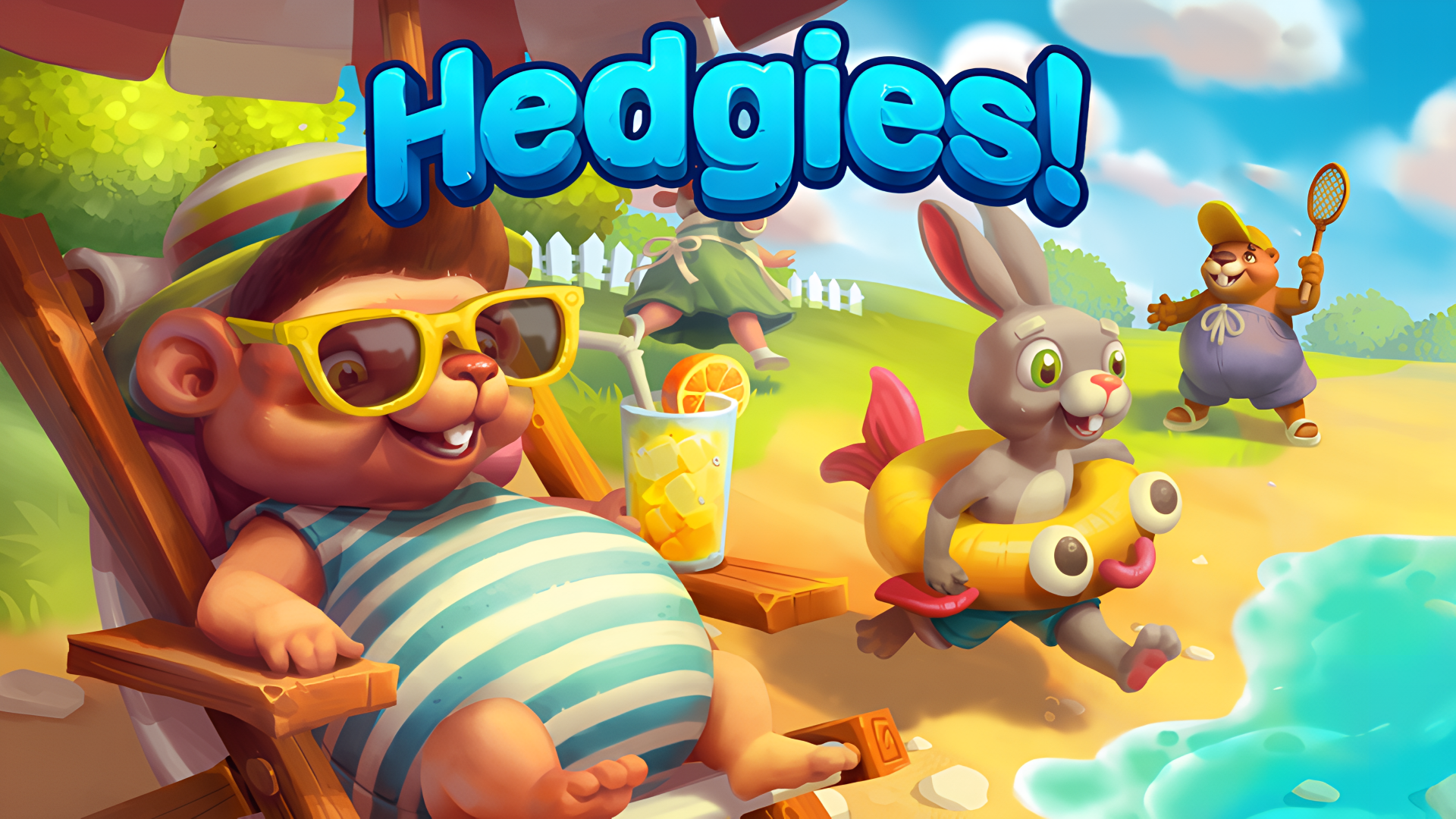
- Hedgies
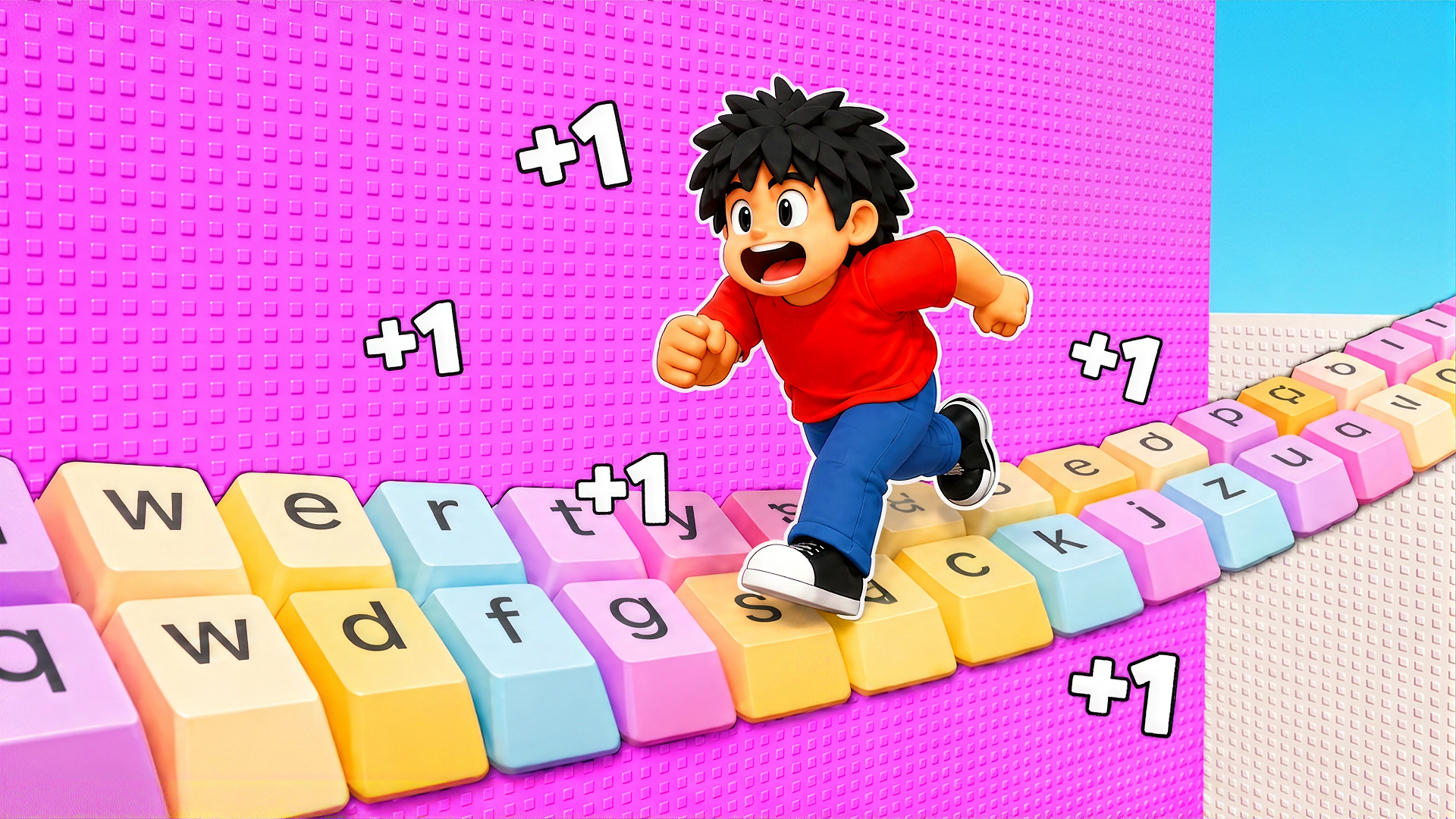
- +1 Speed Keyboard Escape: Obby
- Stickman Rebirth
- Sandbox City
- Soccer Random
- Elemental Monsters: Merge
- Fruit Merge: Juicy Drop Game
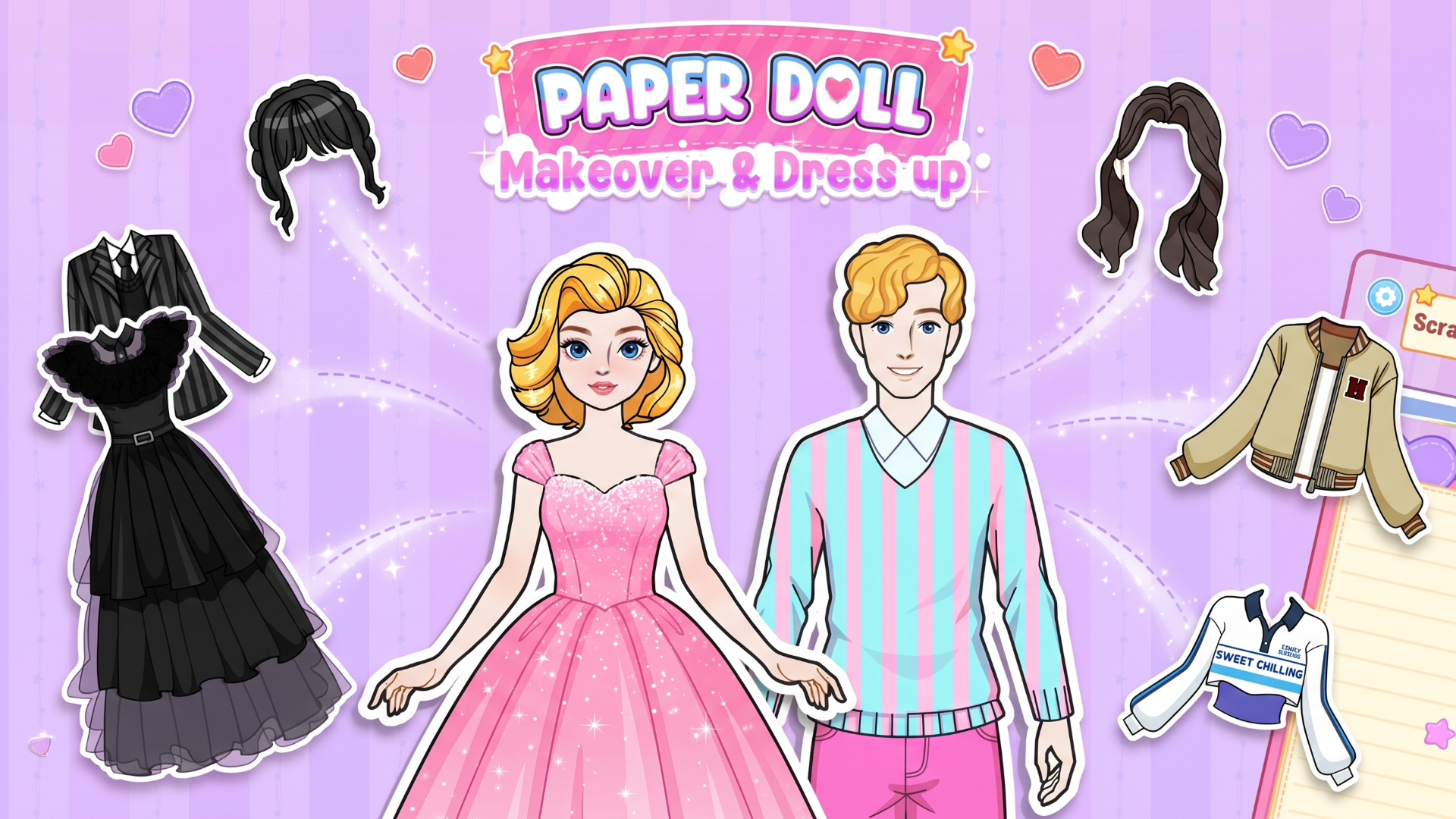
- Paper Doll Makeover & Dress Up
What are the best Funny for mobile?
These titles utilize touch-friendly controls for placing items, merging objects, and navigating characters on smartphone screens.