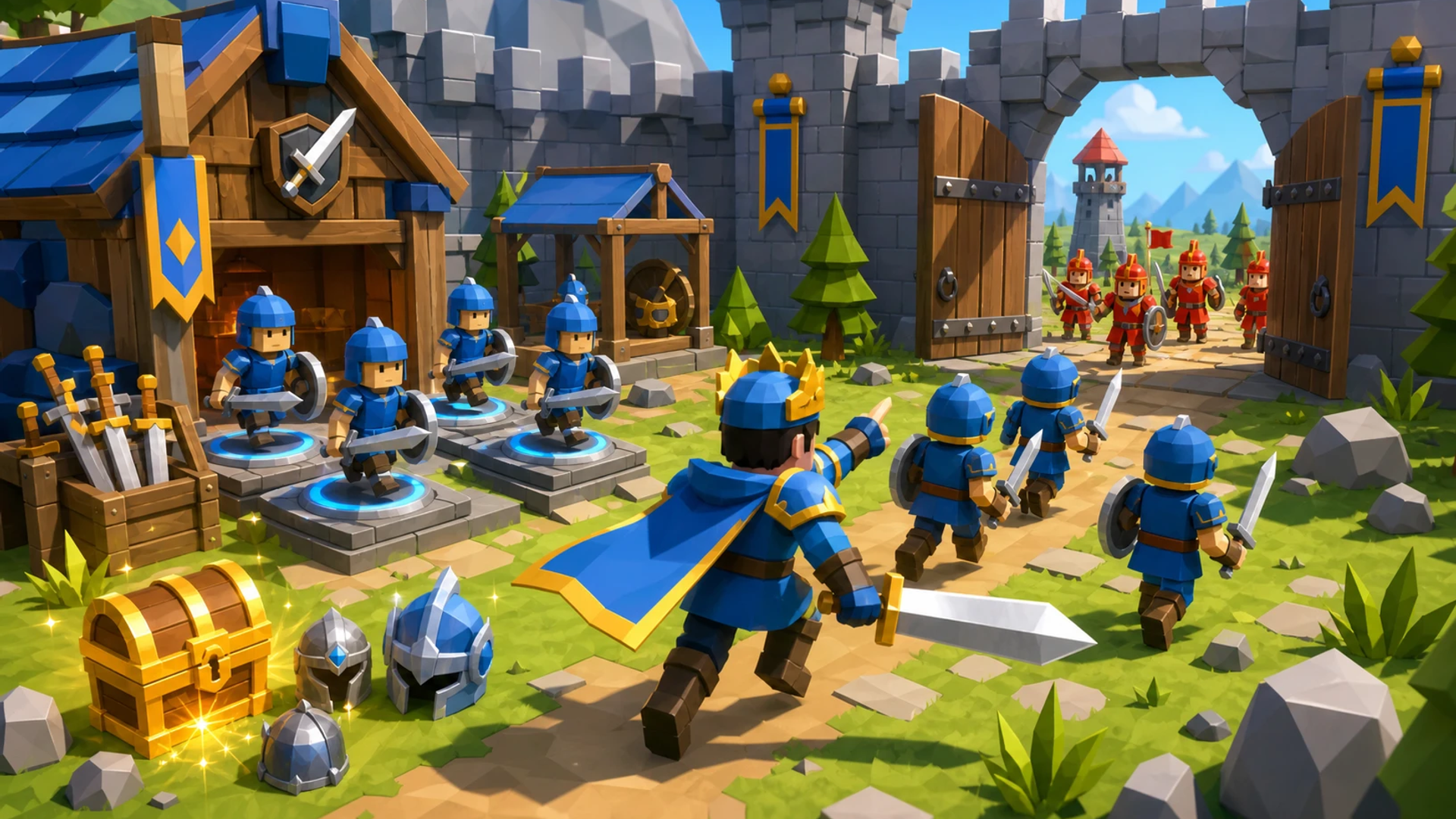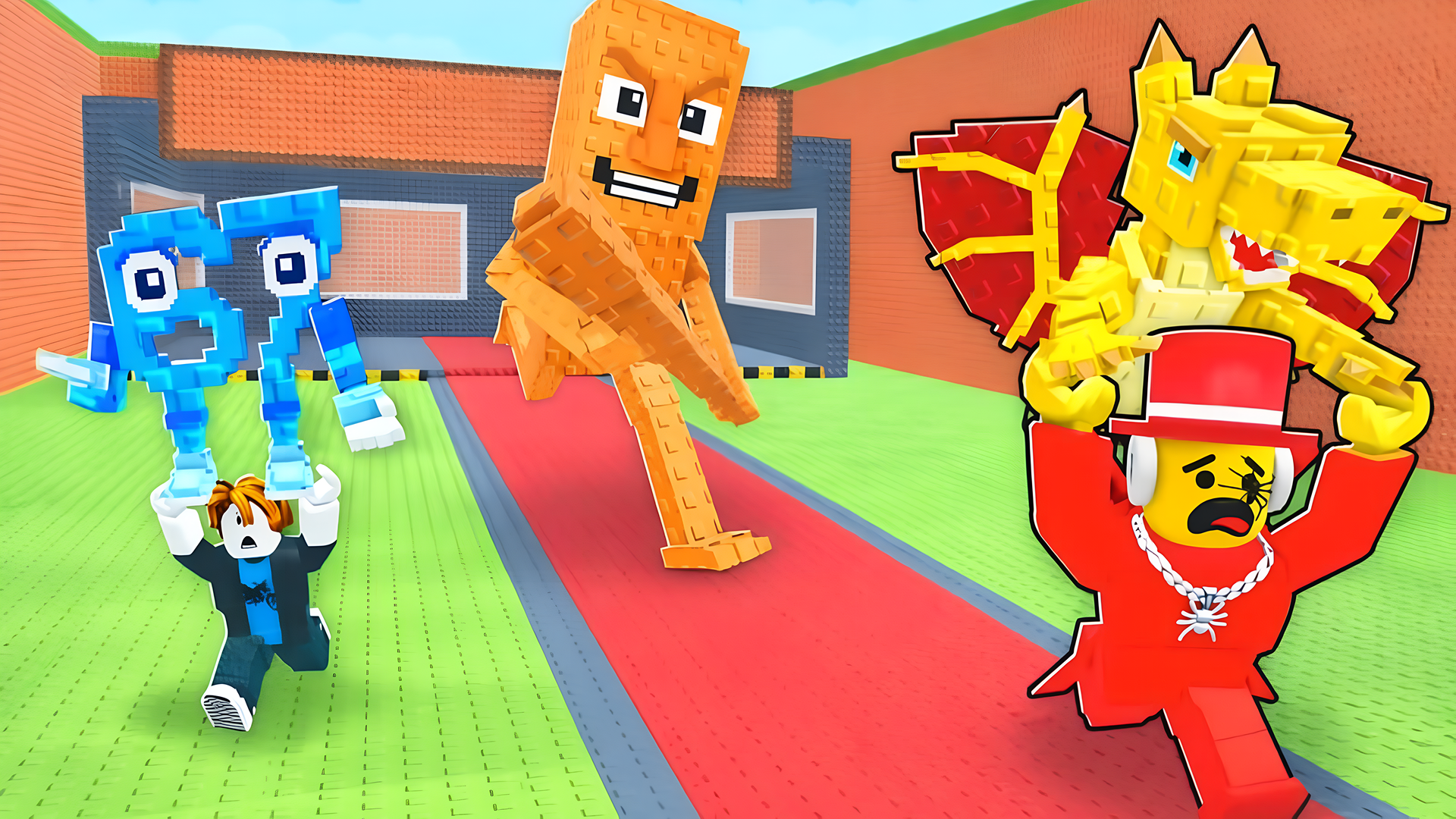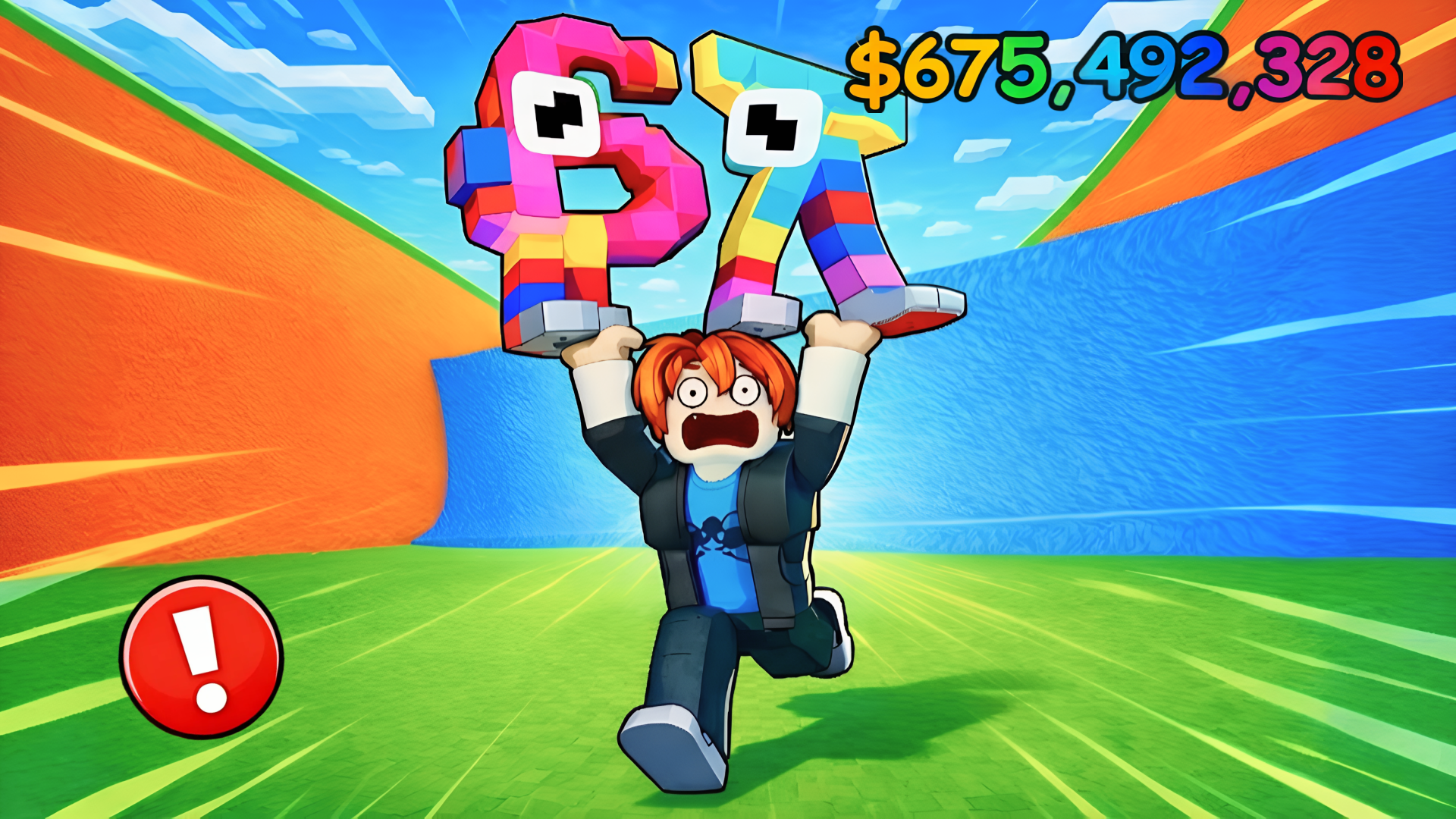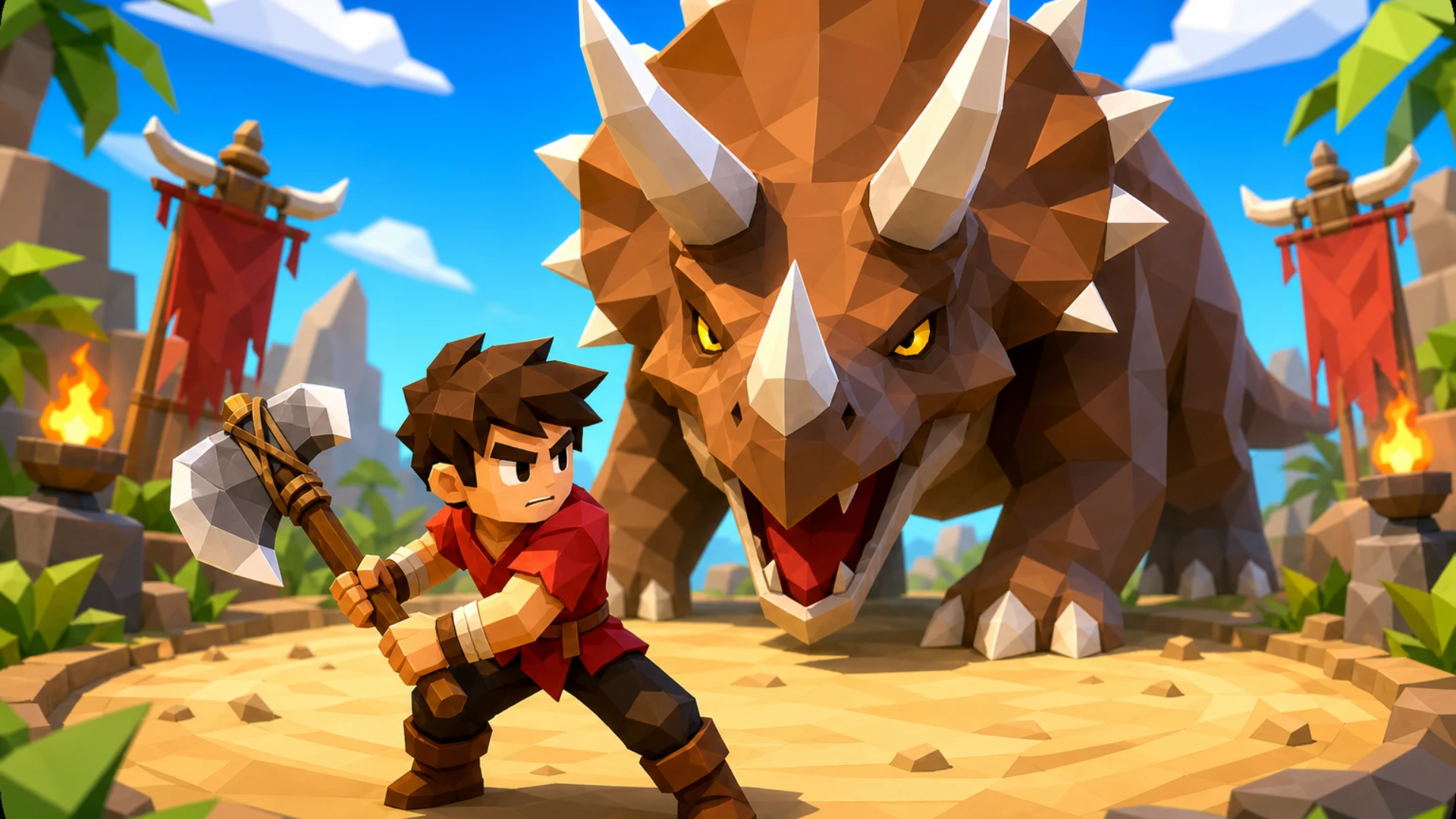


















Build a Road
Build a Road - Play Online
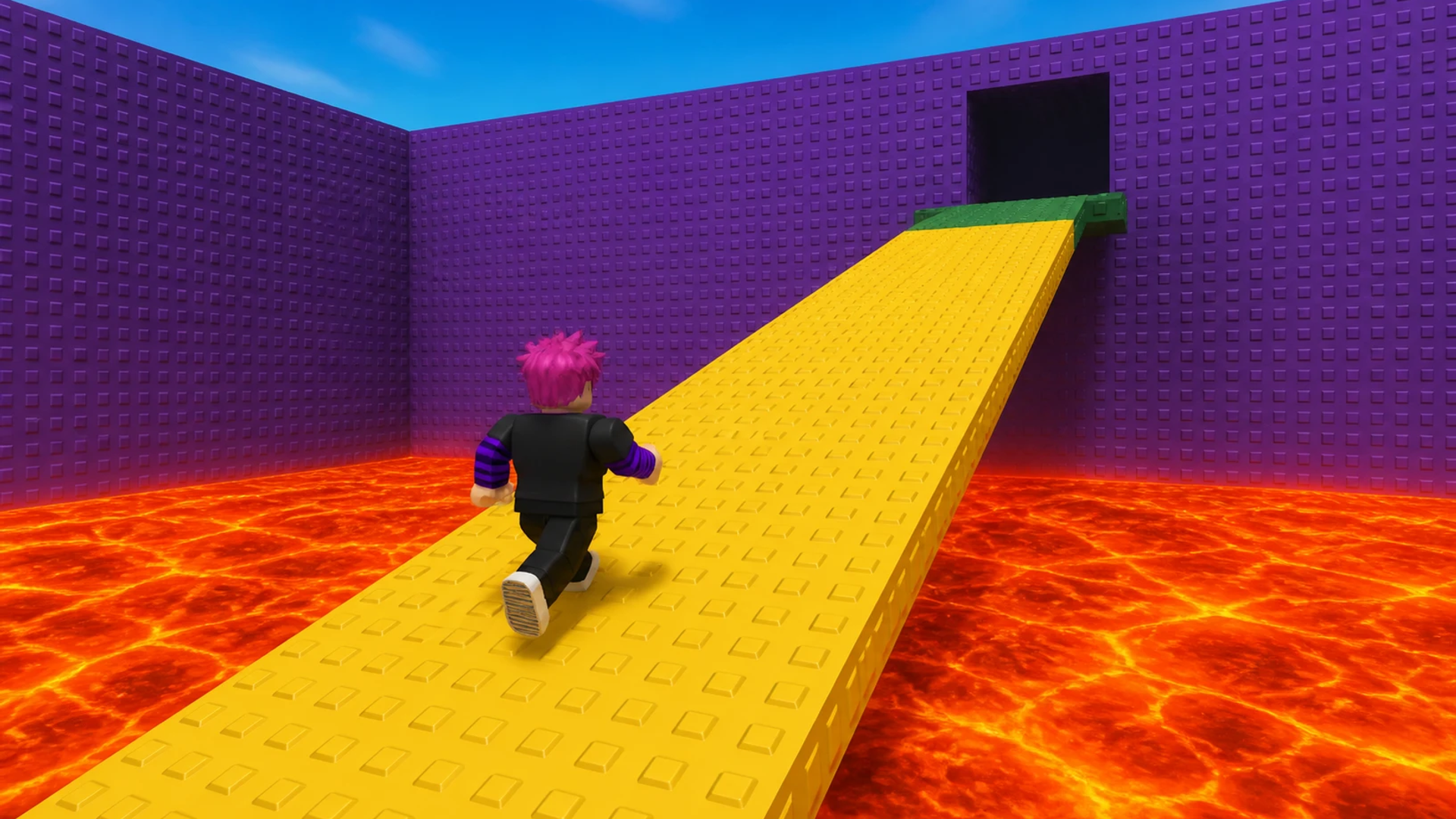
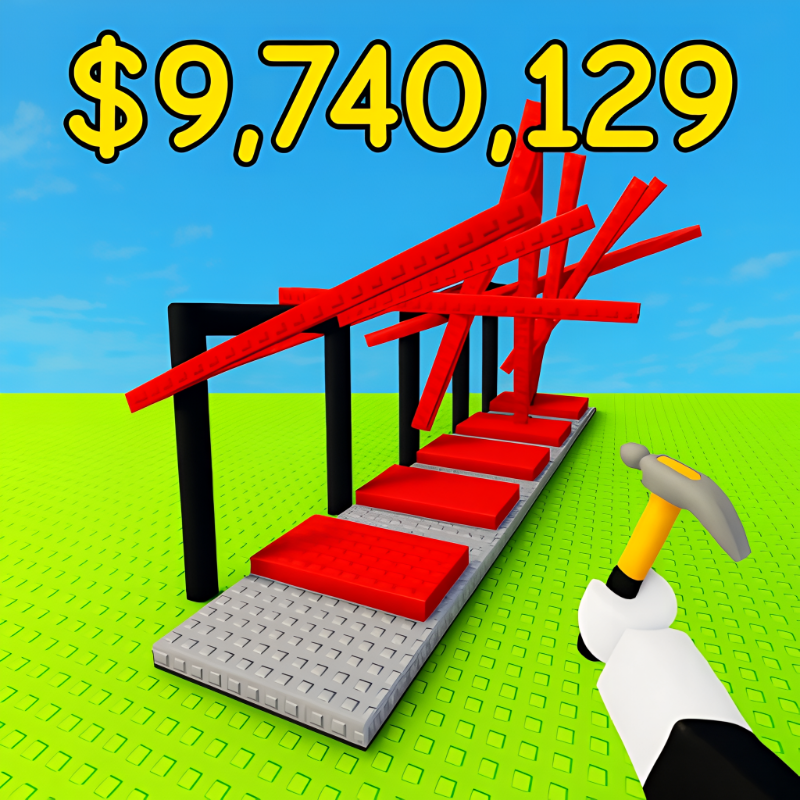
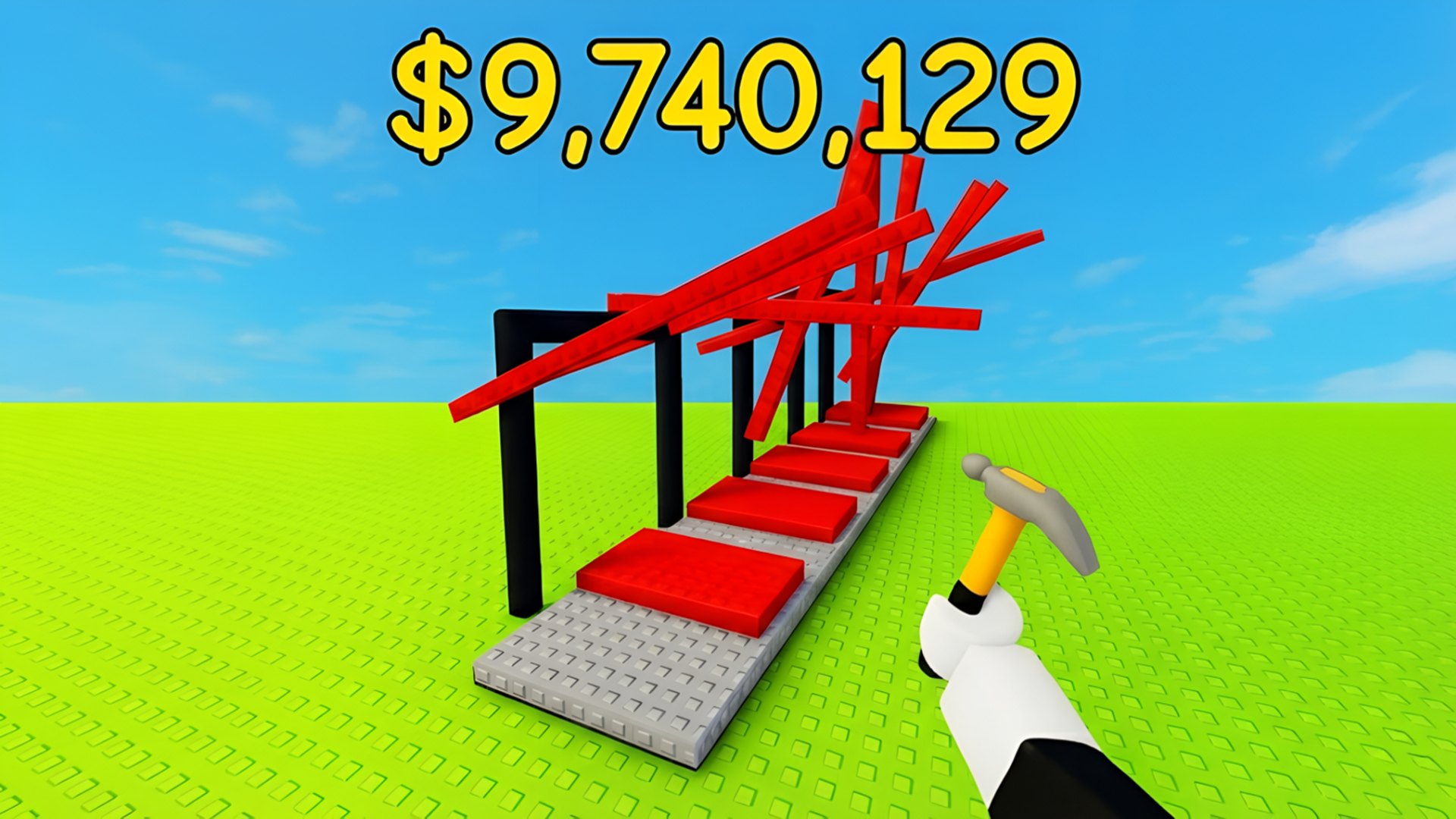
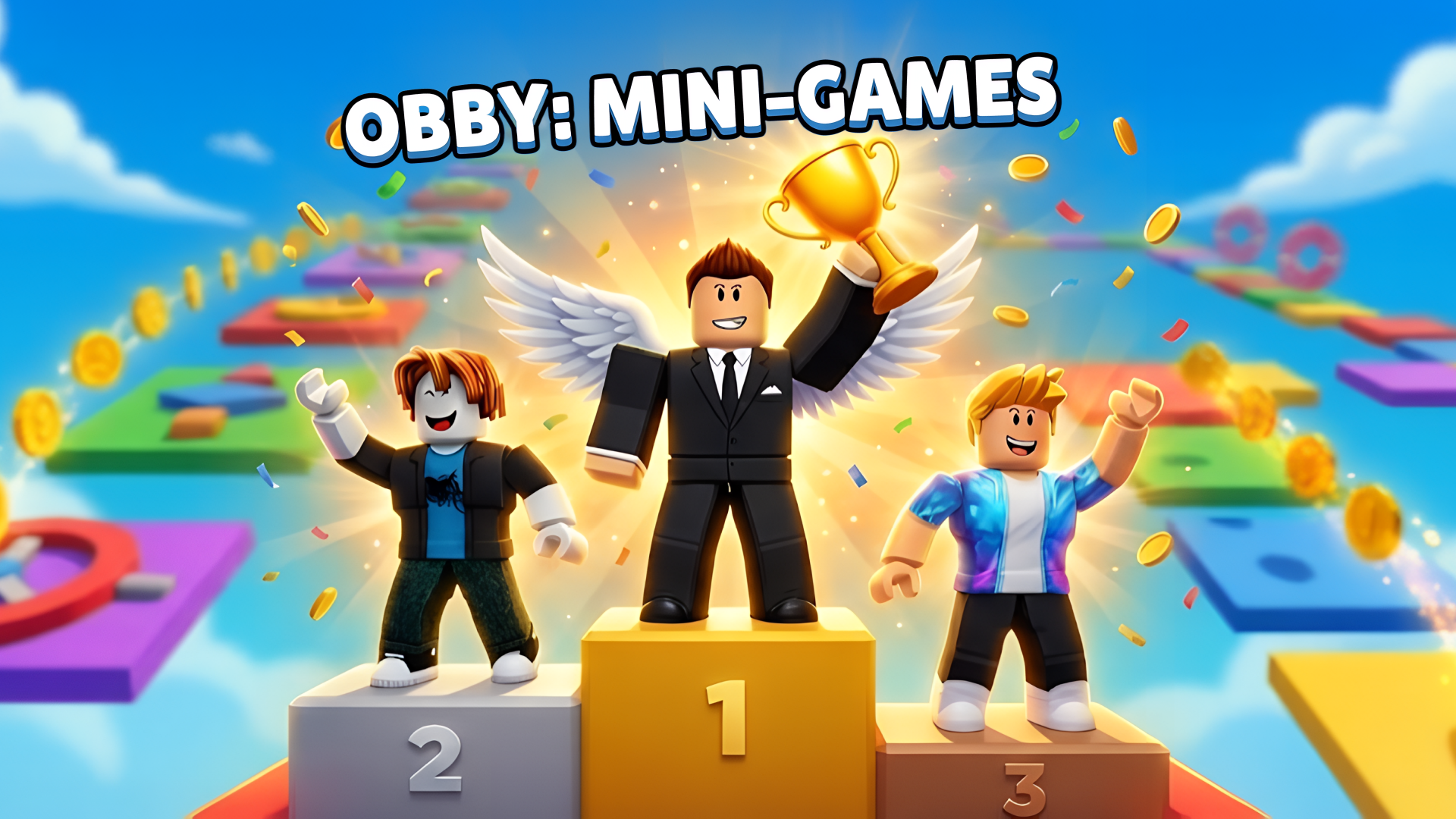
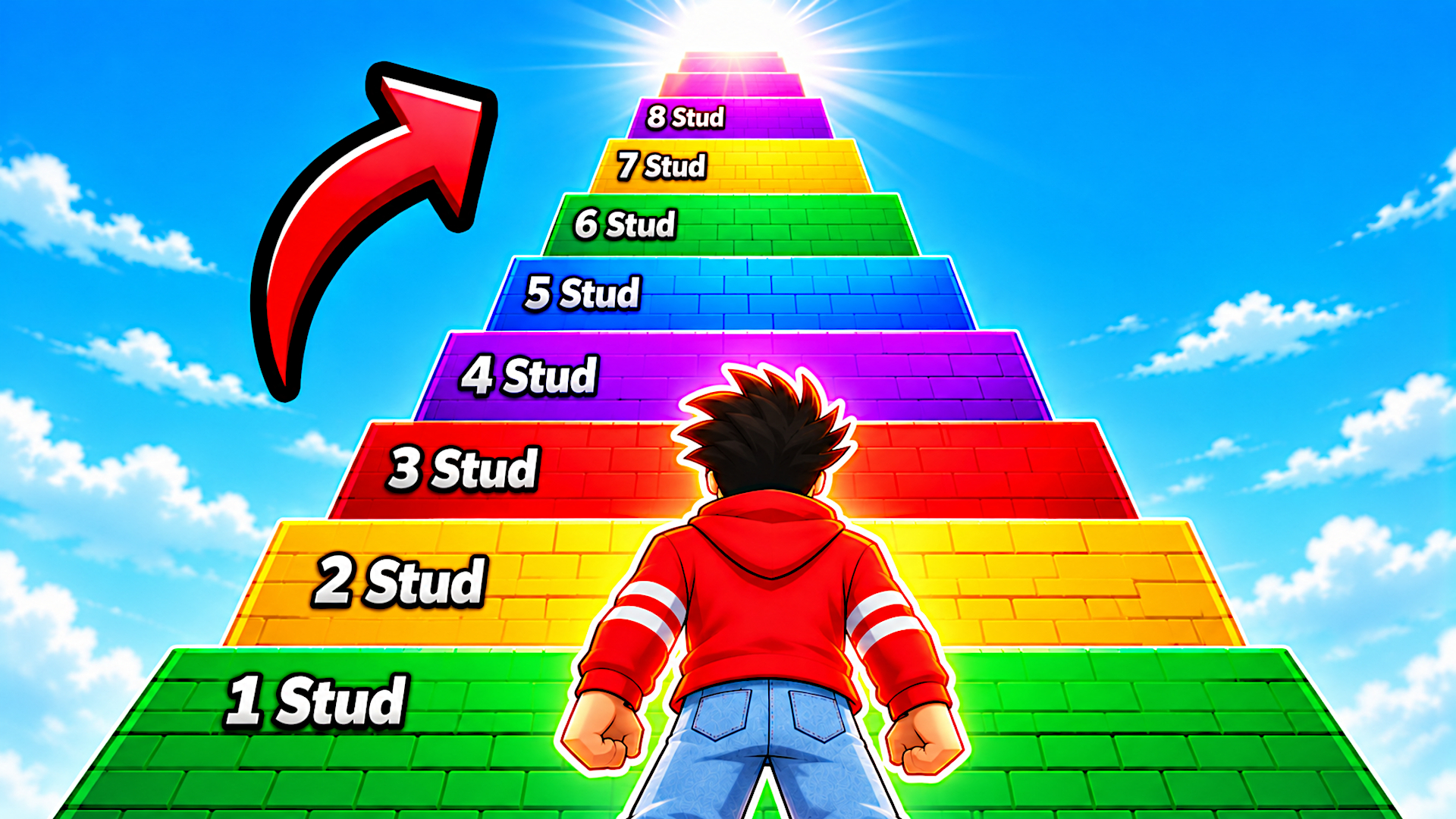
This is basically Roblox obby meets idle tycoon. You're building an obstacle course brick by brick, then running through it yourself to earn cash. The goal? Make your obby so massive and ridiculous that it prints money while you watch. It's a weird feedback loop—you're the architect and the guinea pig at the same time.
Key Features
- Build Your Own Obby: Place blocks, ramps, walls, and lava traps to design custom obstacle courses.
- Play to Earn: Run through your own creation to generate in-game currency automatically.
- Plot Upgrades: Unlock bigger building spaces as you progress, letting you create longer, crazier courses.
- Simple Controls: WASD movement and mouse clicks—runs on any device without lag.
How to Play Build a Road
It's dead simple to start, but turning your obby into a money-printing machine takes planning.
Place Your First Obstacles
You start with a tiny plot and a few bucks. Click the building menu, buy a block or ramp, and drop it onto your platform. Use WASD to walk around and position pieces. The interface is minimal—no fancy tools, just point and click. Stack platforms, add jumps, throw in some lava if you're feeling mean.
Test Run Your Creation
Once you've placed a few obstacles, hit the "Play" button. Your character spawns at the start and you manually jump through your course. Make it to the checkpoint flag? You earn cash. Fall into the void? Respawn and try again. The physics are floaty and forgiving—this isn't Getting Over It levels of punishment.
Expand and Automate
Spend your earnings on plot expansions and more obstacle types. The bigger your obby, the more cash it generates passively. Eventually you're watching your avatar loop through a sprawling death trap while coins pile up. Rinse and repeat until you've built a skyscraper of chaos.
Who is Build a Road for?
This is squarely aimed at kids who live on Roblox. If you're under 12 and love games where you build stuff, collect stuff, and watch numbers go up, this is your jam. It's safe, colorful, and has zero learning curve. Adults will find it repetitive after 10 minutes unless you're the type who enjoys low-stakes creativity simulators.
The Gameplay Vibe
It's super chill and borderline hypnotic. There's no timer, no enemies chasing you, no real failure state. You place blocks, hop around, collect coins, repeat. The visuals are bare-bones Roblox primitives—blocky textures, default skybox, flat lighting. If you've seen one obby, you've seen them all. The audio is probably looped elevator music (nothing memorable). It's the gaming equivalent of fidget toys: pleasant background noise for your brain.
Technical Check: Saves & Performance
The game saves your progress automatically through your browser or the Roblox platform—just don't clear your cache mid-session or you'll lose recent builds. Performance-wise, this runs on a potato. The low-poly graphics and simple physics mean even old phones won't stutter. I didn't notice a single framerate drop, even with dozens of objects on screen.
Quick Verdict: Pros & Cons
A harmless time-waster for the obby-obsessed crowd, but it doesn't reinvent the wheel.
- ✅ Pro: Zero barrier to entry—you're building and playing within 30 seconds.
- ✅ Pro: Satisfying idle progression loop if you like watching numbers climb.
- ❌ Con: Absolutely zero originality. This template has been done to death on Roblox.
Controls
Responsive and straightforward. No weird input lag or clunky menus.
- Desktop: WASD to move, mouse to interact with building menus and objects.
- Mobile: Virtual joystick for movement, tap buttons to place blocks and interact.
Release Date & Developer
Developed by Square Dino LLC and released on January 25, 2026. It's a fresh upload, but the concept is as old as the Roblox platform itself.
FAQ
Where can I play Build a Road?
How do I earn money faster in the game?
Is there a mobile version?
Screenshots
Use this link to embed the game on your website using an iframe
Sign in to Embed and Monetize Games