

























Brainrot Fishing +1 per second 3D obby tycoon










About Brainrot Fishing +1 per second 3D obby tycoon
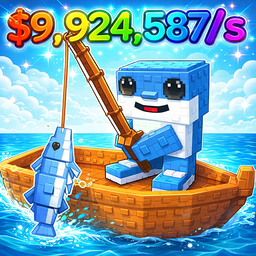
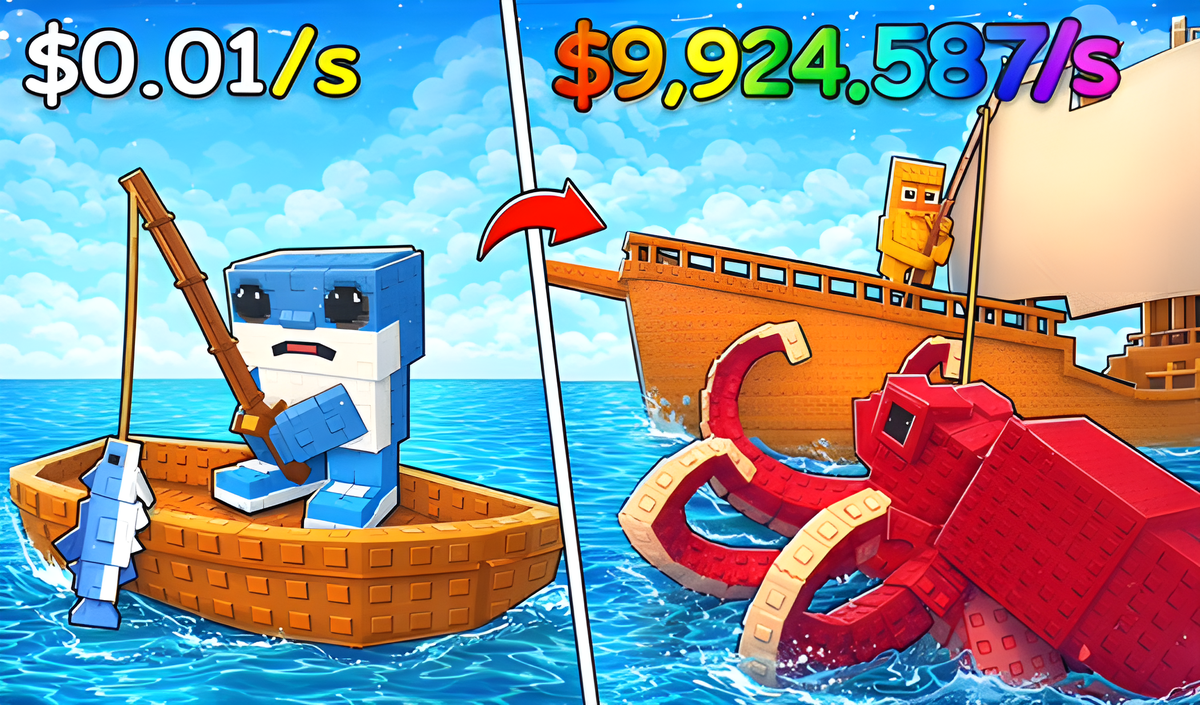
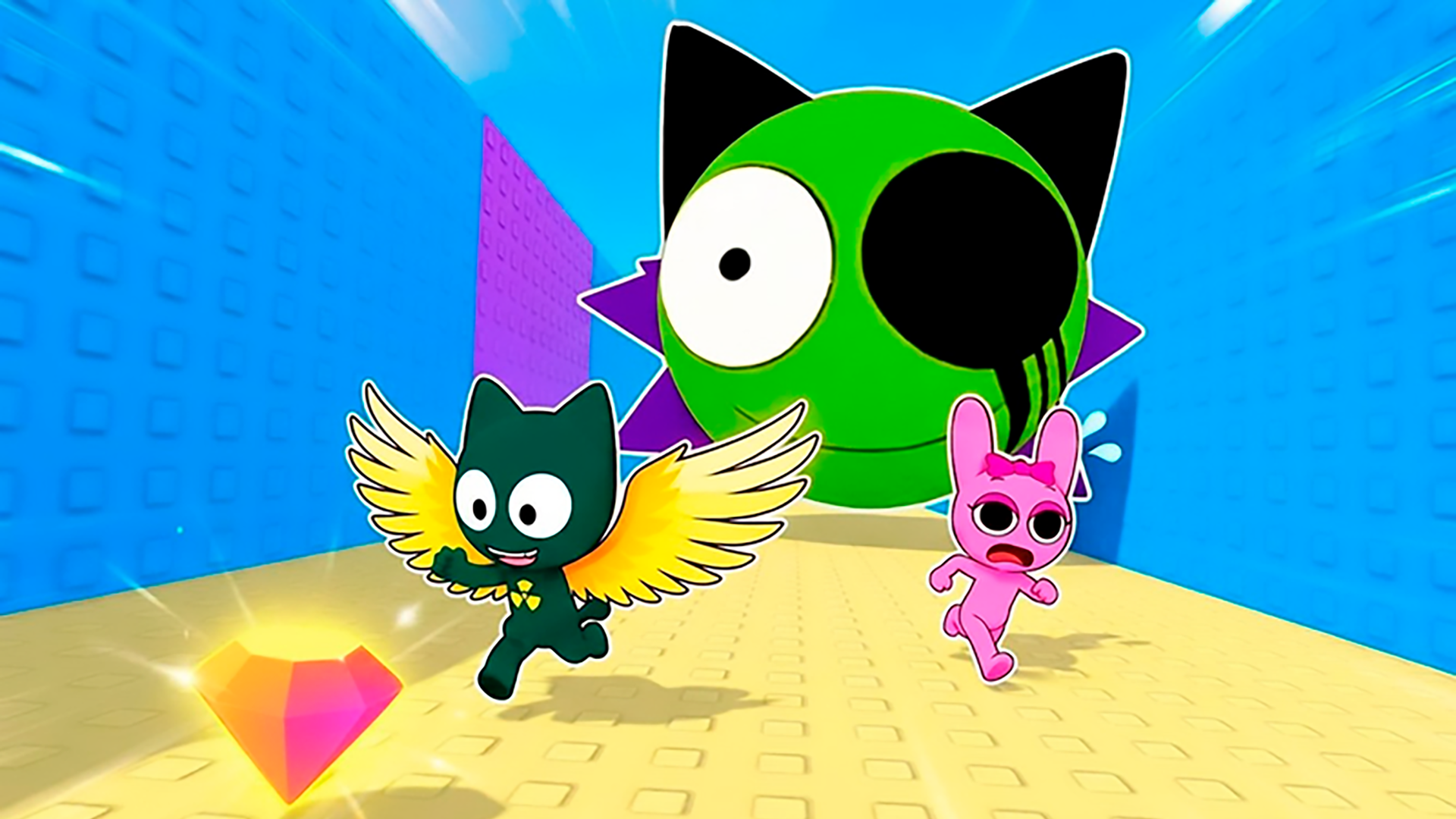
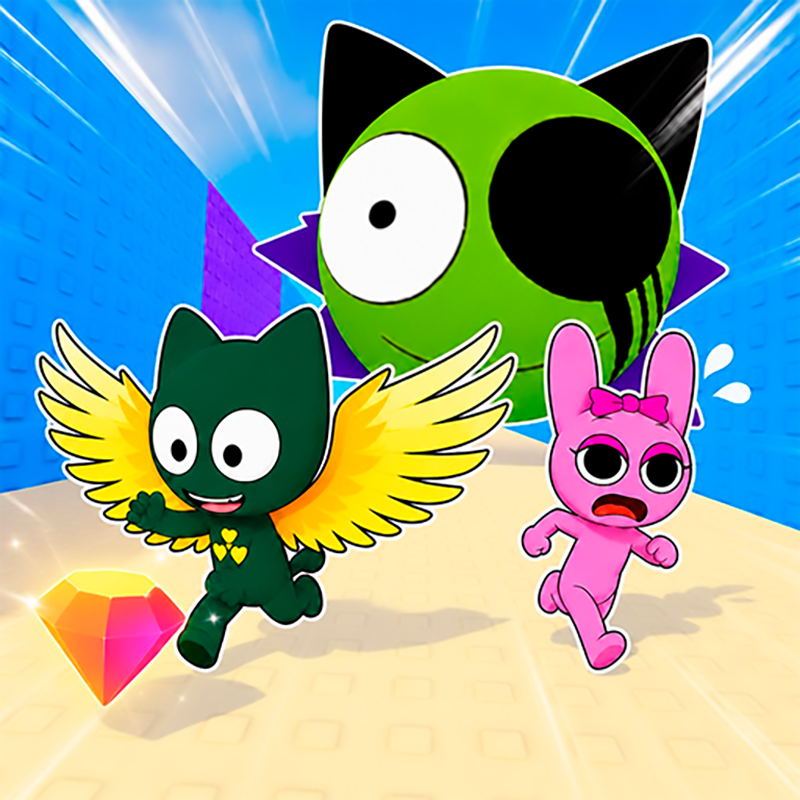
Brainrot Fishing +1 per second 3D obby tycoon puts you in charge of a growing fishing operation built around a cast of quirky brainrot creatures. Buy eggs to hatch brainrot fishermen, send them to work the fishing spots, sell your catch, and reinvest the profits to expand your base into a full-scale fishing empire. The better the brainrot, the more fish it can pull in — so the quality of your crew matters as much as the size of it.
Several scenes show ground tiles made of bright green and tan squares with raised circular studs. In one scene, a large figure with a white cup for a head and a pink dress stands on a wooden platform. Another scene shows blue water-like paths with dark blue recessed square containers arranged in rows.
How to Play Brainrot Fishing +1 per second 3D obby tycoon
Start by purchasing eggs to raise brainrot fishermen. Each brainrot's quality determines how many fish it can catch, so acquiring stronger brainrots is the core path to higher output. Sell your catch to generate funds, then use those funds to acquire new brainrots and upgrade your existing creatures for greater profit. Developing the base unlocks additional fishing spots, letting your growing crew work more ground at once.
Controls
PC Management
- WASD: character movement
- Space: jump
- Right Mouse Button: camera rotation
- Mouse Wheel: zoom in and out
Control on the Phone
- Joystick: character movement
- UI Action Buttons: in-game actions
- Swipe on the screen: camera rotation
- Pinch: zoom
Games You Might Like
If the fishing and brainrot collection loop appeals to you, Catch a Fish Obby delivers a similar fish-and-brainrot base-building experience with added rival-raiding and a 2-player mode. For more brainrot farming and coin-collecting across an expanding territory, Obby: Grow a Garden Brainrot lets you place and grow a meme-filled creature collection. Break a Lucky Egg Brainrots keeps the egg-hatching and income-generation theme alive with timed runs and rare character collecting.
Browse the full Obby games catalog for more obstacle-course tycoon adventures, or check out Boys games and the dedicated Fishing games section for titles that share this game's casual management style.
Video