





























Ultimate Destruction Simulator










About Ultimate Destruction Simulator
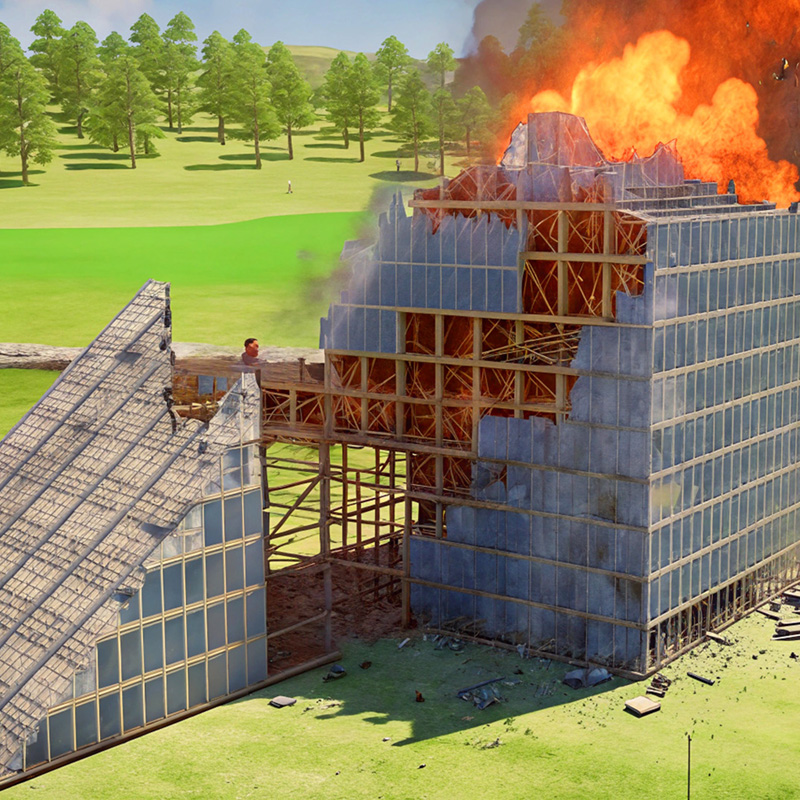
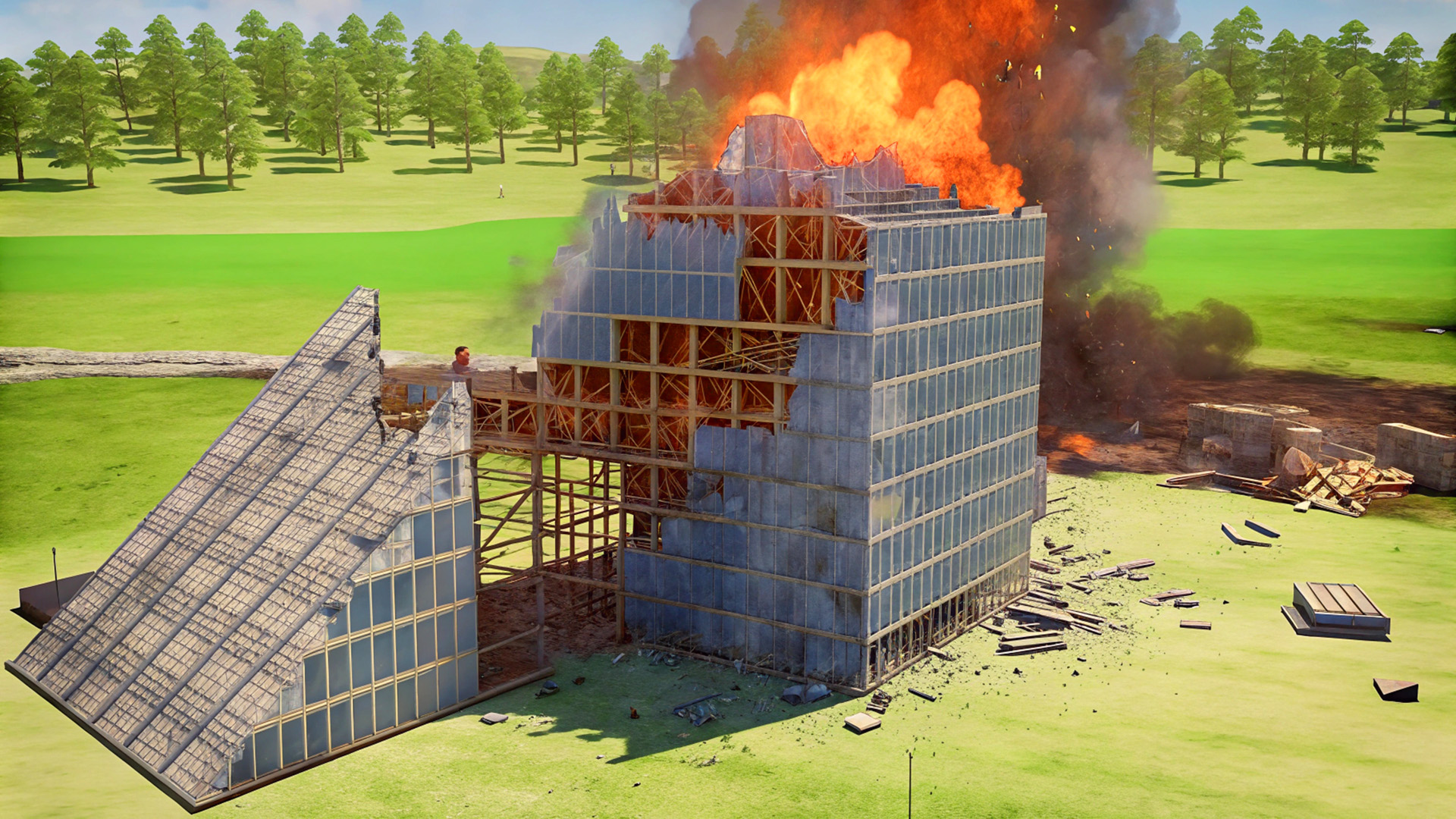
Ultimate Destruction Simulator is a physics-driven sandbox built around one clear ambition: tearing down full-sized towers with satisfying, realistic results. The developer created it out of a personal desire for a game dedicated to demolishing buildings — and finding nothing that fit, built it from scratch. Several scenes show structures mid-collapse, with debris scattering across the environment. The result is a wide-open playground where the simulation itself is the attraction, giving complete control over how destruction unfolds.
Time, gravity, debris density, and dust are all adjustable on the fly. Slow motion lets every crumbling wall play out in detail, while a full gravity toggle lets the chaos go weightless. The clean 3D graphics keep the focus on the physics rather than visual clutter.
How to Play Ultimate Destruction Simulator
The core loop is straightforward: pick a map or build your own, select a weapon or tool, and start demolishing. Beyond shooting, the interface handles everything from adjusting time rate to managing debris levels. On mobile, fingers and the game interface replace keyboard and mouse inputs.
Levels / Maps / Worlds
- Over 45 prebuilt maps ready to destroy
- Map editor for building custom maps from scratch
Simulation Controls
- Slow-motion and time rate: slow down, speed up, or completely stop the simulation at will
- Gravity: set it low, set it high, or turn it off entirely for a zero-gravity experience
- Debris limitation: enable a cap so excess debris above a set value fades out smoothly
- Destructibility level: increase it to generate more debris per destruction
- Additional debris: toggle on for more dramatic demolitions
- Dust: enable for extra visual impact during demolitions
Guns and Weapons
- 30+ guns to choose from across the weaponry menu
- Different explosives including missiles, dynamites, and grenades
- Earthquake, tornado, and black hole tools
- Different sized cannon balls
Controls
- LMB (Left Mouse Button): Shoot
- WASD: Movement
- Q / E: Raise the camera
- Mouse wheel up / down: Speed up or slow down time
- T: Start the timer to explode installed charges
- F: Stop time
- B: Weaponry
- Escape (press twice): Menu
Games You Might Like
If the physics sandbox destruction in Ultimate Destruction Simulator appeals to you, the broader ragdoll games category on Playgama is packed with titles that share that same love of chaotic, physics-driven play. For something with a similarly open creative scope, Last Play: Ragdoll Sandbox pairs an advanced physics engine with expansive building tools and diverse environments to reshape. Sprunki Sandbox: Ragdoll Playground Mode blends destruction, construction, weapons, and explosives in a freeform rules-your-way format. If you want the demolition energy channeled into fast-paced combat, Sorter: Ragdoll Playground Shooter delivers guns, explosions, and a detailed damage system with full ragdoll reactions.
Browse the full action games section for more high-energy titles, or explore simulation games for other sandboxes that put real systems in your hands.
Use this link to embed the game on your website using an iframe
 Sign in to Embed and Monetize Games