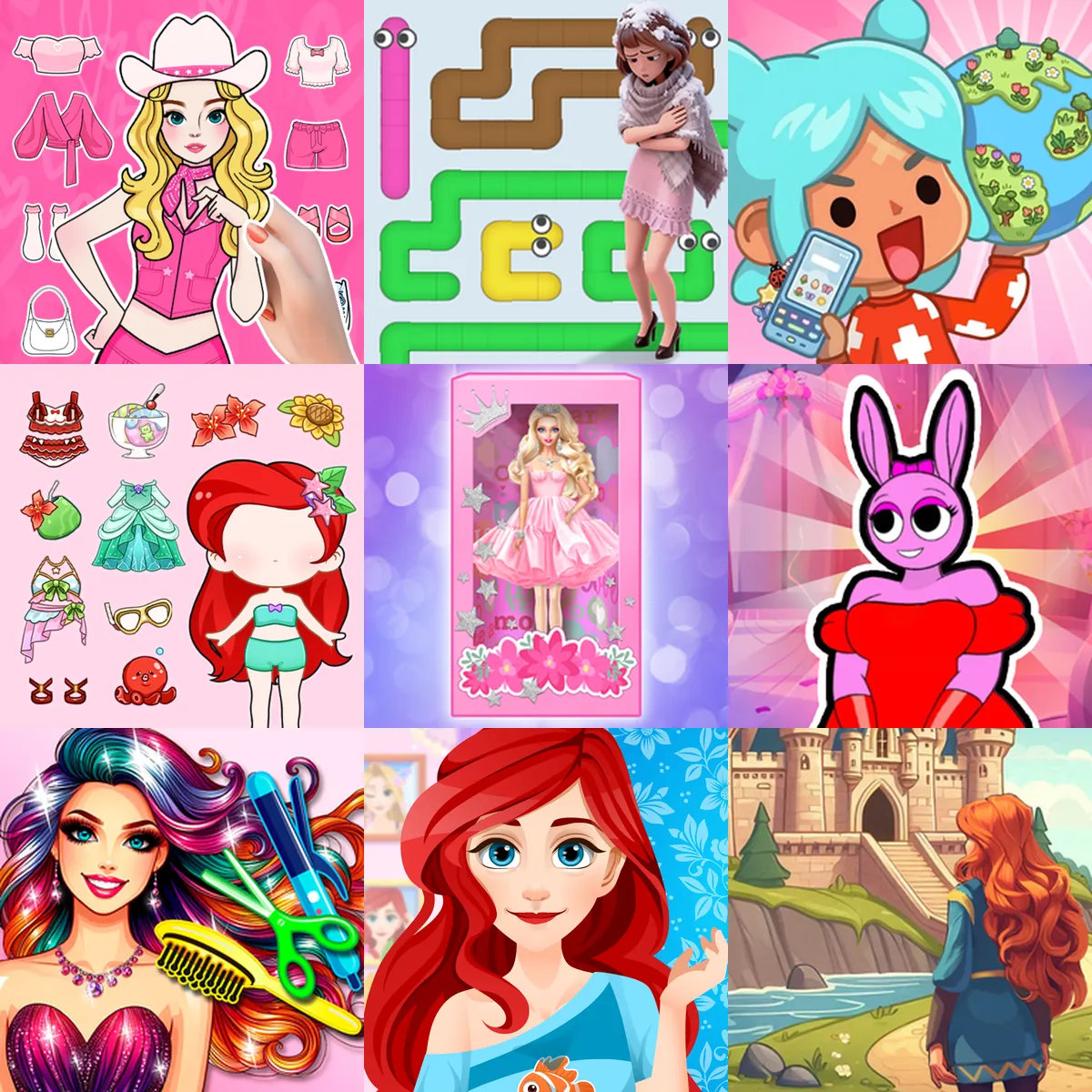
Princess Games


Explore Character Styling and Fantasy Puzzles in Princess Games
Princess games focus on character customization, fashion mechanics, and fantasy scenarios. Players can design avatars, solve logic puzzles, or manage resources within royal settings. Playgama provides a catalog of 60+ princess titles that run directly in your web browser. You can access these games on both desktop computers and mobile devices without downloading additional software.
Character Creation and Styling
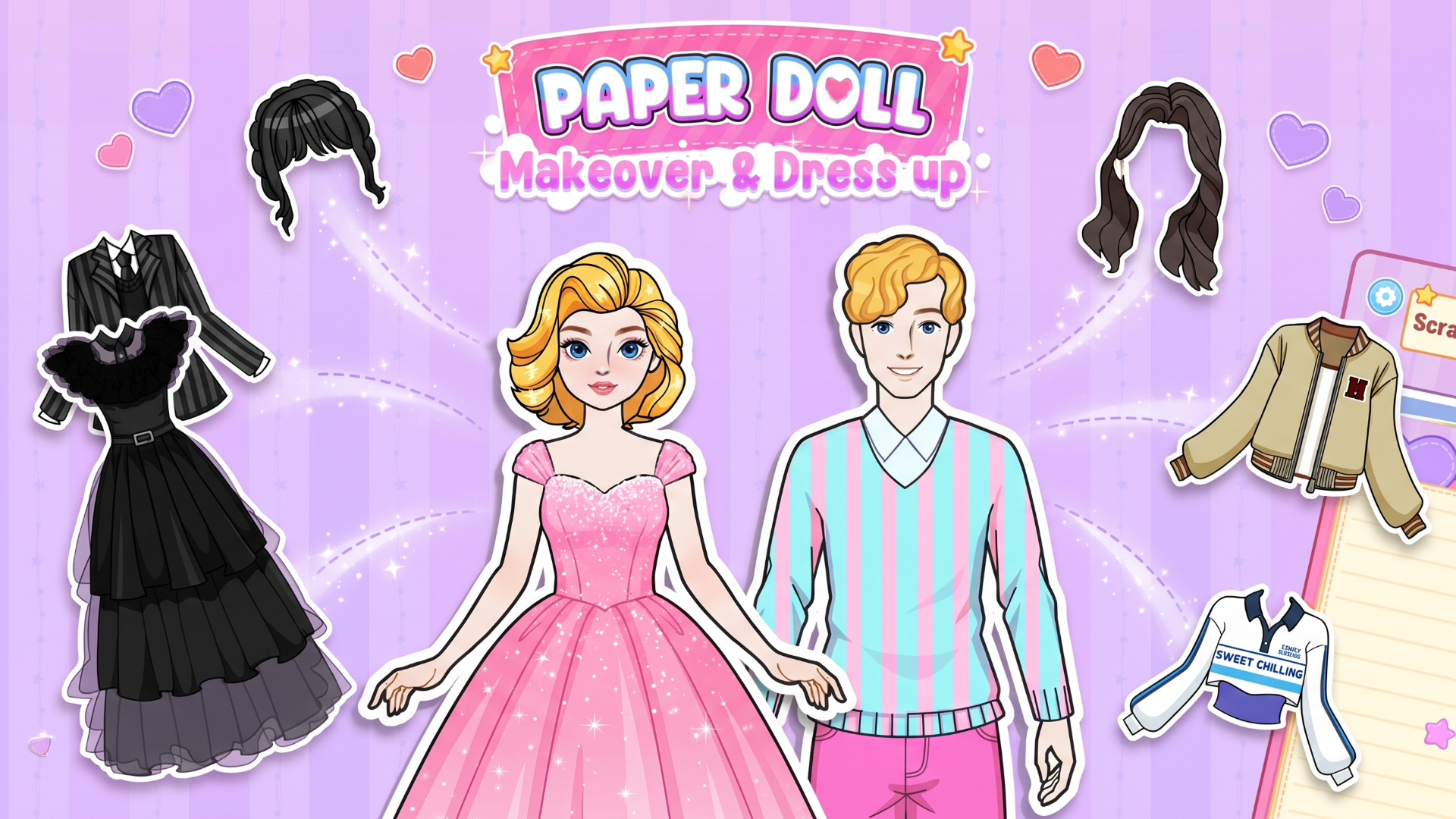
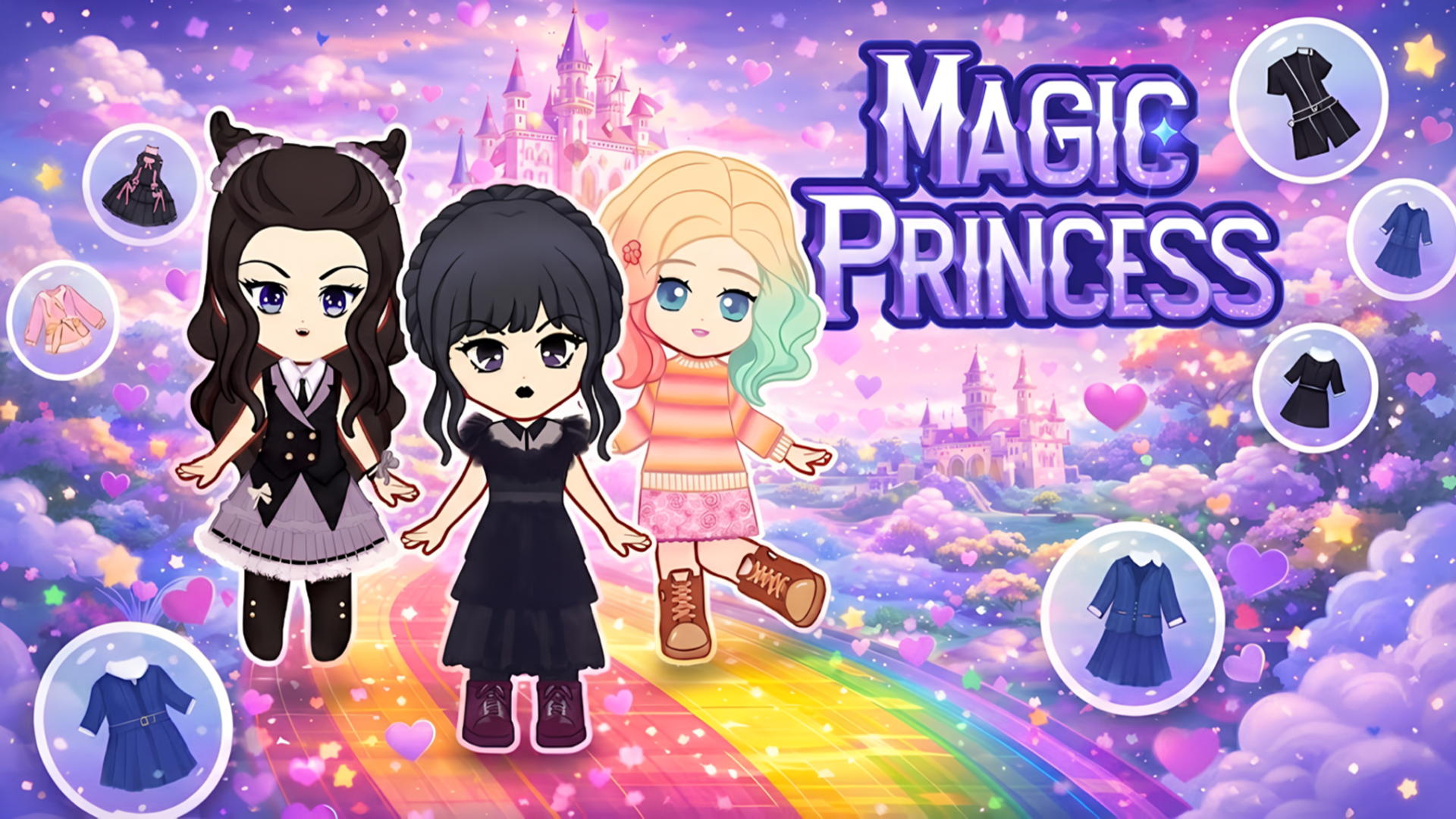
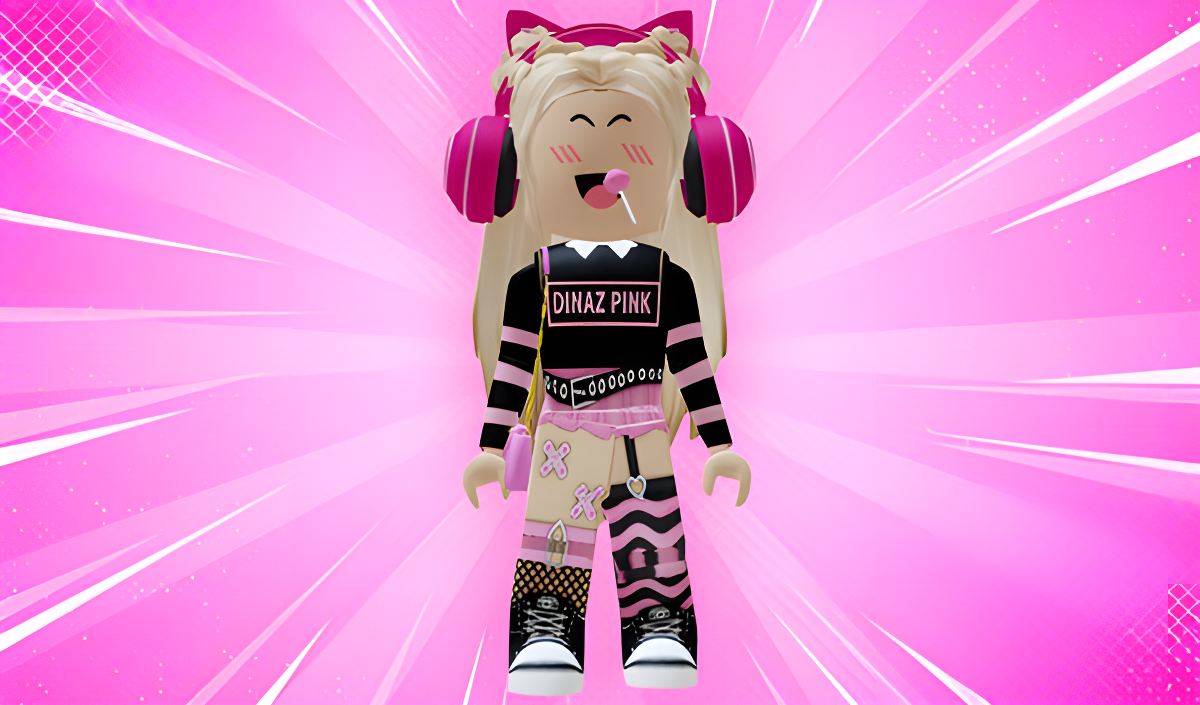
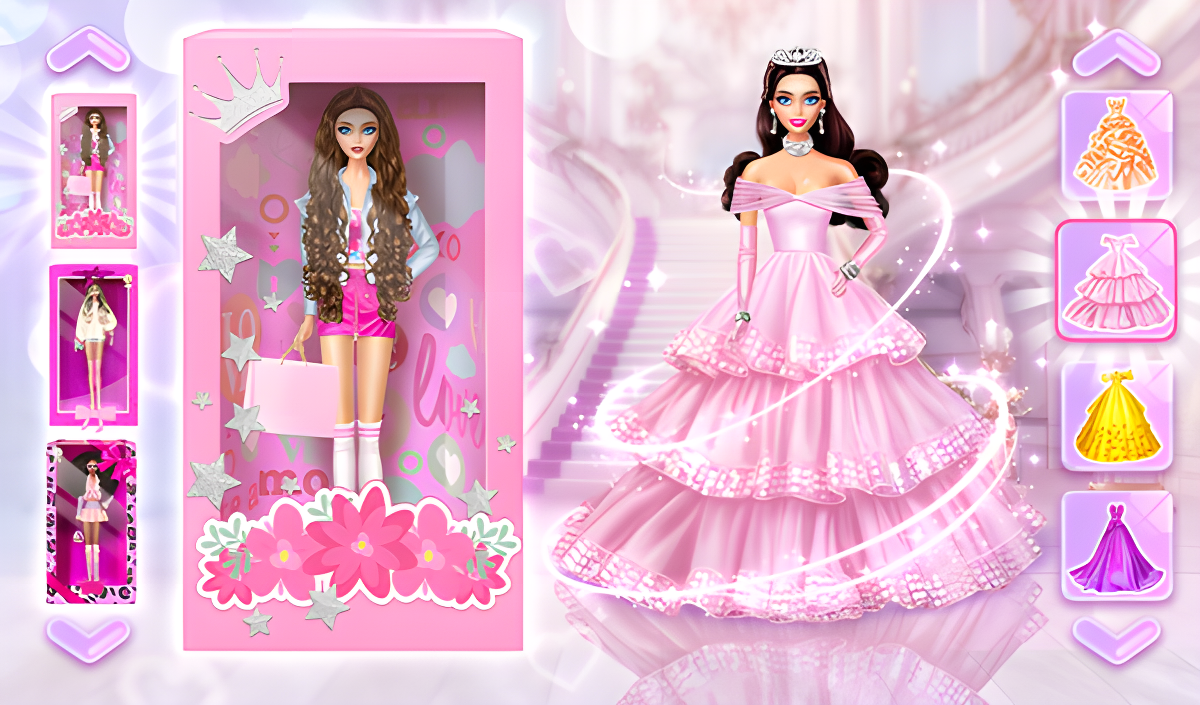
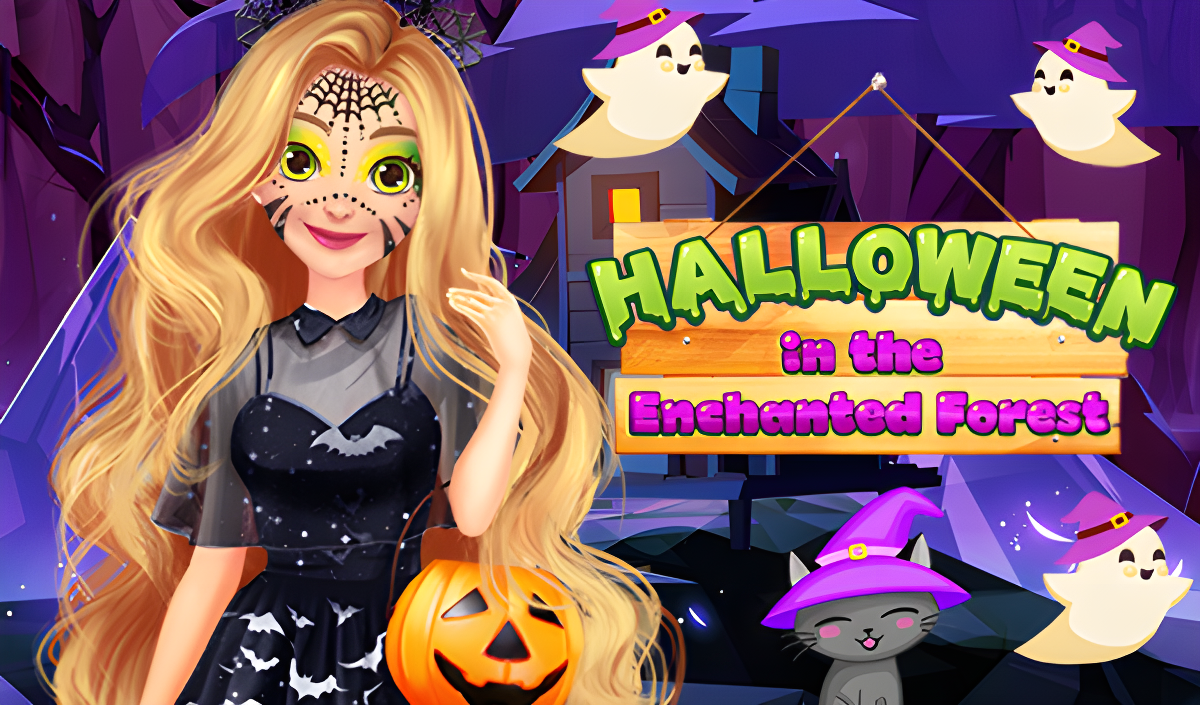
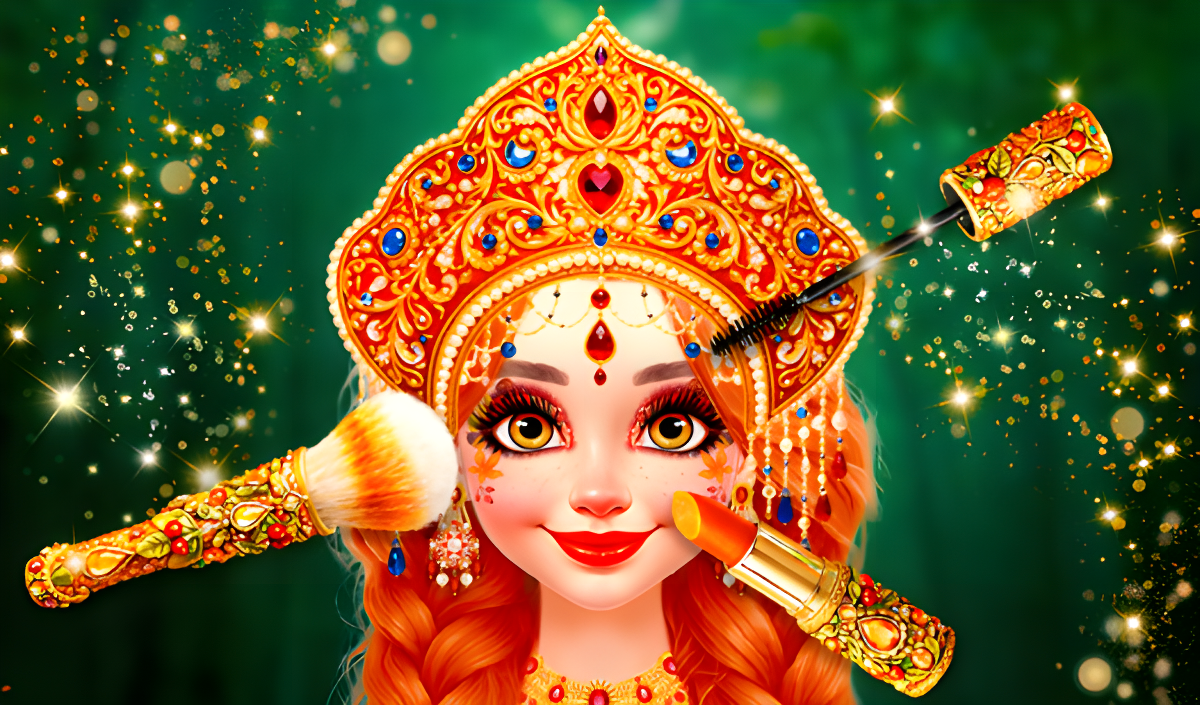
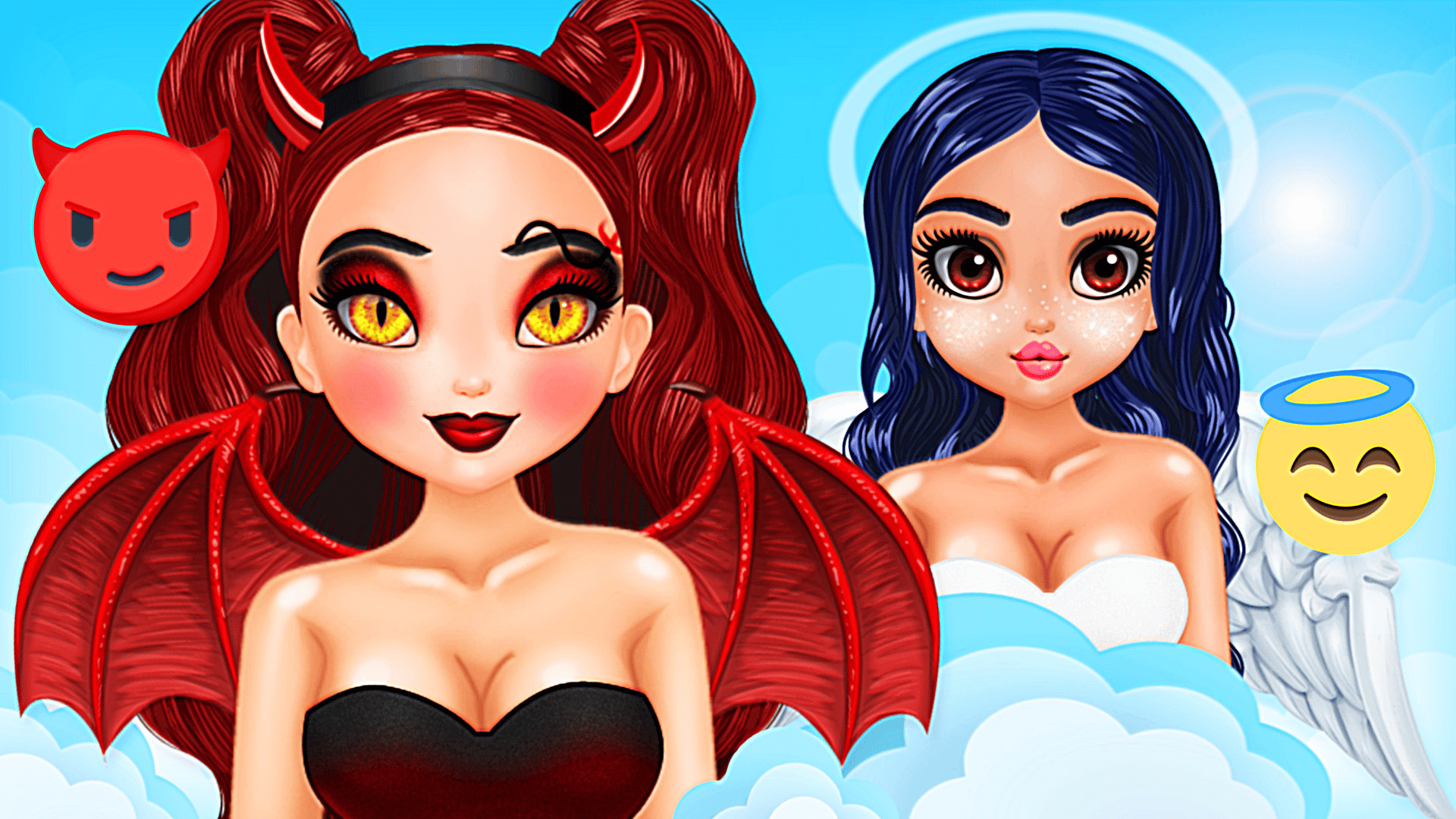
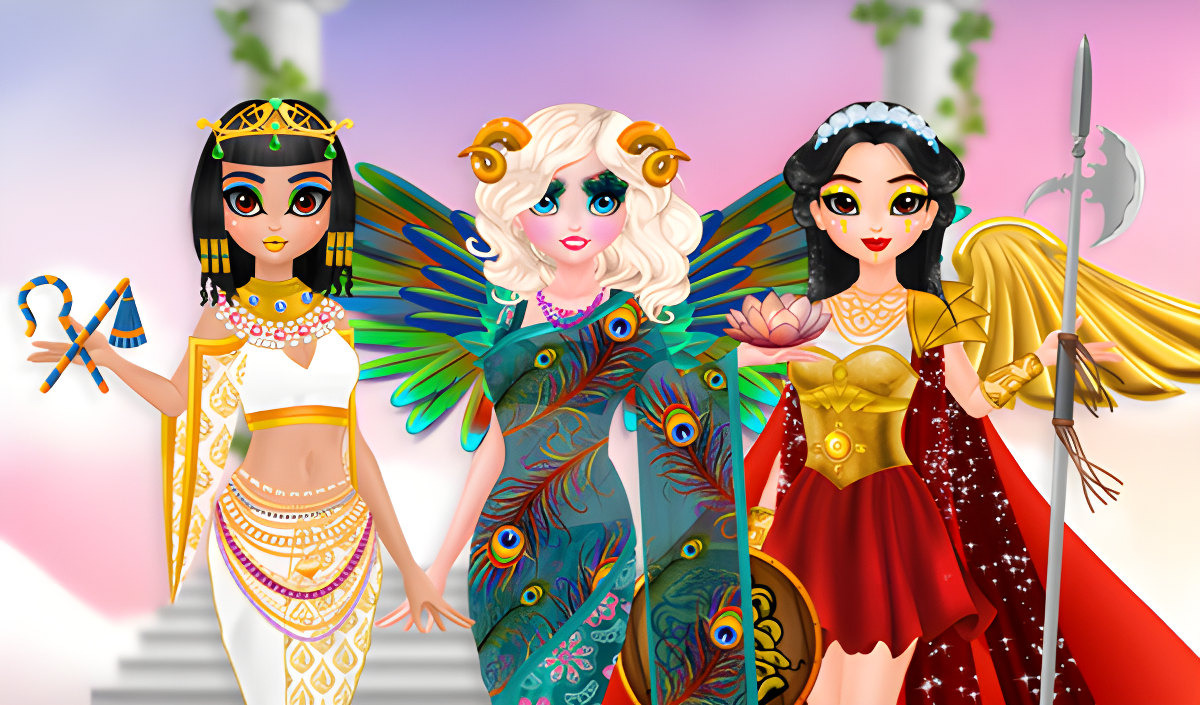
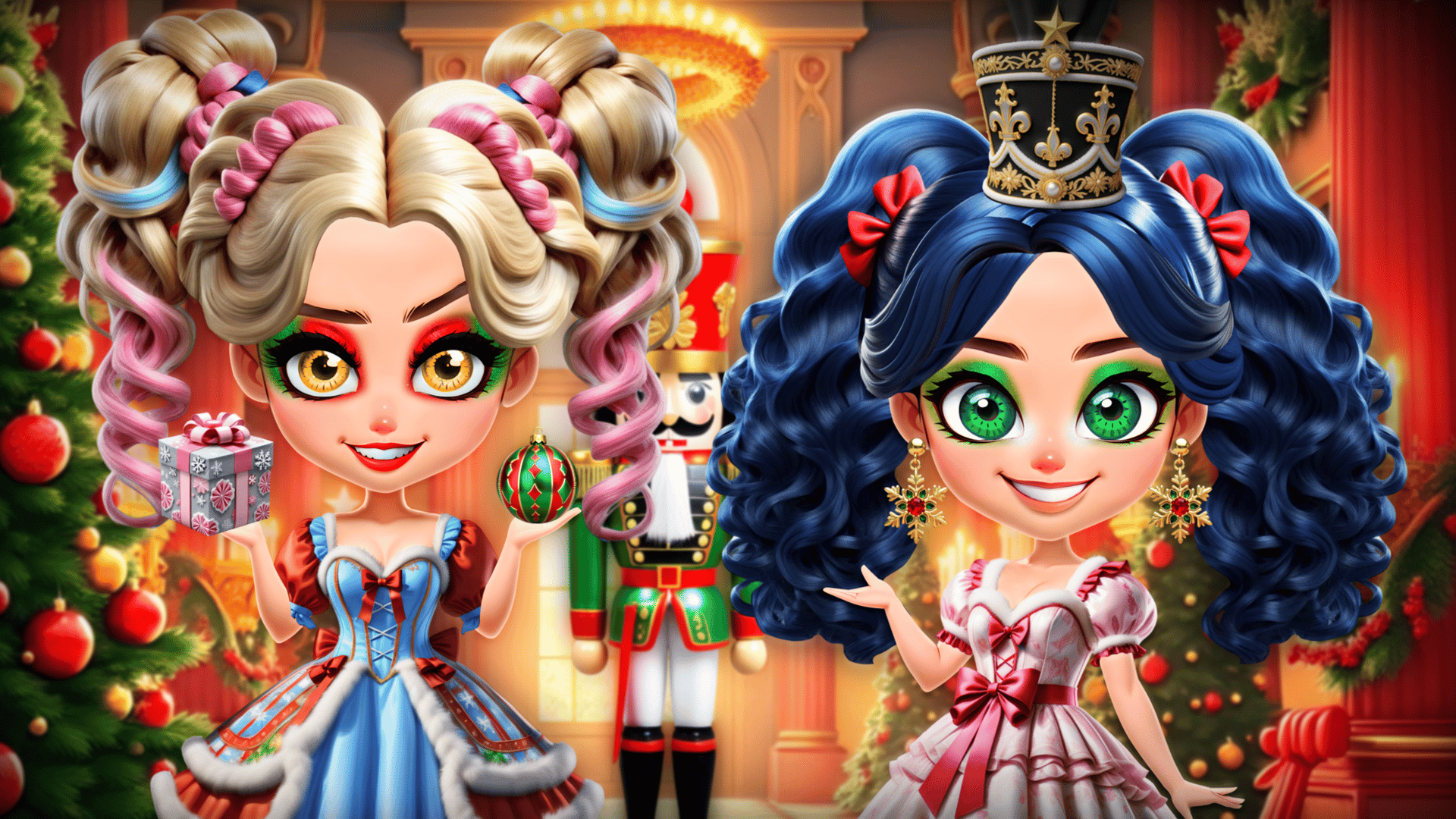
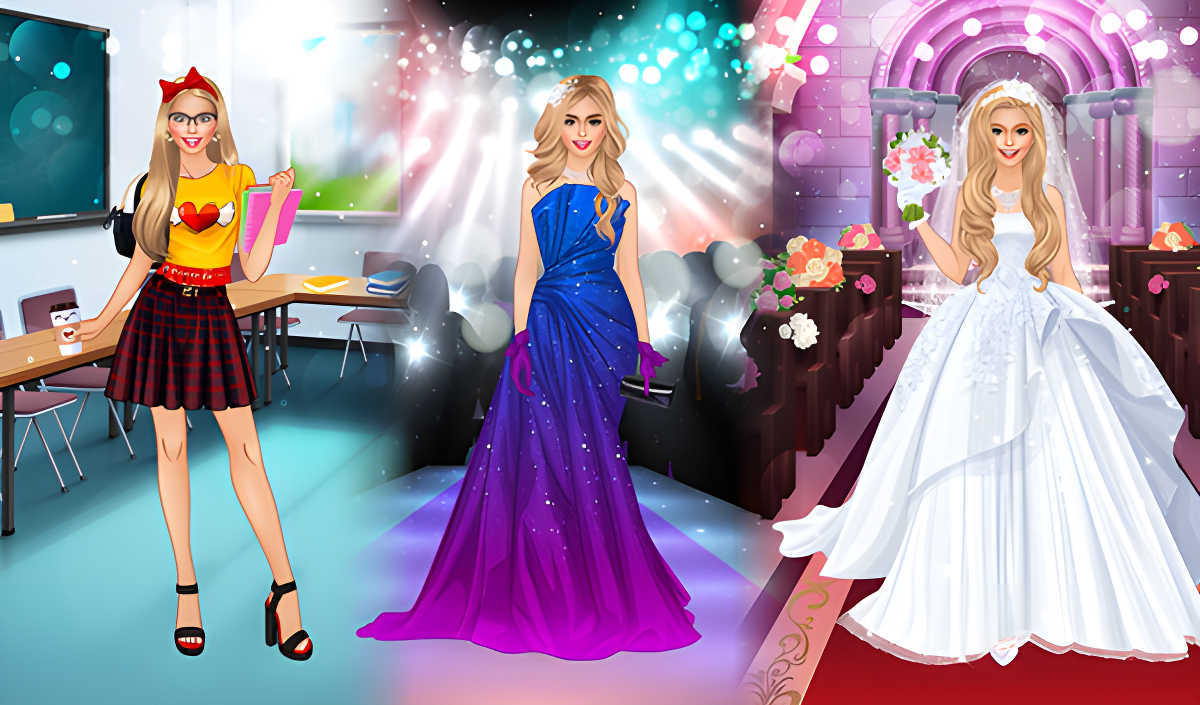
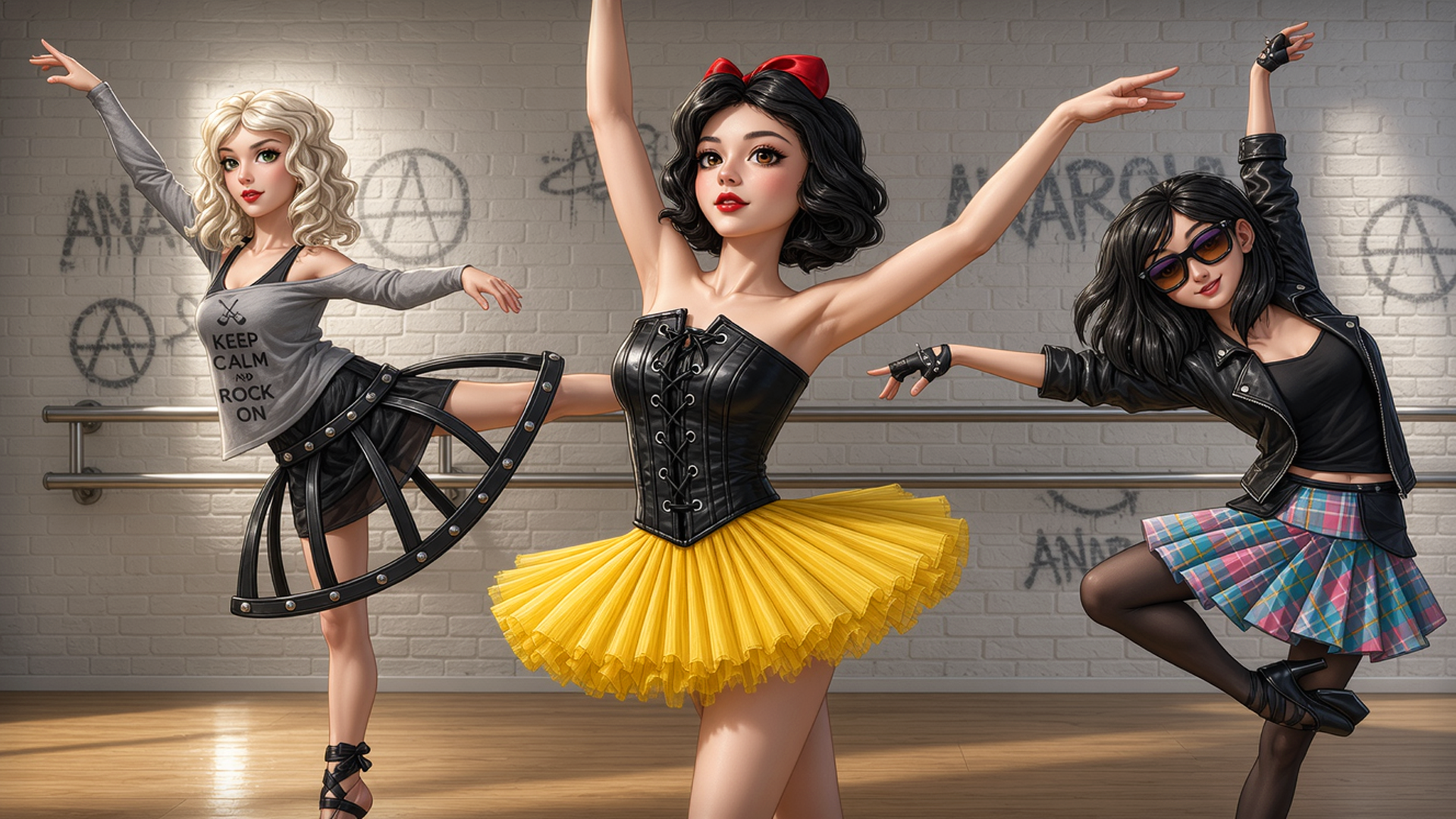
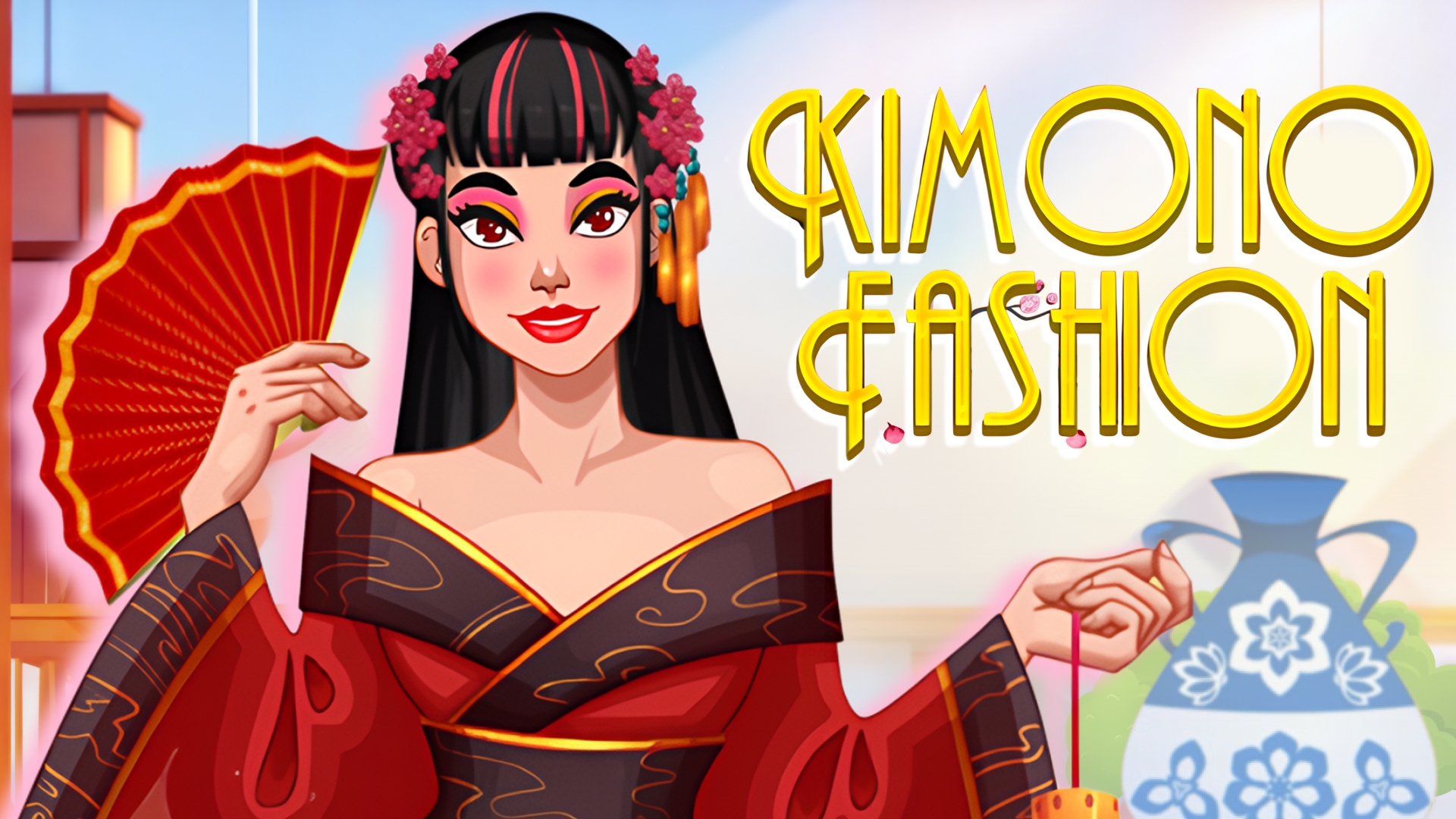
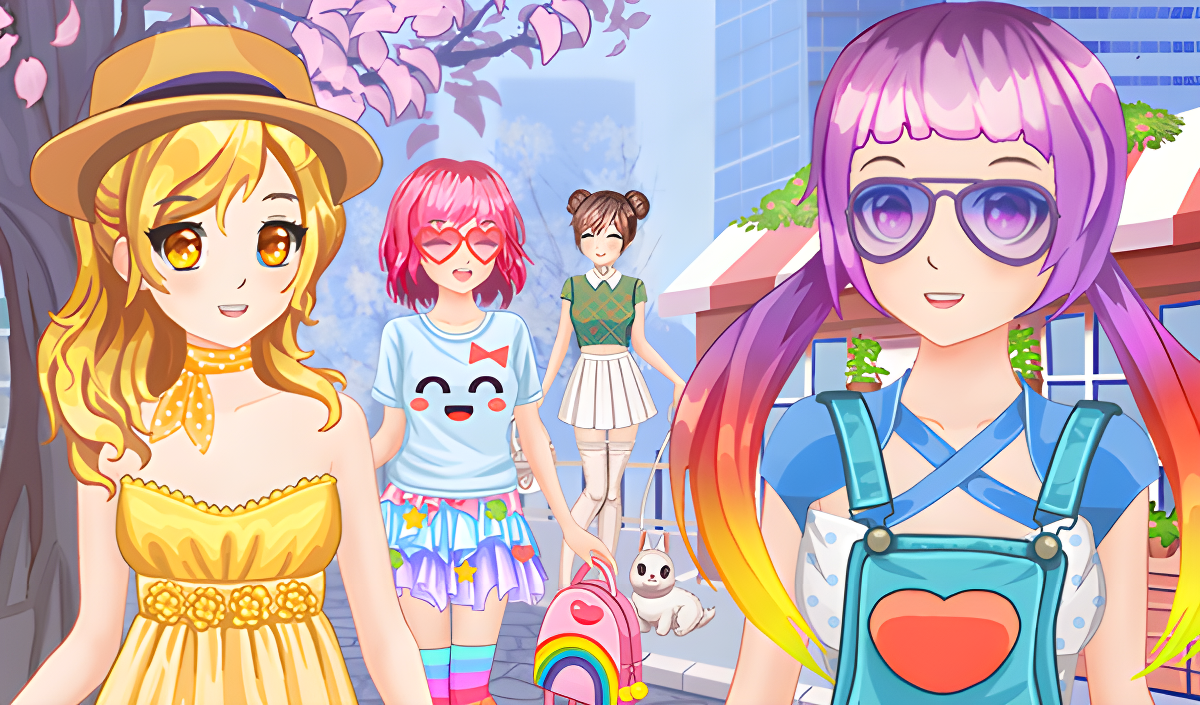
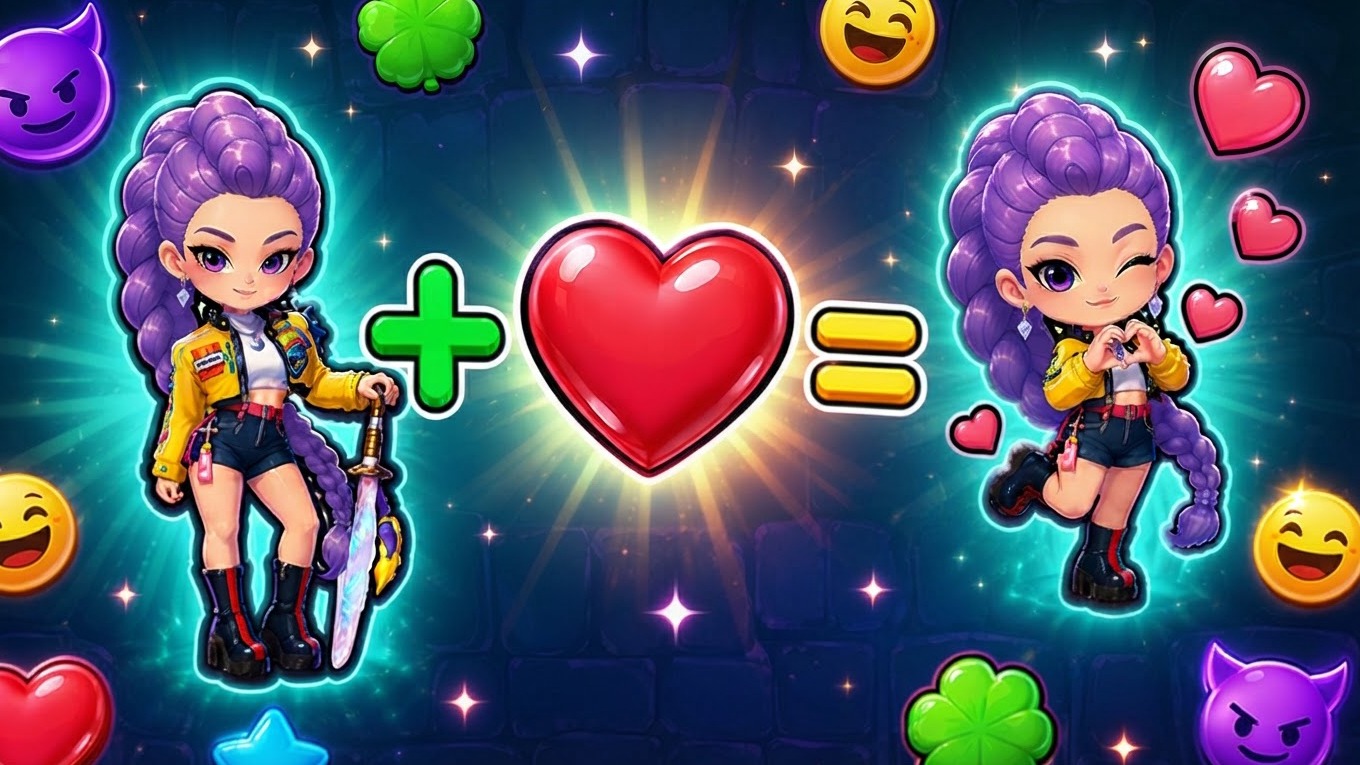
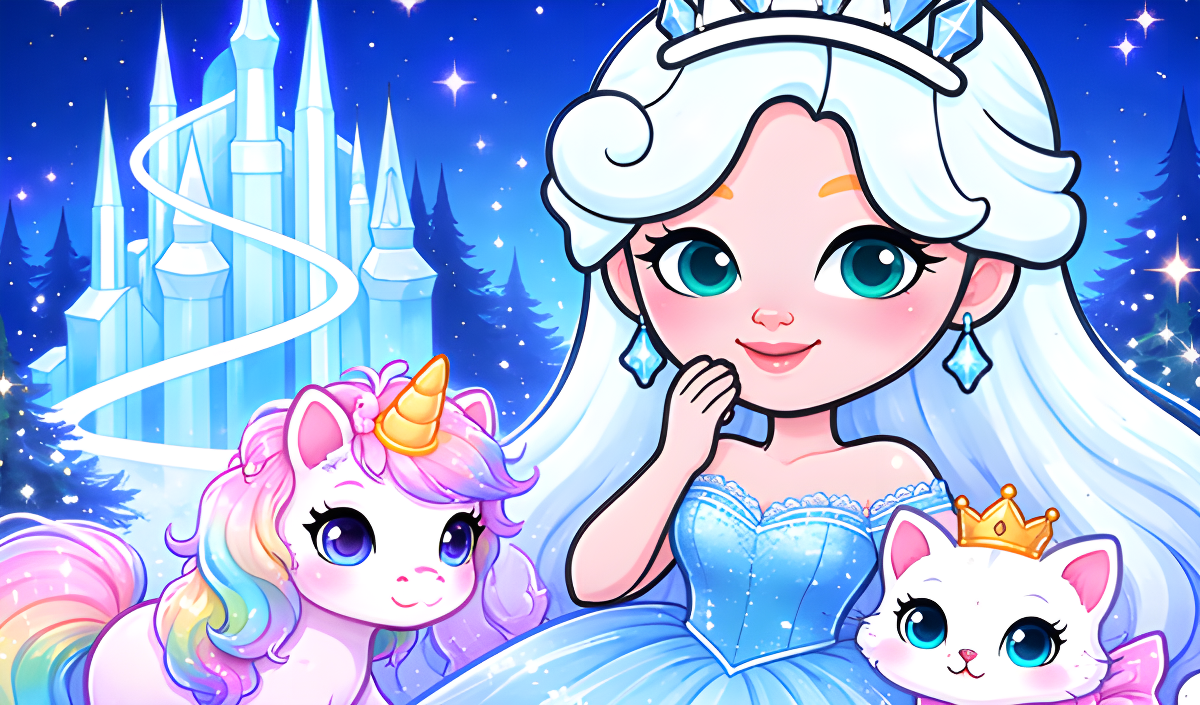
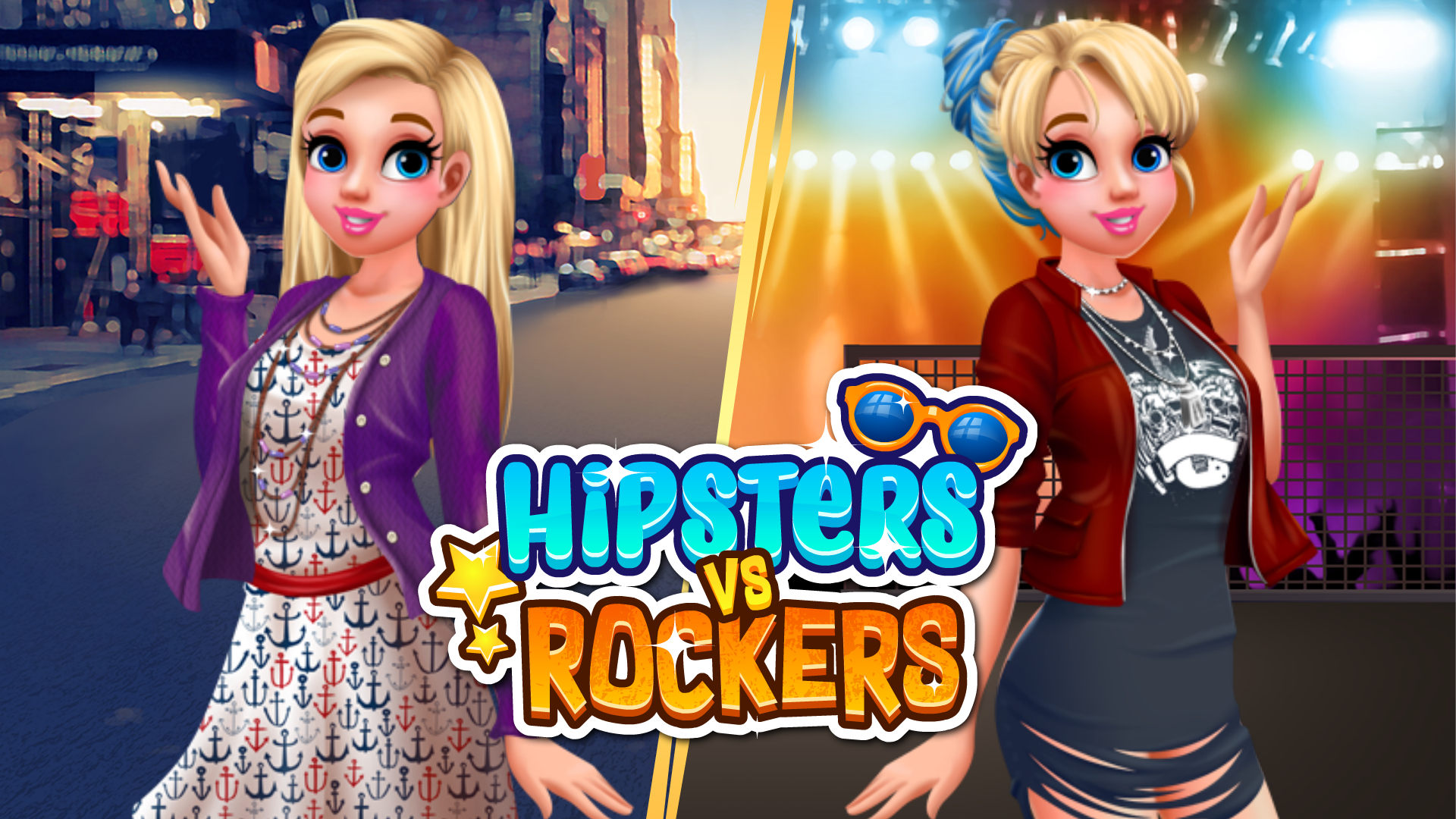
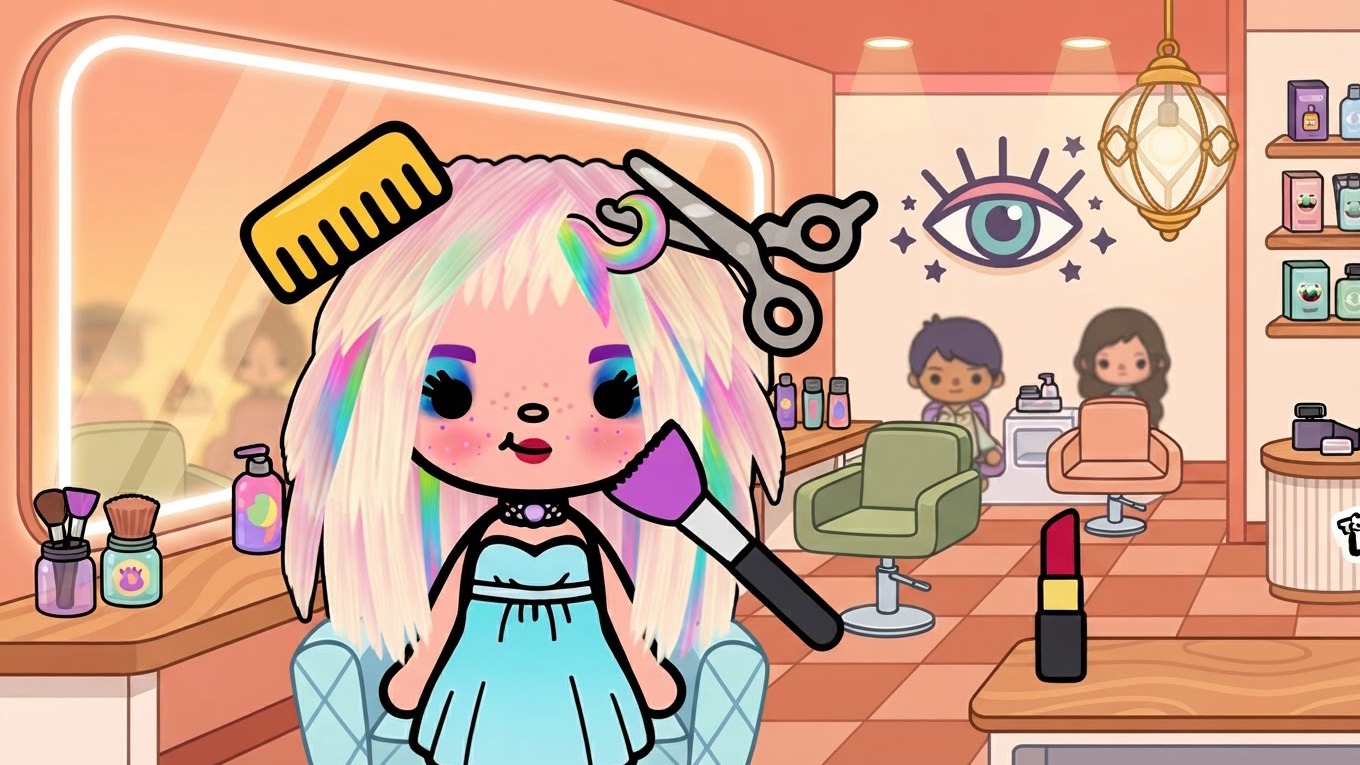
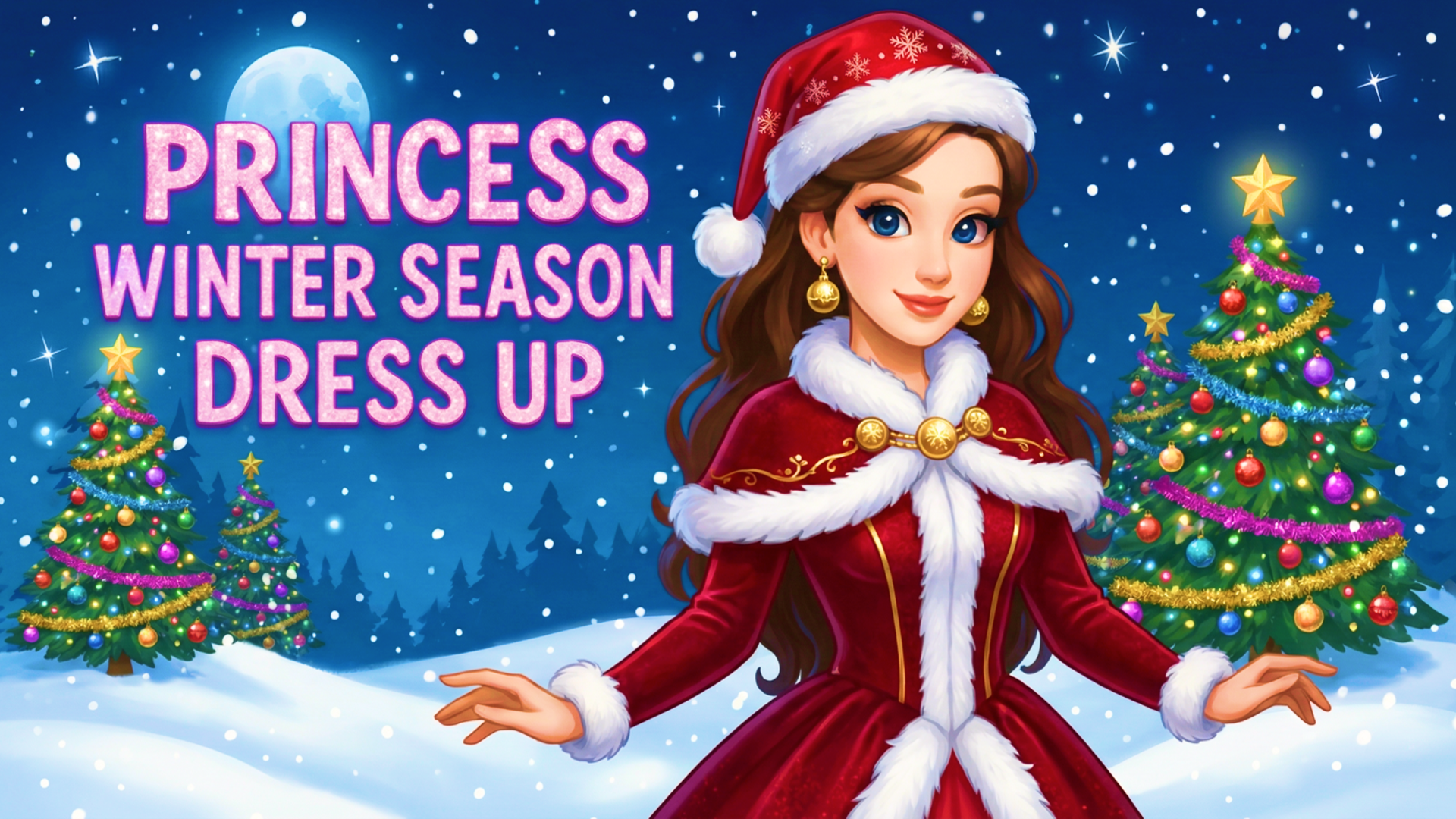
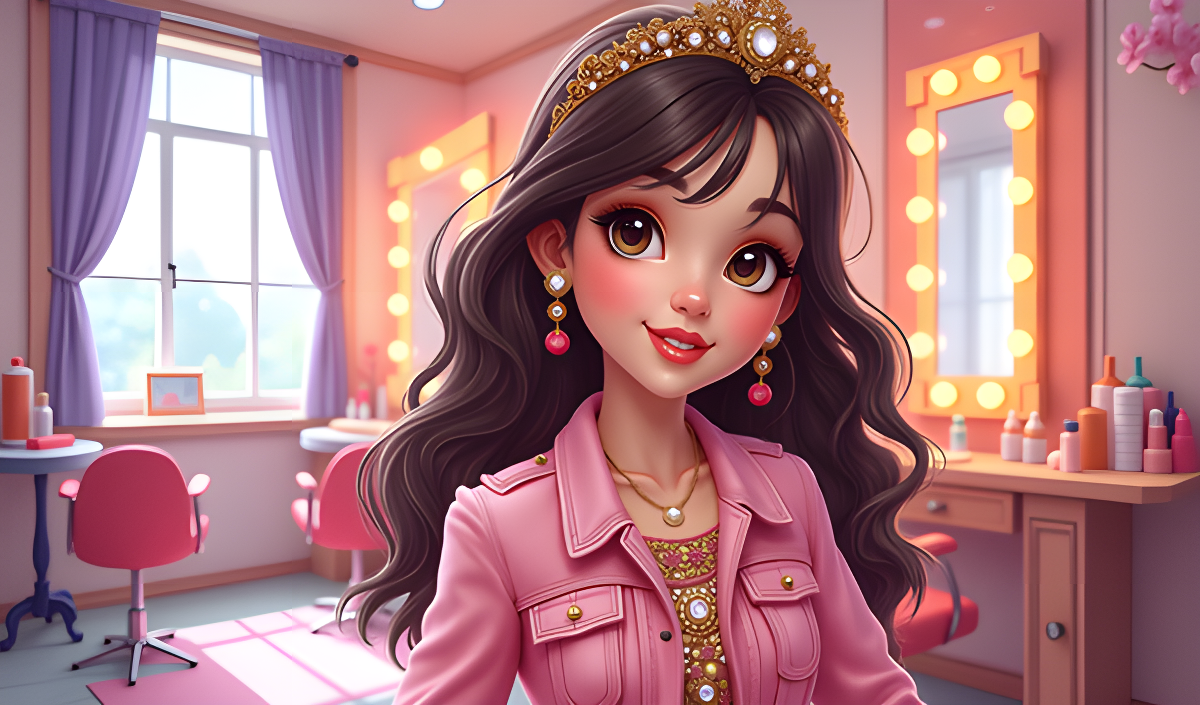
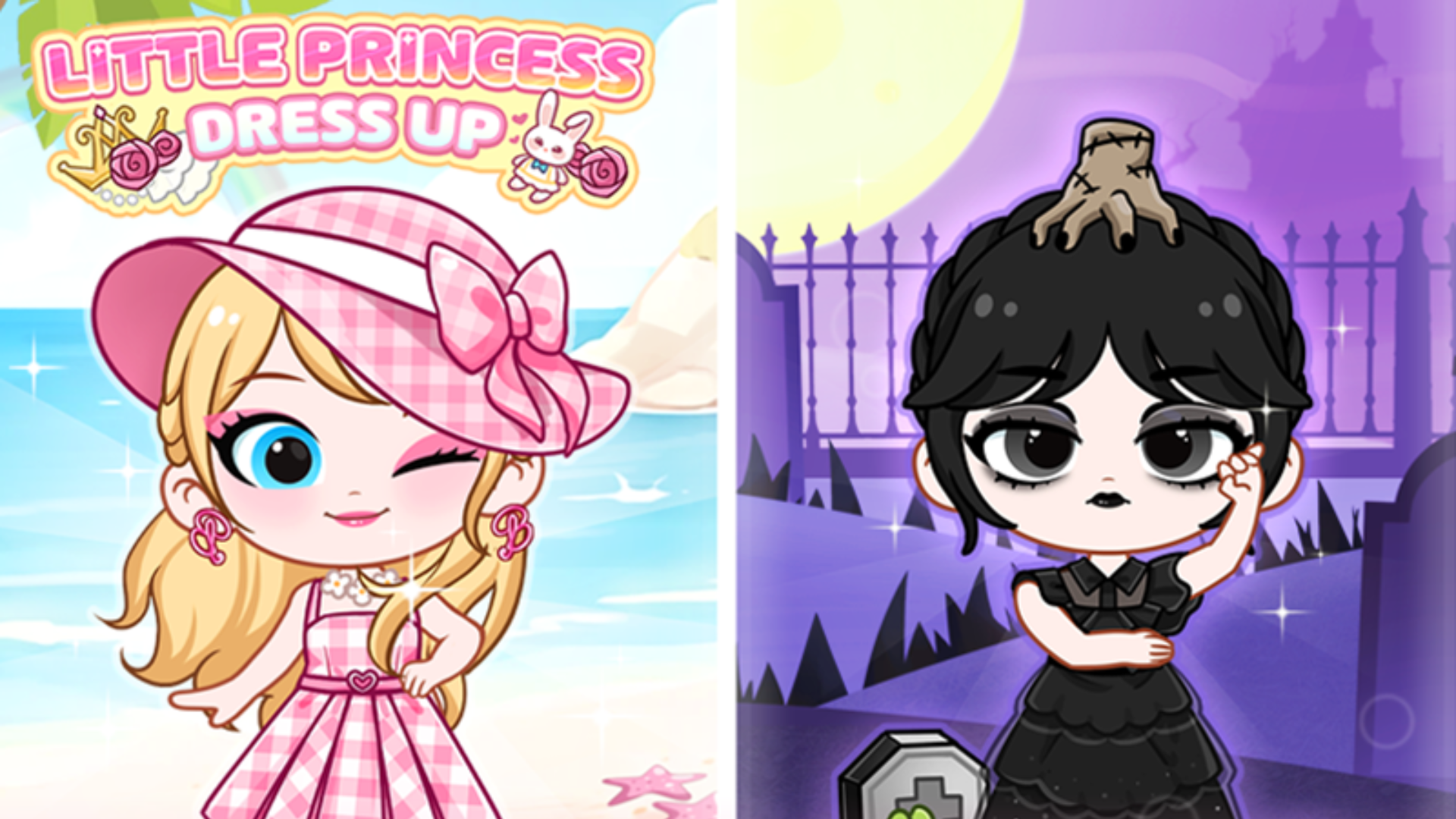
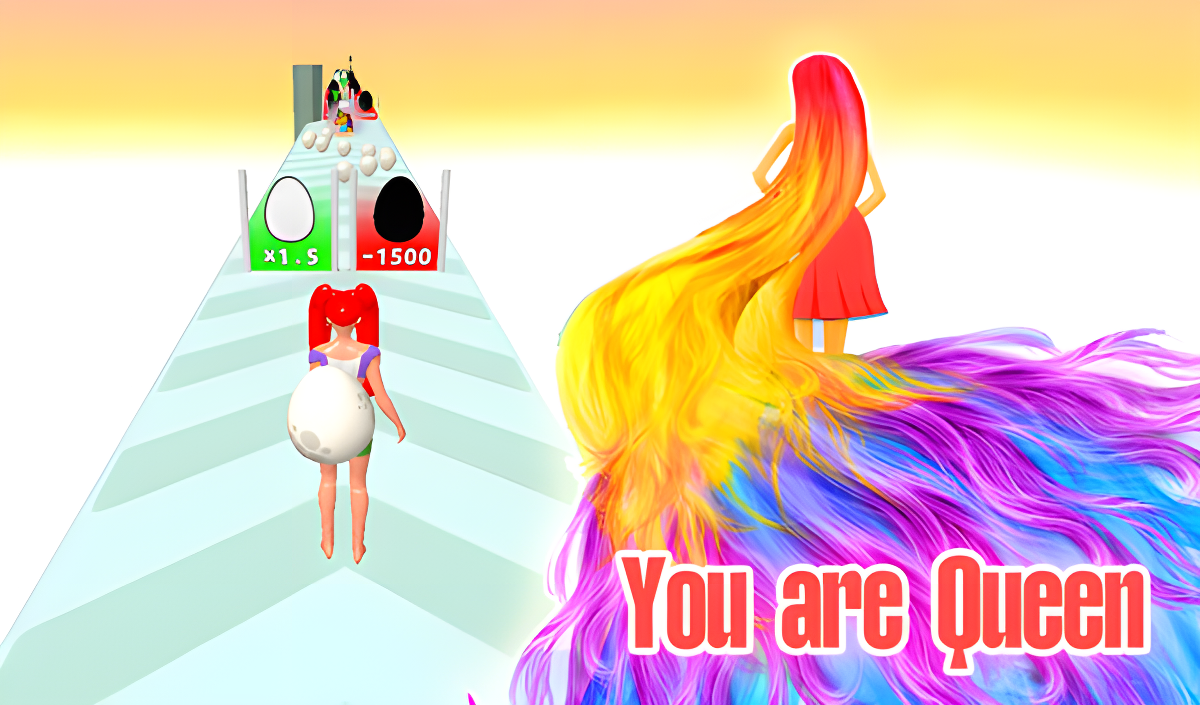
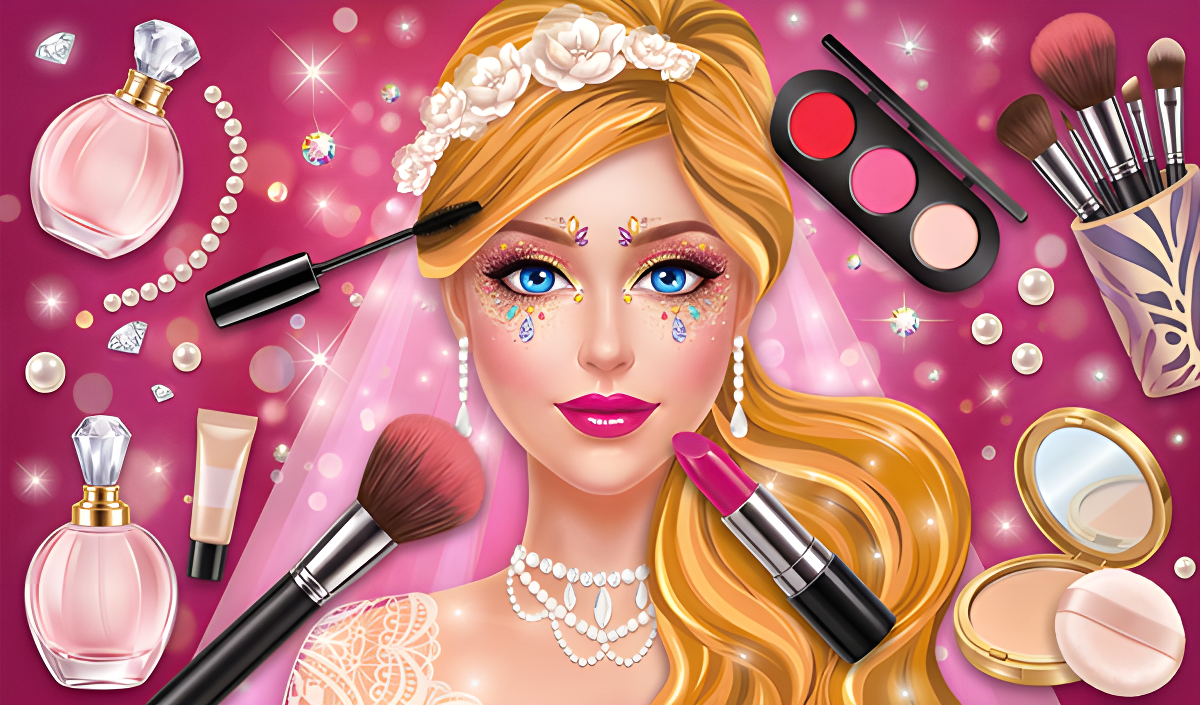
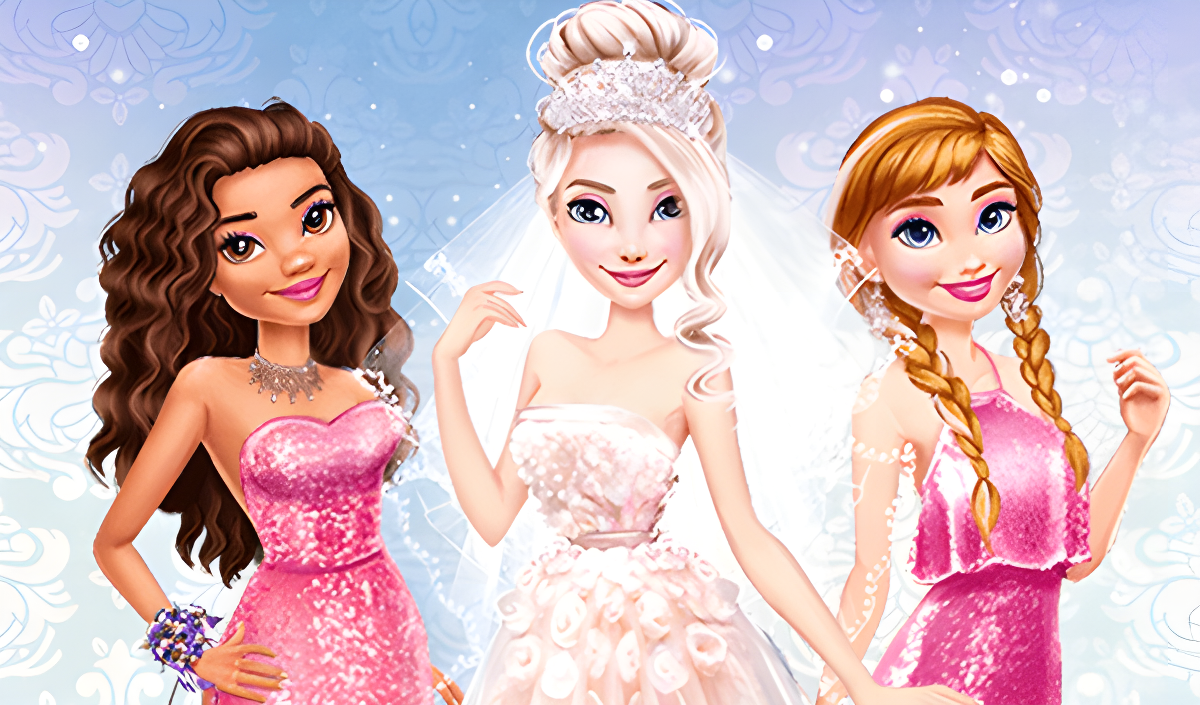
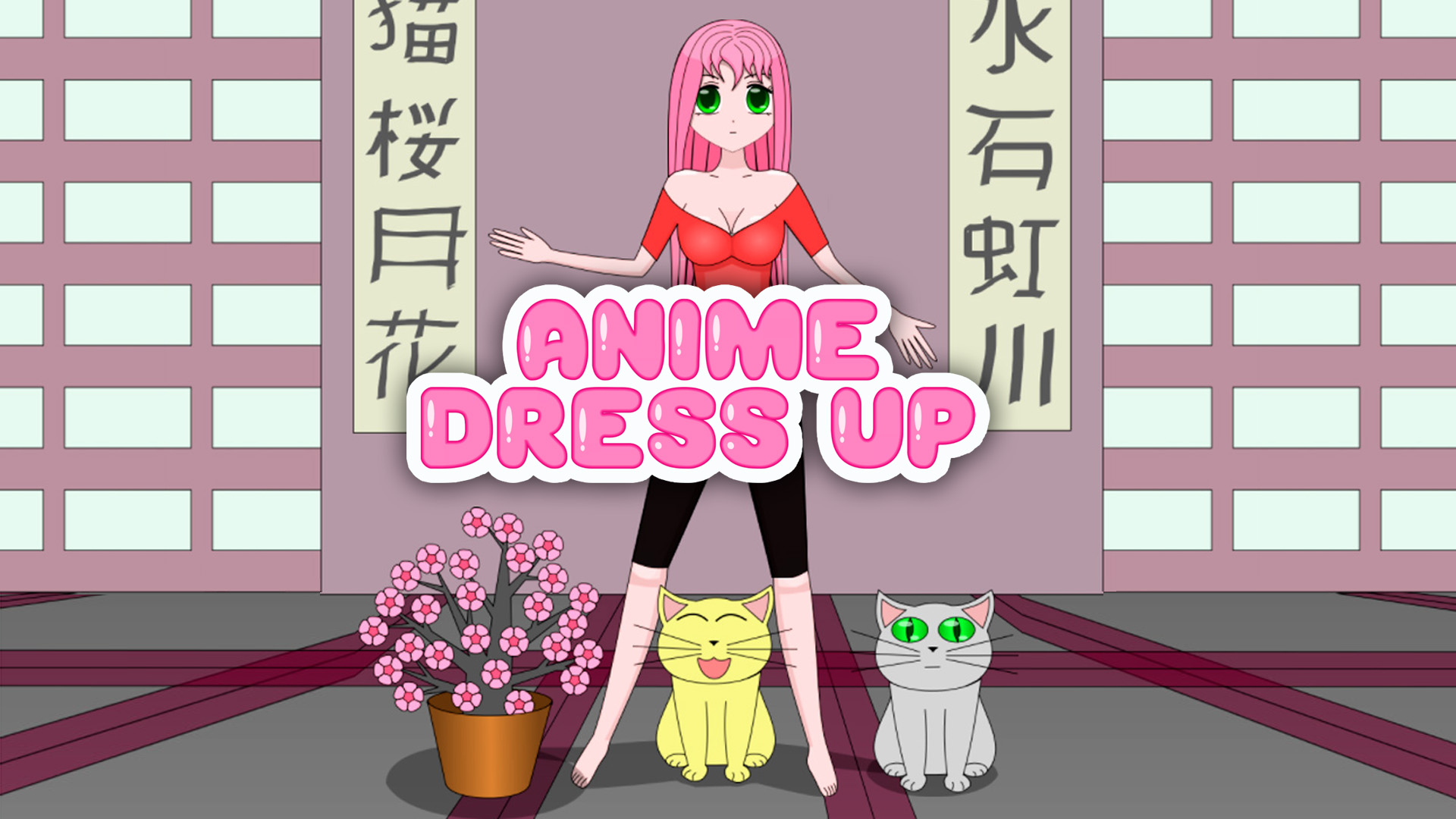
Many games in this category emphasize fashion and avatar design, often overlapping with Princess Dress Up mechanics. In Doll Dress Up: Dream House, you select a character and combine various clothing items from a digital wardrobe. If you prefer specific art styles, Magic Princess and Dress Up Anime Girl offer anime and chibi character models where you apply cosmetics and arrange background scenarios. For players interested in modern aesthetics, Queenka Avatar: Create a Character allows you to design block-style avatars by choosing shirts, skirts, and accessories. You can also focus specifically on hair and makeup mechanics in Beauty Salon: Makeover & Dress Up.
Puzzles and Fantasy Adventures
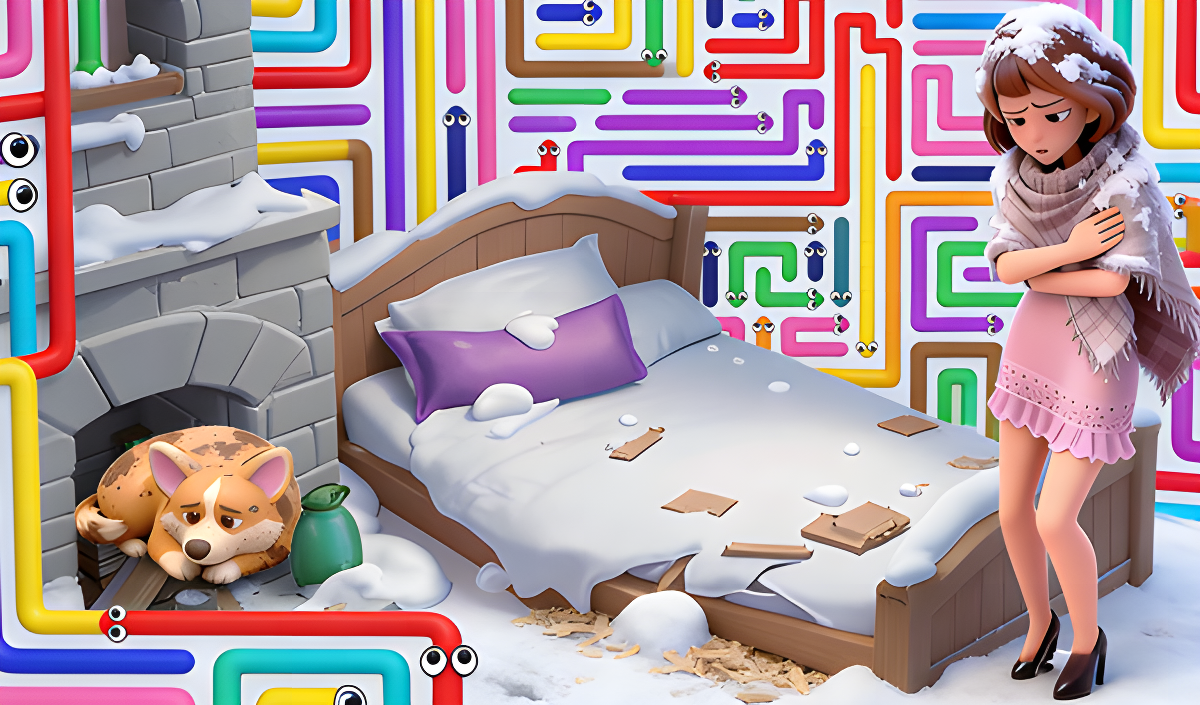
Beyond styling, this category includes logic and resource management games set in Fantasy Games environments. In Arrows: Help the Family, you clear directional arrow mazes to earn stars, which are used to rebuild a home. World of Zabava: Match 3 requires you to align identical elements on a grid to clean and arrange items in an abandoned castle. For narrative-driven gameplay, Royal Kitchen: The Lost King involves clicking on highlighted objects to gather resources and clear obstacles to locate a missing monarch. You can also explore similar themes in the Magic category.
Features of Princess Games
- Avatar Customization: Modify clothing, hairstyles, and accessories on various character models.
- Diverse Art Styles: Interact with 2D illustrations, block-based avatars, and anime designs.
- Puzzle Mechanics: Complete match-3 grids, navigate mazes, or find hidden objects to progress through levels.
- Resource Management: Collect in-game currency or stars to unlock new items or upgrade environments.
- Cross-Platform Play: Titles are optimized for mouse clicks on desktop and touchscreen inputs on mobile devices.
FAQ
What are the most popular Princess?
These titles feature frequently played character customization tools and fantasy puzzle mechanics.
- Paper Doll Makeover & Dress Up
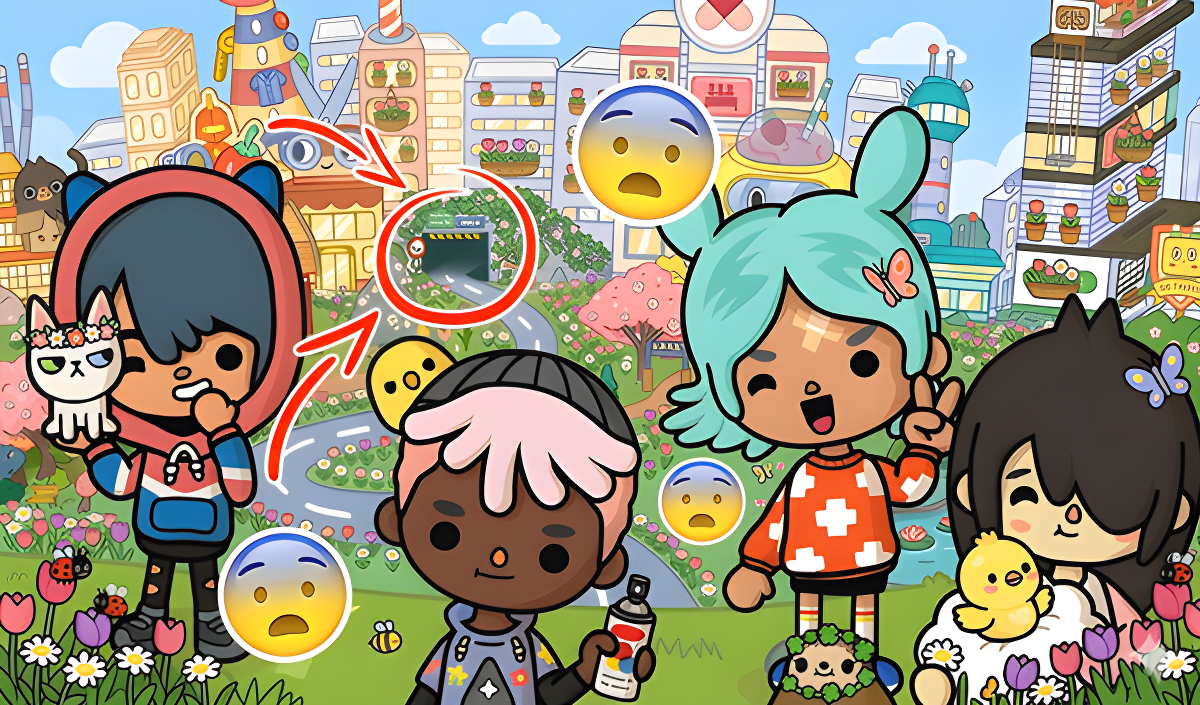
- Toca World Online
- Princess Dental: Dentist Games
- Arrows: Help the Family
- Beauty Salon: Makeover & Dress Up
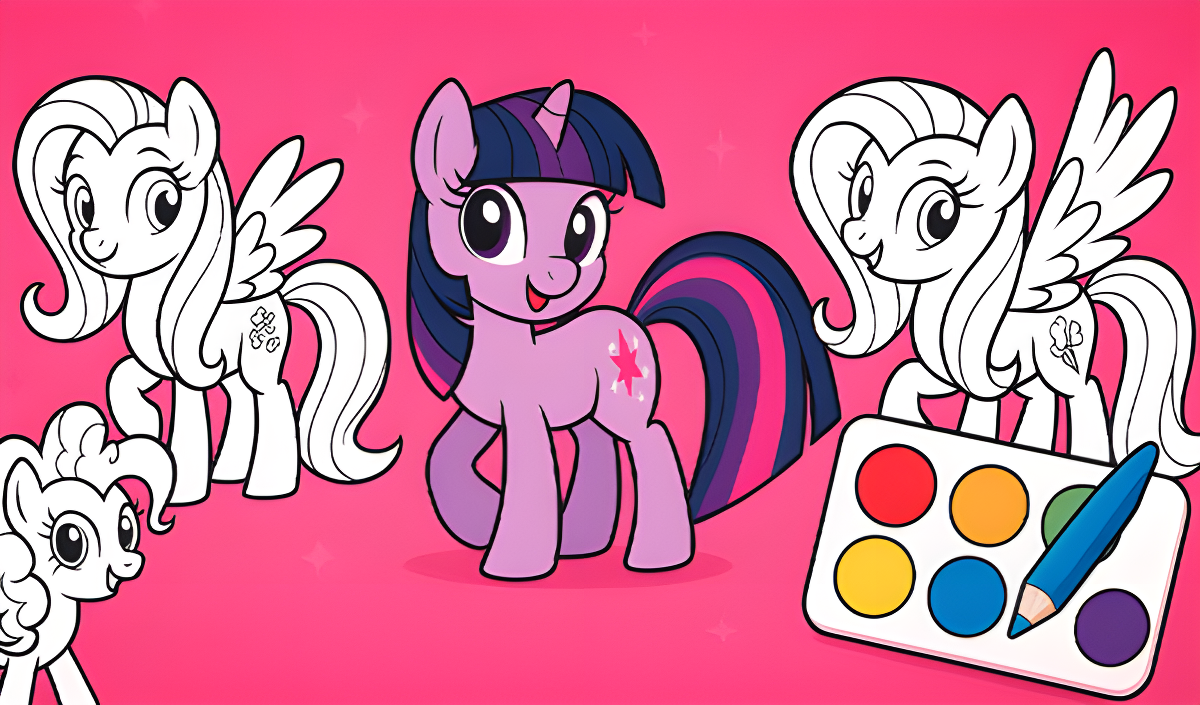
- Little Pony: Coloring Book
- Magic Princess
- Queenka Avatar: Create a Character
- Doll Dress Up: Dream House
- Hair Salon Playtime
What are the best Princess for mobile?
These browser-based titles are optimized for touchscreen controls on smartphones and tablets.