


































Rise of the DeadPoppy Playhouse #1
Poppy Playhouse #1 - Play Online
Return to an abandoned toy factory where rusted machinery hums and distorted mascots patrol the corridors. Grip objects with extendable mechanical hands, solve electrical puzzles, and survive encounters with hostile creatures lurking in the shadows. No downloads—jump straight into Unity-powered mascot horror on any desktop browser through horror games on Playgama.
How to Play Poppy Playhouse #1
Navigate the factory as a former employee investigating the disappearance of your coworkers. Use WASD to move, Shift to sprint, C to crouch, and Spacebar to jump. Left and right mouse buttons control your mechanical hands—grab batteries, activate switches, and rotate pillars with Q/E keys. Press E to interact with doors and devices. Stay sharp. Something watches from every vent.
Extend Your Reach
Both mechanical hands stretch across gaps to snag distant objects. Click left mouse to fire the blue hand, right mouse for the green hand. Connect power cells to sockets, yank levers, and drag physics objects to unlock pathways. The hands lock onto interactive nodes with a satisfying snap, letting you manipulate the environment without crossing dangerous ground. Watch for hand-scanner pads that trigger shutters and reveal new sections of the factory.
Solve and Survive
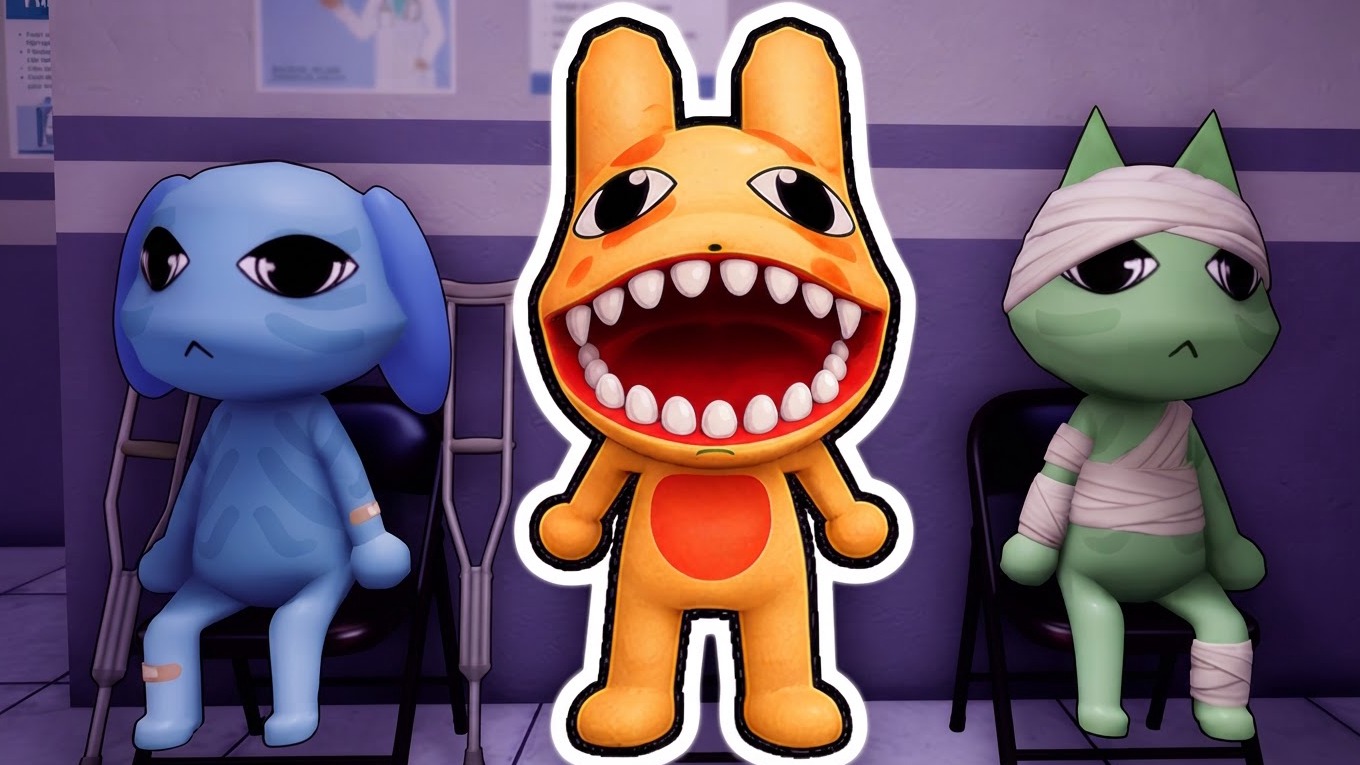
Each corridor hides electrical puzzles—batteries slot into colored sockets to power dormant machinery. Rotate cylindrical pillars to align circuits, drag boxes onto pressure plates, and sequence switches in the correct order. Small, colorful mascots with distorted faces patrol the tiled floors. Crouch behind crates when you hear shuffling. Sprint when spotted. Miss a timing window and restart from the last checkpoint. Poppy Playhouse #1 layers puzzle progression with chase sequences where reflexes matter as much as observation.
Factory Survival Tips
Explore every side room before advancing—batteries and clues hide behind shelving units and under desks. Listen for audio cues: metal scraping means a mascot changed patrol routes. Use crouch to minimize noise when passing through narrow vents. If a puzzle stumps you, check for interactive objects above eye level—some switches mount on walls or dangle from ceilings. Fans of Poppy Playtime Chapter 1 will recognize the GrabPack rhythm, while newcomers should practice hand timing on static objects before attempting live encounters.
Key Features
- Dual-Hand Mechanics: Control blue and green extendable grips independently to interact with distant switches, batteries, and physics objects across multi-layered puzzle rooms.
- Low-Poly Unity Horror: Flat lighting and high-contrast toy-themed environments create sterile corridors and shadowy corners where mascot enemies blend into backgrounds.
- Electrical Puzzle Chains: Connect power cells to colored nodes, rotate pillars to align circuits, and sequence interactions to unlock shutters and progress through factory sections.
- Mascot Pursuit Loops: Distorted bear and rabbit NPCs patrol fixed routes—crouch to hide, sprint to escape, and time your movements between patrol cycles to avoid restarts.
Who is Poppy Playhouse #1 for?
Perfect for mascot-horror enthusiasts chasing the tension of Poppy Playtime or FNAF without installation barriers. Desktop players who enjoy physics-based interaction, circuit puzzles, and stealth evasion will find quick sessions of creeping through toy-factory corridors. If you crave atmospheric exploration mixed with timing challenges and don't mind rudimentary textures in exchange for instant browser access, Poppy Playhouse #1 delivers tense encounters and mechanical problem-solving. Fans seeking similar vibes should try Five Nights at Freddy's 2 for stationary animatronic survival or Garten of Banban for drone-hand puzzle mechanics in another abandoned facility filled with monster games threats.
Developer
Poppy Playhouse #1 was developed by Northman Games. The studio delivers Unity-based mascot horror with dual-hand interaction systems and electrical puzzles optimized for desktop browser play with no downloads required.
Controls
- WASD: Move forward, backward, strafe left, strafe right
- Left Mouse Button: Fire blue mechanical hand to grab objects
- Right Mouse Button: Fire green mechanical hand to grab objects
- Spacebar: Jump over obstacles
- Shift: Sprint to escape pursuit
- C: Crouch to hide behind objects
- Q / E: Rotate cylindrical pillars for puzzle alignment
- E: Interact with doors, switches, and hand-scanners
FAQ
Can I play Poppy Playhouse #1 on mobile devices?
No, the game currently supports desktop platforms only. Keyboard and mouse controls are required for dual-hand mechanics and precise interaction with electrical puzzles.
How do the mechanical hands work in puzzles?
Left-click fires the blue hand, right-click fires the green hand. Each grips interactive objects like batteries and levers from a distance. Drag items to sockets or rotate pillars with Q/E keys while gripping. Release the mouse button to drop objects.
What happens if a mascot catches me?
The encounter ends and you restart from the most recent checkpoint. Use crouch to minimize detection and sprint when spotted. Study patrol patterns and time your movements between mascot routes to avoid restarts.
Do I need to install anything to play?
No installation required. The game runs directly in your desktop browser via Unity WebGL. Click play and start solving puzzles immediately on Playgama.
Are there jump scares or intense horror moments?
Yes. Distorted mascots appear suddenly during chase sequences, and audio cues signal nearby threats. The atmosphere builds tension through shadowy corridors and unpredictable enemy movement rather than constant scares.