


Obby: Money Tycoon. Tower to the Sky!
Obby: Money Tycoon. Tower to the Sky! - Play Online
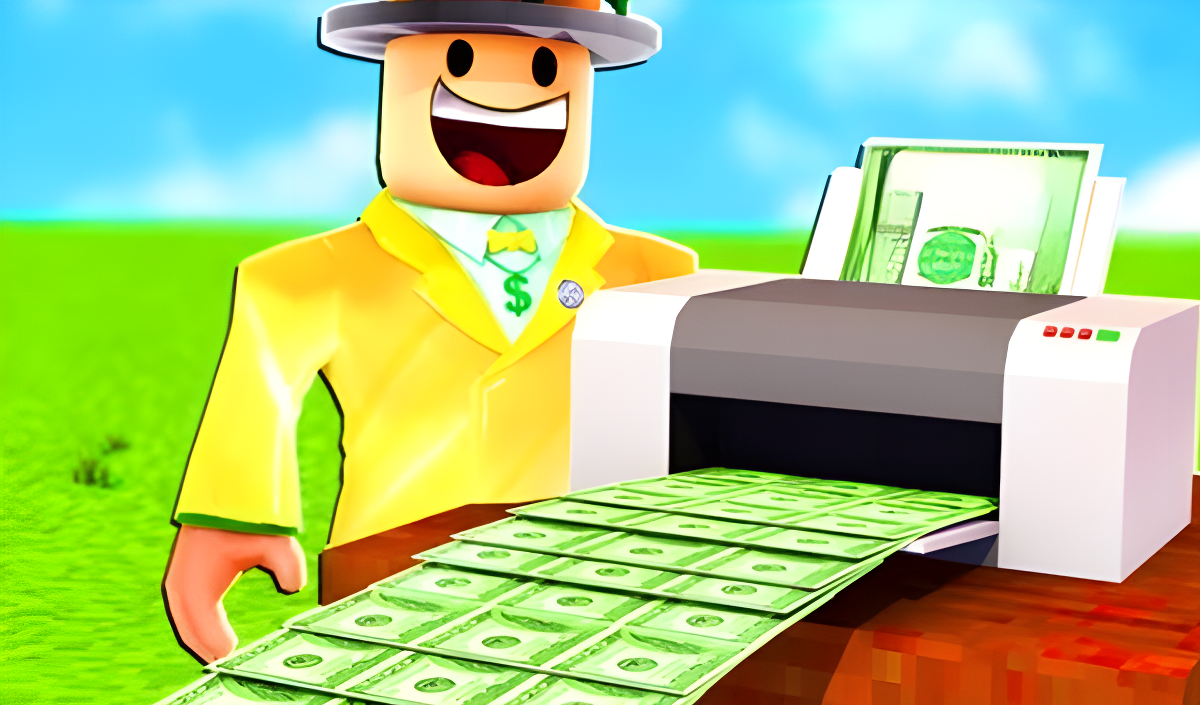
If you've ever wandered around a Roblox tycoon game, you already know what's coming. This is pure idle factory vibes mixed with light platforming—stand near machines, watch cash pile up, then spend it on upgrades to make even more cash. The goal is simple: build the biggest money factory, unlock pets and skins, and climb the global leaderboard. It's designed for kids who want to zone out and watch numbers go up without breaking a sweat.
Key Features
- Idle Money Factory: Watch droppers pump out cash while you explore your tycoon base.
- Pet Collection & Skins: Unlock rare pets and outfit your avatar with cool cosmetics.
- Prize Wheel & Leaderboards: Spin for rewards and compete globally to prove you're the top tycoon.
- Works Everywhere: Runs smooth on browser, PC, and mobile with basic graphics that won't fry older devices.
How to Play Obby: Money Tycoon. Tower to the Sky!
Getting started is dead simple—mastering the grind takes patience and a love for watching numbers tick up.
Set Up Your Money Machines
You spawn into a central factory floor covered in conveyor belts and droppers. Walk over to the floating price tags on the ground and stand near them to purchase new machines or upgrade existing ones. Each dropper spits out resources that convert to cash automatically. On PC, you move with WASD, jump with Spacebar, and rotate the camera with right-click. On mobile, you've got a virtual joystick and UI buttons. It's standard Roblox controls—nothing fancy.
Watch the Cash Flow and Expand
Once your droppers are running, green blocks travel down conveyors and turn into currency. The more machines you buy, the faster cash accumulates. You'll see red gates that multiply your earnings—stand near them and purchase upgrades to boost production. The real challenge is deciding when to save for big upgrades versus buying smaller boosts. There's no pressure or time limit, so you can idle and let the factory run while you do something else.
Unlock Pets, Skins, and Climb the Ranks
As your cash stacks up, head to the prize wheel and spend some earnings for random rewards. You'll unlock pets that follow you around (purely cosmetic) and skins to customize your character. Check the global leaderboard to see how your factory compares to other players. The endgame is basically seeing how high you can push your earnings per second and showing off your collection.
Who is Obby: Money Tycoon. Tower to the Sky! for?
This is squarely aimed at kids aged 6-12 who are already glued to Roblox. If you love watching progress bars fill and numbers explode without much effort, you'll feel at home. It's perfect for playing on a phone during a car ride or leaving open in a browser tab while doing homework. Not recommended for anyone looking for skill-based challenges or original gameplay—this is a textbook tycoon clone with zero surprises.
The Gameplay Vibe
It's chill to the point of being sleepy. The visuals are bare-bones Roblox aesthetic—flat colors, basic shapes, diamond plate floor textures that tile awkwardly. There's a music toggle button, but honestly, the audio is forgettable background noise. The whole experience feels low-friction and repetitive. You're not really "playing" so much as babysitting a spreadsheet that looks like a game. It's meditative if you're into idle clickers, boring if you crave any real interaction.
Technical Check: Saves & Performance
The game saves your progress automatically through browser cache or your account if you're logged in. Don't clear your cookies, or you'll lose everything. Performance-wise, it's smooth even on ancient laptops or budget phones. The graphics are so minimal that lag is basically impossible unless your internet connection is toast. Load times are fast, and I didn't encounter any crashes during my session.
Quick Verdict: Pros & Cons
A safe, brain-off tycoon experience that does exactly what it says on the tin—nothing more, nothing less.
- ✅ Pro: Zero learning curve. You're earning cash within 10 seconds of spawning.
- ✅ Pro: Runs flawlessly on any device, perfect for killing time on mobile.
- ❌ Con: Completely generic. You've played this exact game a thousand times if you're a Roblox regular.
Controls
Responsive and typical for the platform. No complaints, but nothing impressive either.
- Desktop: WASD to move, Spacebar to jump, right mouse button to rotate camera, mouse wheel to zoom.
- Mobile: Virtual joystick for movement and on-screen buttons for actions.
Release Date & Developer
Developed by SvetikGames and released on June 18, 2025. It's a fresh upload but uses the same formula that's been circulating the Roblox catalog for years.