


























Noob and Pro vs Warden










About Noob and Pro vs Warden
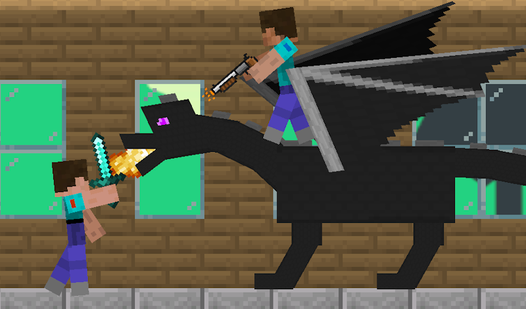
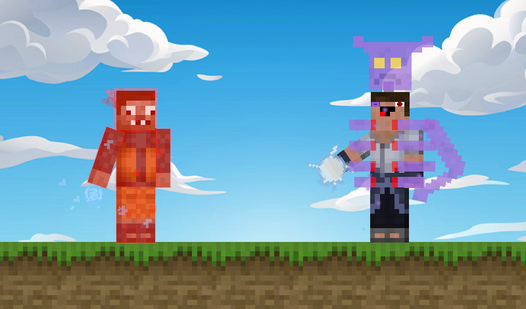
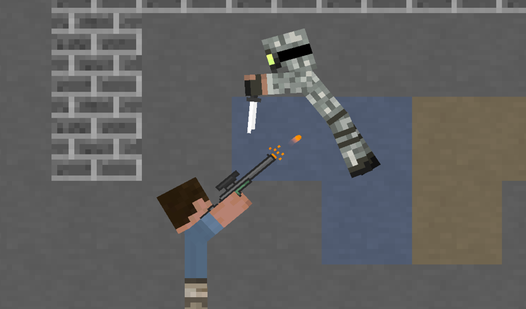
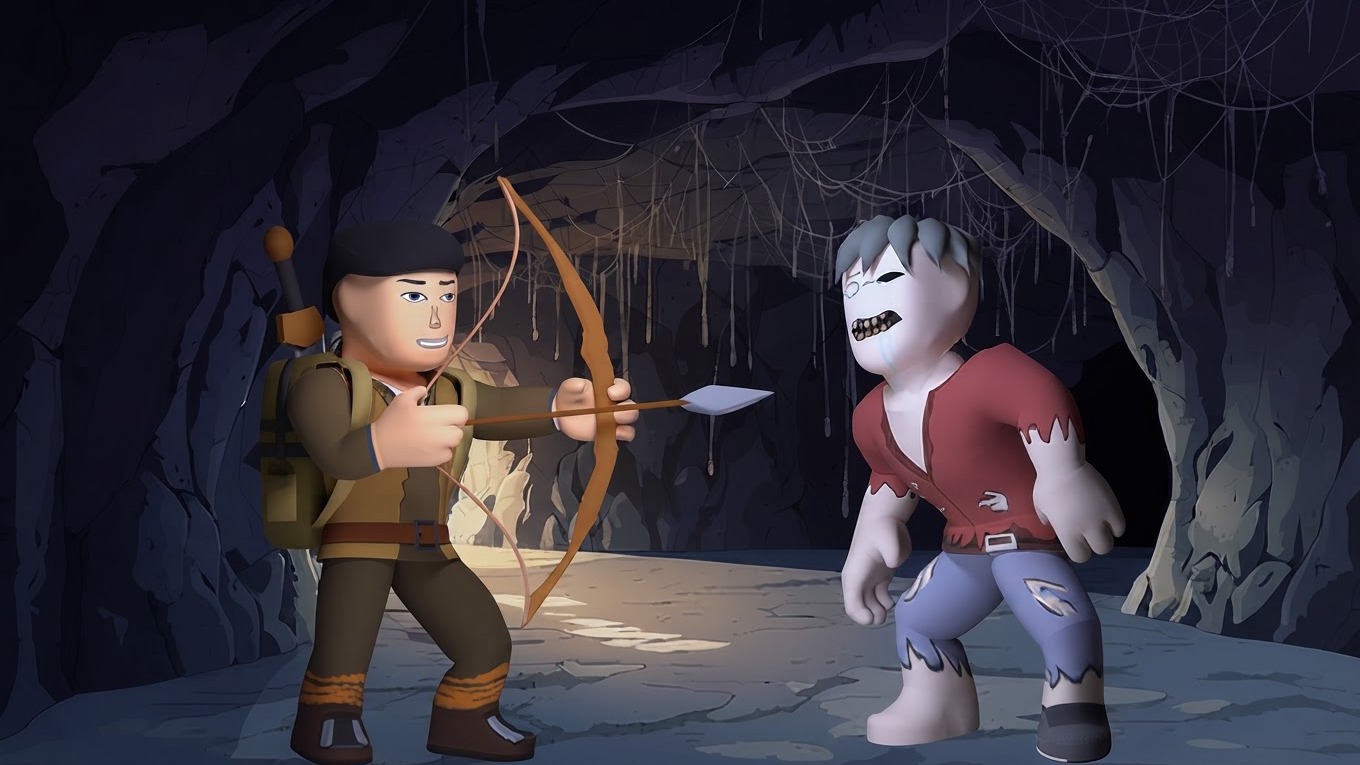
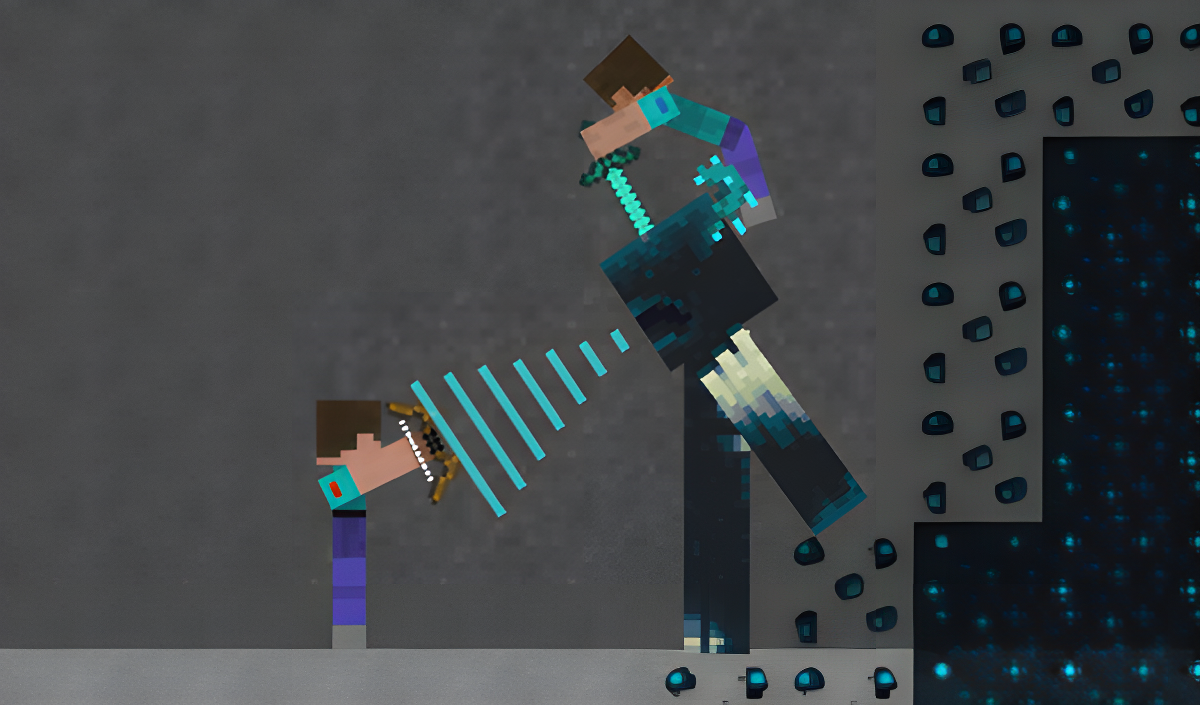
Noob and Pro vs Warden drops two characters — Noob and Pro — into an extremely dangerous mine crawling with monsters, with the fearsome Warden waiting at the end. The goal is to gather resources, upgrade both characters and their weapons, cut through waves of enemies, and ultimately take on the Warden himself. The game supports solo play or cooperative two-player action, so the challenge scales whether one person or two are at the controls.
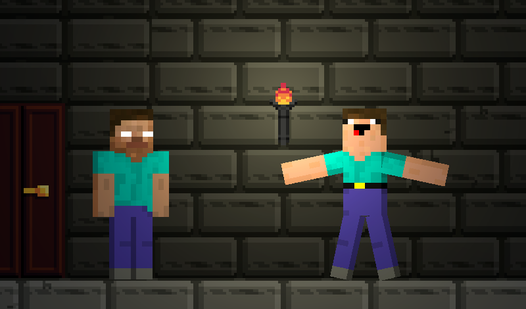
Several scenes show an environment built from gray textured stone, brown wooden support beams, and vertical wooden ladders. One scene reveals gray brick walls covered in green vine-like growth framing a dark doorway. In another moment, a tall dark blue creature with teal rib-like markings and horn-like appendages looms in a cavernous setting.
How to Play Noob and Pro vs Warden
Progress through the mine by collecting resources, upgrading your characters and weapons, and defeating the monsters standing between you and the Warden. Bonuses found inside chests raise the maximum amount of health. Keep in mind that each defeat costs you all your equipment, so every run demands care. To climb stairs, hold down the jump button rather than tapping it.
Controls
Mobile
- On-screen graphical buttons: All movement, jumping, attacking, and weapon changes
Desktop — Noob
- A / D: Movement
- Space: Jump
- F: Attack and use the workbench
- E: Change weapons
Desktop — Pro
- Left / Right arrows: Movement
- KeypadPlus or L: Jump
- KeypadEnter or P: Attack and use the workbench
- KeypadMinus or O: Change weapons
Games You Might Like
If the co-op mine-crawling and resource gathering in Noob and Pro vs Warden appeal to you, Kubz.io delivers a similar loop of mining ore, crafting tools and armor, and fighting mobs alongside friends. For more weapon-focused progression, Merge & Fight has you merging weapons into stronger versions while battling through enemy waves and epic bosses. Fans of outwitting a warden and escaping danger will find a natural fit in Barry Prison: Parkour Escape!, where collecting coins and passing tests are the keys to freedom. The monster-battling and character evolution in Dogs vs Aliens echoes the upgrade-and-fight rhythm of taking on increasingly tough enemies.
Browse the full Adventure games catalog for more dungeon-style challenges, or check out the Action games section for fast-paced fighting experiences in a similar vein.