Anime Games


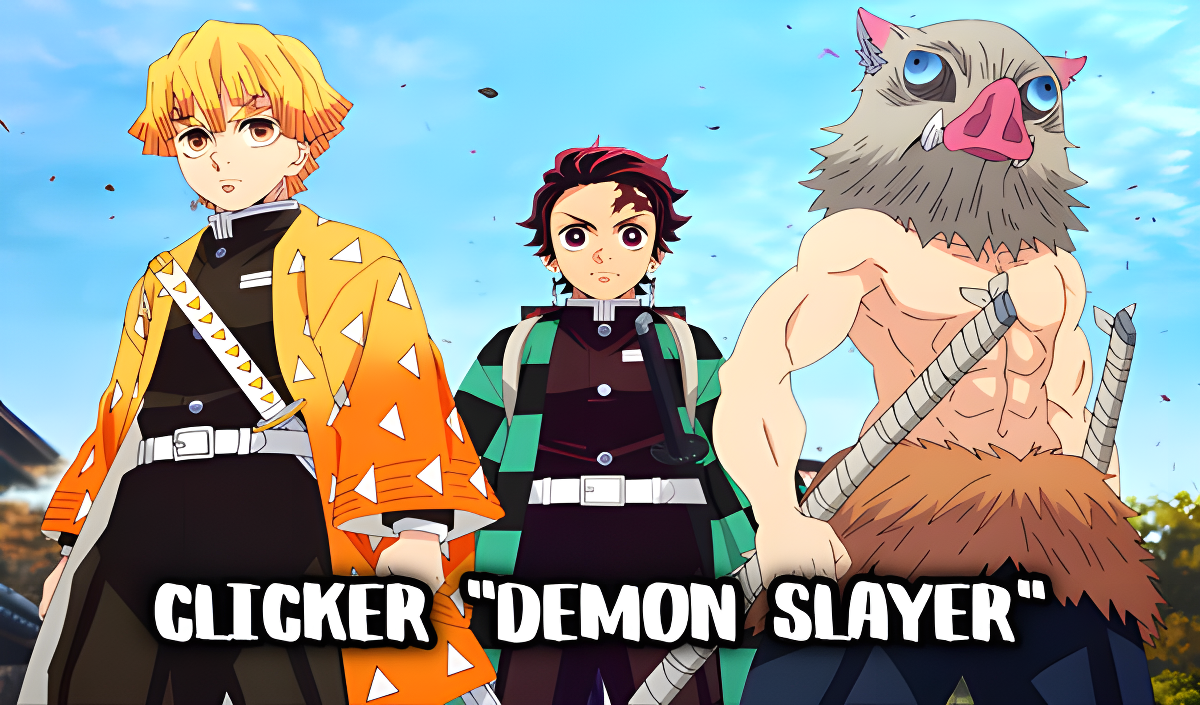
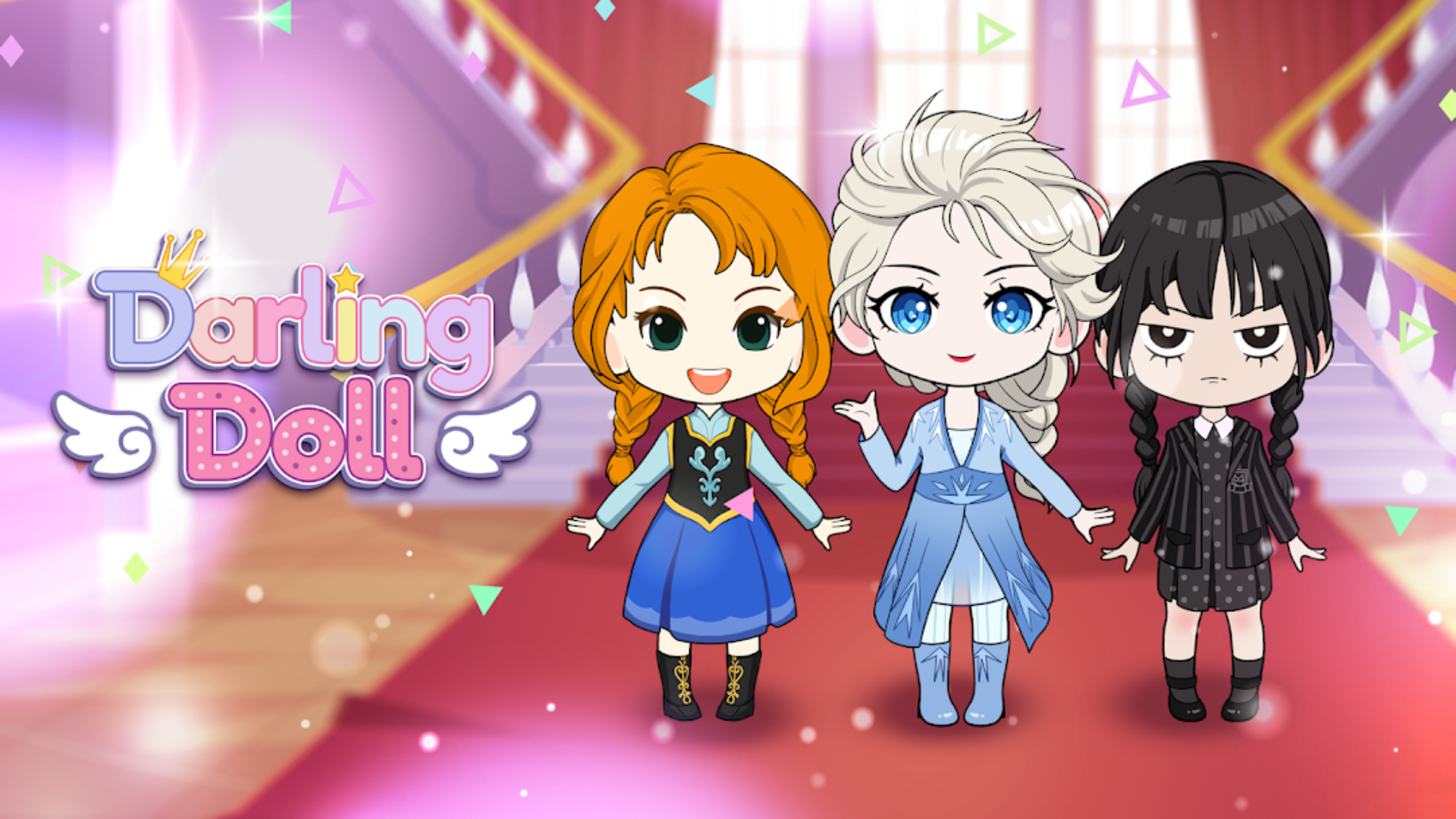





Immerse Yourself in Vibrant Anime Worlds and Interactive Adventures
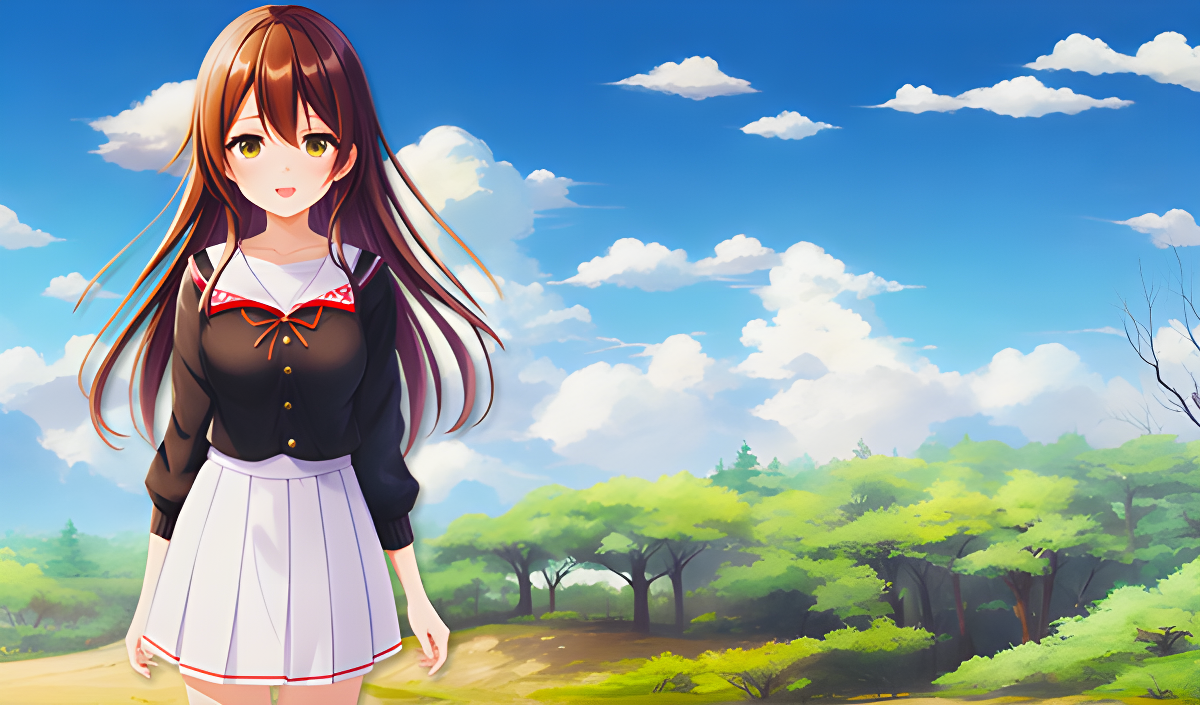
Anime games feature art styles and thematic elements inspired by Japanese animation and manga. This category includes a wide variety of gameplay mechanics, ranging from character customization and visual novels to role-playing and city-building simulations. Playgama offers a collection of 100+ titles in this genre, all of which run directly in your web browser without requiring any downloads. You can access these games on both desktop computers and mobile devices.
Character Customization and Simulation
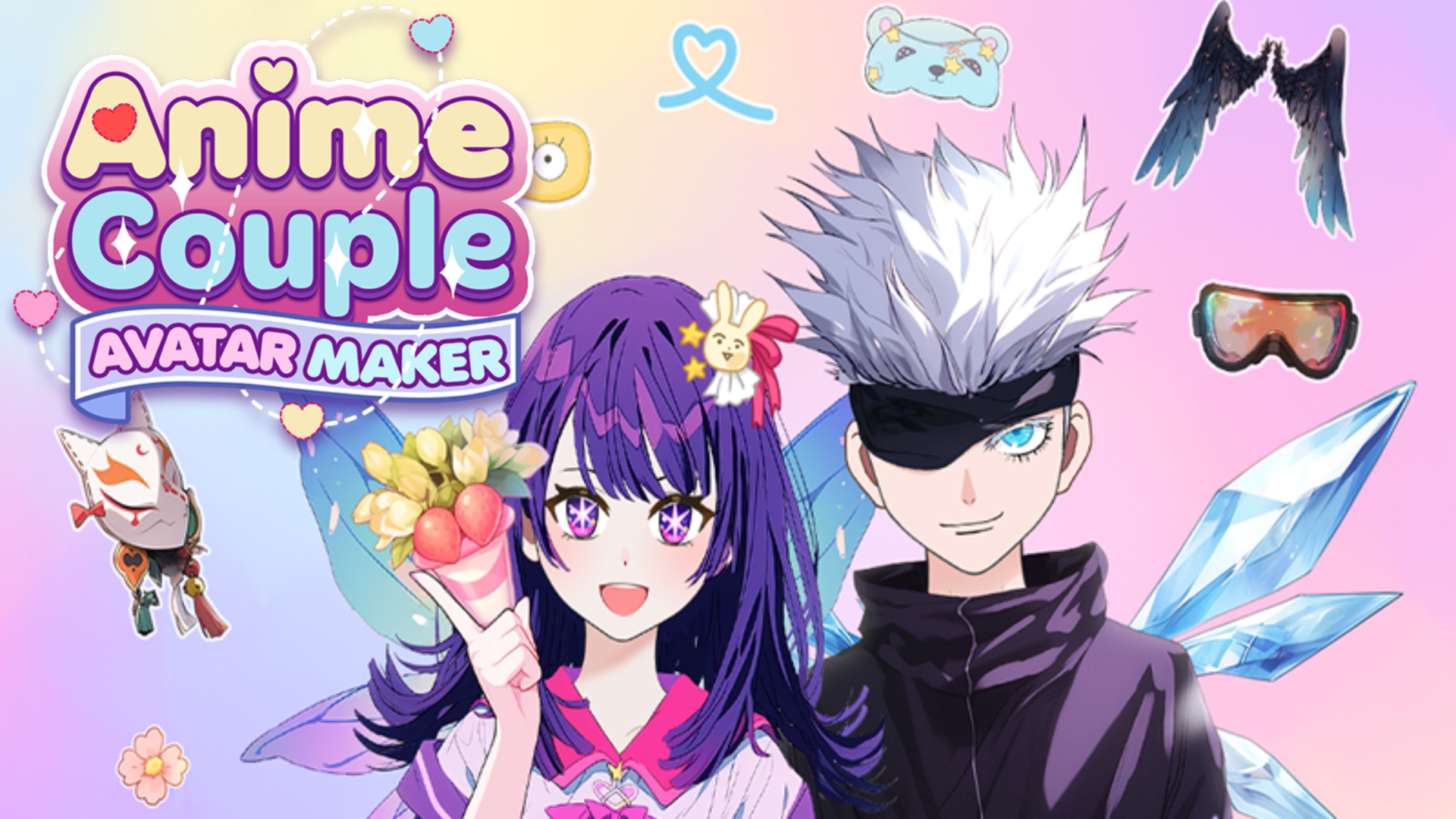
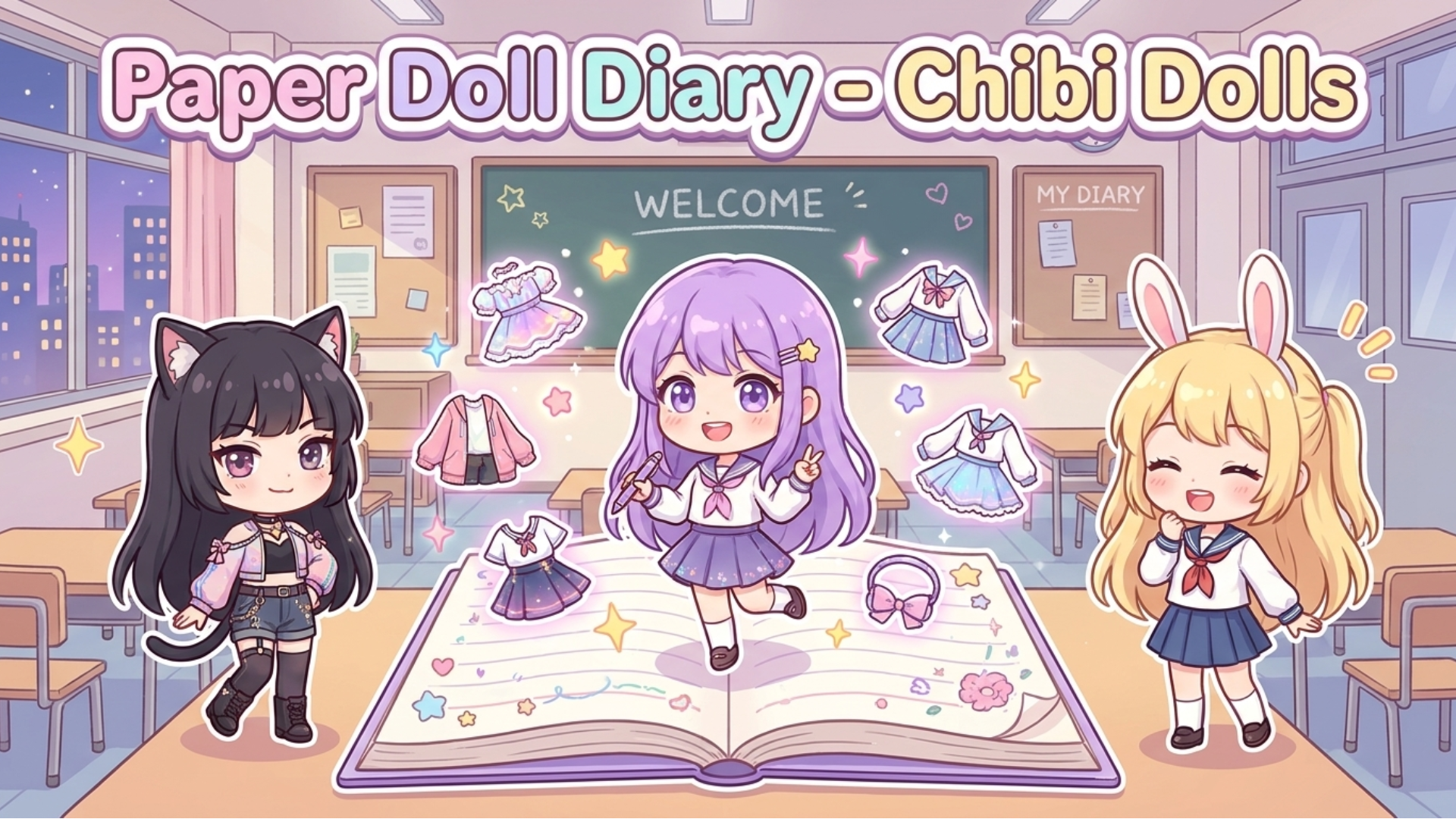
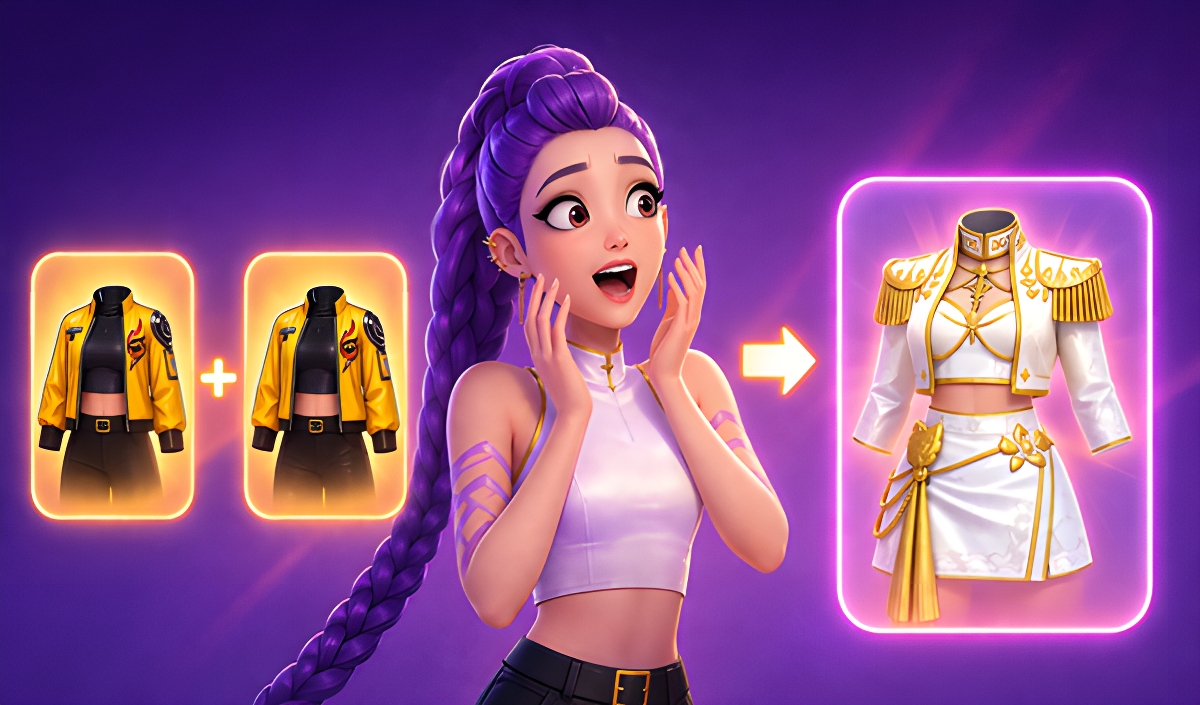
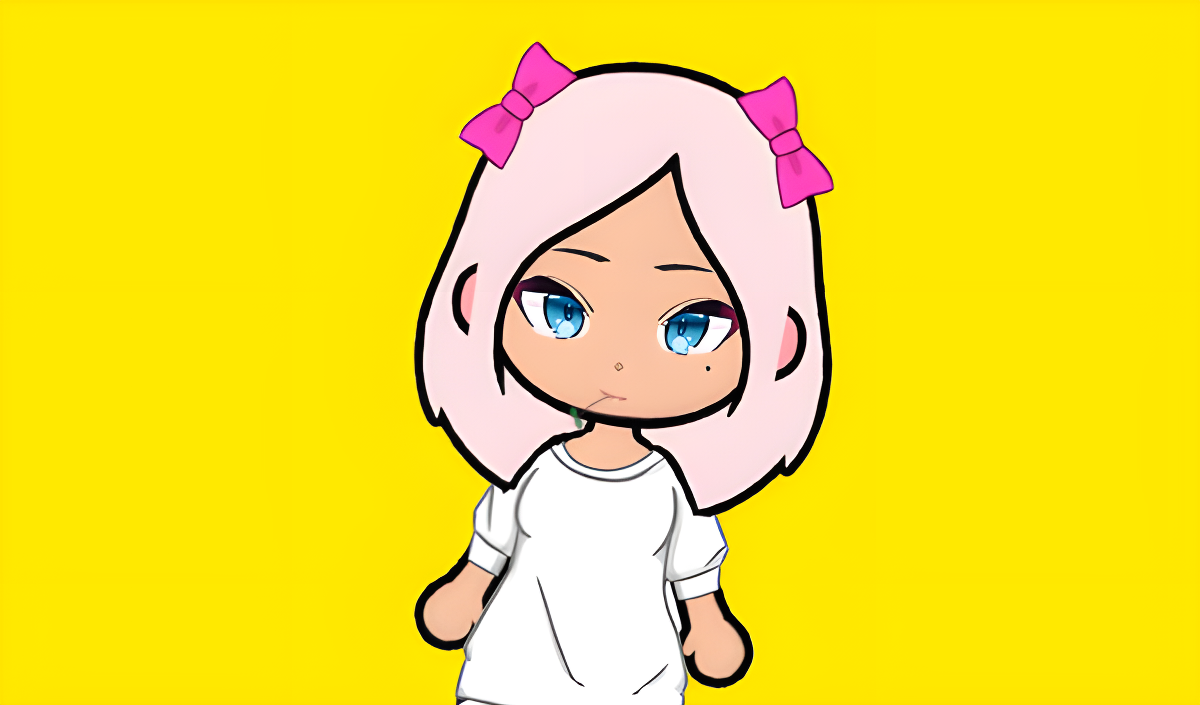
Many games in this category focus on design and personalization. Players use built-in tools to modify character appearances, selecting specific facial features, hairstyles, and clothing items. In Anime Couple: Avatar Maker, you navigate menus to design and dress up custom anime avatars. Similarly, Create your own Anime Girl requires you to combine matching characters to unlock new stages and manage upgrades. These titles frequently share mechanics with Cute Games, emphasizing visual creativity and aesthetic choices over competitive gameplay.
Role-Playing and Interactive Stories
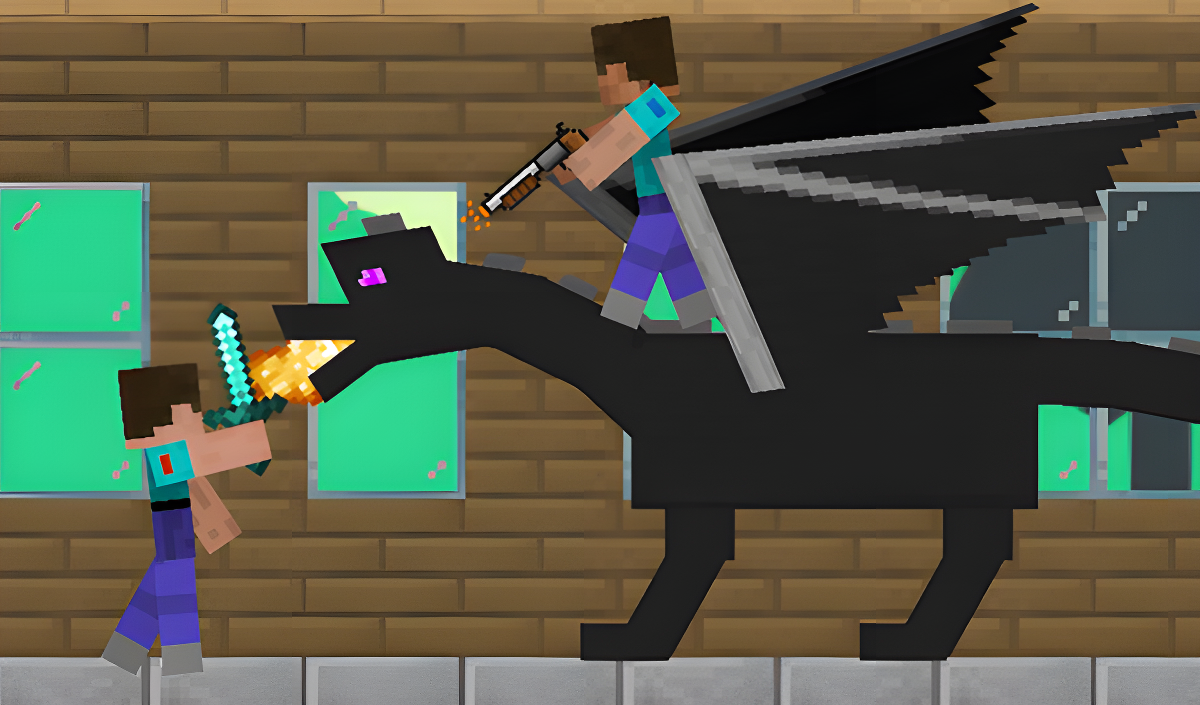
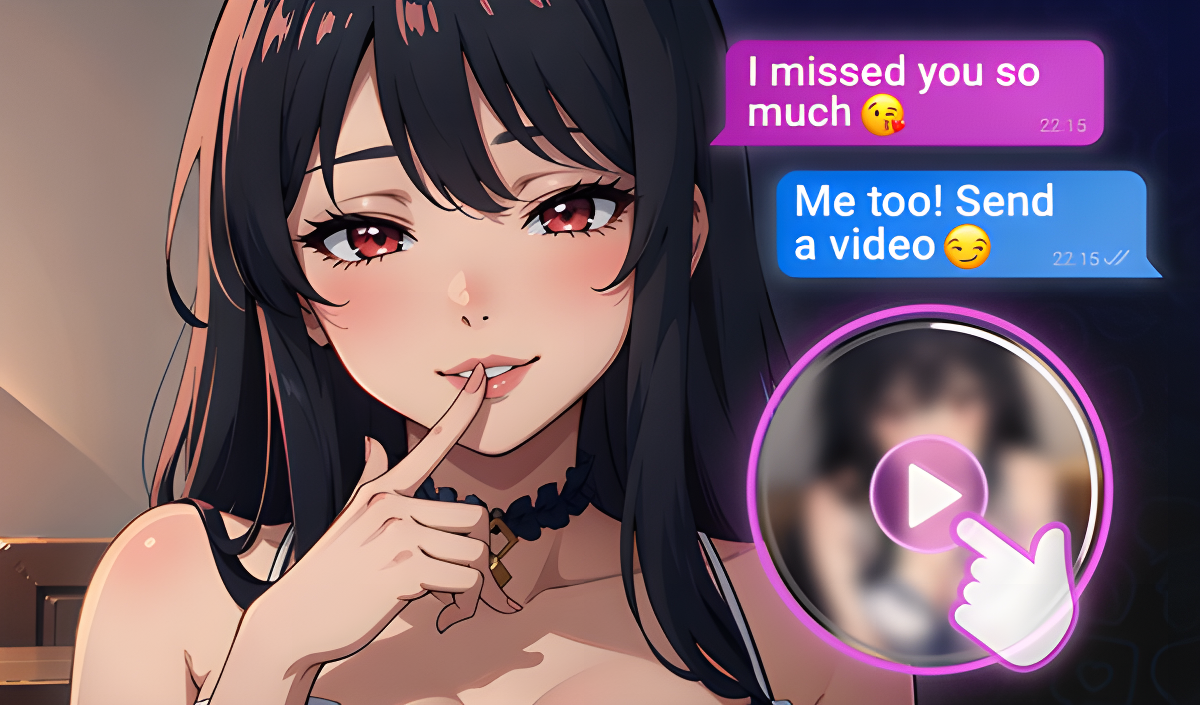
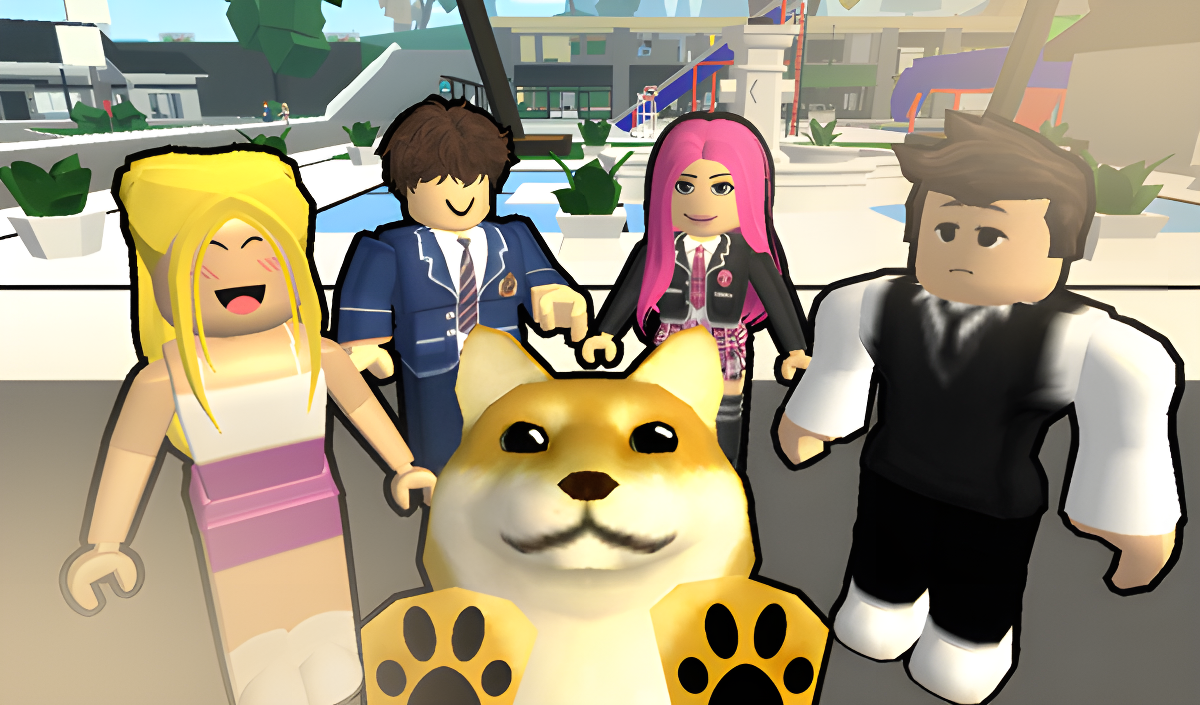
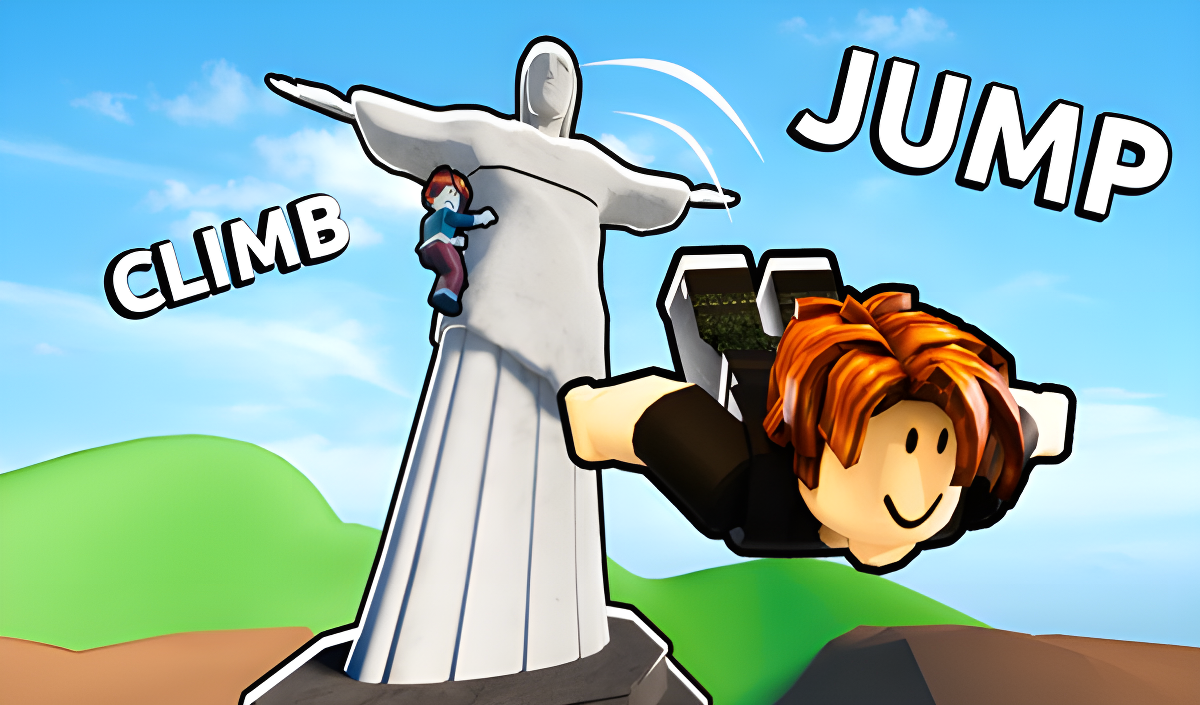
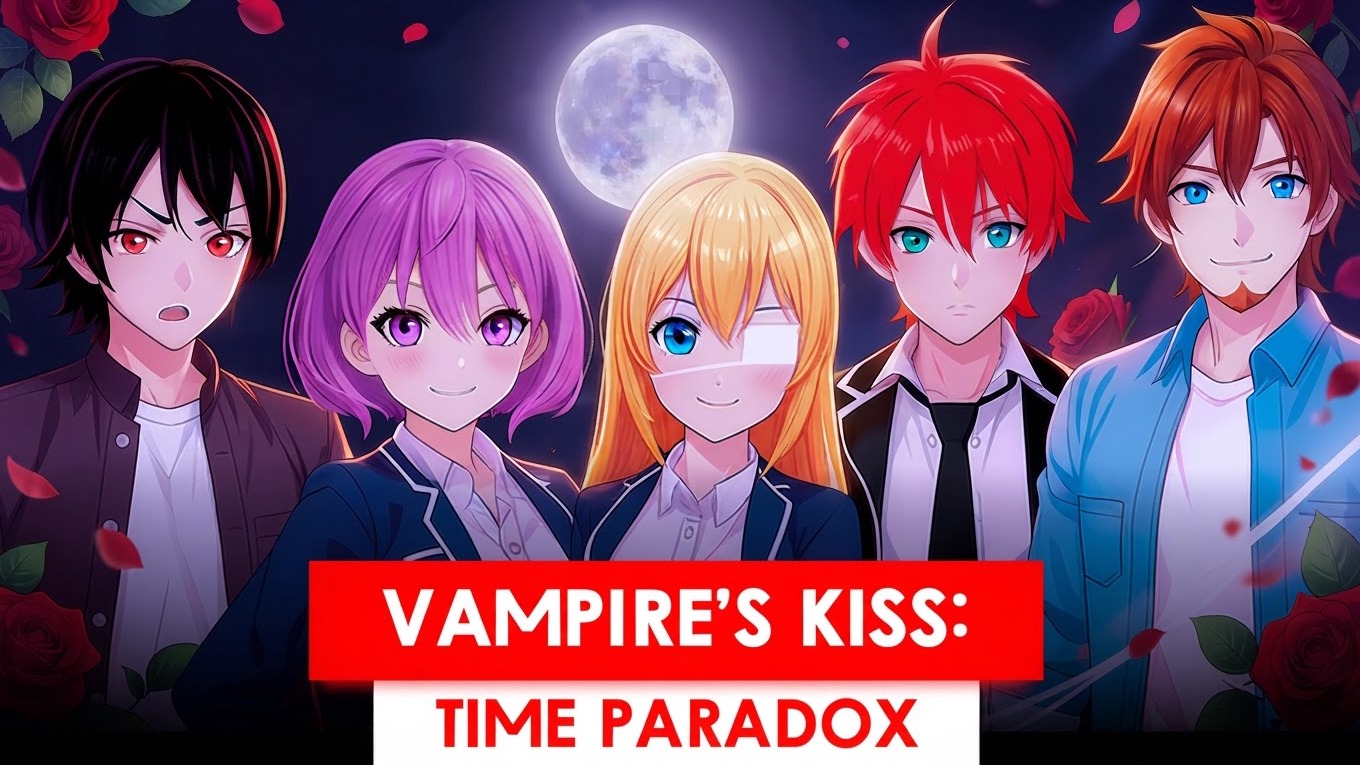
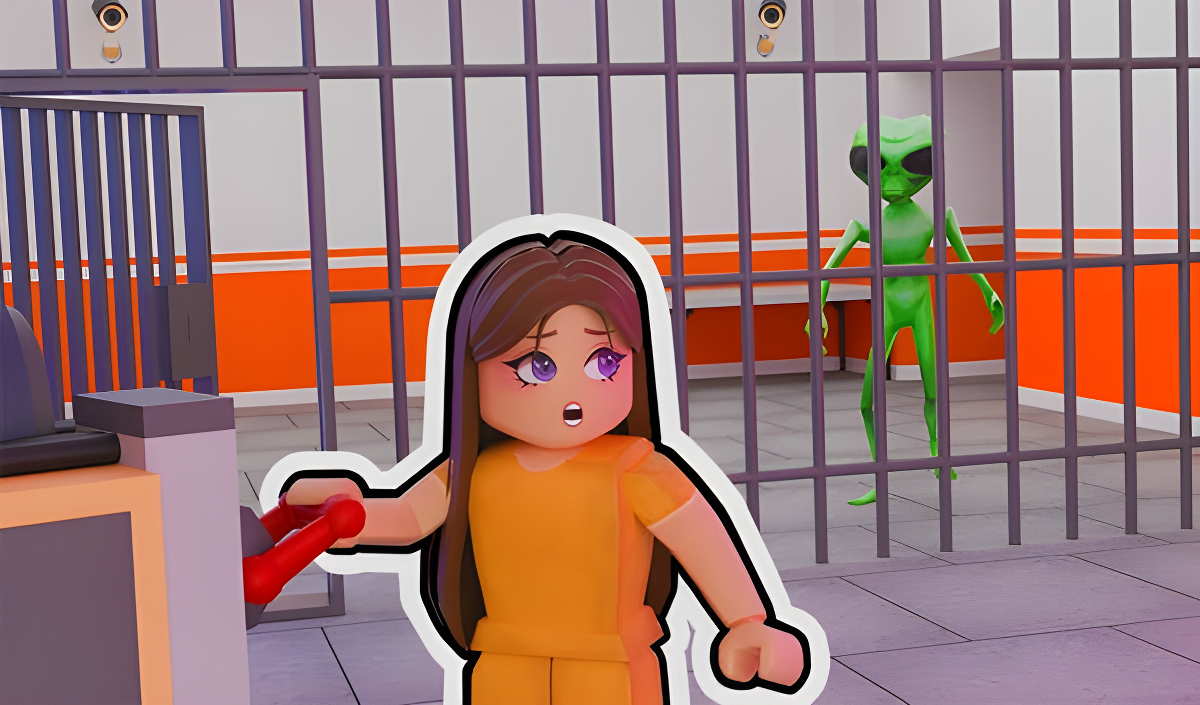
Narrative-driven and open-world titles allow you to explore environments or influence a storyline. Chat with My Friend's Brother operates as a text-based visual novel where you read chat logs and select dialogue responses that directly affect the relationships and the final ending. If you prefer open-world exploration, Brookhaven RP places you in a modern city where you can drive vehicles, interact with objects, and take on different virtual professions. For players interested in sandbox mechanics, Mine Survival: Noob and Pro tasks you with gathering resources, crafting tools, and surviving against environmental hazards in a 2D world.
Casual and Clicker Mechanics
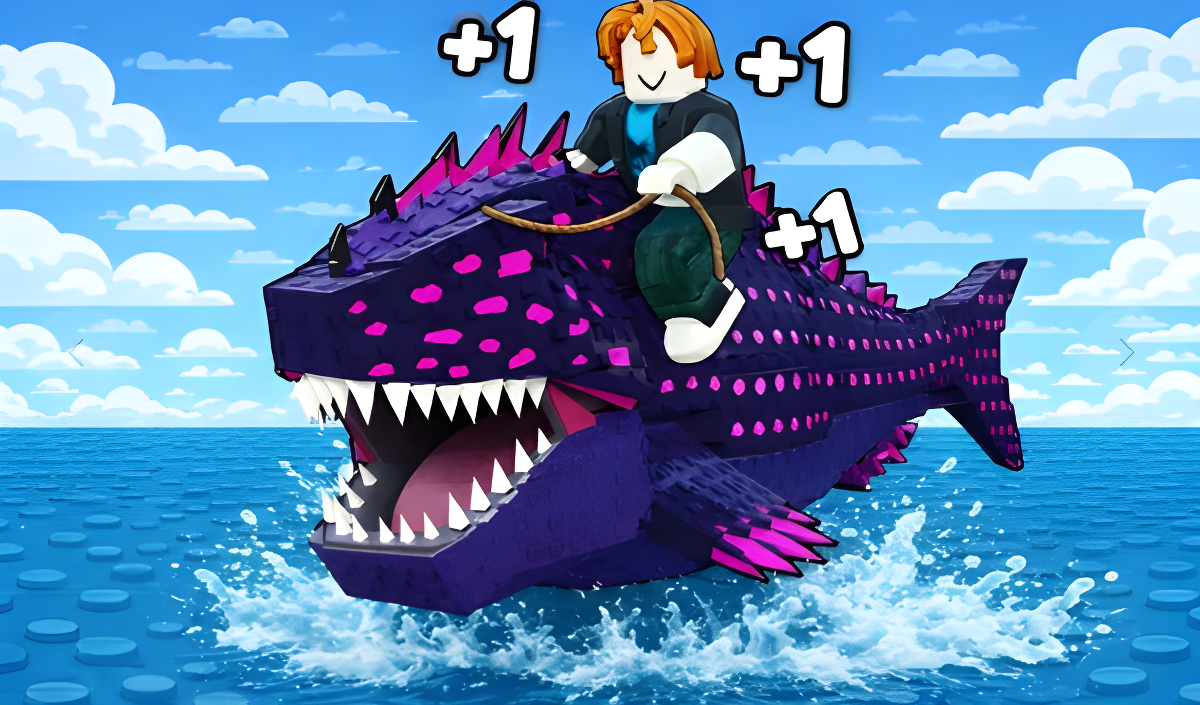
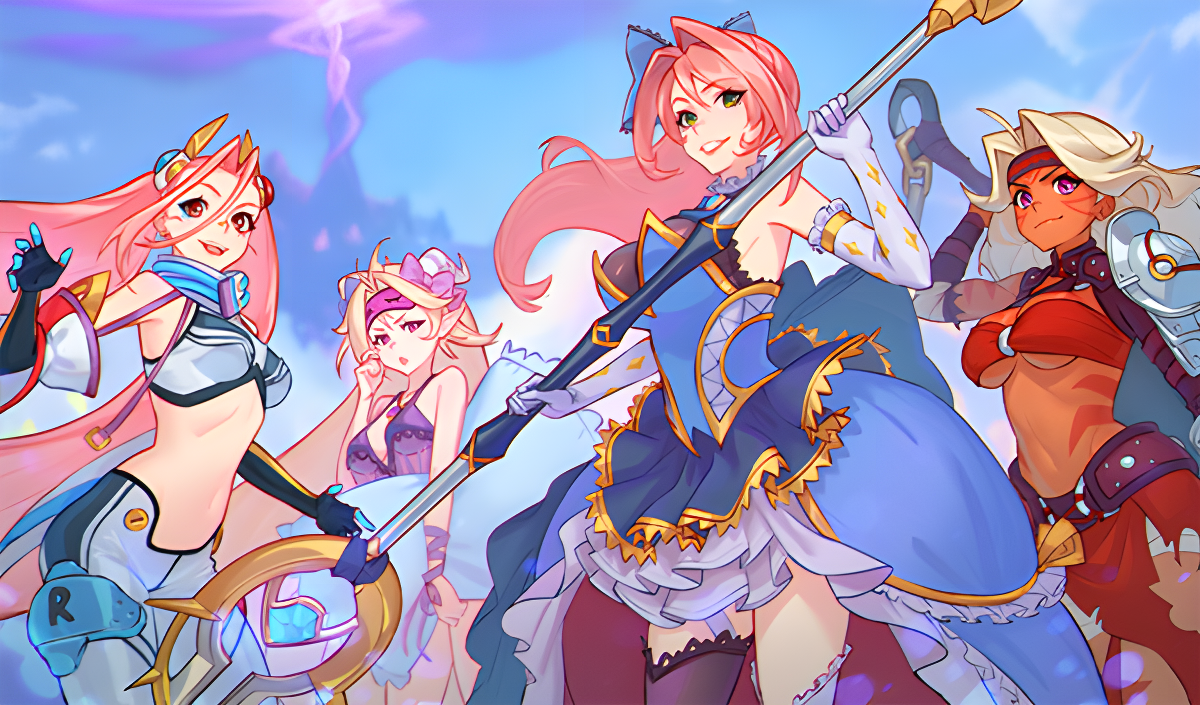
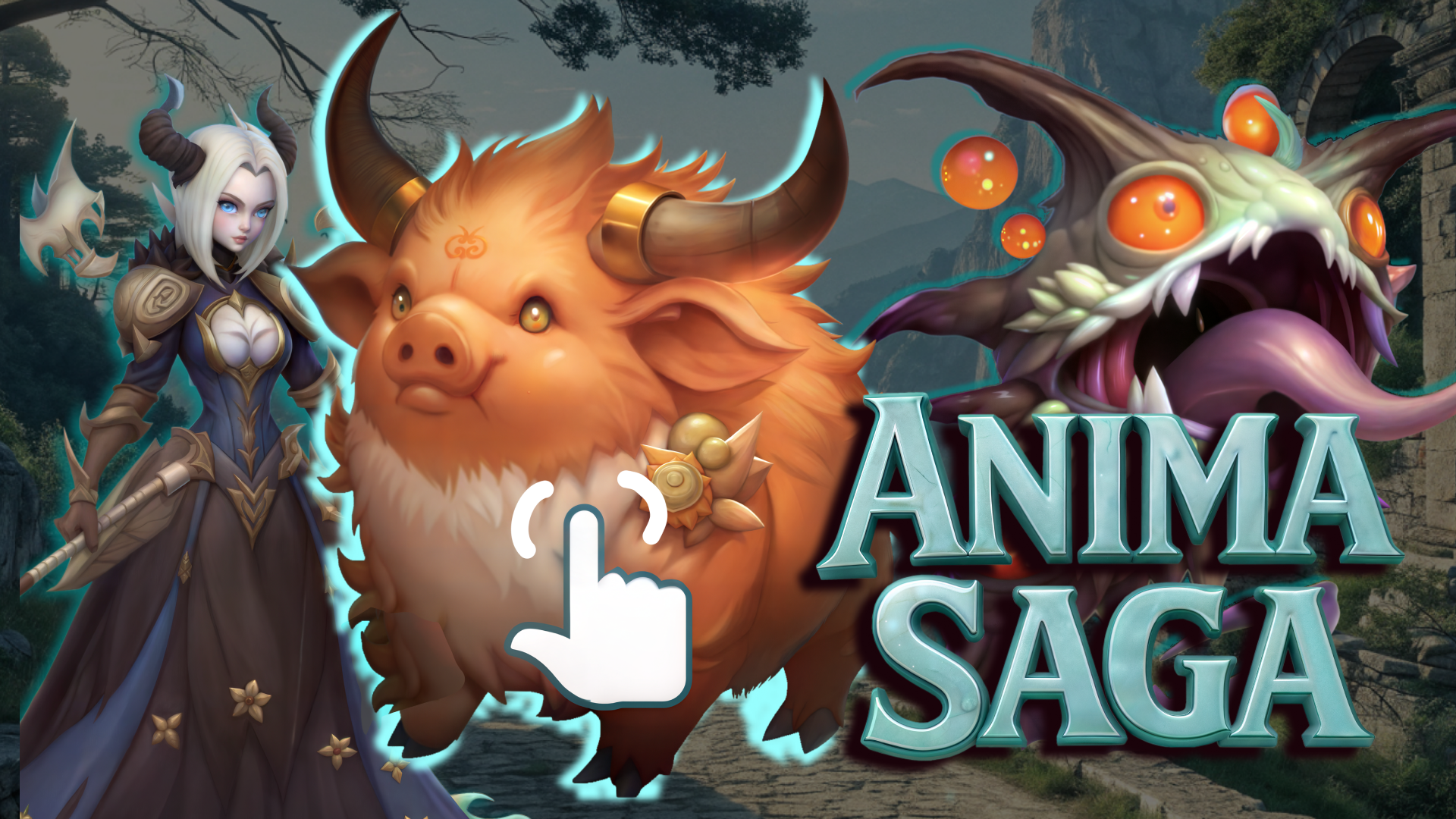
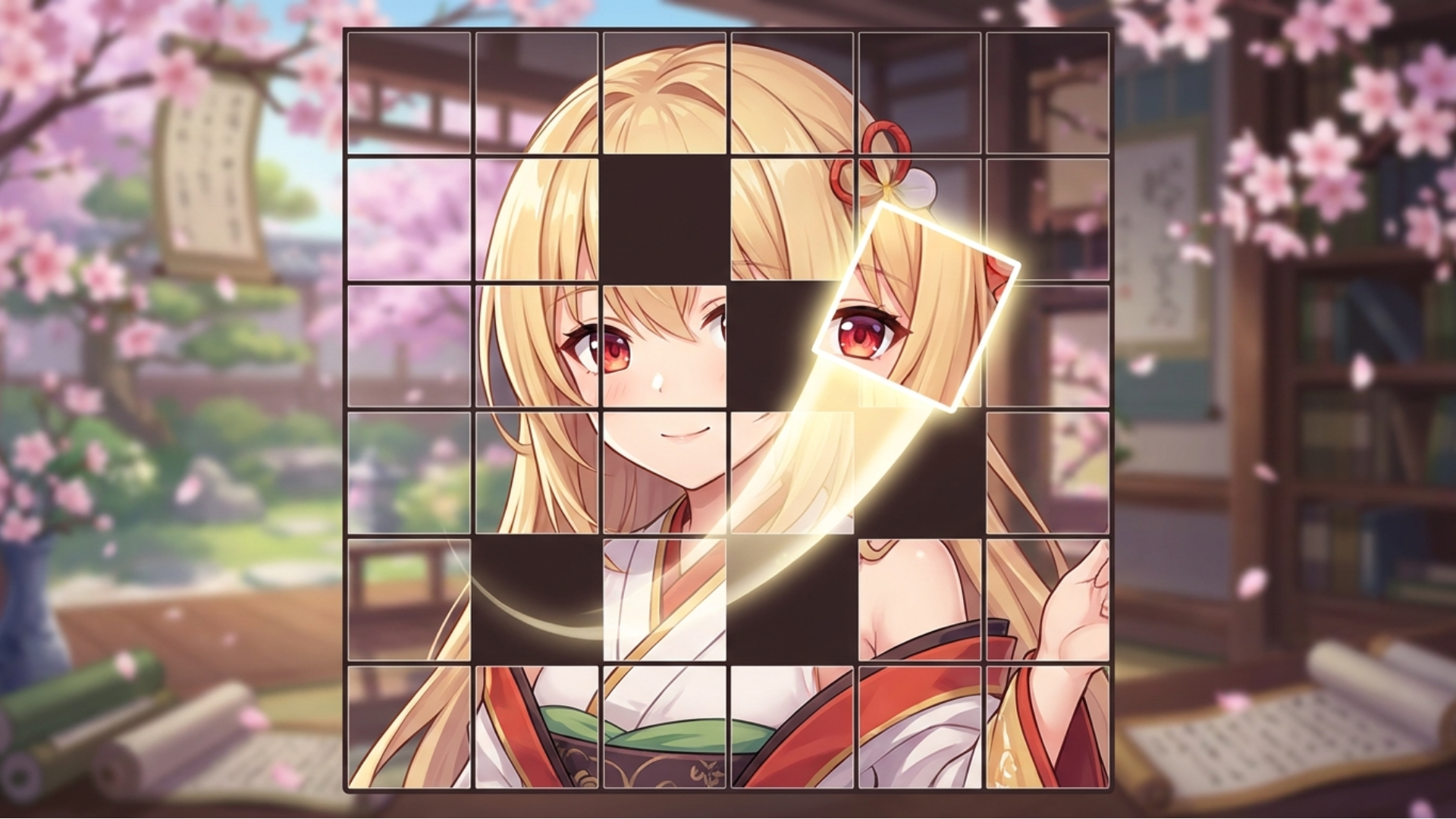
Several anime-themed titles utilize simple input controls designed for steady, incremental progression. In Anima Saga - Clicker RPG, you click on on-screen enemies to generate gold, which you then use to purchase automated allies and team upgrades. Alpha Evolution: Become a Leader follows a similar upgrade loop, requiring you to tap the screen to earn points and unlock new evolutionary stages. For a slower, more methodical experience, Numicolor provides a digital paint-by-number system where you fill in specific highlighted areas matching a selected numerical value. Fans of these accessible mechanics often explore Japanese Games and Cartoons Games for similar experiences.
Features of Anime Games
- Distinctive Visuals: Graphics, character models, and environments are heavily modeled after traditional anime and manga aesthetics.
- Extensive Customization: Players can frequently alter character outfits, accessories, and physical traits.
- Narrative Branching: Text-based entries feature dialogue choices that change the direction of the story.
- Incremental Progression: Clicker and idle variations focus on continuous resource gathering to fund upgrades and unlock new content.
- Cross-Platform Compatibility: Games are optimized to function seamlessly with both computer mice and mobile touchscreens.
FAQ
What are the most popular Anime?
These titles represent the most frequently played anime-inspired games based on player engagement and overall ratings.
- Gamer's Mod
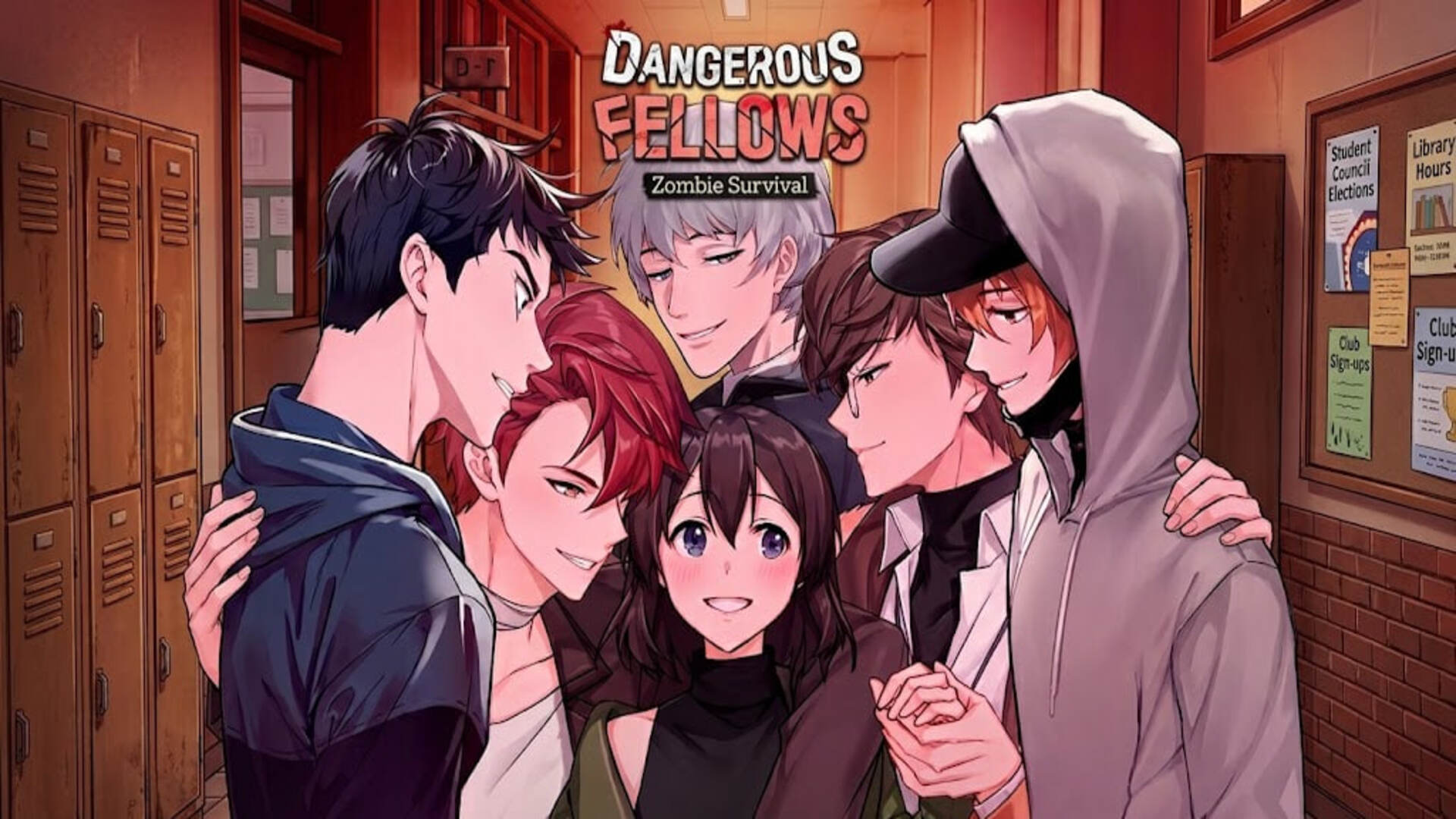
- Dangerous Fellows
- Anime Couple: Avatar Maker
- Gacha Club
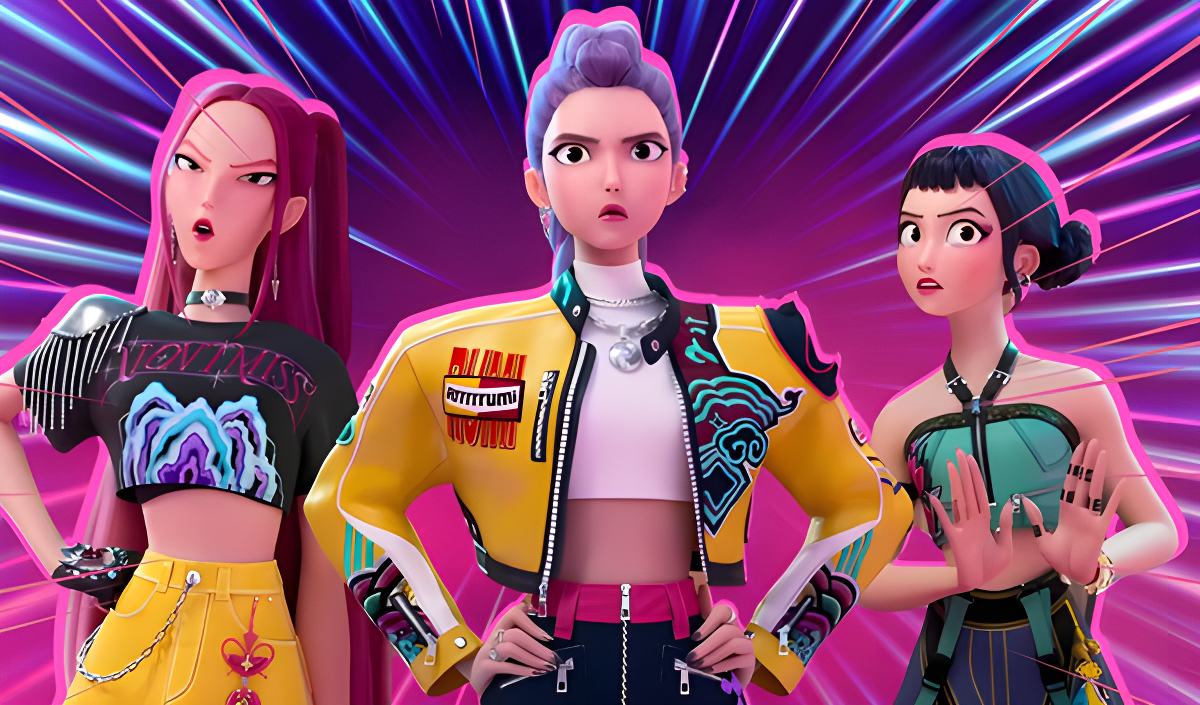
- K-pop Stylist: Idol Girls
- Avatar
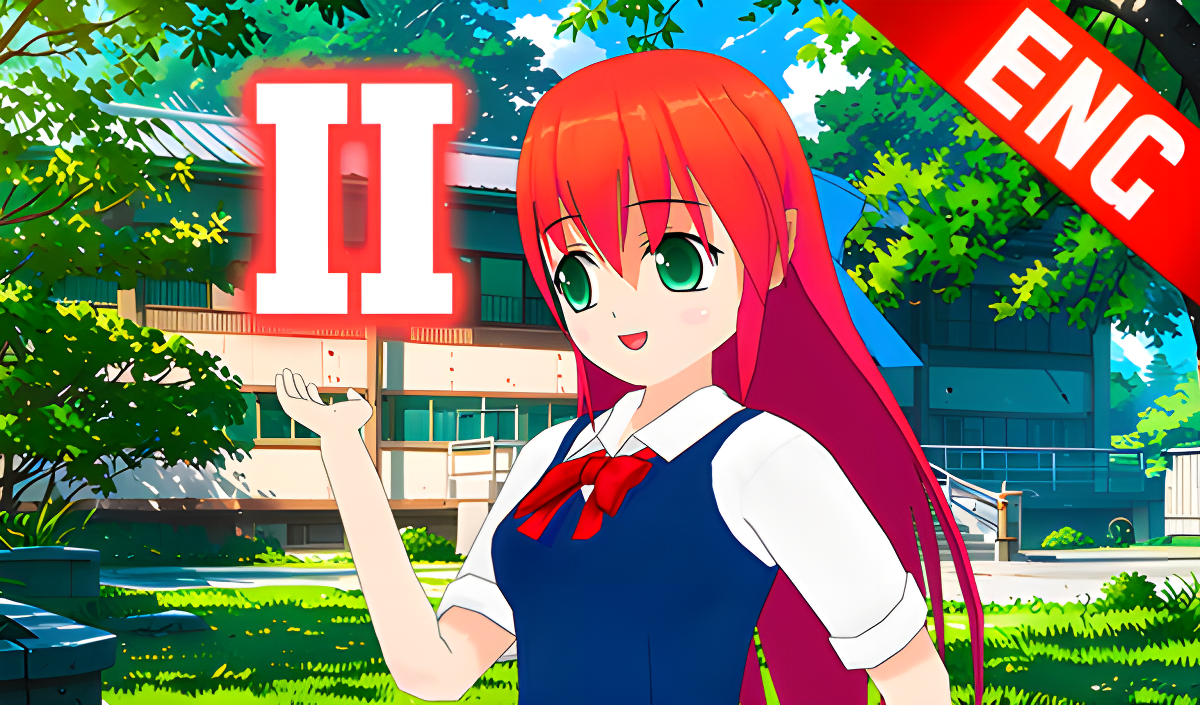
- Anime Girl High School Simulator
- Mine Survival: Noob and Pro
- Chat with My Friend's Brother
- Obby: Fish training
What are the best Anime for mobile?
These games feature optimized touchscreen controls and interfaces specifically designed for smartphones and tablet devices.