

















Geometry Wave: Online Editor










About Geometry Wave: Online Editor
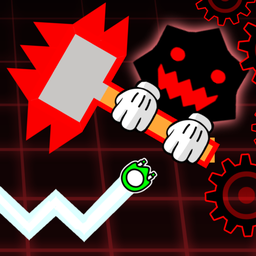
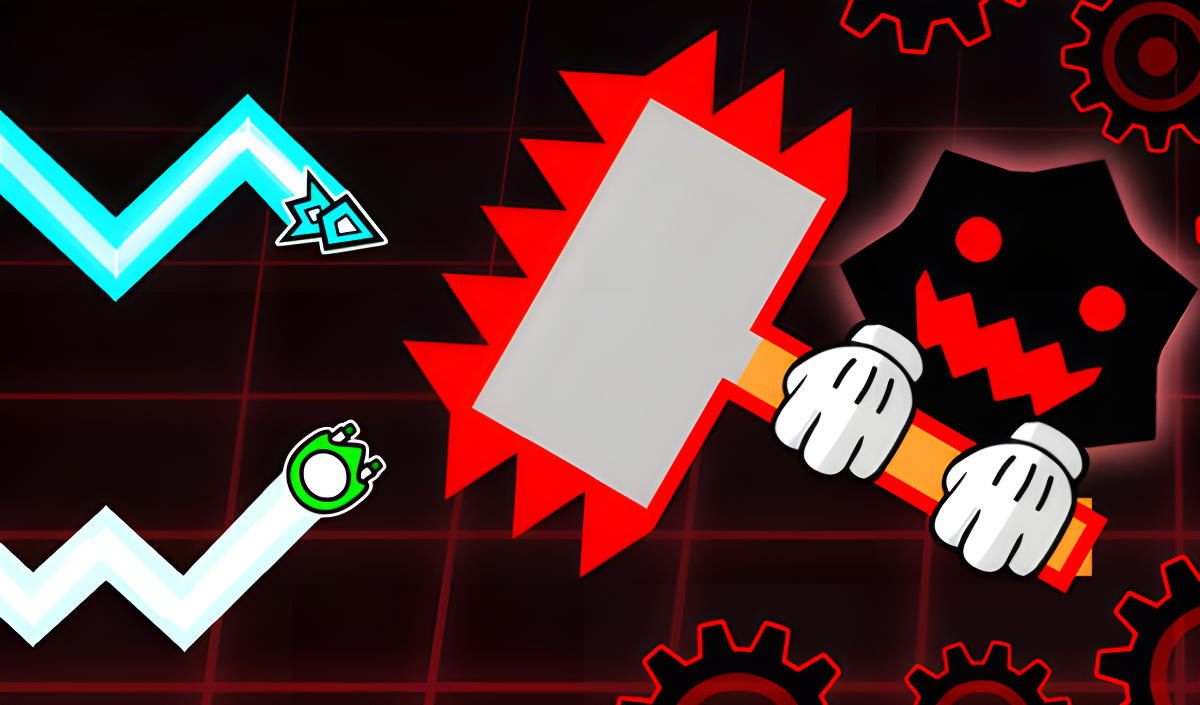
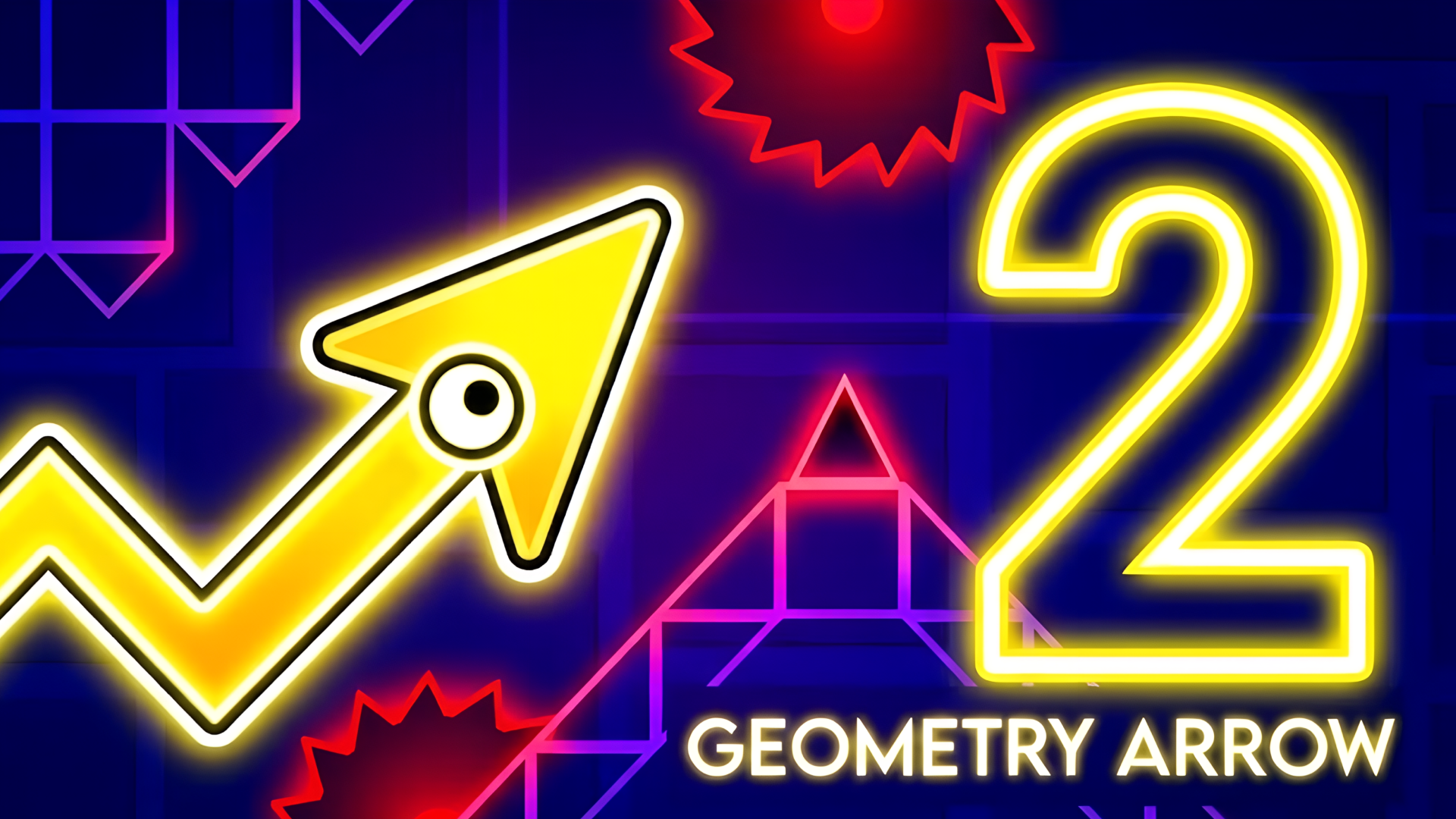
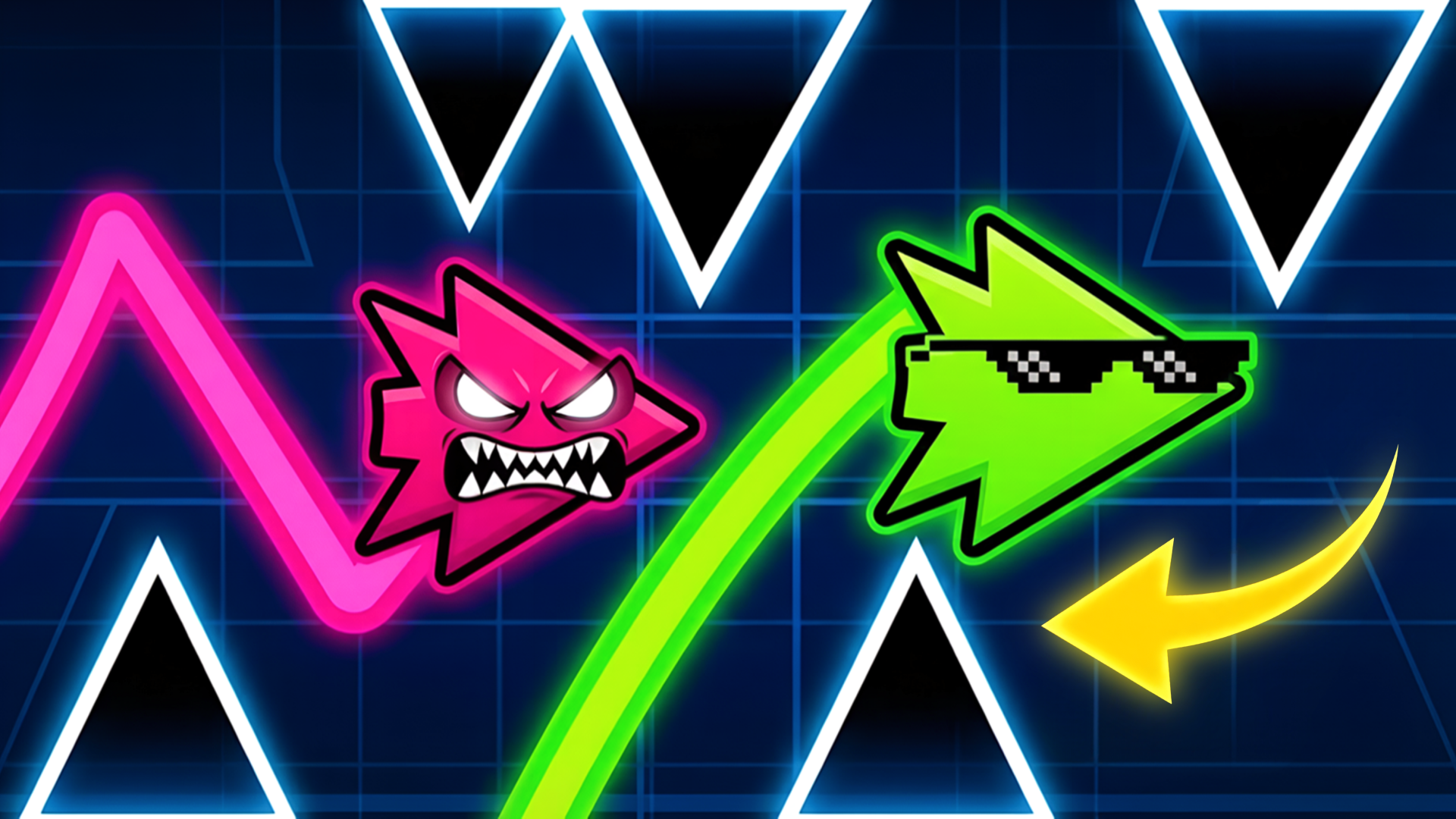
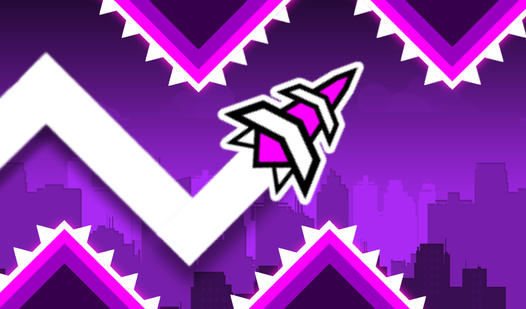
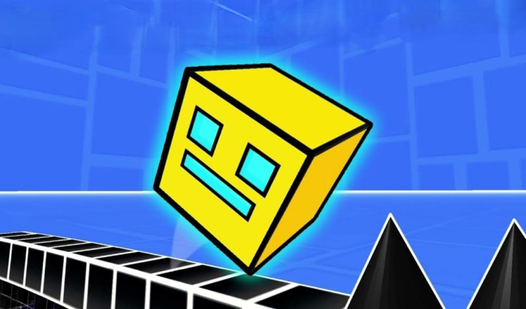
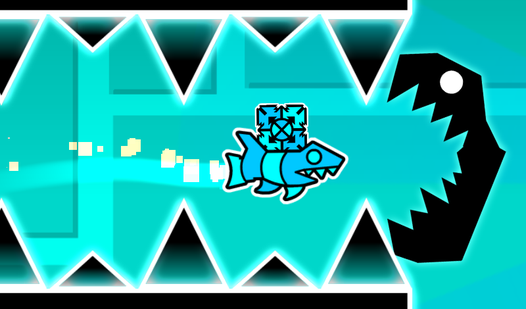
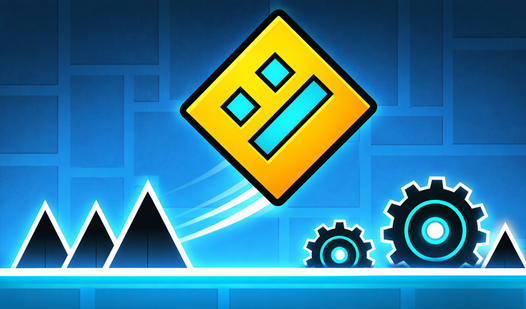
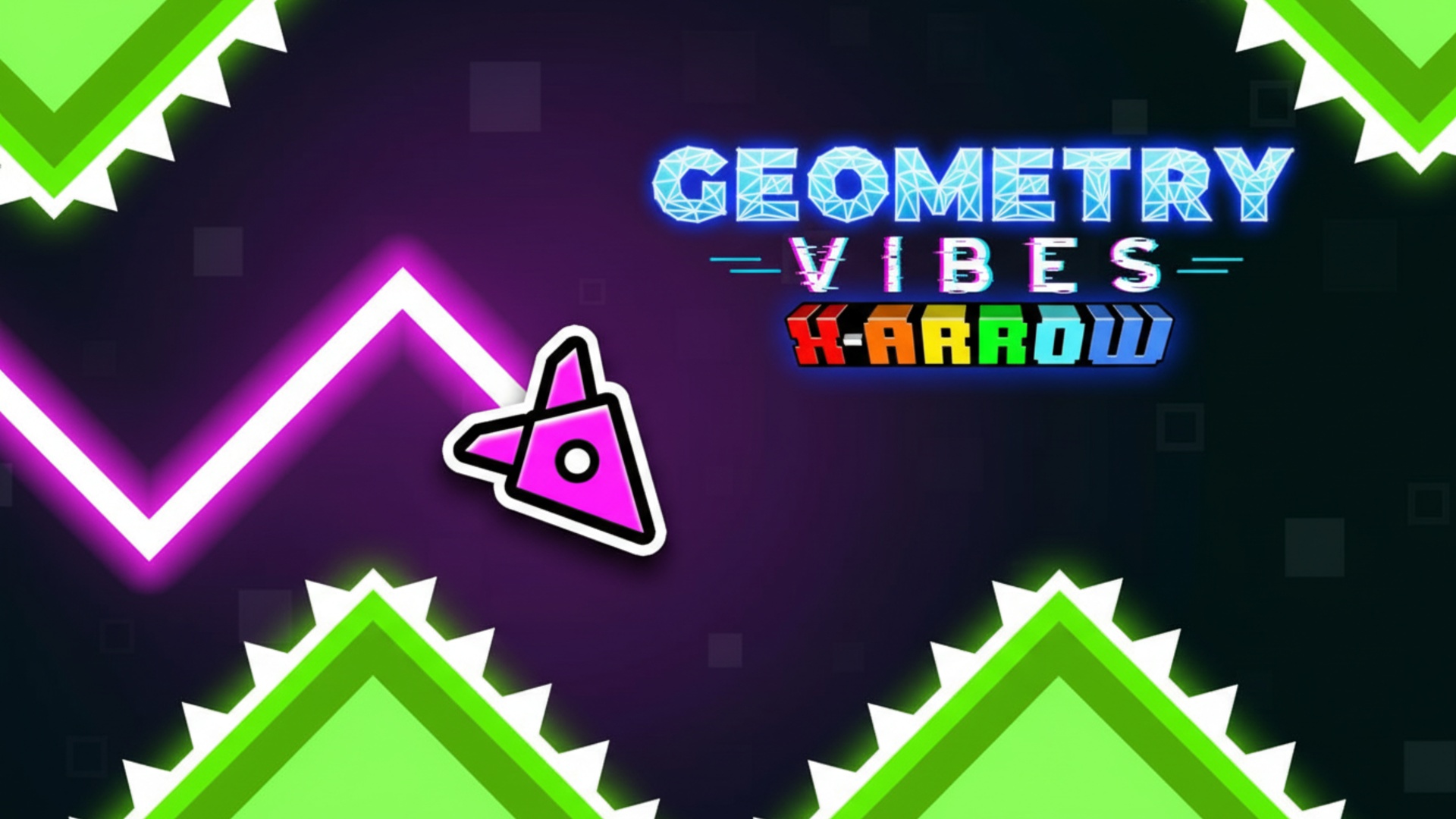
Geometry Wave: Online Editor brings the Wave mode from Geometry Dash to a standalone experience, and that mode's brutal difficulty is the whole point. Over 65 levels ship with the game — and the built-in level editor means that number is effectively unlimited. Upload your own creations for other players to tackle, browse and play community-made levels, and rate them when you're done.
How to Play Geometry Wave: Online Editor
Reach the finish line by guiding the wave through every obstacle in its path. Completing levels earns stars, coins, and crystals. Crystals go toward the store and the editor. Tap the "i" icon buttons in-game for additional details on any element.
Practice Mode
Open the pause menu to activate practice mode. On PC, press "Z" to place a checkpoint and "X" to remove one. On mobile, tap the left button showing the checkpoint image to place a checkpoint, and the right button with the cross to remove it.
Controls
PC
- W / Space / Up Arrow / Left Mouse Button: Hold to make the wave fly up; release to fly down
Mobile
- Hold finger on screen: Wave flies up
- Release finger: Wave flies down
Games You Might Like
If the precision obstacle runs in Geometry Wave: Online Editor keep you coming back, Skill games on Playgama pack the same demand for exact timing and split-second reactions across dozens of titles. For a broader mix that includes rhythm-driven and fast-reflex challenges, the full Arcade games catalog is worth a look.
Video