

































Bus Simulator 3D










About Bus Simulator 3D
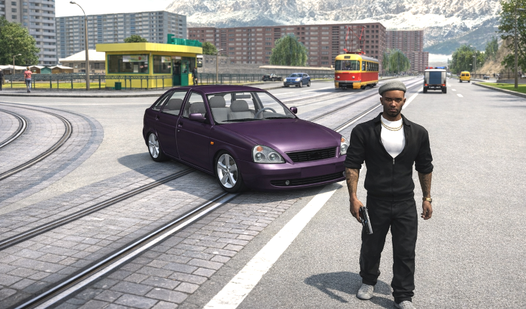
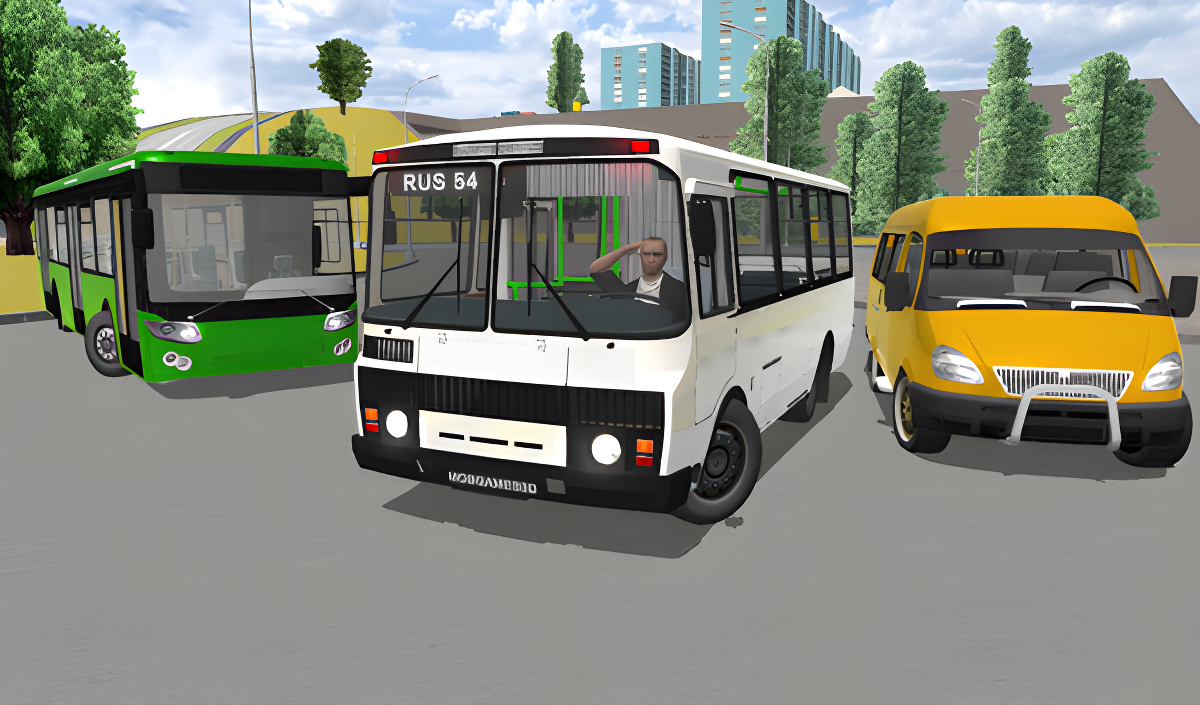
Bus Simulator 3D puts you behind the wheel of a city bus, tasking you with completing routes across realistic, detailed maps. The goal is straightforward: drive the bus, handle the traffic, and become the best driver in the city. The game pairs a realistic physics engine with clean 3D graphics and a detailed world, giving the driving experience genuine weight. Several urban scenes show grey multi-story apartment buildings with numerous windows rising in the background. One scene places the driver inside the cab, with a dashboard featuring three circular analog gauges and two hands gripping a grey steering wheel.
How to Play Bus Simulator 3D
The objective is to drive buses along routes that range from short to long, navigating realistic maps and a unique vehicle traffic system. The physics engine tracks bus damage, displays a speedometer, and requires refueling management. Multiplayer support lets you play with friends and chat in real time.
Controls
PC Controls
- Mouse: View the camera
- W / A / S / D: Control the bus
- Space: Handbrake
- C: Change camera view
- G: Horn
- Esc: Pause
Mobile Controls
- Swipe on the display: View the camera
Key Features
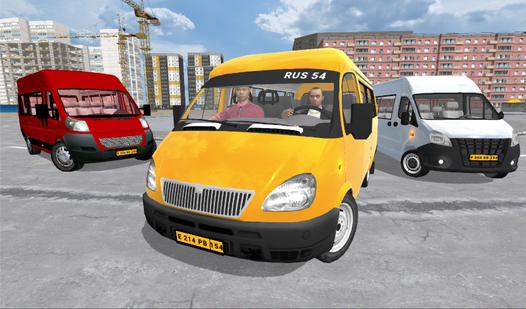
- 13 Cool Buses: A fleet ranging from microbuses to coach buses, including articulated models
- Passengers and Pedestrians: Well-detailed real passengers and pedestrians with realistic animations
- Vehicle Traffic System: A unique system governing traffic across the city
- Realistic Maps and Routes: Detailed routes from short to long distances
- Three Vehicle Control Types: Tilting, buttons, and steering wheel controls
- 3D Graphics: Incredible 3D graphics and a detailed world
- Multiplayer: Play with friends and chat in real time
- Realistic Physics Engine: Includes a bus damage system, speedometer, and refueling control
Games You Might Like
Fans of driving and city navigation will find plenty more in the simulation games category, which covers everything from bus routes to full open-world driving. If you enjoy the city traffic and vehicle damage aspects of Bus Simulator 3D, Crime and Vice City Police delivers urban driving across multiple locations with realistic car destruction and online multiplayer. For something faster-paced, Driver Club: Highway Racing challenges you to dodge traffic and overtake vehicles at high speed across dynamic environments.
Browse the full boys games collection for more action and vehicle titles, or check out the games for PC tag to find desktop-friendly picks that match Bus Simulator 3D's style.
Video