














silver coin
3000Daily bonus
Build An Obby
Build An Obby
Arcade
Build An Obby
Build An Obby
Build An Obby
Arcade
Save IconKeep your progress on every device — log in

Build An Obby

★★★★★★★4.3 / 3 votesG
Developer: Kvadratnyy Dinozavr
Game Orientation: Landscape
Platforms: PC, Android, iOS
Release date: December 2025
Last Update: January 2026
Supported Languages: English

Build An Obby - Play Online

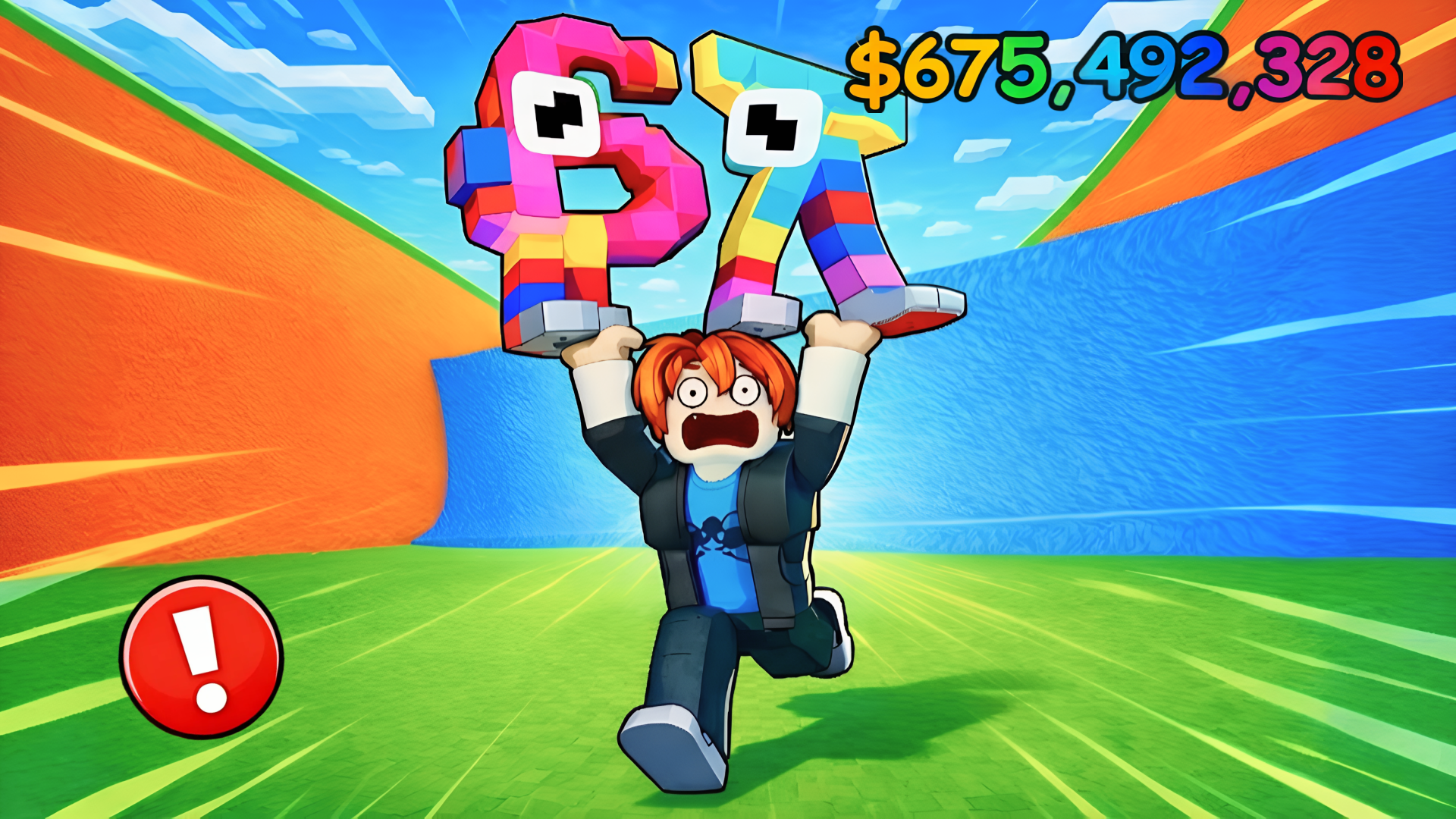
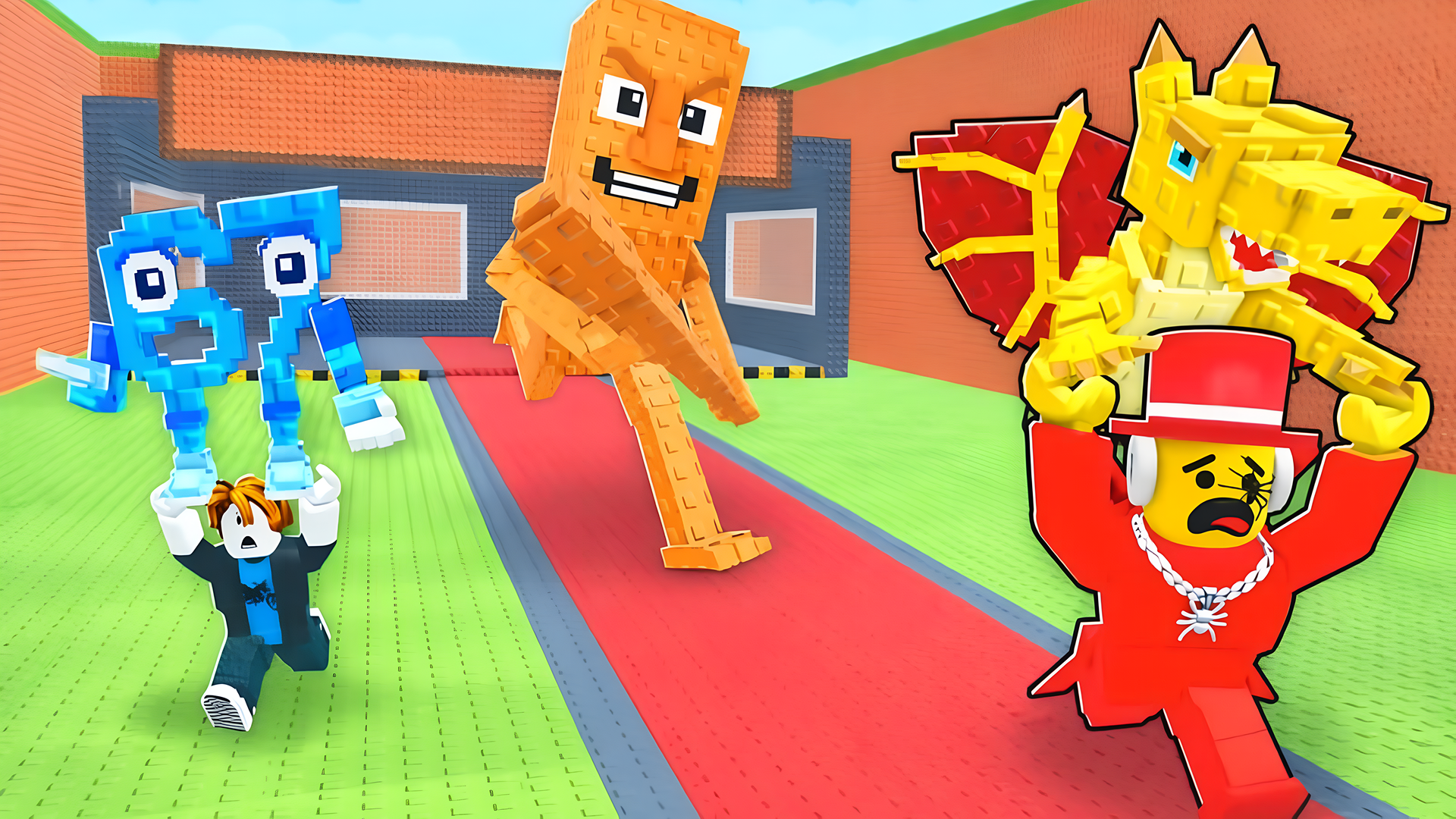
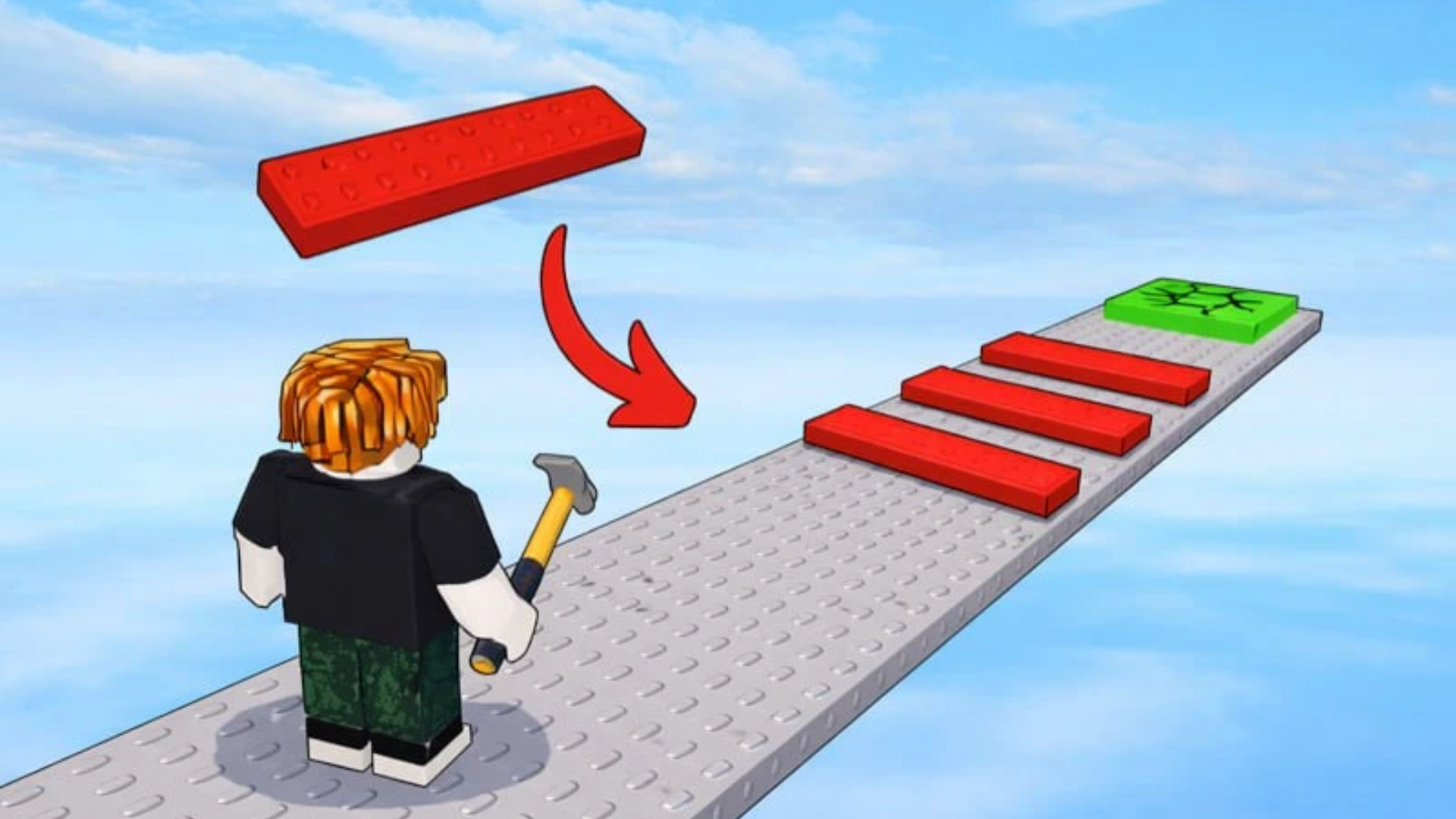
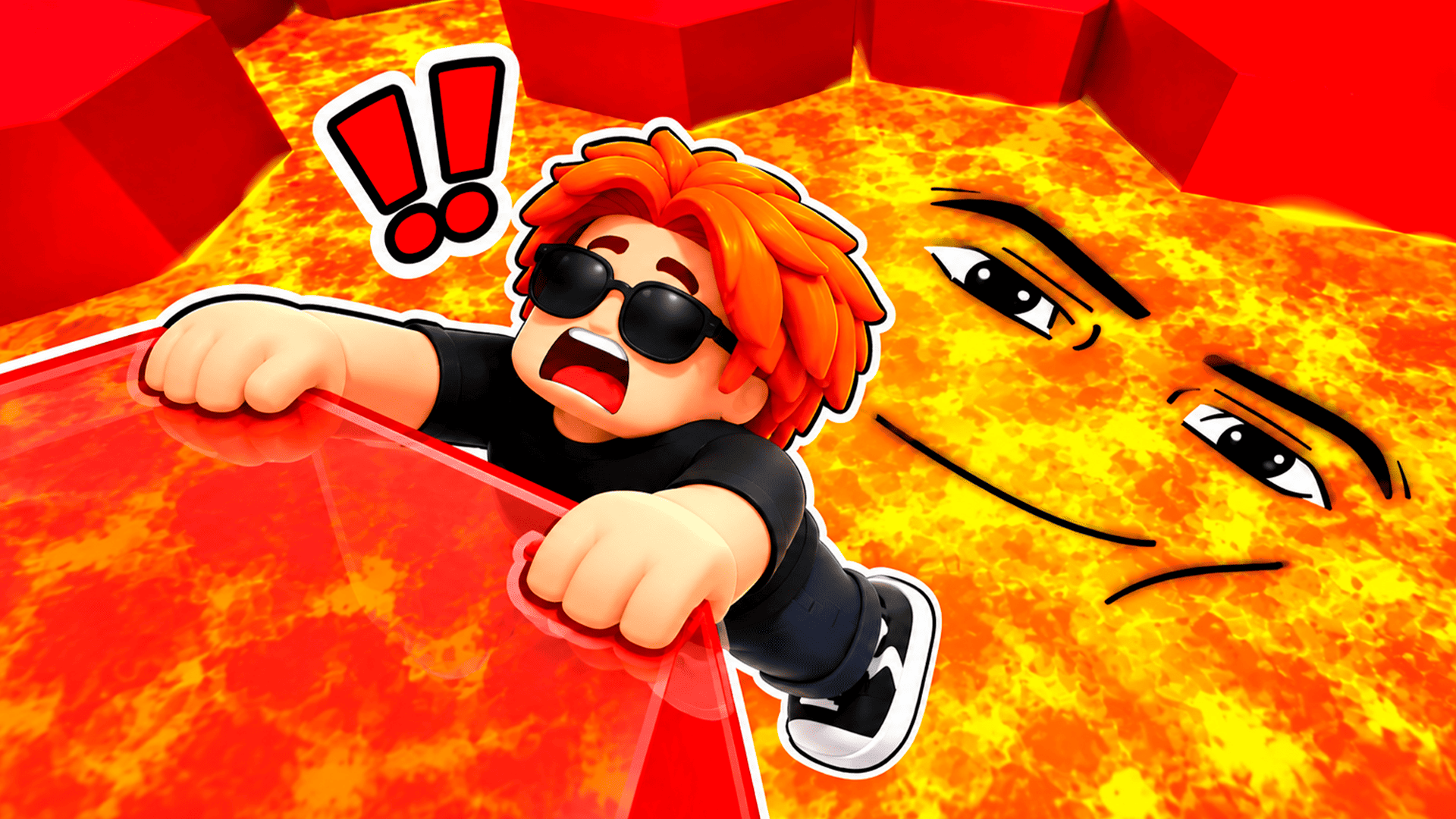
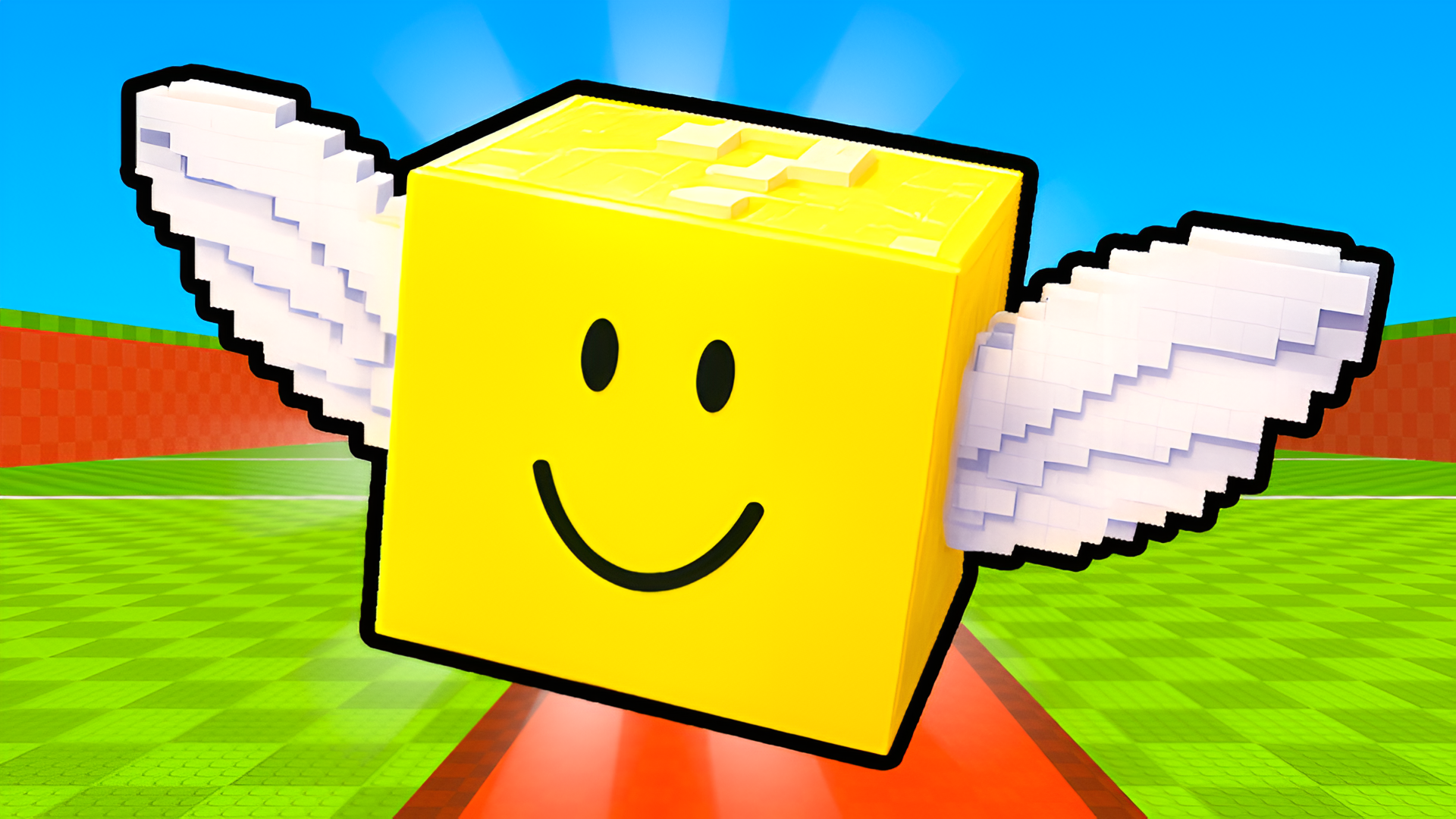
You're basically building your own Roblox obstacle course and then running it yourself to earn cash. If you've ever played a Roblox Obby before, you know the drill—jump from platform to platform, dodge lava, hit checkpoints, and try not to fall into the void. This one twists the formula by letting you design the course, then grinding through it to unlock more pieces. It's part builder, part platformer, and honestly kind of addictive if you like that endless progression loop.

Key Features

    • Build Your Own Course: Buy blocks, ramps, walls, and even lava to design custom obstacle courses.
    • Play to Earn: Run through your own obby to collect coins for more building materials.
    • Endless Expansion: Upgrade your plot size to keep building bigger and crazier courses.
    • Simple Controls: Works perfectly on PC and mobile with WASD or virtual joystick.

How to Play Build An Obby

Getting started is dead simple, but building something cool takes patience and a lot of grinding.

Place Blocks and Build Your Course

You start with a tiny plot and a handful of cash. Walk around using WASD (or the joystick on mobile) and click on building spots to place ramps, platforms, walls, or hazards like lava. Each piece costs money, so you can't just go wild right away. The interface is super minimal—just point, click, and place.

Run Your Own Obby to Earn Money

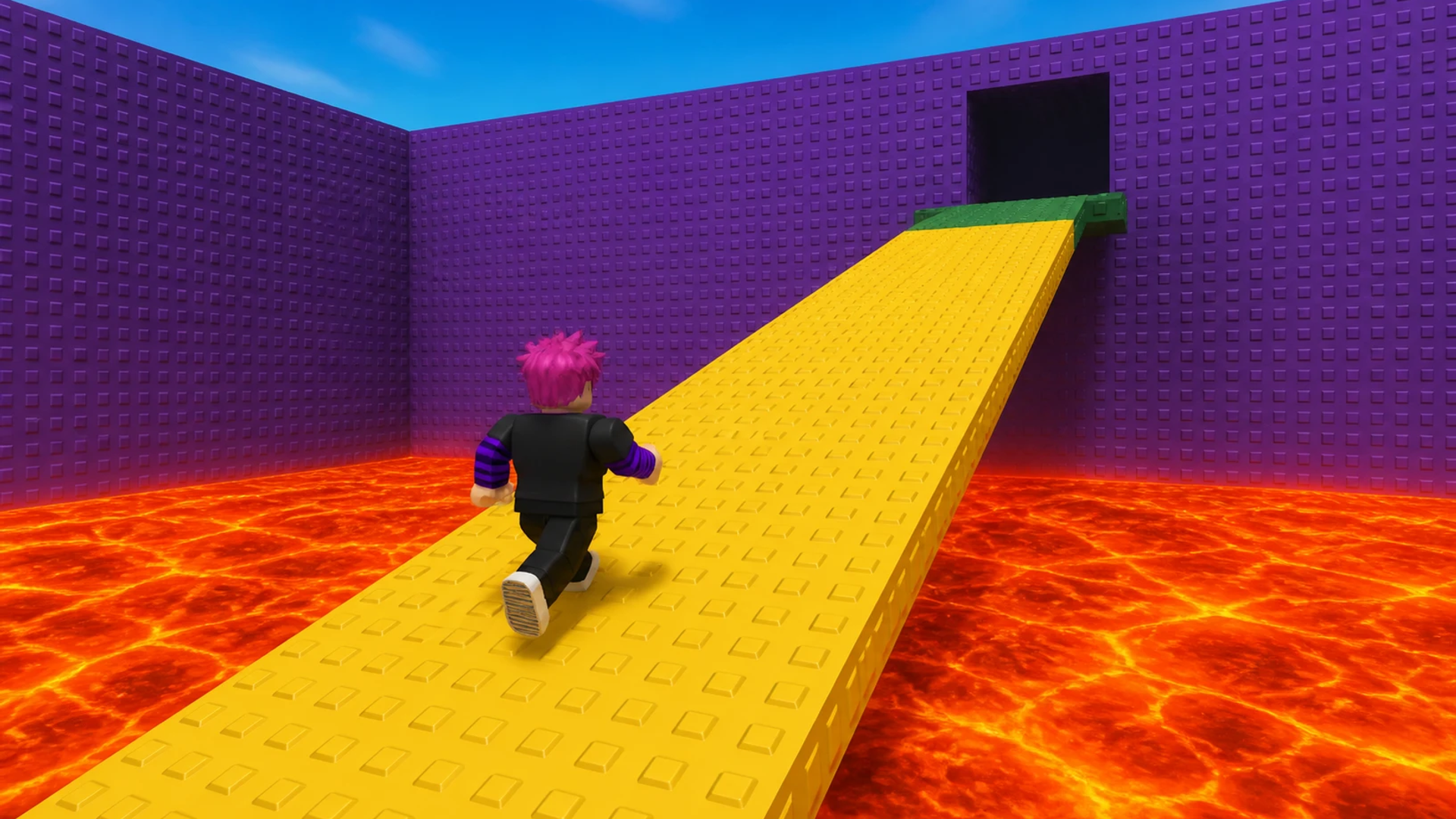
Here's where it gets grindy. Once you've placed a few obstacles, you actually have to run through your own course to earn coins. Hit the checkpoints (those checkered flag platforms), jump over gaps, dodge the hazards you just built, and try not to fall off. Every time you complete a section, you get a payout. The better your course, the more you earn per run—at least in theory.

Upgrade Your Plot and Keep Expanding

Use your earnings to unlock bigger building zones. The progression is slow but satisfying if you're into that kind of loop. You'll spend most of your time running back and forth between building mode and running mode, grinding coins to afford the next piece. It's classic idle-game pacing wrapped in a platformer shell.

Who is Build An Obby for?

This is squarely aimed at kids and casual Roblox fans who want something low-stakes and easy to understand. If you're 10 years old and you love building stuff in creative mode, this hits the spot. It's not going to challenge hardcore platformer fans—the jumps are basic, the physics are floaty, and there's no real skill ceiling. Perfect if you have 15 minutes to kill and just want to zone out.

The Gameplay Vibe

It's chill but repetitive. The visuals are pure Roblox—blocky textures, flat colors, default lighting, and that signature "studs" look on every surface. There's no music that stands out, and the sound effects are minimal. It feels more like a sandbox toy than a polished game. The loop of "build, run, earn, repeat" is meditative if you're into grind-heavy games, but it can get boring fast if you need constant action or variety.

Technical Check: Saves & Performance

The game saves your progress automatically through browser cache, so don't clear your history or you'll lose everything. Performance-wise, it's super light—this is basically a Roblox-style engine with low-poly assets, so it'll run on pretty much any device, even older phones or budget laptops. No lag, no stuttering, just smooth (if simple) gameplay.

Quick Verdict: Pros & Cons

A decent time-waster if you're into building and grinding, but it lacks depth.

    • ✅ Pro: The building system is intuitive and easy to use, even for younger players.
    • ✅ Pro: Runs flawlessly on any device with no downloads required.
    • ❌ Con: The grind gets repetitive fast—you'll be running the same short course over and over to afford new pieces.

Controls

Responsive and simple—no complaints here.

    • Desktop: WASD to move, mouse to interact with building spots and objects.
    • Mobile: Virtual joystick for movement, tap buttons to place blocks and interact.

Release Date & Developer

Developed by Квадратный Динозавр (Square Dinosaur) and released on December 17, 2025. It's a fresh release but built on familiar Roblox-style mechanics.

FAQ

Where can I play Build An Obby?

Play it free on Playgama. It works on PC and Mobile without downloads.

How do I earn money faster in the game?

Run through your obby multiple times and hit every checkpoint. The more obstacles you place, the more coins you earn per run, so focus on building longer courses once you can afford it.

Is there a mobile version?

Yes, the game fits any screen size and supports touch controls.

Screenshots

screenshot-0screenshot-1screenshot-2screenshot-3screenshot-4screenshot-5
Free Online Games at PlaygamaPlaygama features the latest and best free online games. You can enjoy playing fun games without interruptions from downloads, intrusive ads, or pop-ups. Just load up your favorite games instantly in your web browser and enjoy the experience.
Random Game