Arcade Games










Test Your Reflexes with Fast-Paced Arcade Challenges
Arcade games focus on quick reflexes, straightforward mechanics, and fast-paced gameplay. Playgama offers a collection of 2400+ titles that you can play directly in your web browser. These games are accessible on both desktop and mobile devices without requiring downloads, allowing you to start playing immediately.
Obstacle Courses and Parkour
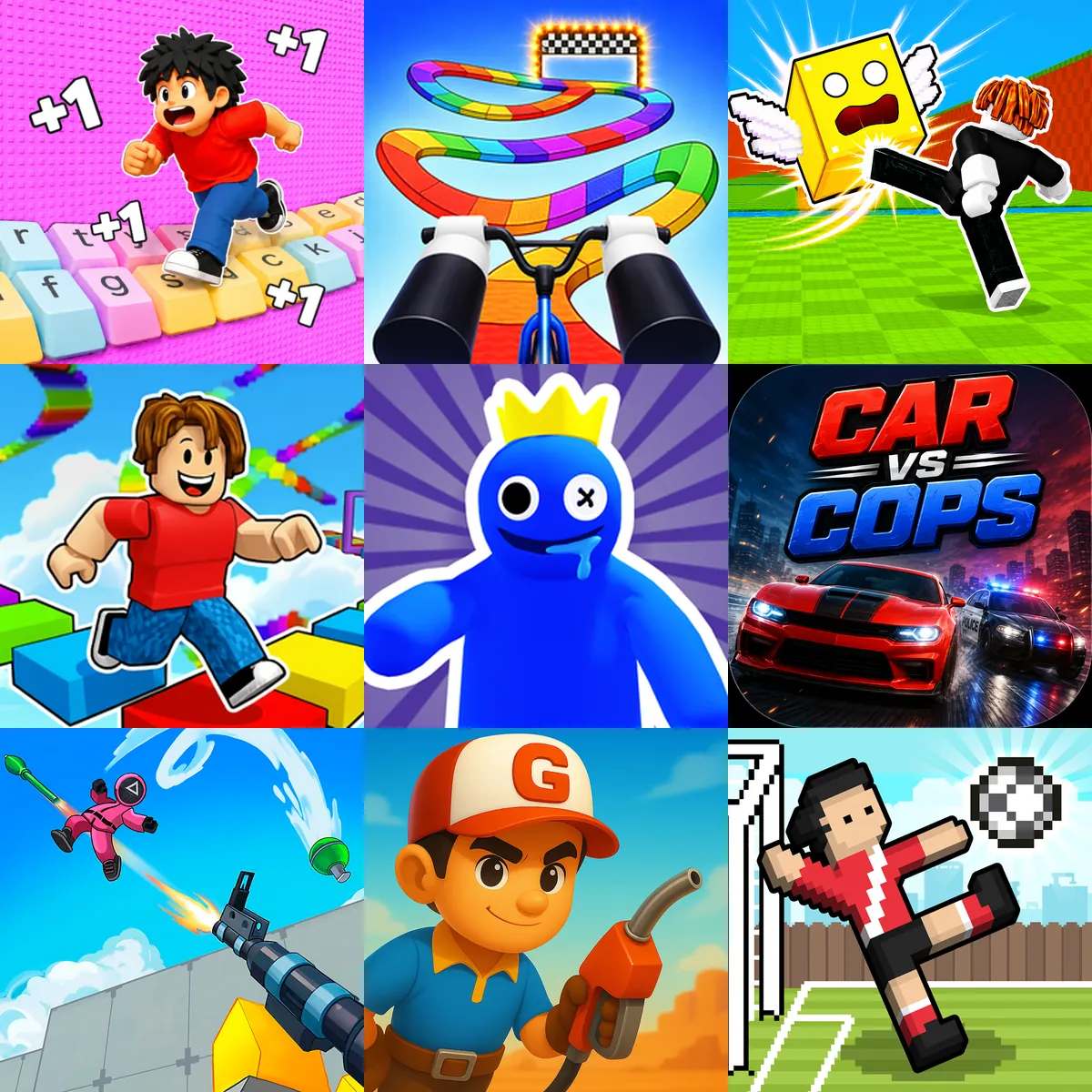
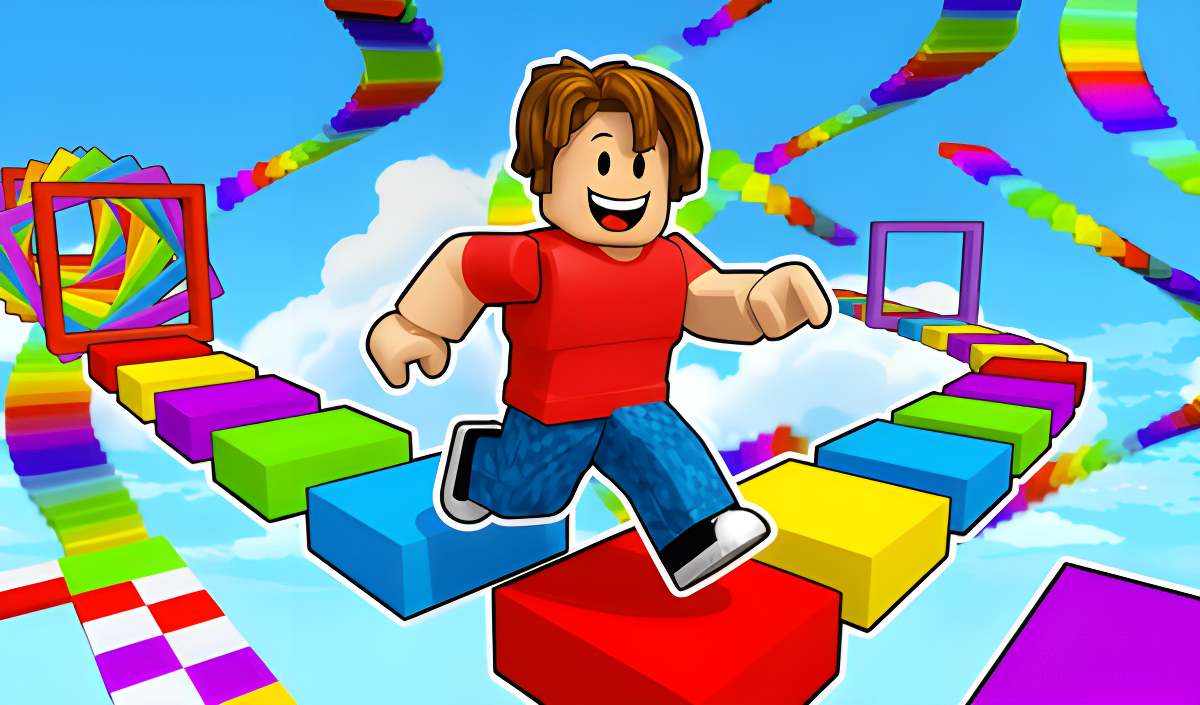
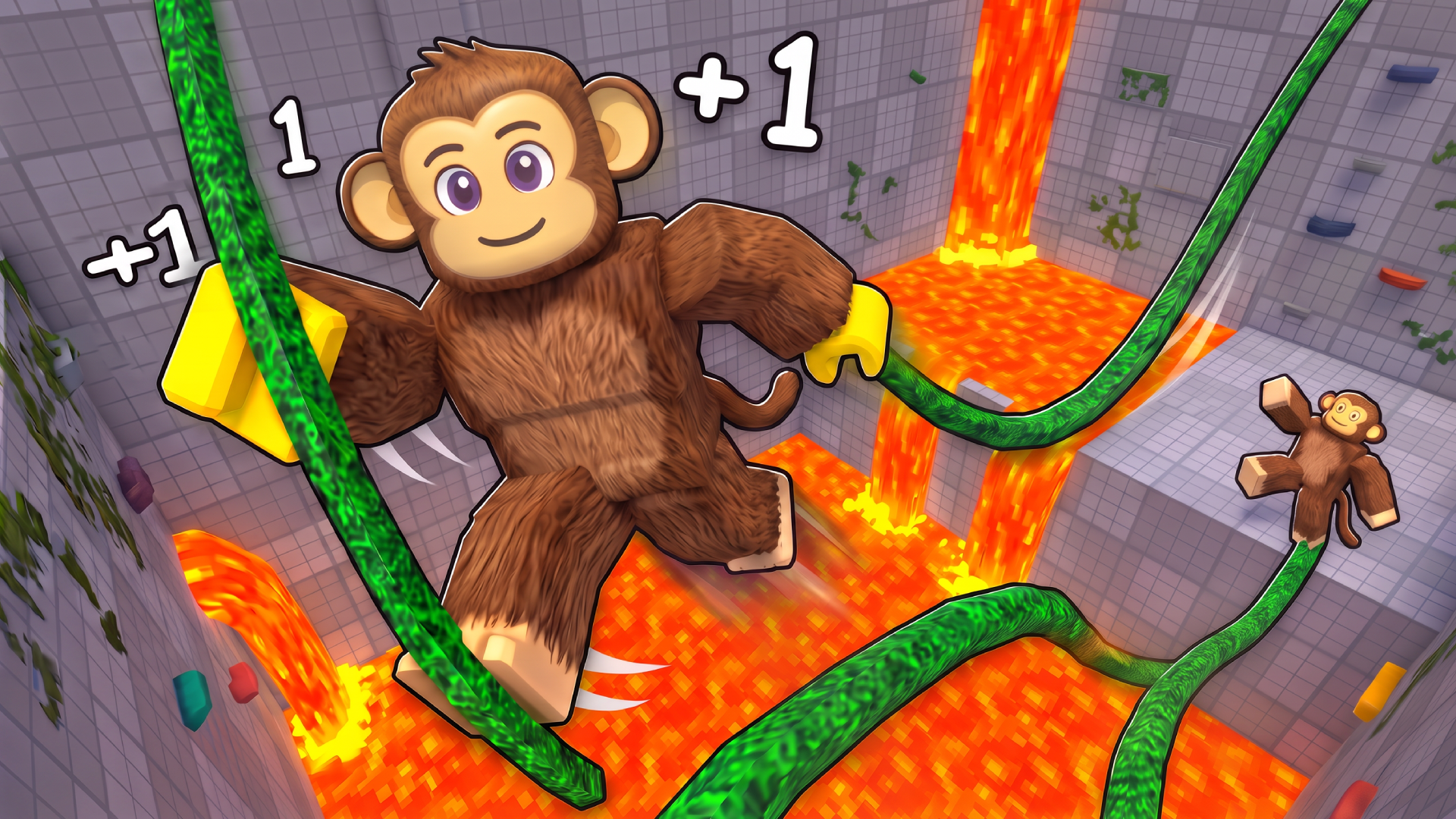
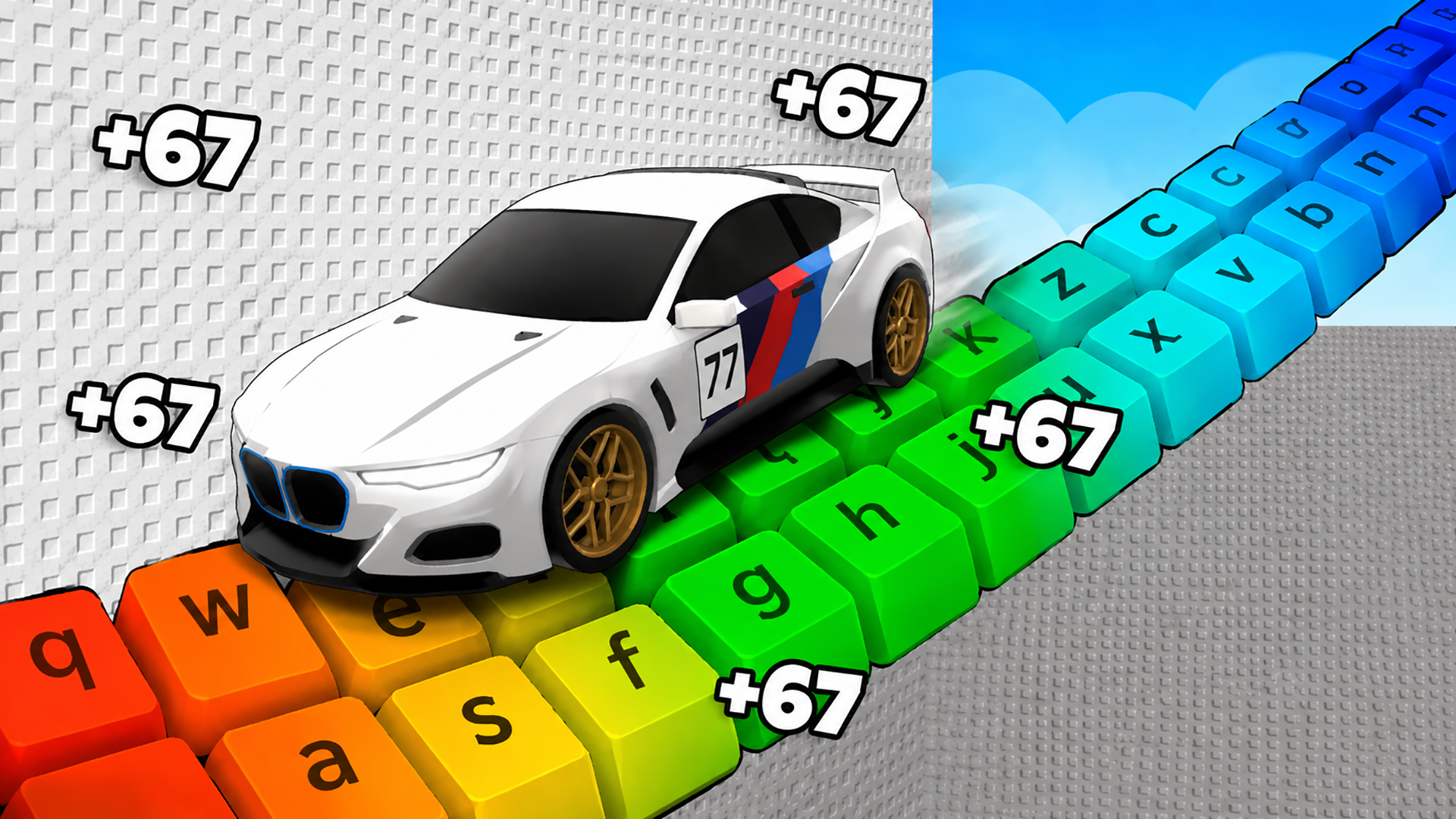
Many arcade titles challenge you to navigate complex obstacle courses. In Obby but You're on a Bike, you ride a bicycle through various parkour levels, using distinct controls to balance and jump across gaps. Speed per Click: Obby introduces a clicker mechanic where you generate speed to overcome blocky platforms and reach the finish line. For competitive play, Obby: Mini-Games allows you to race against other players in different parkour modes to win cups and reach the winner's pedestal.
Reaction and Timing
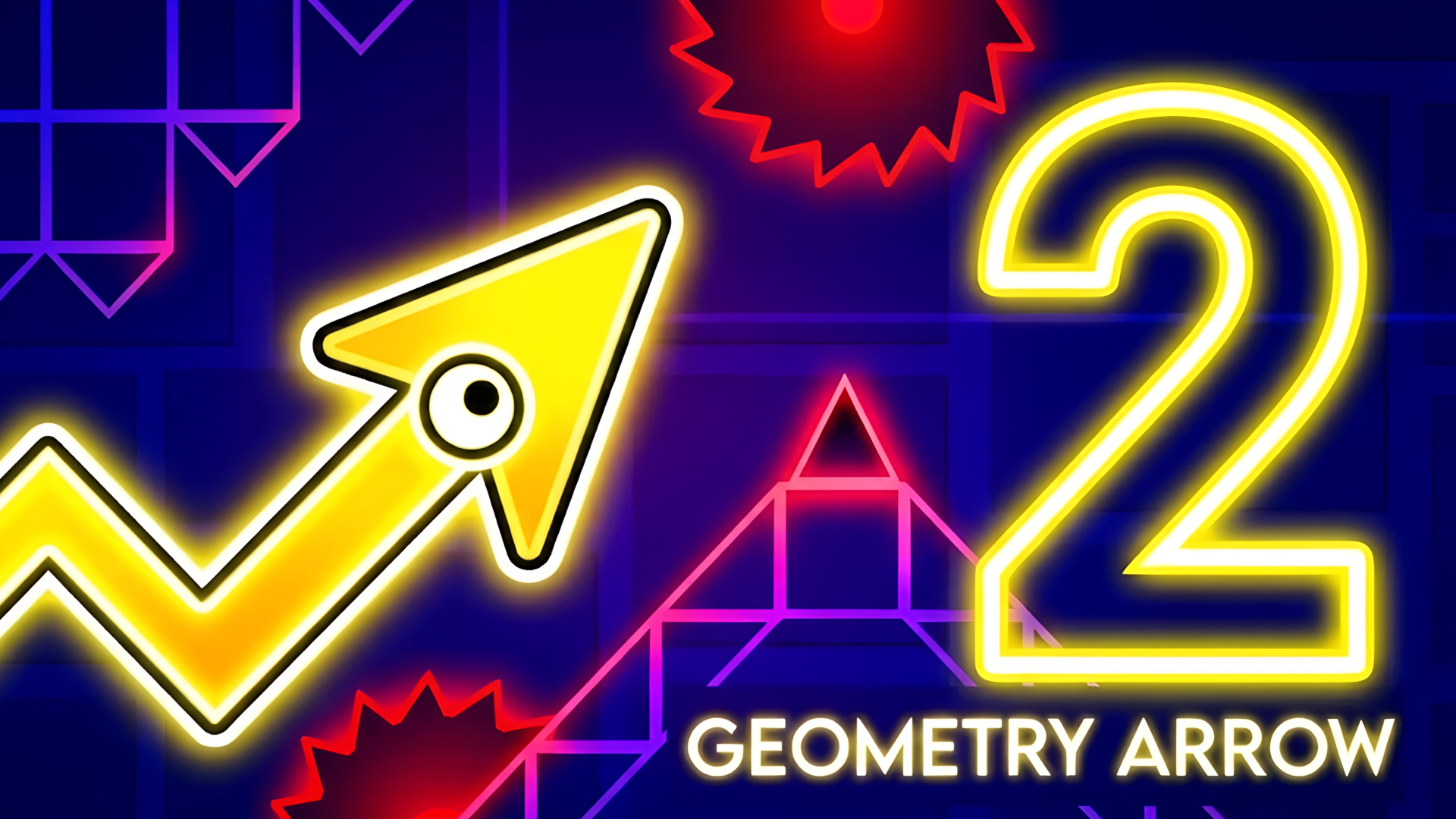
Timing and precision are core components of Reaction Games. Geometry Arrow 2 requires you to guide an arrow through a cave by jumping and avoiding geometric hazards. Similarly, Escape Tsunami for Brainrots involves running from an incoming wave while collecting items and returning them to your base for upgrades. These mechanics rely on quick decision-making, a staple of Fast paced action titles.
Action and Sports Arcade
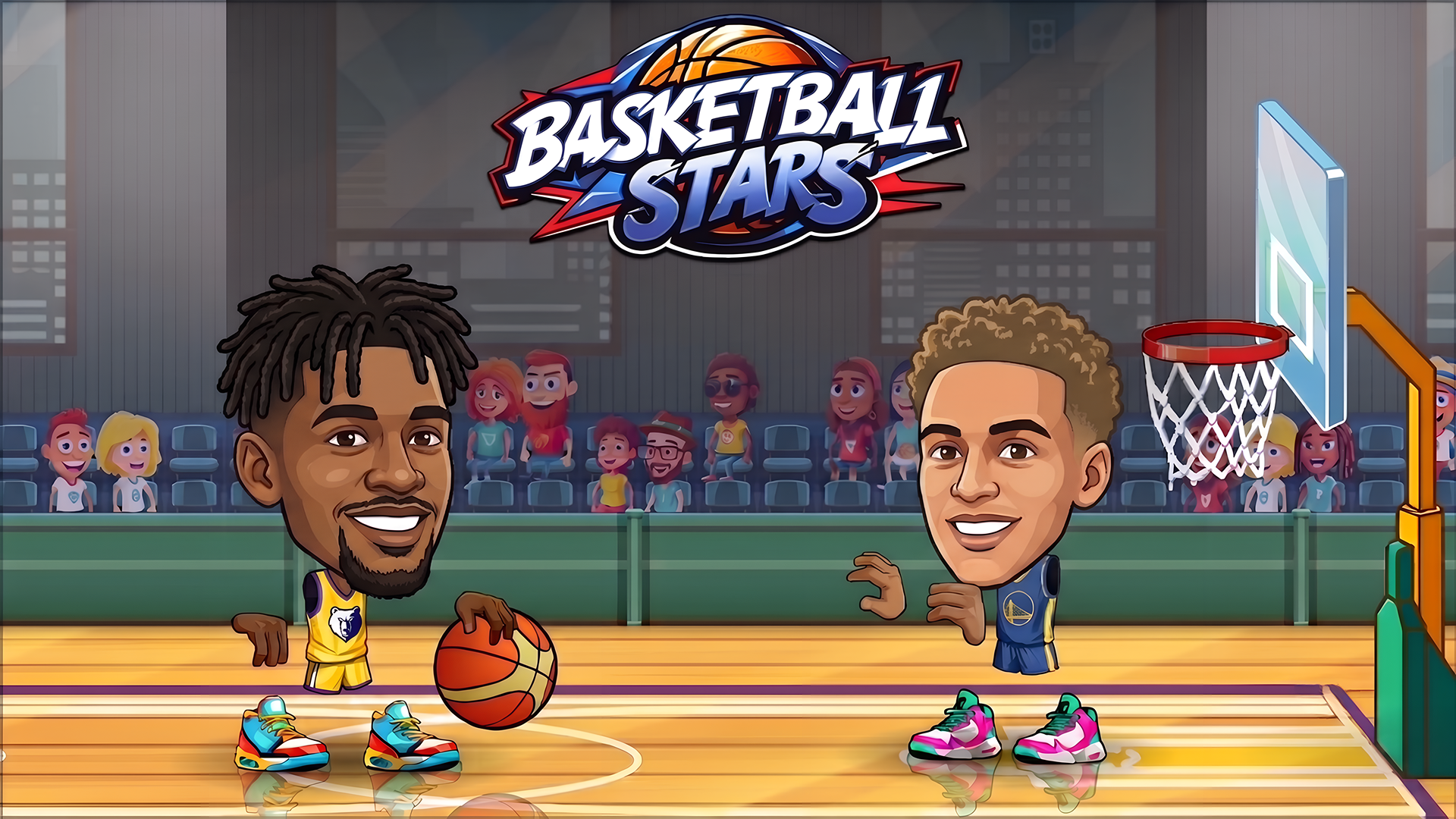
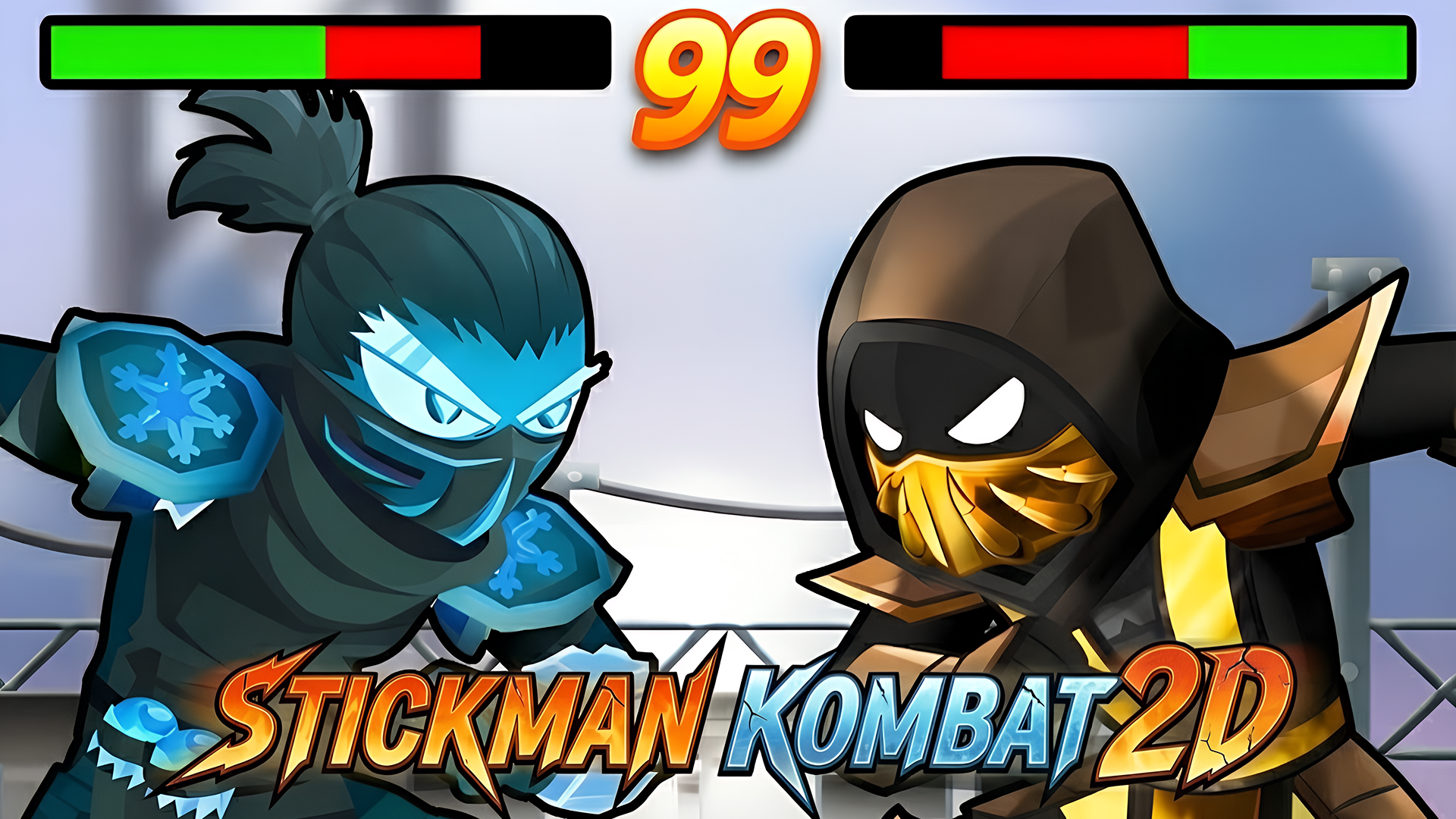
The arcade category also includes sports and combat titles, often overlapping with the Action genre. Basketball Superstars lets you create a player, dribble, and shoot in competitive arena matches. Deadly Descent functions as a driving simulator where you navigate steep mountain routes and manage vehicle damage. For fighting mechanics, Stickman Kombat 2D offers both 1-player and local 2-player modes where you execute specific keyboard inputs to perform combos and special moves.
Features of Arcade Games
- Straightforward Controls: Use basic keyboard inputs, mouse clicks, or touch gestures to move, jump, and interact with the environment.
- Quick Sessions: Designed for short bursts of gameplay with immediate restarts after a failure or level completion.
- Progressive Difficulty: Levels increase in complexity, requiring faster reaction times and better coordination as you advance.
- Multiplayer Options: Several games support local 2-player modes on a single keyboard or online competitive arenas.
- Cross-Platform Play: Titles are optimized to run smoothly on both desktop computers and mobile touchscreens.
FAQ
What are the most popular Arcade Games?
These arcade titles attract the most players due to their engaging mechanics and high replayability.
- Mystery Dumpling Go: Merge IO
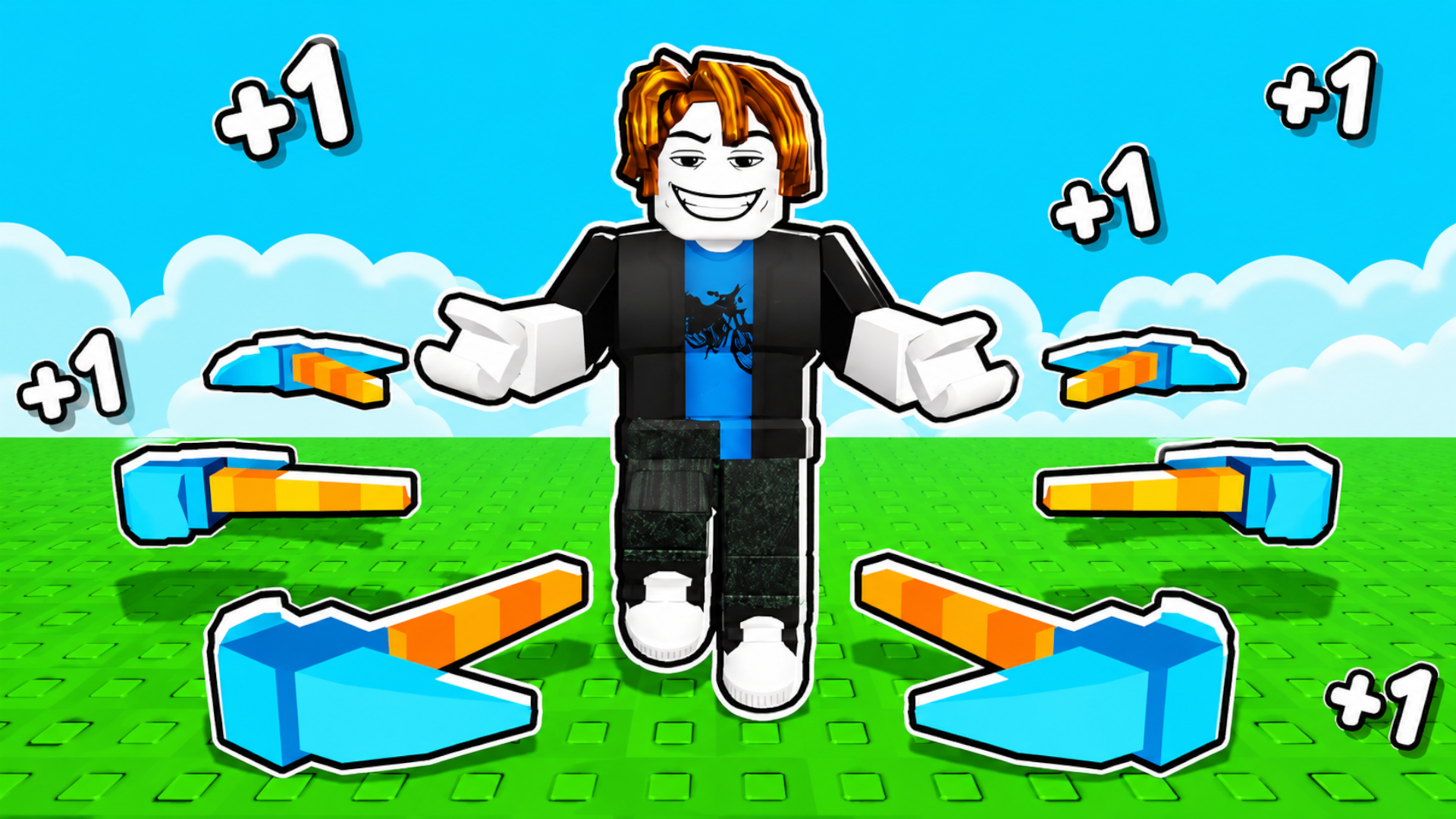
- Obby: +1 Pickaxe Swing Escape
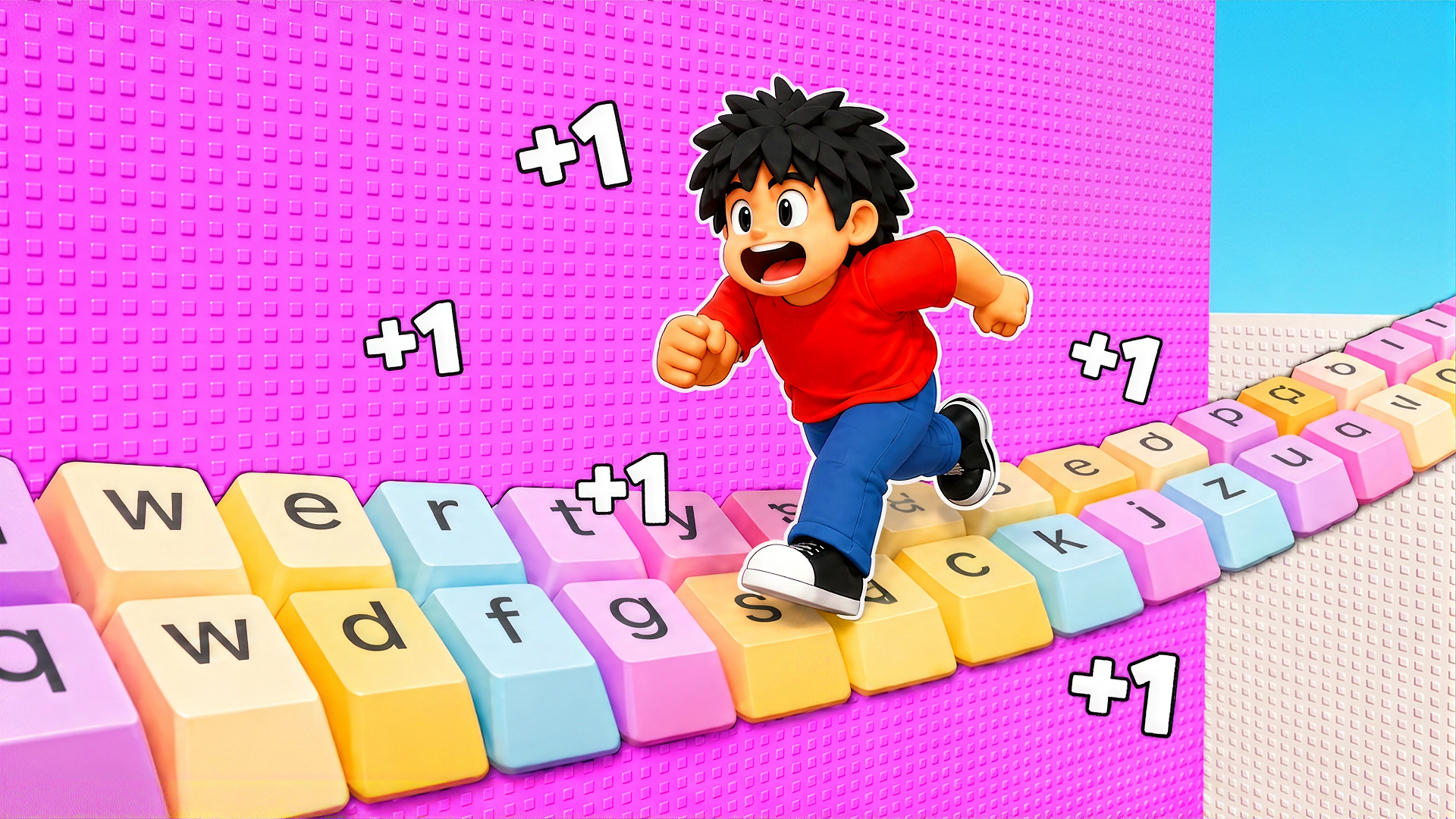
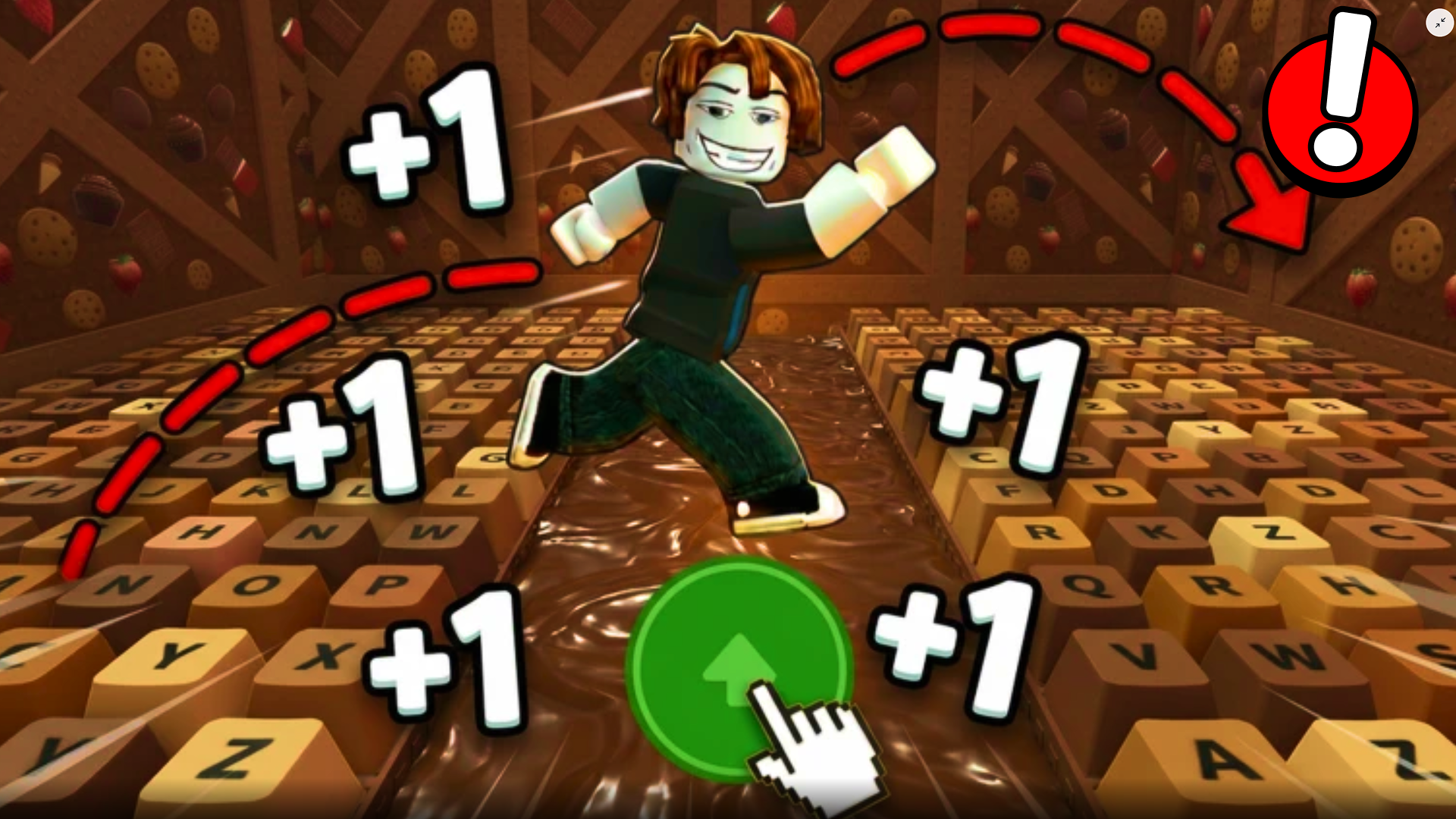
- +1 Speed Keyboard Escape: Obby
- Extreme Car Driving Simulator
- Candy Crush Saga
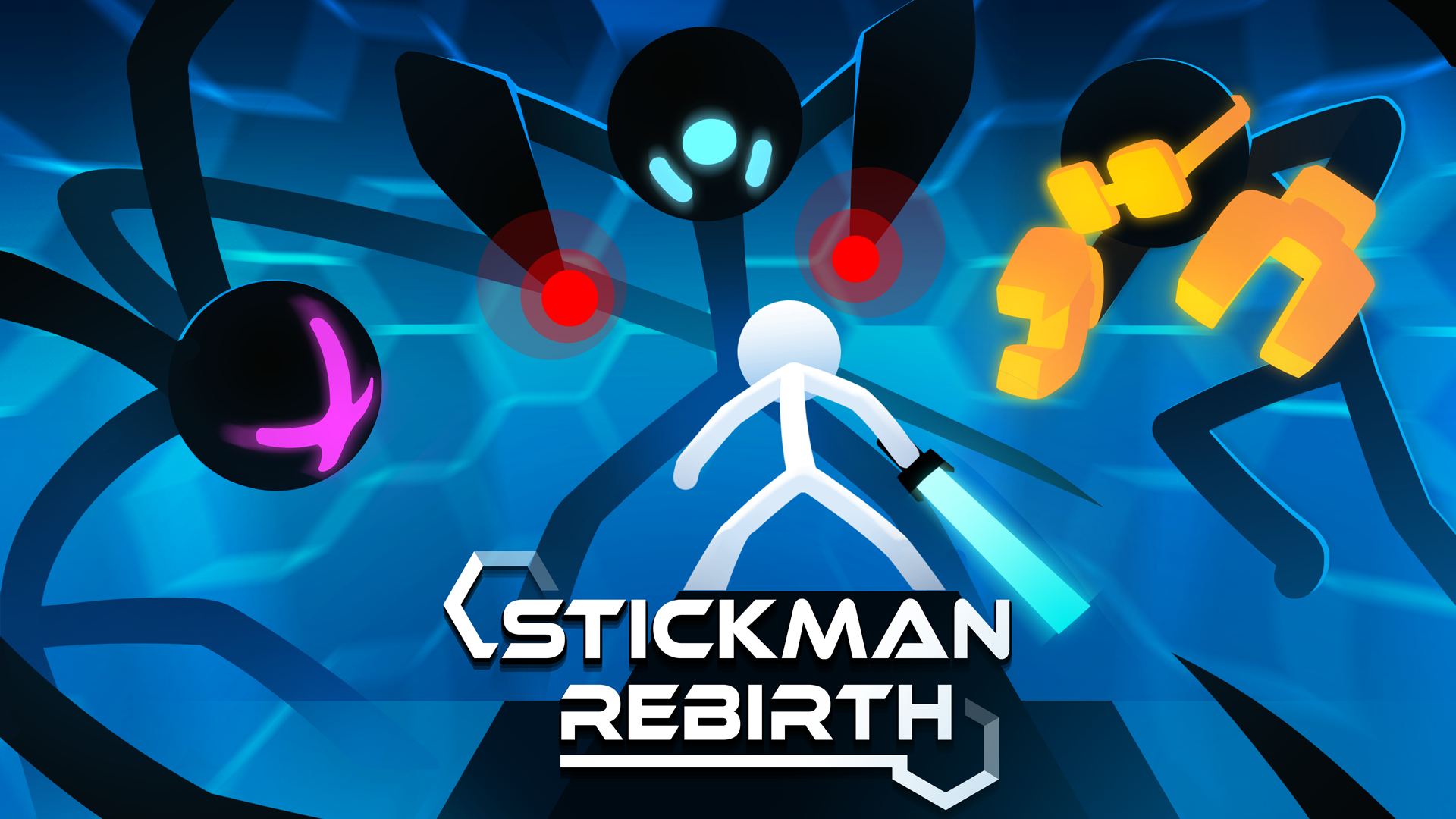
- Stickman Rebirth
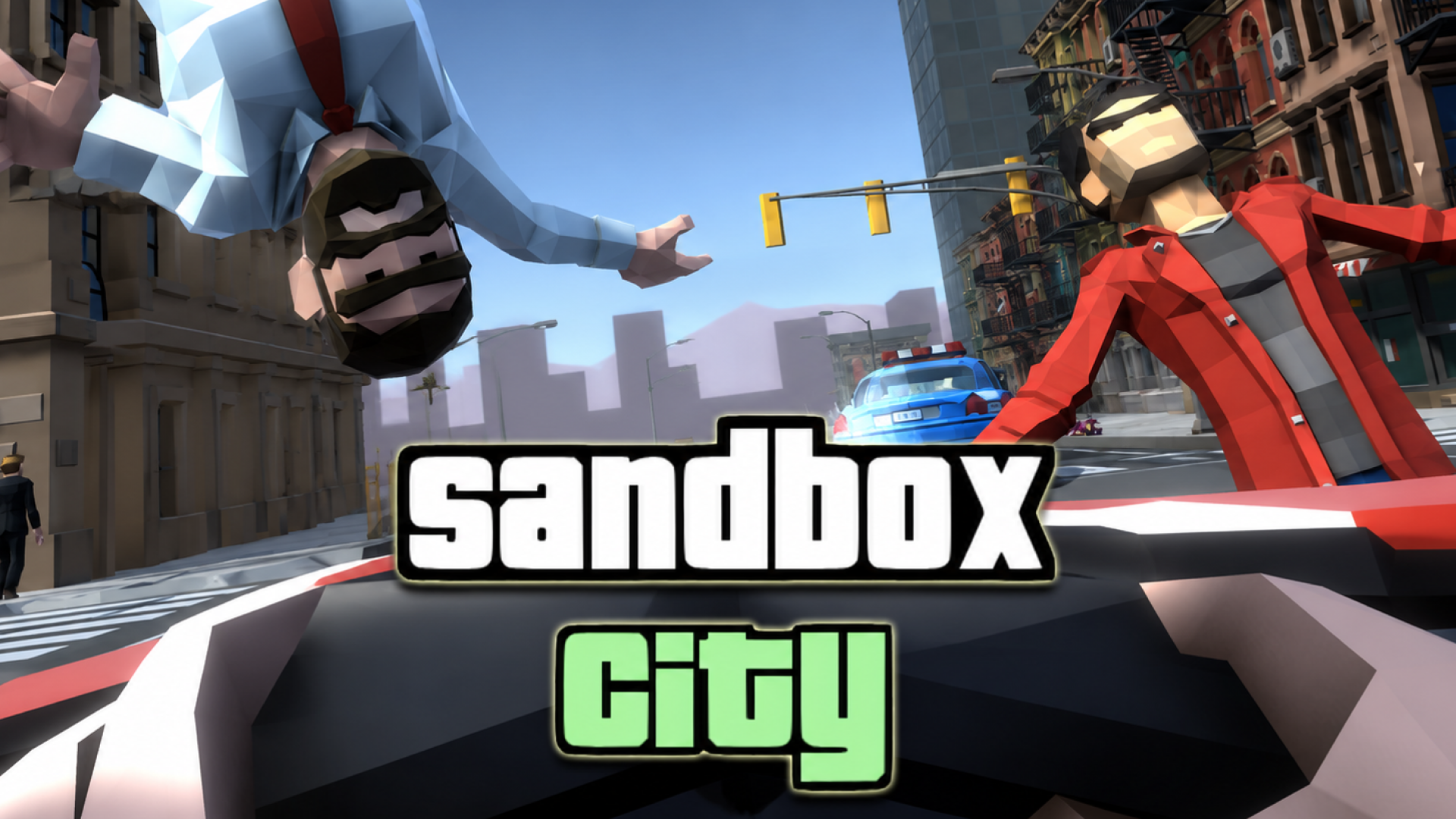
- Sandbox City
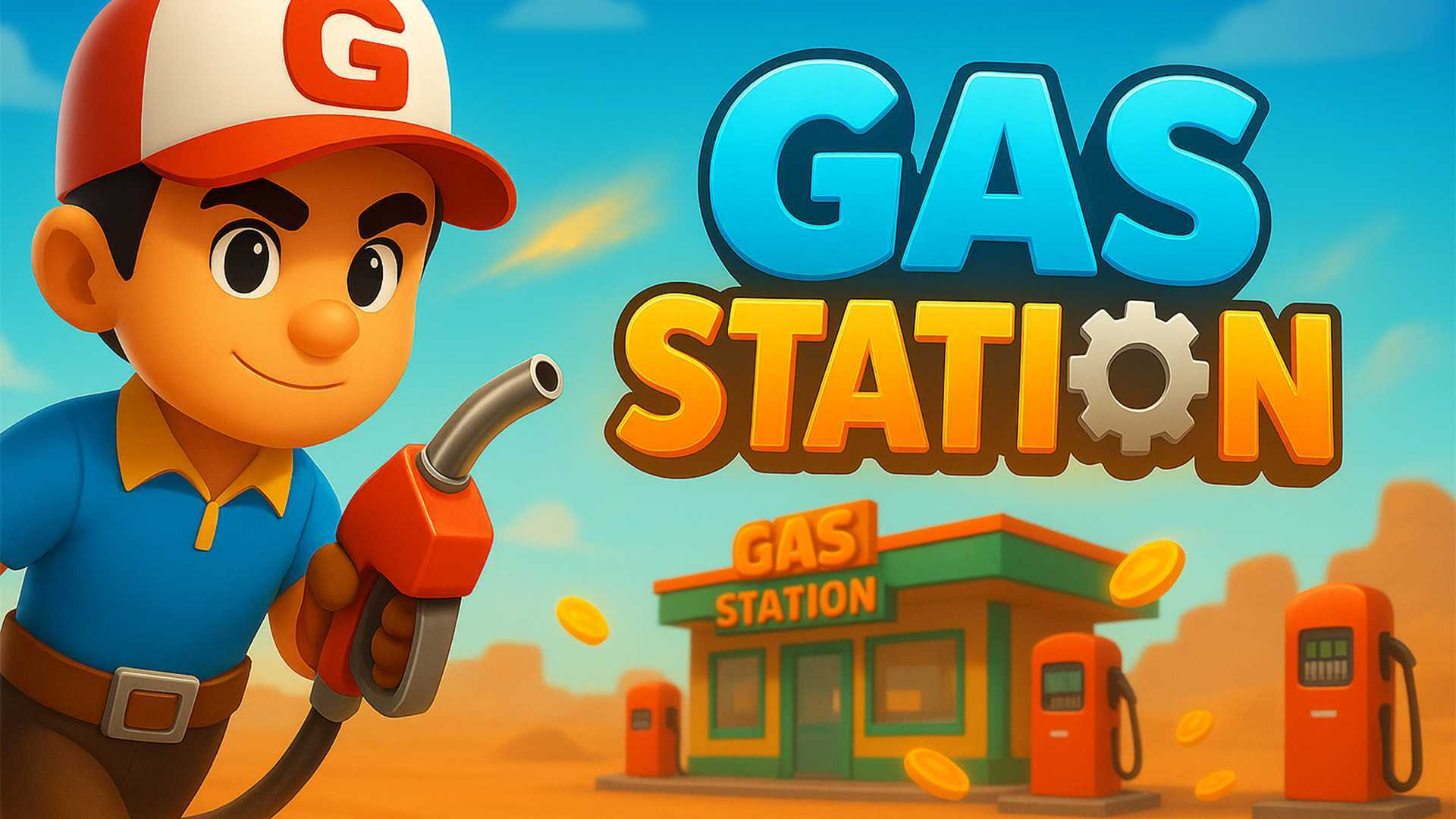
- Gas Station
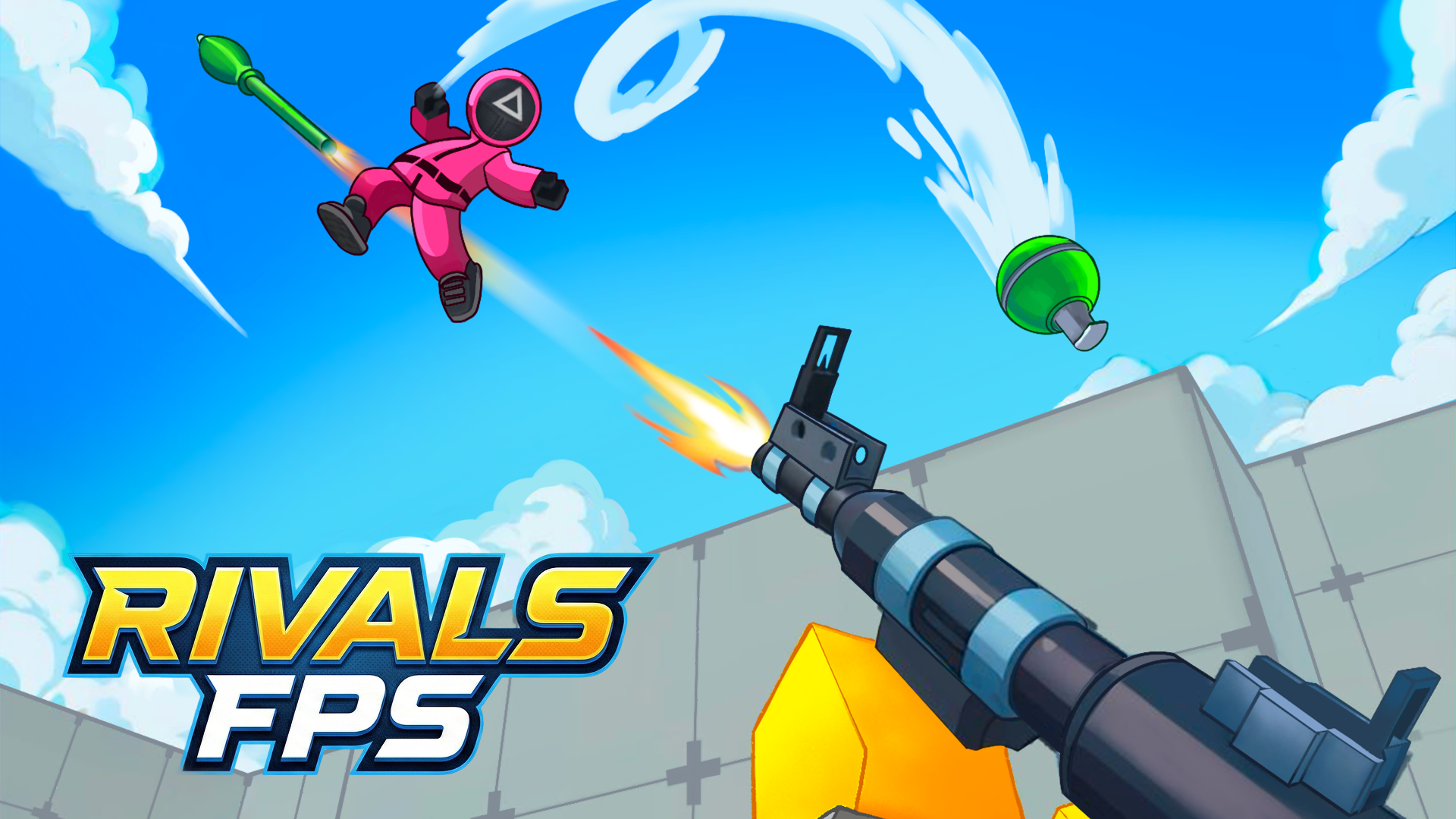
- RIVALS FPS: Online Shooter
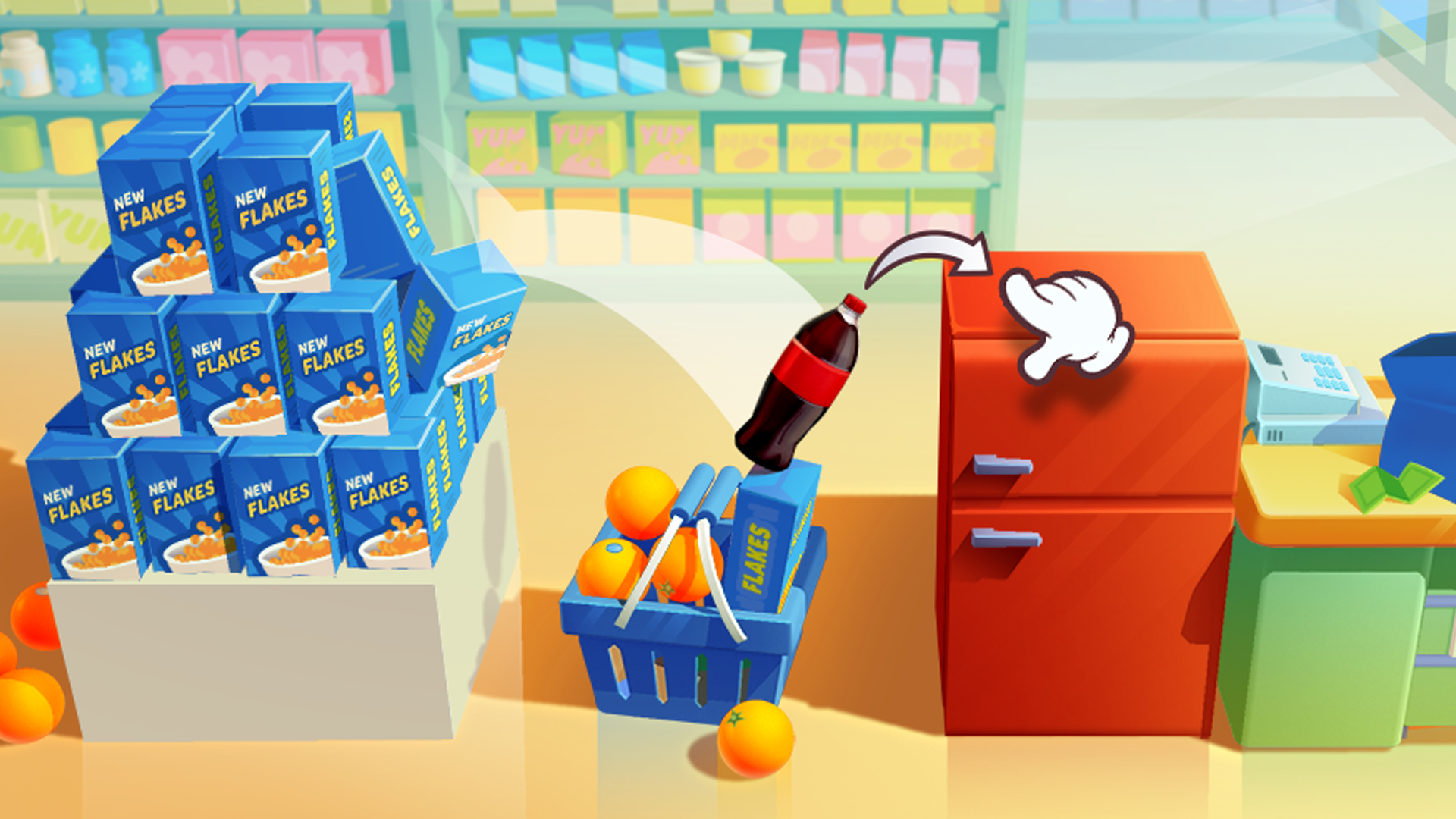
- Bottle Jump 3D
What are the best Arcade Games for mobile?
These touchscreen-optimized arcade games provide responsive controls for playing on smartphones and tablets.