About Category Match: Memoji Card Sorting Puzzle
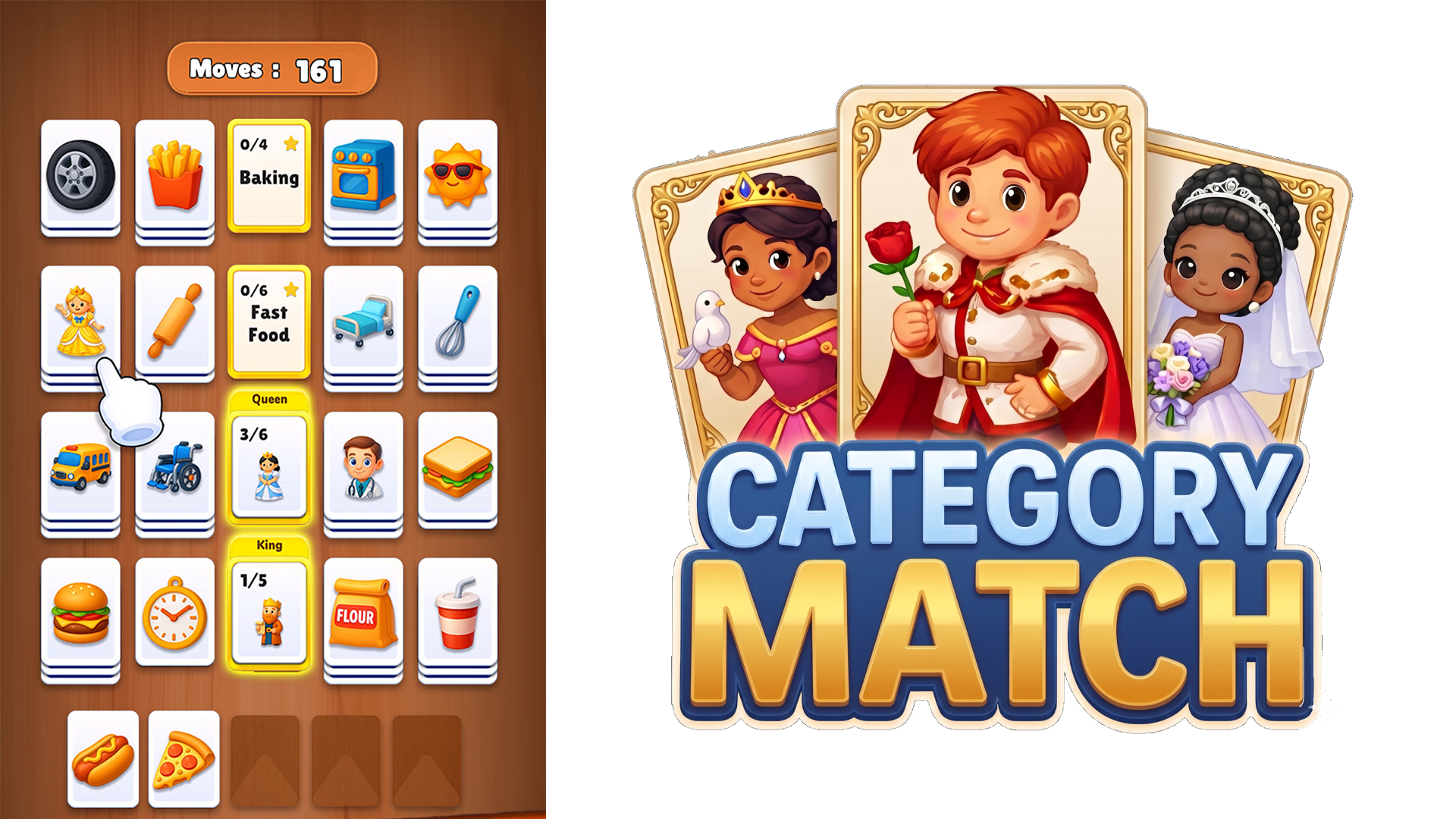
Category Match is a fun, relaxing, and brain-teasing puzzle game where you sort cute memoji cards into their correct categories. The challenge is straightforward in concept but grows steadily more demanding: look carefully at every card, understand the character style, and place each memoji into the right group. Early levels ease you in, while later stages introduce more categories, limited space, and trickier card arrangements that reward careful thinking over quick tapping. Colorful visuals, smooth gameplay, and satisfying matches make it a natural fit for fans of matching games, sorting games, card puzzles, emoji games, and relaxing brain games.
How to Play Category Match: Clear Every Level
Each level presents a board of memoji cards. The goal is to identify which cards share a category, move them into the correct group, and clear the board completely. Limited space in some levels means every placement counts — a wrong move can block your next match, so thinking ahead before placing a card is essential. Complete all category groups to win the level.
Controls
- Tap: Select a memoji card
- Move: Place the selected card into the correct category group
Games You Might Like
If the card-sorting logic in Category Match appeals to you, the broader world of matching games has plenty more to explore, and the puzzle games category covers everything from tile layouts to block sorting. For a similar board-clearing challenge, Match Clear tasks you with finding and matching three identical items from a cluttered pile using crisp 3D physics. Mahjong Puzzle: Tile Match rewards the same careful observation and forward planning as you link identical tiles across increasingly complex layouts.
Good Sort Master: Triple Match shares Category Match's sorting spirit, asking you to arrange identical items on shelves until three of a kind connect. For something with a wilder visual twist, Brainrot Jam: Color Block Sort guides colored blocks to matching doors through increasingly tricky traffic puzzles.