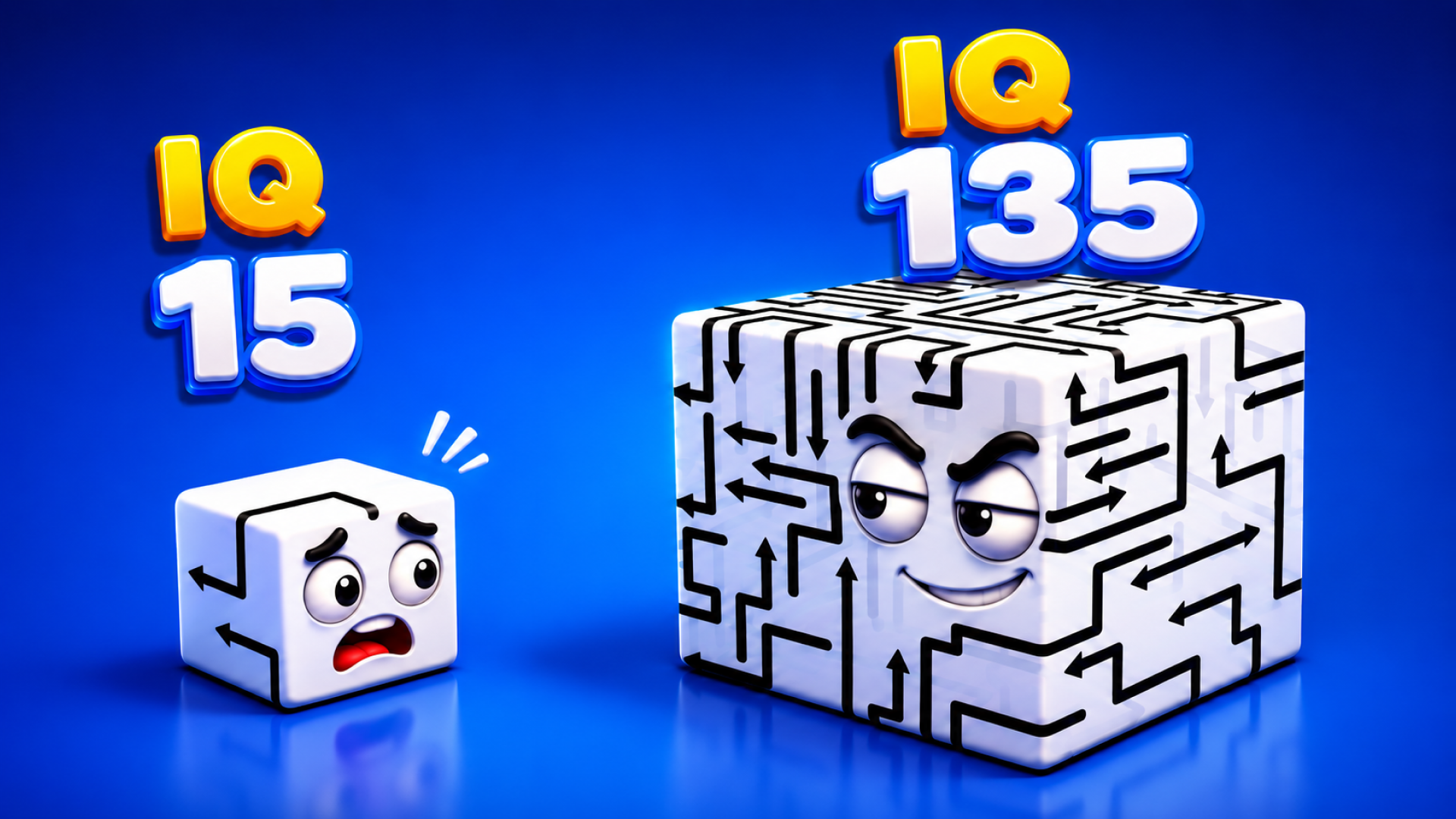
Rotate a transparent cube. Tap arrows in the right sequence. Clear all six faces without blocking yourself. Arrow Cube 3D strips spatial puzzles down to pure geometry—no clutter, no timer, just your brain against the order. Each arrow leaves only when its path is free, so inspect every angle before committing. Sink into the calm rhythm of planning, rotating, and solving in your browser.
Clear every arrow from the cube by finding the perfect removal order. Rotate the wireframe structure to reveal which arrows are free to move and which are blocked by others. Tap an arrow when its exit path is open—if something blocks it, you cannot remove it. Work through all six faces until the cube is empty. Fail too many times and you lose a heart; run out of hearts and you restart the level.
Drag to spin the cube in any direction. Look for arrows pointing outward with no obstructions. Tap one to slide it off the face. The transparent vector-style line art lets you see overlapping paths inside the cube, so use that x-ray view to trace every arrow's trajectory. Red and grey vectors stack across multiple faces—rotate slowly to spot the safe exits first. Blue segments often hide on oblique angles; tilt the cube until they align with your viewpoint.
Removing the wrong arrow first locks you into failure. Study the internal maze before you act. Some arrows must leave early to free the paths of others. The minimalist design strips away hints, so rely on spatial reasoning and pattern recognition. Each level introduces tighter overlaps and more complex multi-face dependencies. Master the basics fast—later puzzles demand flawless sequencing.
Always rotate 360 degrees before your first tap. Check top, bottom, and angled views to map the full arrow network. Prioritize outer-layer arrows with clear paths, then work inward. If you lose a heart, pause and trace which arrow you removed too early. The heart counter at the top tells you how many mistakes you can afford—plan your sequence before touching anything. For hyper-casual puzzle games like this, patience beats speed.
Built for players who crave calm, rule-based brain workouts. Fans of minimalist aesthetics and spatial reasoning will lock into the meditative loop of rotating, inspecting, and clearing. If you enjoyed Arrow Puzzle for its sequential arrow-removal challenge or Remove All Arrows for its maze-like order puzzles, Arrow Cube 3D elevates that logic into 3D space. Mobile users on commute, casual puzzle enthusiasts at any age, and anyone hunting short-session focus games will find satisfaction here. The orthographic projection and low-poly simplicity keep the challenge pure—no flashy effects, just geometry and planning.
Arrow Cube 3D was developed by Green Train. The studio delivers calm logic puzzles with transparent 3D structures and tap-to-remove mechanics, playable instantly in any browser without installs.
No. An arrow moves only when nothing blocks its path. Tap the wrong one first and you lock yourself into failure, losing a heart. Rotate the cube fully to identify which arrows have clear exits before committing to a sequence.
You restart the current level from the beginning. The heart counter at the top tracks your mistakes—each blocked arrow tap costs one heart. Plan your moves carefully to preserve them.
The transparent wireframe design lets you peer through overlapping geometry. Drag to rotate the cube slowly and watch how red, grey, and blue vectors stack across multiple faces. Tilt to oblique angles to reveal internal paths that hide in straight-on views.
Yes. Play directly in your mobile browser on Android or iOS with no downloads. Swipe to rotate, tap to remove—the minimalist controls adapt perfectly to touchscreens.
Try Tap 3D Wood Block Away for rotate-and-remove block mechanics with arrow-indicated movement, or explore Wood Blocks Jam for color-matching spatial logic in a calm 3D setting. Both share the low-poly aesthetic and thoughtful planning loops found in arcade games focused on brain training.