About Police Chase With Destruction: High-Speed Chases with Realistic Car Destruction
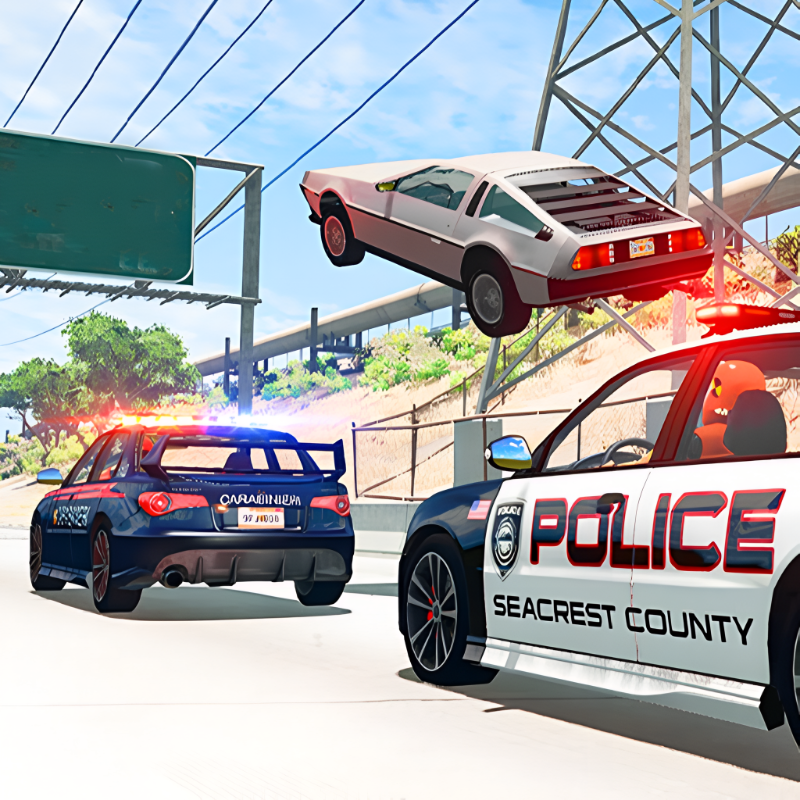
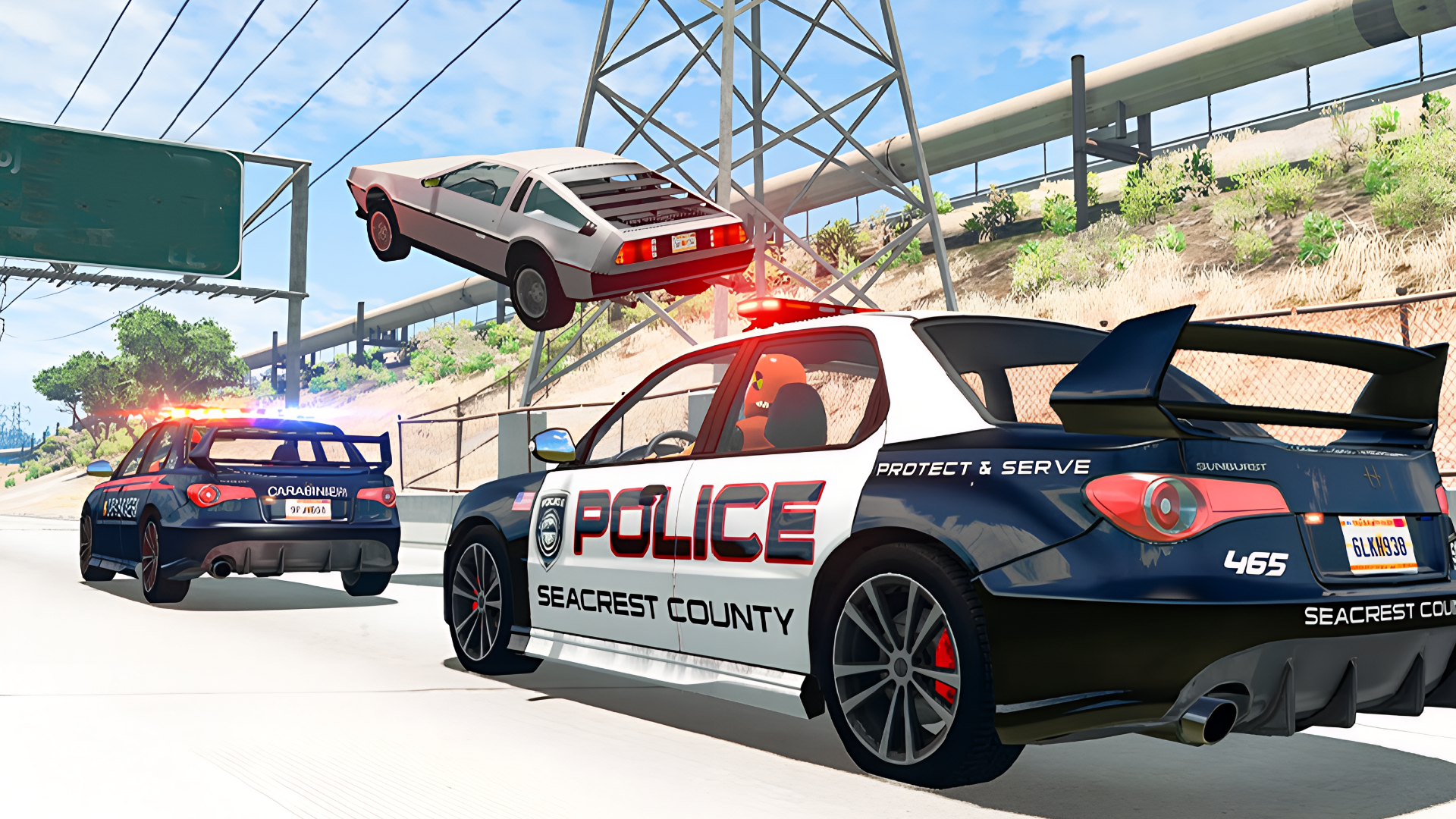
Police Chase With Destruction drops players into the middle of high-speed police chases across four distinct environments, with realistic car destruction physics at the center of every collision. The game lets you pick a side — badge or fugitive — and then throws you into busy city streets where one wrong move can end the chase instantly. Several scenes across the game show a vehicle with red and blue lights mounted on its roof. In one moment, dark particles and gray vapor clouds erupt between two colliding cars, and in another scene a purple four-door sedan shows a caved-in front-left door and a misaligned front bumper. The destruction is detailed and real-time, making every ram and sideswipe feel consequential. A slow-motion feature adds cinematic weight to the most dramatic moments.
How to Play Police Chase With Destruction
Press START, select a level, choose a game mode, then pick a car. To move between maps, open the pause menu and press TO MENU. The core objective depends on your chosen role: as a police officer, catch and ram or block the criminal's vehicle; as the criminal, evade capture using nitro boosts, sharp maneuvers, and on-the-fly vehicle changes. Collisions with other cars, road objects, and obstacles cause detailed real-time damage, which adds a tactical dimension — ram the opponent or clear an obstacle from your path. The slow-motion feature is available during chases for cinematic moments.
Game Modes
- Sandbox: choose one of the maps, the side you want to play for, the suitable vehicle, and set off on your adventure.
- Missions: specific missions of varying difficulty. As the game progresses, missions gradually become more challenging, traffic density increases, and both pursuers and the pursued become more elusive.
Levels / Maps / Worlds
- Tunnel: a narrow road between wooded hills and steep cliffs.
- Desert: a road through sandy dunes.
- Highway: a rural highway with interchanges, two-way traffic, and heavy congestion.
- City Day: the hustle and bustle of a busy metropolis during the day.
- City Night: the lights and mysteries of the city at night.
Controls
- WASD / Arrow Keys: vehicle control / movement
- L. Shift: acceleration / nitro
- Space: handbrake
- B: time dilation / slow motion
- R: turn the car over
- F2: machine recovery
- N: change car
- C: change camera position
- G: toggle siren
- TAB / Esc: pause
On mobile, all actions are handled through virtual buttons on the screen: arrows to turn, a big pedal for gas, a small pedal for brake, a nitro button, a camera button to change camera position, button P to turn the car over, button C to switch to the next car, and a pause button.
Key Features
- 2 roles: play as either the police or criminals, completing missions from both sides.
- Car switching: happens instantly, allowing you to change vehicles on the fly.
- Realistic car destruction physics make every collision feel authentic, with detailed real-time damage on impacts.
- Slow-motion feature for dramatic, cinematic chase moments.
- Many machines available for the user to choose from.
- 5 different maps with varying landscapes and weather conditions.
FAQ
What are the two roles available in Police Chase With Destruction?
The game lets you play as a determined police officer chasing a criminal or as the criminal escaping the law. Each side has its own missions and objectives within both Sandbox and Missions modes.
How does the slow-motion feature work?
On PC, pressing B activates time dilation, slowing down the action for cinematic chase moments. It is available during gameplay in both modes.
Do missions get harder as you progress?
Yes. As the game progresses, missions gradually become more challenging, traffic density increases, and both pursuers and the pursued become more elusive in chases.
How do you switch between maps?
To move from one map to another, press pause during gameplay and then press the TO MENU button to return to the level selection screen.
Can you change your car during a chase?
Car switching happens instantly, so you are able to change vehicles on the fly. On PC, press N; on mobile, use button C to cycle to the next car.
Games You Might Like
If the police-versus-criminal format keeps you coming back, Police Chase Simulator expands the concept with over 15 vehicles and four distinct maps including a low-gravity moon setting. For a chase that never lets up, Car vs Cop puts you on the run through a city arena that cycles between day and night while waves of police close in. The broader world of driving games on Playgama covers everything from street racing to off-road chaos for fans of car-based action. Crime and Vice City Police shares the same love of realistic car destruction and slow-motion crash replays across multiple city and highway locations. Rounding things out, the action games category on Playgama is a natural next stop for anyone drawn to fast-paced destruction gameplay.