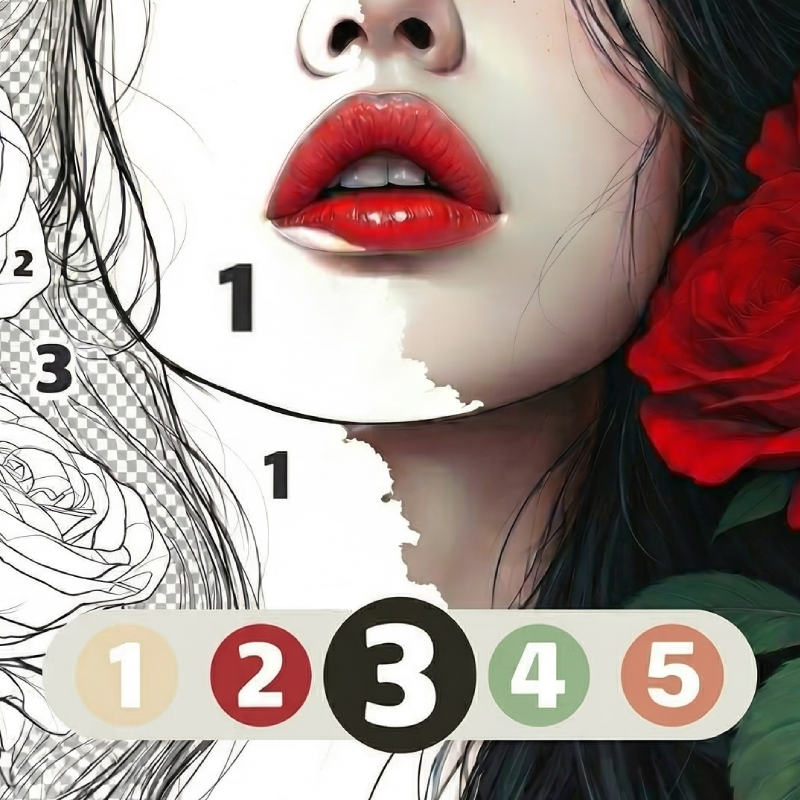
Numicolor
NumicolorTrending now
Numicolor

Numicolor - Play Online

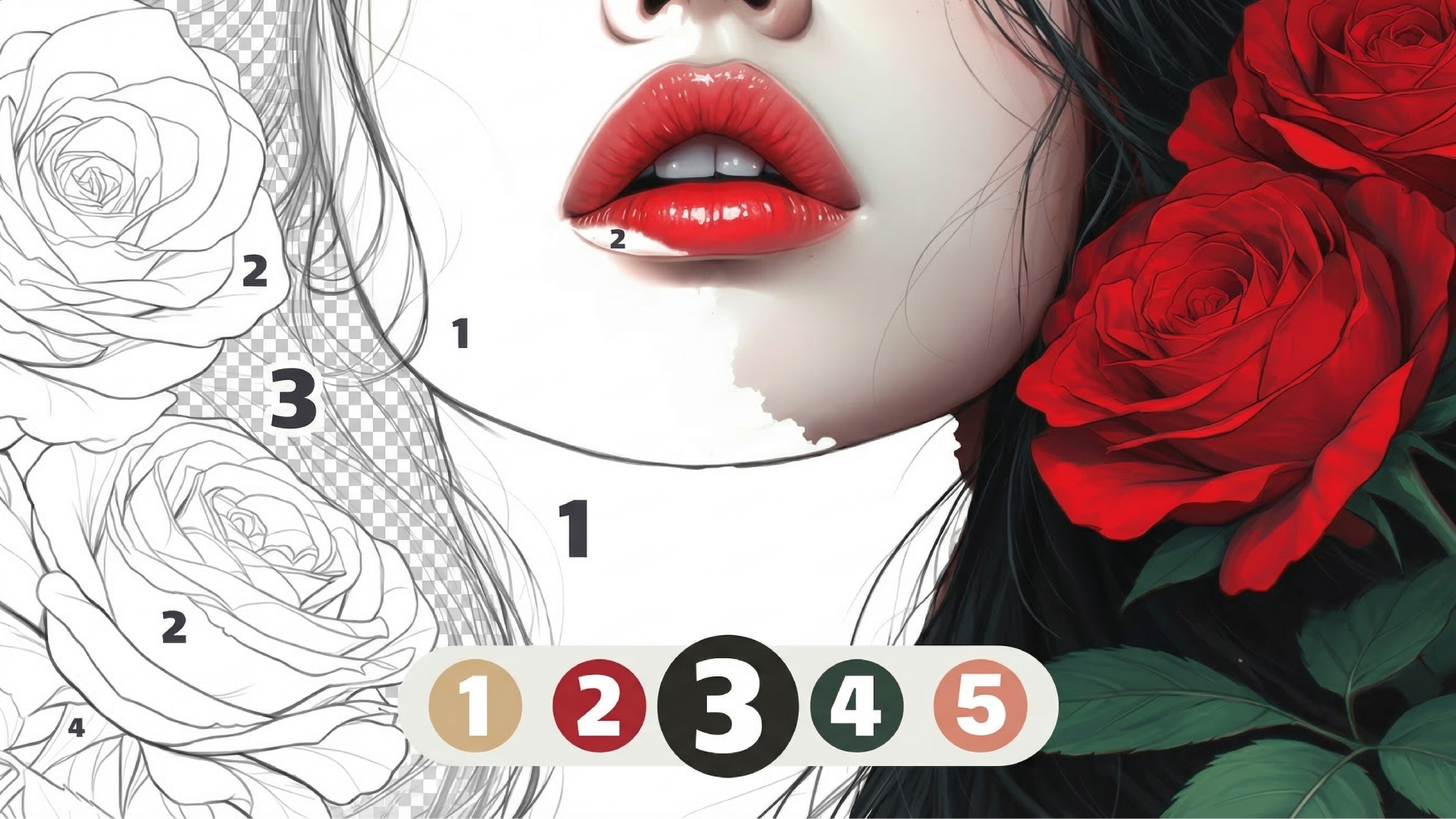
Click numbered zones, match palette swatches, watch flat colors snap into place. Numicolor drops you straight into a rhythm of select-tap-fill across hundreds of line-art templates spanning anime portraits, wildlife close-ups, and botanical studies. Three modes twist the classic formula: Reveal hides the full picture until you finish, Mystery locks the final composition behind numbered sections, and Classic lets you methodically chip away at each region. No downloads, no installs—launch the canvas in seconds and start filling.

How to Play Numicolor

Complete every numbered region on the screen to unlock the next illustration and add finished artwork to your personal gallery. Progress is saved automatically, so you can return mid-session without losing a single filled cell.

Select and Fill

Tap any color tile in the vertical palette. The active number glows, and every matching region pulses on the canvas. Click a highlighted zone to flood it with color. Repeat until no blank segments remain. Zoom pinches let you target tiny ear-fur patches or eyelash details on dense templates.

Mode Switching and Hints

Classic mode shows the full line art from the start. Reveal mode shrouds the illustration under a fog layer that lifts cell by cell—you only see what you've colored. Mystery mode keeps the entire subject hidden until you complete the final number, turning every session into a guessing game. Stuck? Tap the hint button to spotlight one uncolored section, saving you from pixel-hunting across a 300-region cat portrait.

Gallery Filters and Unlocks

Filter the catalog by theme—Animals, Nature, Color games enthusiasts will find dedicated Fashion and Anime tabs—or by difficulty, which scales from 50-region starter sketches to 800-segment epics. Completing an image unlocks the next row in that category. A meta-calendar occasionally grants bonus templates, though the core progression relies on consistent session completions rather than timed gates.

Key Features

  • Three Core Modes: Classic, Reveal, and Mystery alter visibility rules, reshaping tension and discovery pace.
  • Flat Vector Aesthetic: High-contrast line art with region-masking algorithms—clean edges, no gradient bleed.
  • Multi-Category Library: Fashion, Anime, Animals, and Nature sections rotate fresh templates weekly.
  • Session Flexibility: Pick a 50-region quickie or commit to a 700-zone marathon; progress auto-saves every tap.

Who is Numicolor for?

Designed for casual players craving low-stakes creative output—parents sharing a tablet with children, office workers burning ten-minute breaks, or anyone seeking a meditative click loop. The numbered system removes artistic pressure, making it ideal for players who want satisfying visuals without composition skill. If you enjoy the structured calm of Color Pixels - Coloring by Numbers or Cozy Coloring, Numicolor delivers the same flood-fill rhythm with a broader theme range and mode variety.

Developer

Numicolor was developed by medoborodyj. The game runs on Unity's mobile-to-web port, delivering instant browser access across Android, iOS, and desktop platforms without requiring separate downloads or app-store approvals.

Controls

  • Left Click / Tap: Select palette color or fill numbered region.
  • Pinch Gesture / Mouse Wheel: Zoom in or out on the canvas.
  • Hint Button: Highlight one uncolored segment.
  • Light Toggle: Switch between light and dark UI themes.

FAQ

What is the difference between Reveal and Mystery modes in Numicolor?

Reveal mode unveils the line art region by region as you color, so you only see completed sections. Mystery mode hides the entire subject until you finish every numbered zone, turning the illustration into a surprise reveal at the end.

How do I unlock new templates in Numicolor?

Complete an active illustration to unlock the next row in that category. The gallery uses a sequential progression system—finish the current image to access fresh line art in Animals, Nature, Fashion, or Anime sections.

Can I play Numicolor on mobile and desktop?

Yes. Numicolor supports Android, iOS, and desktop browsers. Progress syncs automatically if you use the same account, letting you start a cat portrait on your phone during lunch and finish it on desktop after work.

Are there difficulty levels in Numicolor?

Gallery filters let you sort by difficulty, ranging from 50-region beginner templates to 800-segment expert illustrations. Higher difficulty means more numbered zones, tighter clusters, and longer session commitment. Similar to Color by Numbers. Anti-stress Drawings., the scaling accommodates both quick bursts and deep focus.

Does Numicolor require artistic skill?

Zero. The numbered palette removes composition and color-matching decisions—you simply match digits to regions. The fill algorithm handles edges automatically, making it accessible for children developing fine motor skills and adults seeking stress relief without creative pressure.