About Crazy Merge: Vibrant Casual Merge Puzzle with Quirky Animals
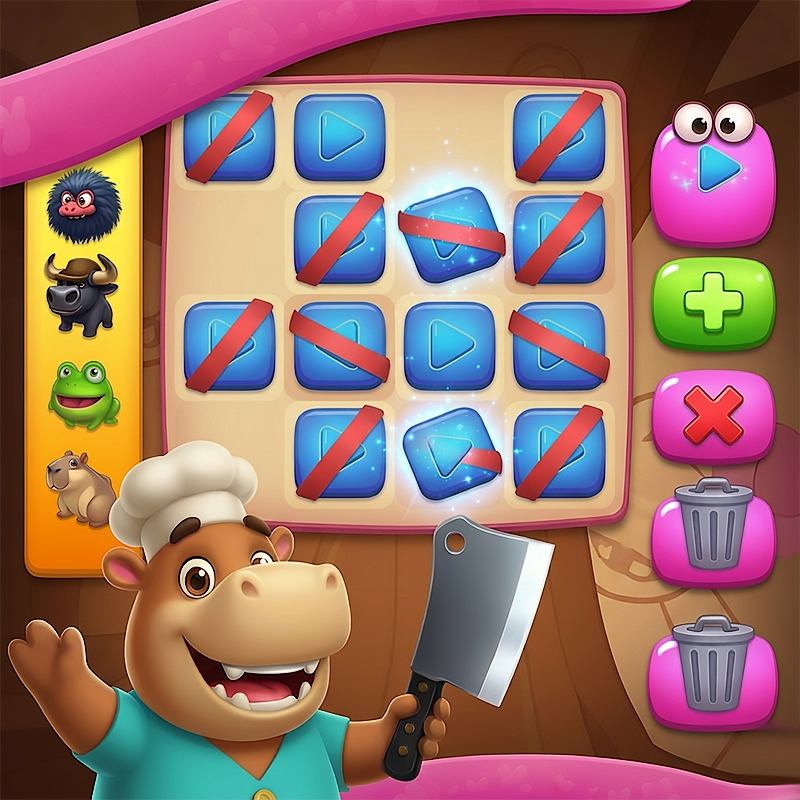
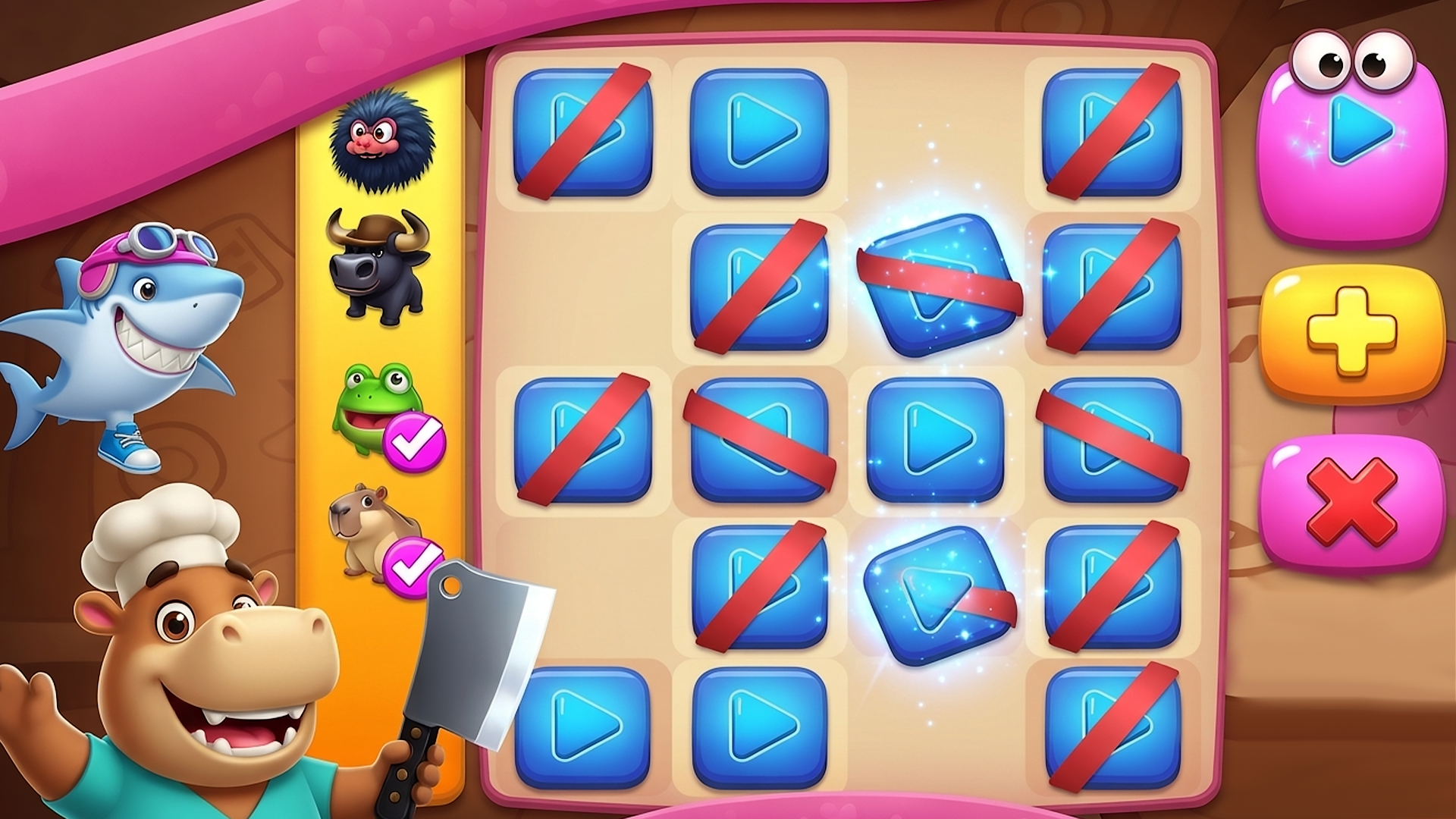
Crazy Merge is a vibrant casual merge puzzle game built around one satisfying core loop: combine identical items on a colorful pink-and-yellow checkered grid to clear space, create higher-level elements, and push through level after level. The game's wildly quirky animal theme sets it apart from the crowd—eccentric mascots like a knife-wielding hippo chef and a grinning shark anchor the cast, while a whimsical lineup of creatures including frogs, capybaras, and bulls injects hilarious chaos and cartoon humor into every session. Several scenes show the pink-and-yellow checkered grid filled with blue play-button tiles. One scene shows the grinning shark mascot alongside the hippo chef on the board.
How to Play Crazy Merge: Merge Identical Items to Conquer Every Level
The goal is to merge identical items—blue play-button tiles and creature pieces alike—strategically across the grid. Combining matching items clears space and produces higher-level elements, letting you advance through increasingly chaotic levels. The left-side queue holds your upcoming items; scroll through it to pick what to place next. Three built-in tools keep the action moving: the Auto Merge feature merges all matching items at once, the quick-add button drops new items onto the board fast, and the discard option lets you toss unwanted pieces rather than let them clog the grid.
Controls
Desktop Controls
- ↑ (Up Arrow): Scroll the left item queue upward
- ↓ (Down Arrow): Scroll the left item queue downward
- Mouse Click: Select an item from the queue and click an empty grid cell to place it
- Spacebar: Activate Auto Merge
Mobile Controls
- On-Screen Queue Arrows: Tap the pink up/down triangles to scroll through available items
- Tap Item: Select from the left queue (frog, capybara, etc.)
- Tap Grid Cell: Place the selected item on the board
- Auto Merge Button: Tap to instantly merge all matching items
- + Button: Tap for quick-add new items
- Trash Button: Tap to discard unwanted items
Games You Might Like
If the merge-and-match puzzle loop in Crazy Merge keeps you hooked, browse the full range of matching games on Playgama for more tile-combining and pairing challenges. For deeper grid-based thinking, the puzzle games collection covers everything from logic puzzles to spatial challenges that reward careful planning. Fans of the merging mechanic specifically will find plenty to explore in the dedicated merge games category, packed with titles that share Crazy Merge's addictive combine-and-progress structure.