About Billiards 3D: Russian Pyramid: Realistic Billiards Against Virtual Opponents
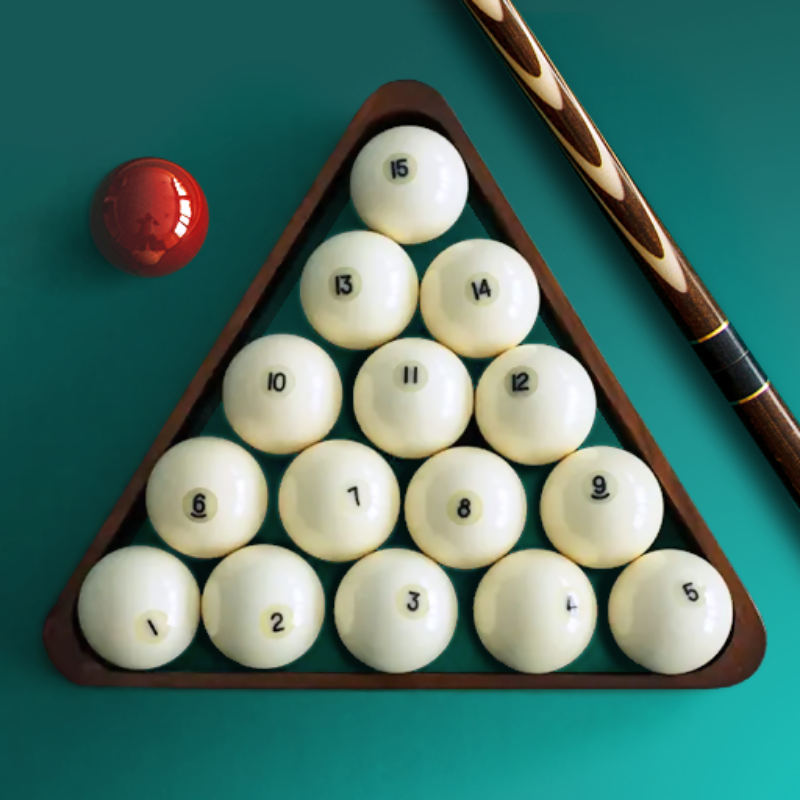
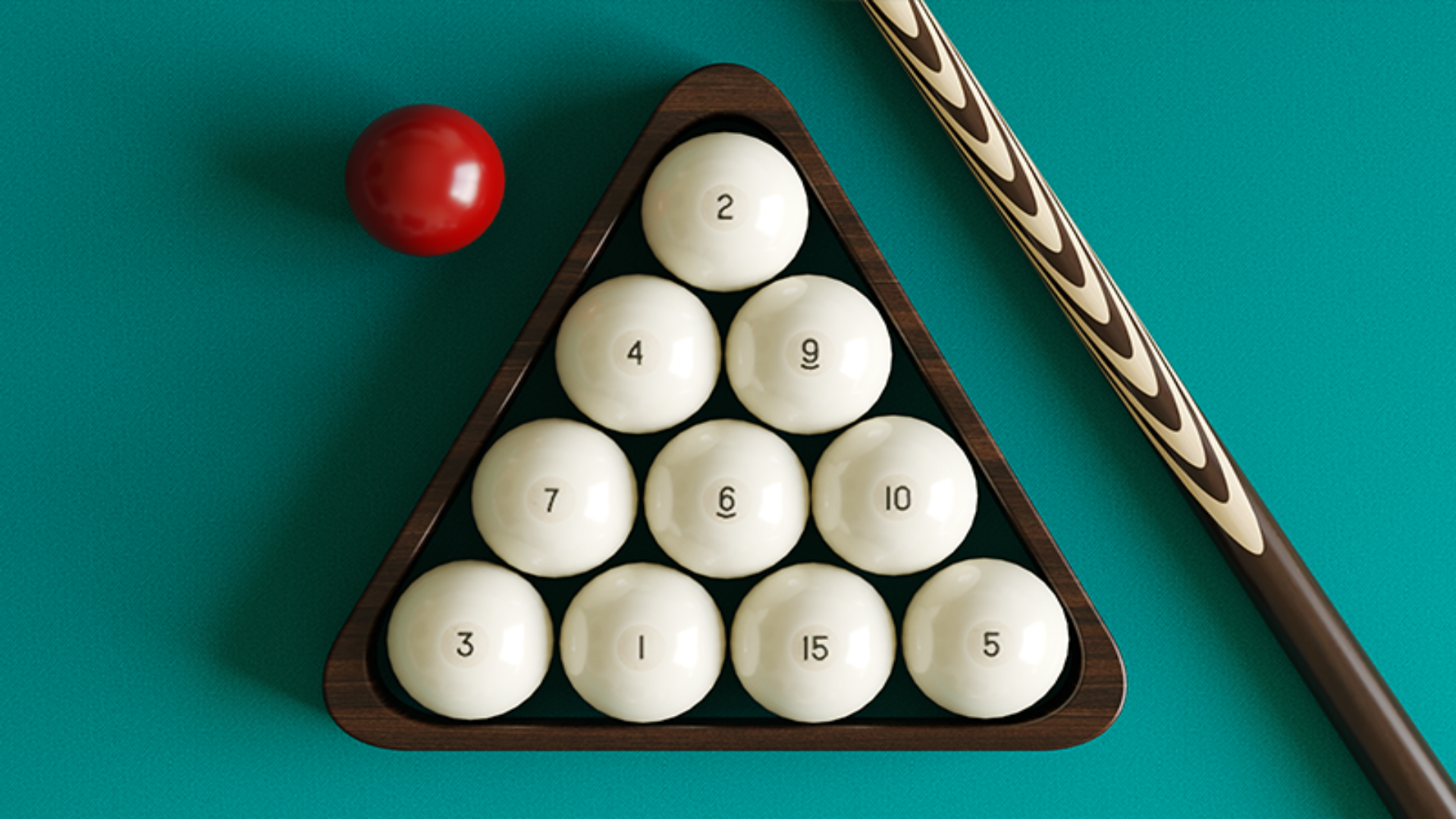
Billiards 3D: Russian Pyramid puts you at a lifelike billiard table facing virtual opponents whose difficulty you are able to adjust to match your own skill level. The game emphasizes realistic physics and strategy, with tables of different sizes giving each match a distinct feel. Several scenes show a turquoise-felted table with six pockets set inside a dimly lit room with red booths and dark flooring. A solid-color white ball and a yellow ball marked with small red dots appear on the table surface across multiple views.
How to Play Billiards 3D: Russian Pyramid
Getting the most out of each shot means mastering three separate controls: basic aiming, spin placement, and cue tilt. Each is handled through its own dedicated input, described below.
Aiming and Striking
- Click anywhere on the table and rotate the cue to set your aim direction.
- For more precise aiming, use the precision aim wheel on the right side of the screen.
- To strike, click the cue on the left side of the screen, pull back to the desired force, then release.
Applying Screws (Spin)
- Click the ball icon with a dot in the upper right part of the screen to open the spin control.
- Move the impact point to the desired position, then confirm by clicking the green button.
Changing Cue Inclination
- Click the cue ball icon at the top of the screen to enter inclination mode.
- Tap anywhere on the screen and raise the cue to the desired angle, then confirm with the green button.
Controls
- Click on table: Aim by rotating the cue
- Precision aim wheel (right side of screen): Fine-tune aiming direction
- Shift (PC): Hold while aiming for precise aim
- Click cue (left side of screen) + pull + release: Strike the ball with chosen force
- Ball icon with dot (upper right): Open spin/screw impact point control
- Green button: Confirm spin point or cue angle setting
- X (PC): Hold while aiming to move the point of impact for screws
- Cue ball icon (top of screen): Enter cue inclination mode
- Tap anywhere (inclination mode): Raise the cue to the desired angle
- Z (PC): Hold while aiming to change cue tilt
Games You Might Like
If the strategic depth of Billiards 3D: Russian Pyramid appeals to you, the broader Skill games category on Playgama is packed with titles that reward careful thinking and precise input. For classic board-game strategy with adjustable AI difficulty, Chess Online Playing lets you train against a computer or challenge real opponents online. Domino Online Multiplayer offers nine computer difficulty levels and multiplayer duels, making it a natural fit for players who enjoy tuning opponent strength. If you prefer a satisfying puzzle challenge, Ball Sort Puzzle delivers many levels of color-sorting brain work ranging from easy to hard.
For something that blends logic with directional problem-solving, Remove All Arrows is a maze puzzle built around gradually increasing difficulty. You are able to also browse the full Sports games section for more competitive table and court experiences.