About Skyblock 3D: Survival: Floating Islands, Monsters, and Crafting
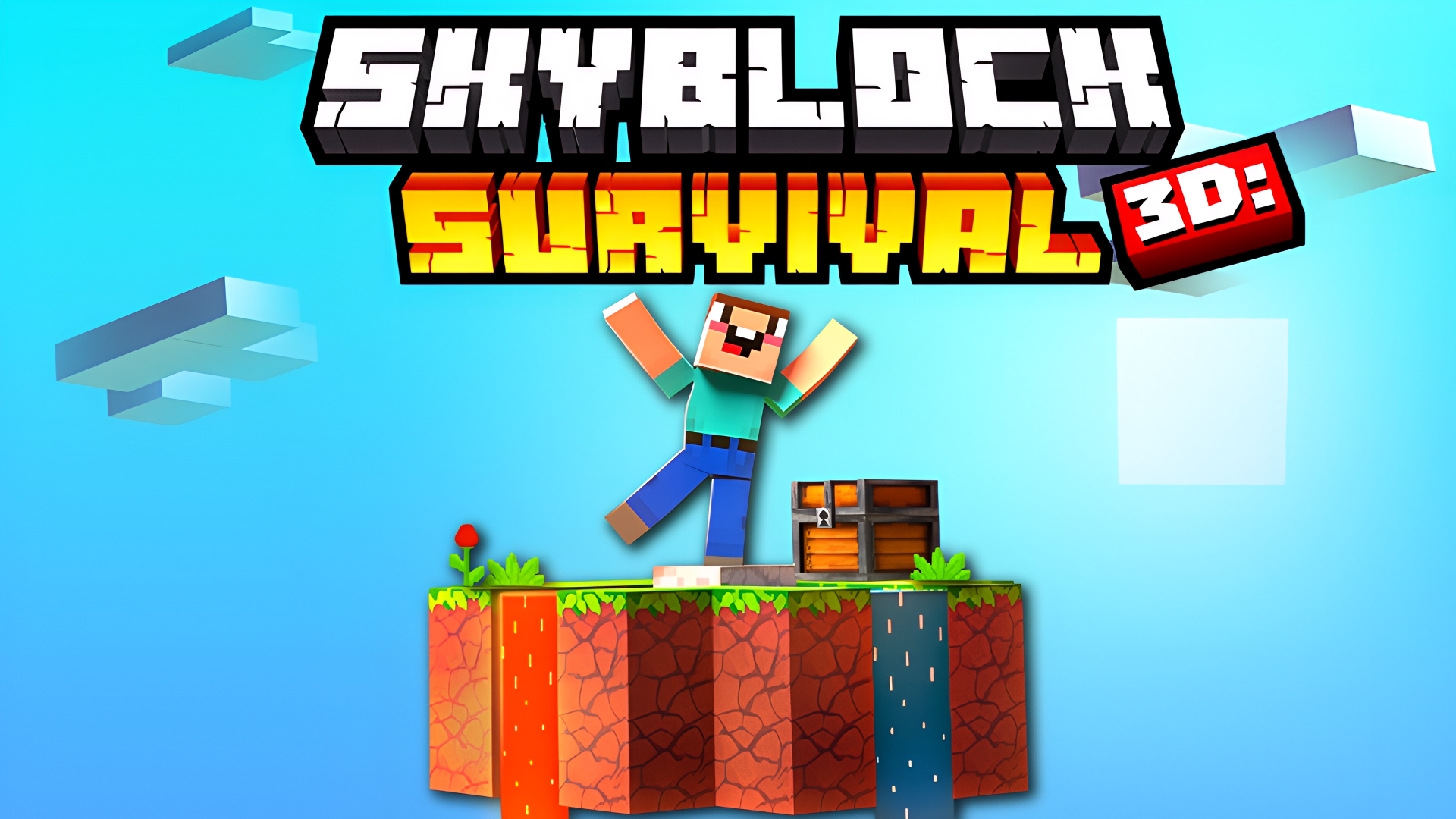
Skyblock 3D: Survival drops you onto floating islands suspended in a 3D world, where survival depends on gathering resources, fighting monsters, and building a self-sustaining life in the sky. Each island holds its own secrets and challenges, and the skies stretch wide with more to discover. Several scenes show floating islands built from grey stone blocks and vertical white panels drifting in a light blue void. Bright green grass-textured blocks appear alongside pits containing red fluid with tan rectangular flecks in multiple views. The world rewards exploration, combat, crafting, and trading in equal measure.
How to Play Skyblock 3D: Survival: Survive, Craft, Battle, and Thrive
Survival on the floating islands means juggling several activities at once. Explore each island to collect its valuable resources, then battle monsters to grow stronger. Trade with villagers to pick up useful items, build plantations, and breed animals to keep a steady supply of food and resources flowing. One scene shows brown wood-textured blocks with jagged black lines across their surfaces, hinting at the variety of materials waiting to be worked with.
Controls
Computer
- W, A, S, D: Move
- Spacebar: Jump
- Hold LMB: Break blocks
- RMB / F: Place blocks
- E: Inventory
- Tab: Pause
- J: Help
- Q: Drop
- Shift+Q: Drop full slot
Mobile Devices
- Left Joystick: Move
- Arrow icon button: Jump
- Hold sword icon button: Break blocks
- Hold cross icon button: Stack blocks
- Orange button in the middle of the screen: Inventory
- Purple button in the upper right corner of the screen: Pause
Games You Might Like
If the sandbox survival loop of Skyblock 3D: Survival appeals to you, there is plenty more to explore. Survival games on Playgama cover everything from island crafting to monster-filled wilderness. Kubz.io shares the same voxel block-breaking and crafting rhythm, letting you mine, build, and fight mobs solo or with others. Whatcraft pairs resource gathering and crafting with RPG progression and increasingly tough monsters, much like the combat-and-craft cycle here. Trap Craft brings a story-driven crafting adventure with multiple characters and inventory management that fans of block-based survival will recognize. 99 Nights in the Forest with Noob and Pro! offers a Mine-style 2D survival challenge with block gathering and nightly threats for players who enjoy the resource-and-endure formula.
Browse the full Adventure games collection for more exploration-driven titles, or check out 3D games for other titles that put a three-dimensional world at your fingertips.