About Scale the wheels: Resize Wheels to Overcome Obstacles
Scale the wheels puts a single, satisfying mechanic at the center of everything: change the size of your wheels to get past whatever the track throws at you. The premise is simple — small wheels build speed, large wheels let you climb over tall obstacles — but the interplay between those two states keeps every level feeling distinct across more than 30 tracks.
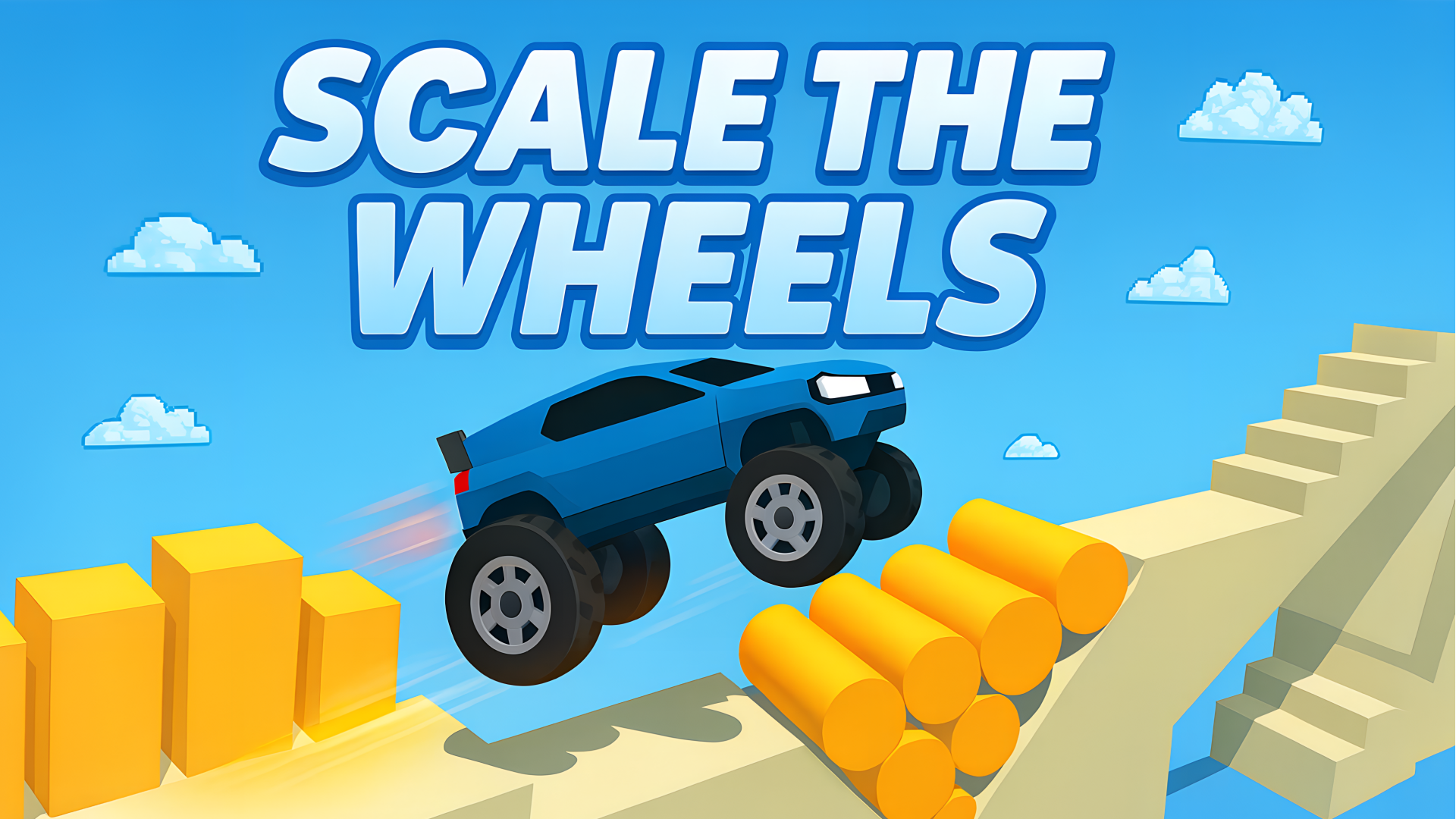
Several scenes show a yellow car trailing orange exhaust as it rolls across elevated beige platforms beneath a light blue sky dotted with white, pixelated clouds. Yellow cylindrical obstacles and rectangular blocks appear along the car's path in multiple views. One scene features a checkered finish-line pattern on a platform section ahead of the car.
How to Play Scale the wheels: Reach the Finish Line
The goal is to reach the finish line on each level. A slider built into the game interface lets you shift wheel size on the fly, and reading the terrain ahead determines which size to use.
Wheel Size and Speed
- Small wheels: allow the car to accelerate.
- Large wheels: let the car drive into high obstacles, but slow it down. The larger the wheels, the more strongly the car self-corrects toward an upright position when it is not resting on all wheels.
Handling Tricky Situations
- If the car gets stuck, drastically change the wheel size so the car can bounce free.
- On some levels, building up speed before hitting an obstacle is the key to clearing it.
- If the car has stopped completely and no longer responds to wheel-size changes, use the level restart button and attempt the level again.
Coins and Acceleration
- Upgrading the acceleration level lets the car jump farther at the end of a level, earning as many coins as possible.
Controls
- Slider (game interface): change the size of the wheels — works on all platforms through the in-game interface.
- Restart button: restart the current level when the car is stuck and unresponsive.
Games You Might Like
If the obstacle-dodging and physics-driven driving in Scale the wheels appeal to you, the broader driving games catalog on Playgama has plenty more to explore. For a similarly tense ride, Deadly Descent challenges you to pilot a car down a mountain without falling apart — pure survival driving that rewards careful control. Mega Ramp Stunt cranks up the spectacle with daring stunt tracks and a roster of cars built for impossible jumps, much like the end-of-level leaps you chase here.
Obby: +1 Speed Car Escape keeps the obstacle-course energy going with tracks full of hazards that test reflexes and driving skill at every turn. And if you want to browse the full competitive side of the genre, the racing games section covers everything from arcade sprints to skill-heavy challenges.