About Obby Craft: Build a Plane: Airplane Constructor and Flight Simulator
Obby Craft: Build a Plane puts you in the role of an aircraft designer, assembling a plane from parts before launching it into the air and navigating an obstacle course. Each block added to your build directly affects how the plane flies, so the construction phase matters as much as the flight itself. Coins scattered across the map during flight serve as the main in-game currency, feeding back into the parts store and slingshot upgrades. The loop moves from building to launching to collecting to upgrading, with a roulette wheel adding a chance-based bonus layer along the way.
How to Play Obby Craft: Build a Plane: Build, Launch, and Fly
Assembling Your Airplane
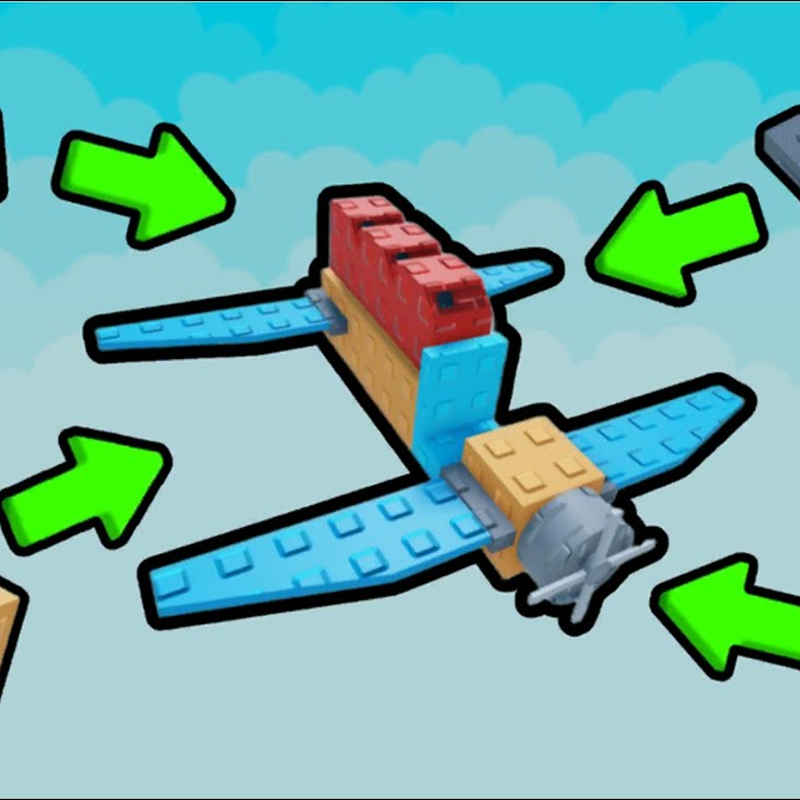
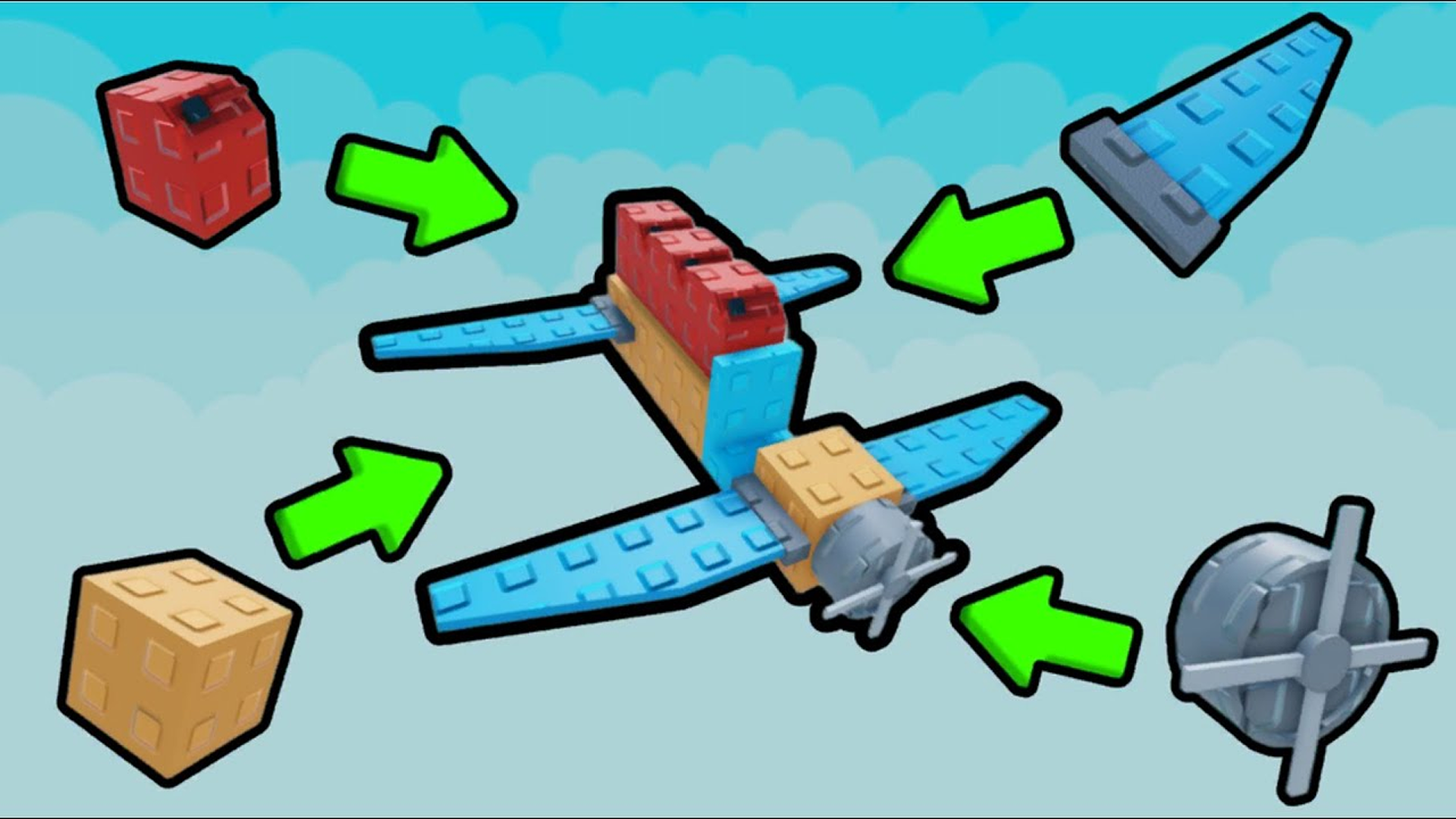
Approach the plane to reach the crafting area beside it. Select a part from the inventory at the bottom of the screen, then install it next to the plane. Every part placed influences the flight. If your inventory runs dry, head to the store to purchase more blocks before continuing the build.
Upgrading the Slingshot
Before takeoff, a slingshot launches your aircraft. Spending coins on slingshot improvements increases both the height and speed of the launch, giving your plane a stronger start into each run.
Flying and Collecting Coins
Once launched, control the plane in the air while collecting coins scattered across the map. These coins are the primary in-game currency used for parts and upgrades.
Store, Roulette, and Obby
Between flights, visit the parts store to buy new blocks. Two free skins are available to claim immediately. Spin the roulette wheel for a chance to win rare items or a large coin payout. After building and upgrading, take on the obstacle course — dodge every obstacle to prove your plane's worth.
Controls
- Select part (inventory): Click a part in the bottom inventory panel to choose it
- Install part: Click next to the plane to place the selected part
- Launch: Use the slingshot to launch the plane
- In-air control: Control the plane during flight
Key Features
- Assemble your plane from dozens of parts, with each block affecting flight performance
- Complete levels and test your aircraft on an obstacle course (Obbi)
- Roulette slot: spin the reel for a chance at rare items or a large coin reward
- Shop for parts and skins between runs
- 2 free skins available to claim at any time
- Save Build: up to 4 save slots for your plane projects
- Slingshot upgrade system: spend coins to launch higher and faster
Games You Might Like
For more obstacle-course action, Obby games on Playgama offer a wide range of build-and-survive challenges worth exploring. If driving appeals to you as much as flying, Obby: Drive your car as far as possible swaps the plane constructor for car upgrades and energy farming across multiple locations. For a variety of mini-game formats including obstacle courses and speed simulators, Boblox Online packs parkour, racing, and tycoon building into one package.
Browse the full airplane games collection for more flight-focused titles, or check out the Roblox-style games on Playgama for block-building and open-world adventures in a similar vein.