About Flippee Ball
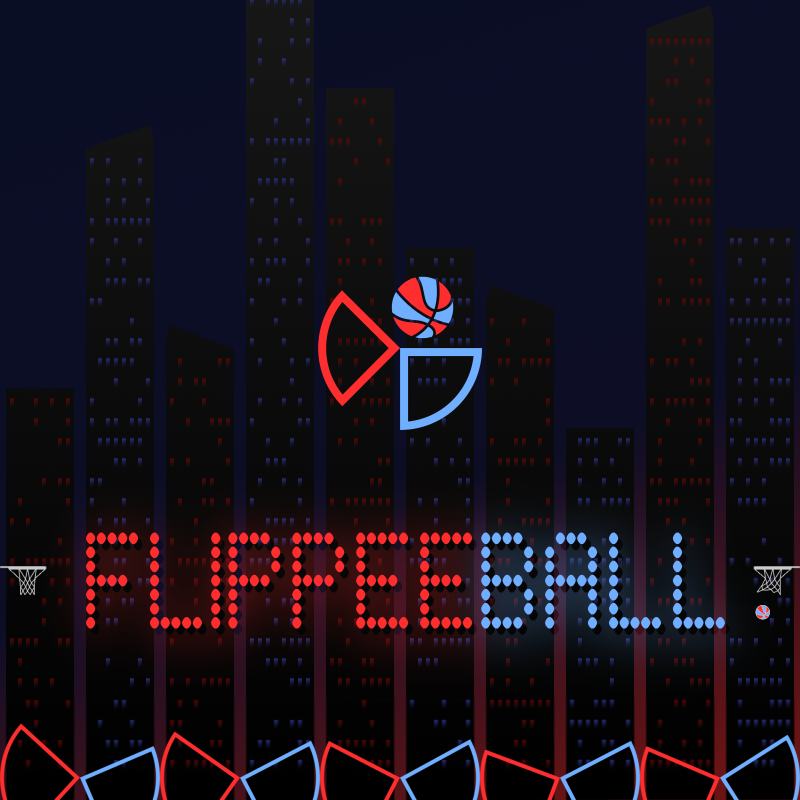
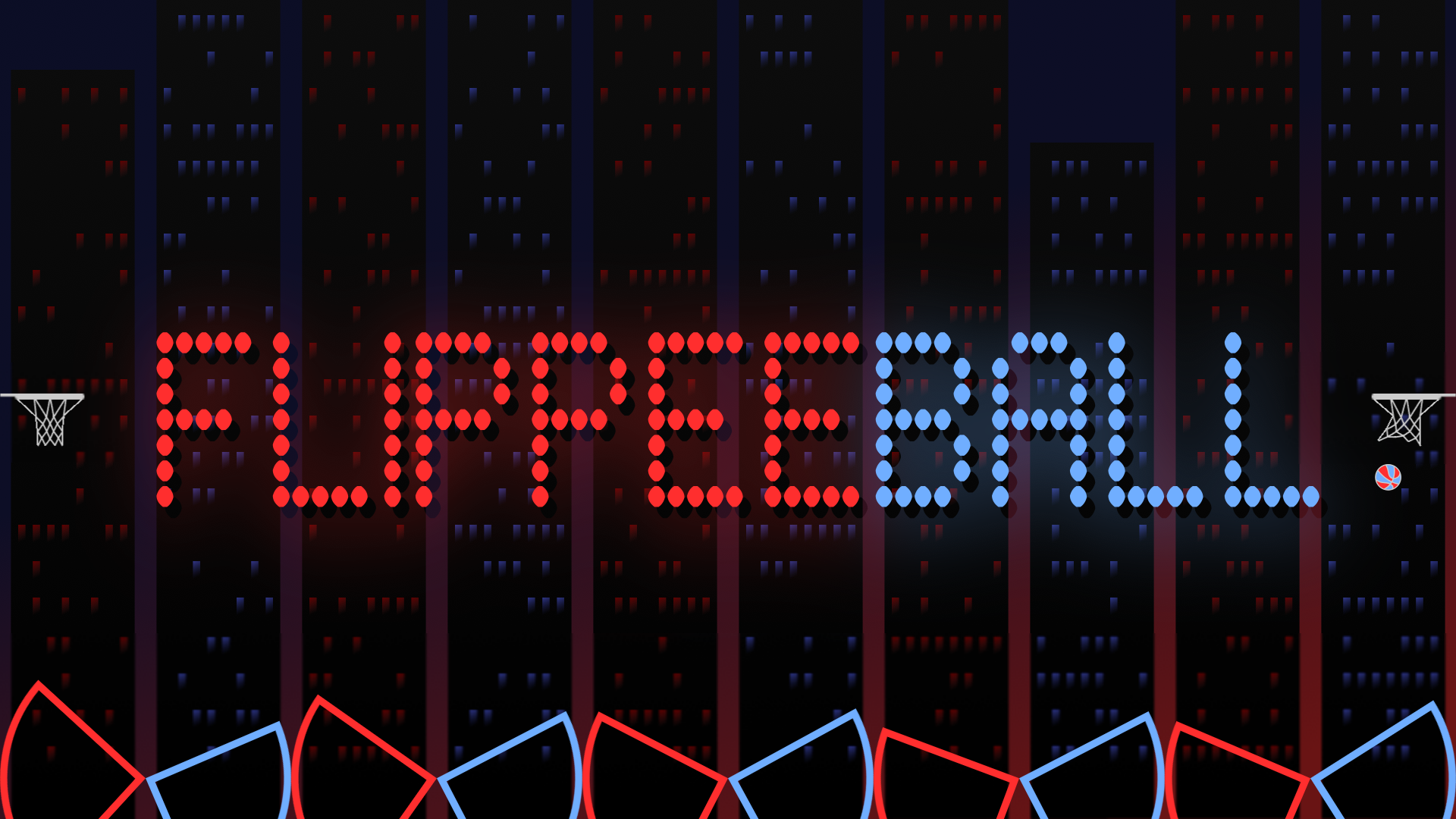
Flippee Ball is a hybrid arcade game that fuses pinball and basketball into one competitive experience. The goal is straightforward — flip your flippers to send the ball into the basket — but the execution demands timing and technique. A single button controls all five of your flippers at once, whether you're playing against the CPU or a second player on the same device.
Default settings start at "AMATEUR" speed, "EASY" CPU difficulty, and "AIM ASSIST" enabled, giving newcomers a gentle entry point. From there, the game opens up: raise the speed to "PROFESSIONAL", step up the CPU difficulty, and turn off AIM ASSIST when you're ready for a real test. A quick start guide appears on first launch, and a full built-in help guide is always available.
How to Play Flippee Ball: Score More Than Your Opponent
Each player controls one set of flippers — red or blue. Flipping all five of your flippers happens with a single button press. The objective is to outscore your opponent before time or the match ends.
Game Modes
- Longest Streak – Easy: win as many consecutive games as possible against the CPU on Easy difficulty
- Longest Streak – Medium: same streak challenge at Medium difficulty
- Longest Streak – Hard: same streak challenge at Hard difficulty
- Longest Streak – Progressive: CPU difficulty increases with every game in the streak
- Career: difficulty increases with every game, but a loss does not reset your progress
- Player v Player: two humans compete on the same device
- Academy: 100 "assists" across 50 AMATEUR and 50 PROFESSIONAL levels — the ball is launched and you must score before it reaches your opponent's flippers, within a set number of touches per level
Switch between all seven modes using the game mode button to the left of the scoreboard. Speed and AIM ASSIST settings are adjustable at any time through the SETTINGS menu.
Controls
Menu Navigation
- Mouse: navigate menus
- Touch: navigate menus
- Keyboard: arrow keys to navigate, Space to action
- Controller: direction pad and any of the main four buttons
Flip — Single Player
- Mouse: click the screen
- Touch: tap the screen
- Keyboard: LEFT CTRL
- Controller: any of the four main buttons
Flip — Player vs Player
- Mouse: click the top left of the screen (left flippers) or top right of the screen (right flippers)
- Touch: tap the top left of the screen (left flippers) or top right of the screen (right flippers)
- Keyboard: LEFT CTRL for left flippers; RIGHT ARROW for right flippers
- Controller: any of the four main buttons; supports two controllers for Player v Player
Pause
- Mouse: click the scoreboard
- Touch: tap the scoreboard
- Keyboard: press P
- Controller: Start button
Games You Might Like
For more basketball action, browse the full Basketball games collection on Playgama. If the head-to-head format of Flippee Ball appeals to you, Hoops VS flips the concept entirely — you control the hoop itself and race to catch a falling ball before your rival does. For an arcade sports challenge with physics-based controls and a streak-building scoring system, Flappy Ball puts your timing to the test across endless runs and 15 handcrafted challenges.
The broader Arcade games and Sports games categories are worth exploring if you enjoy skill-based, competitive play.