Draw an Obby - Play Online
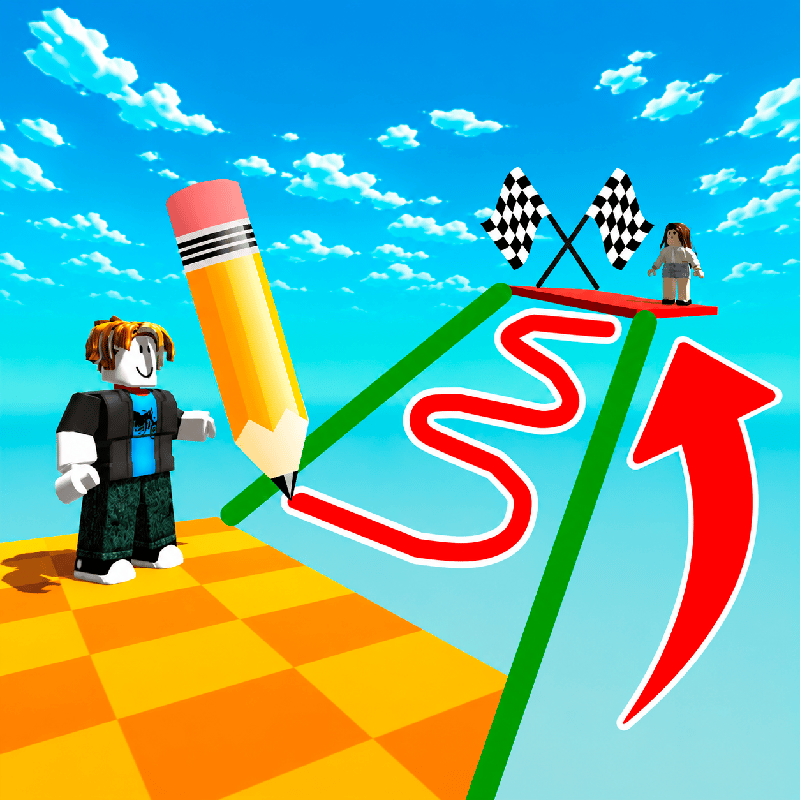
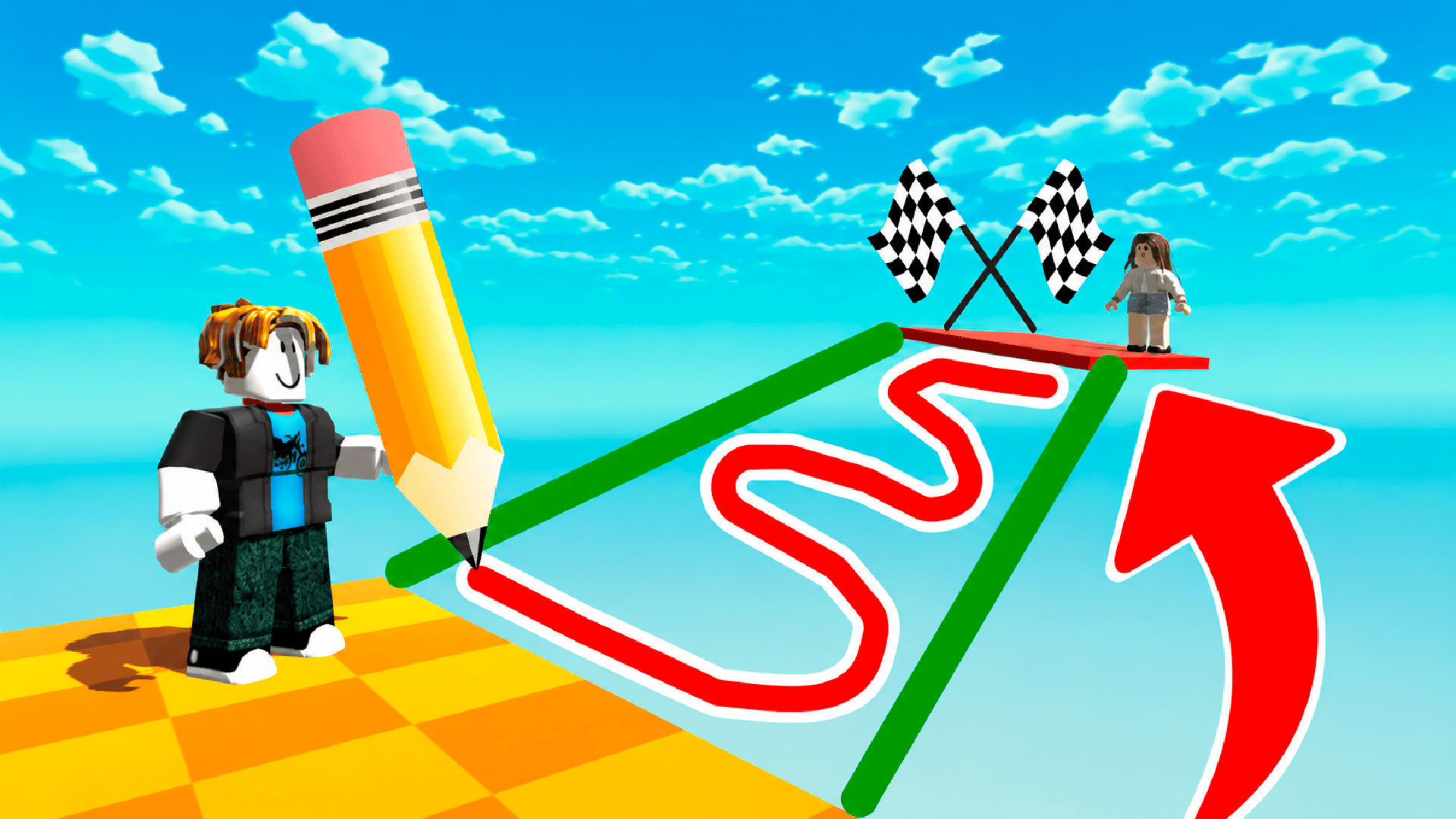
Sketch your escape. Draw an Obby hands you a pen and 30 obstacle courses built for players who can't sit still. Each gap, pit, and barrier needs a bridge—no default route, no hand-holding. You draw the platform, test the physics, then sprint across before your ink runs dry. Perfect for anyone tired of watching tutorials and ready to solve with a mouse or touchscreen.
How to Play Draw an Obby
Reach the finish flag. Stand at the edge, tap Draw, sketch a ramp or bridge with your limited ink supply, hit Play, and run. Fall? Redraw. Roblox veterans already know the checkpoint rhythm—Draw an Obby just adds a blueprint layer. WASD moves, Space jumps, right-click swivels the camera. On mobile, drag the screen and use the on-screen joystick. Every level ups the complexity: rotating obstacles, moving platforms, red physics spheres you can't touch.
Blueprint Mechanics and Ink Management
Click Draw to enter 2D mode. A grid appears, an ink meter sits at the top. Trace your path—straight lines burn less ink, wild spirals waste it. Hit Play to spawn the structure in 3D, then test it. If the bridge sags or snaps, you Clear and start over. Each stage resets your ink, so no carryover, no upgrades. The meter forces efficient shapes: flat ramps beat loops every time. Watch ads to skip brutal stages—smart shortcut when you're stuck on stage 27.
Obstacle Patterns and Progression
Stage 1 introduces gaps. Stage 10 adds spinning blocks. Stage 20 throws in timed jumps and shrinking platforms. The difficulty curve mirrors Obby games but layers in the drawing variable: later levels demand curves or angled ramps because straight paths put you under a saw blade. You'll see your stage counter—7/31 in the top corner—and the skip button next to it. The in-game shop icon teases cosmetics; currency comes from level completion, not collectibles mid-run.
Advanced Drawing Tactics
Minimize ink waste. Draw thin spans for short gaps, reserve ink for multi-part obstacles. Angle ramps at 30 degrees to maintain speed—steep slopes kill momentum. When red spheres block the path, sketch a U-shaped detour around them instead of fighting physics. Right-click camera rotation before you draw so you nail perspective; a ramp that looks flat from one angle can be warped from another. Clear the blueprint if your first attempt wobbles—better to redraw than fail mid-jump. If you crave more structural puzzles after mastering the 30 stages, Obby online with friends: Draw and Jump! delivers the same blueprint mechanic with multiplayer timers.
Key Features
- 30 Progressive Levels: Each stage introduces new obstacle types—gaps, spinners, red hazards—that force evolving drawing strategies.
- 2D-to-3D Drawing System: Sketch bridges in blueprint mode, watch them materialize in 3D, then test physics in real time.
- Ink Resource Economy: Every level gives a fixed ink amount; efficient lines unlock success, wasteful curves guarantee a retry.
- Cross-Platform Controls: WASD + Space on desktop, touch joystick on mobile, both supporting instant camera-view adjustments for angle planning.
Who is Draw an Obby for?
Roblox players hunting a fresh twist. Mobile puzzle fans who want platforming that fits a bus ride. Anyone who solves first, watches guides never. The game targets under-12s but hooks anyone who likes spatial problem-solving wrapped in a low-fidelity Roblox shell. If you've ever screamed at a bad jump in Obby Parkour: Tower of Hell, you'll appreciate the option to build your own route instead of grinding muscle memory. Players who prefer click mechanics over pure parkour can pivot to Obby: +1 Jump per Click for a clicker-obby hybrid that removes drawing entirely.
Developer
Draw an Obby was developed by Vitaly Kolomoytsev (Eva Games). The game merges Roblox-style obby platforming with a pen-and-physics blueprint mechanic, playable instantly in any browser without downloads.
Controls
- WASD: Move forward, backward, strafe left/right.
- Space Bar: Jump over obstacles or test your drawn platform.
- Right Mouse Button: Rotate camera to survey obstacles and plan your drawing angle.
- Draw Button: Enter 2D blueprint mode to sketch platforms with your ink supply.
- Play Button: Spawn your drawn structure in 3D and attempt the crossing.
- Clear Button: Erase the current drawing and start a new blueprint.
- Touch Joystick (Mobile): Move character; drag screen to adjust camera view.
FAQ
How many levels does Draw an Obby have?
The game includes 30 levels, each presenting a unique set of gaps, moving obstacles, and hazards that require custom-drawn platforms to overcome.
What happens if I run out of ink mid-drawing?
The ink meter limits how much you can draw per attempt. If you deplete it, hit Clear and start a new blueprint—each level resets your ink supply, so plan your lines carefully to avoid waste.
Can I skip difficult stages without replaying them?
Yes. Watch ads to unlock the stage-skip feature. It's a smart shortcut when you're stuck on particularly complex obstacle patterns in the later levels.
Does Draw an Obby work on mobile devices?
Absolutely. The game supports touch controls with an on-screen joystick and screen-drag camera rotation, making it fully playable on Android and iOS browsers without downloads. For more competitive mobile action, try Obby: Mini-Games for multiplayer challenges with the same Roblox-style controls.
What's the best way to conserve ink when drawing platforms?
Draw thin, direct lines for short gaps and shallow 30-degree ramps for longer spans to maintain speed. Avoid loops and wide curves—they drain your meter fast. Rotate the camera with right-click before you sketch to ensure your angle is accurate and minimize redraw waste.