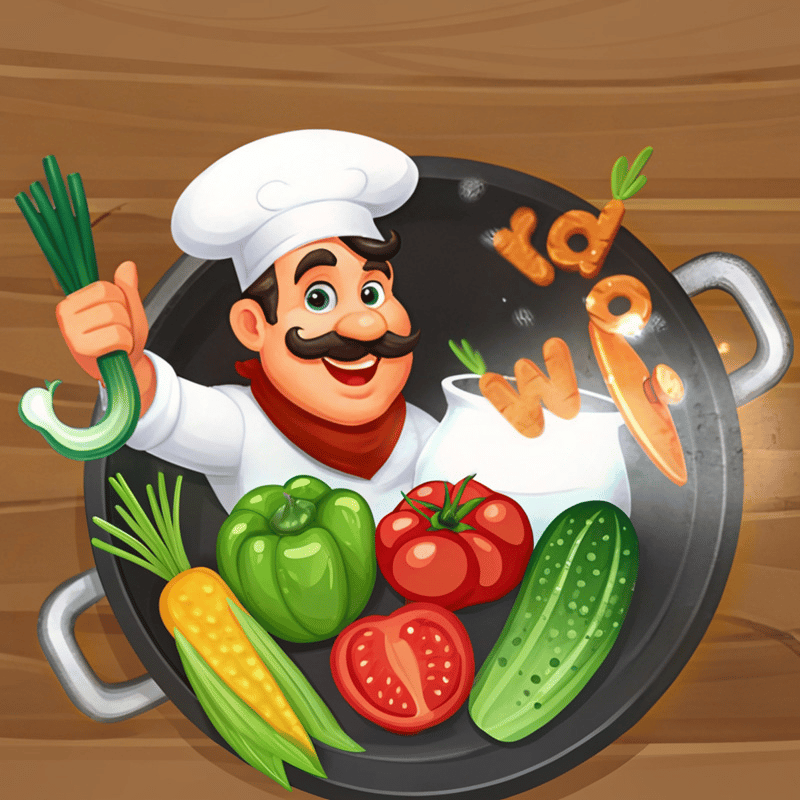

About Cooking Letters - Word Search
Cooking Letters - Word Search drops you into a kitchen-themed word search where every letter on the board is treated as an ingredient waiting to be combined. The goal is straightforward: find all the hidden words on the board, earn points for each discovery, and unlock new levels as you go. The faster you clear the board, the more points you rack up. Several scenes show terracotta-colored pots holding green leafy plants arranged on wooden shelves in the background.
Beyond the fun, the game is designed to sharpen focus, build vocabulary, and encourage quick thinking. As levels progress, the words grow longer and the challenges grow more demanding — cooking up increasingly complex dishes made entirely of letters.
How to Play Cooking Letters - Word Search: Find Words, Earn Points, Unlock Levels
Every level presents a game board scattered with letters. Find all the words from the provided list hidden within that grid to complete the stage. Each word found earns points, which can be spent to unlock additional bonuses or new kitchen themes. Progress far enough and fresh levels open up, bringing longer words and more exciting challenges.
Controls
- Swipe (touch) / Click and drag (cursor): Connect letters on the board to form words
- Direction: Letters can be connected horizontally, vertically, diagonally, or in a zigzag pattern
Games You Might Like
If the word-hunting format of Cooking Letters - Word Search keeps you hooked, Word Search Hidden Words delivers themed category puzzles with secret hidden words to uncover across hours of play. Word Search: Relaxing Puzzles adds a global leaderboard and hint system to the classic grid format, perfect for players who want to chase a high score. For a shape-shifting twist on the word search formula, Word Finder challenges your brain with an addictive daily puzzle experience built around vocabulary and focus. Words from Words: Sea blends letter-connecting with crossword-style challenges across more than 20,000 levels for players who want serious depth.
Browse the full educational games collection for more brain-training word puzzles, or explore the puzzle games category for a wider range of grid-based and logic challenges.