About Constructor Bricks: Creative Building with Step-by-Step Instructions
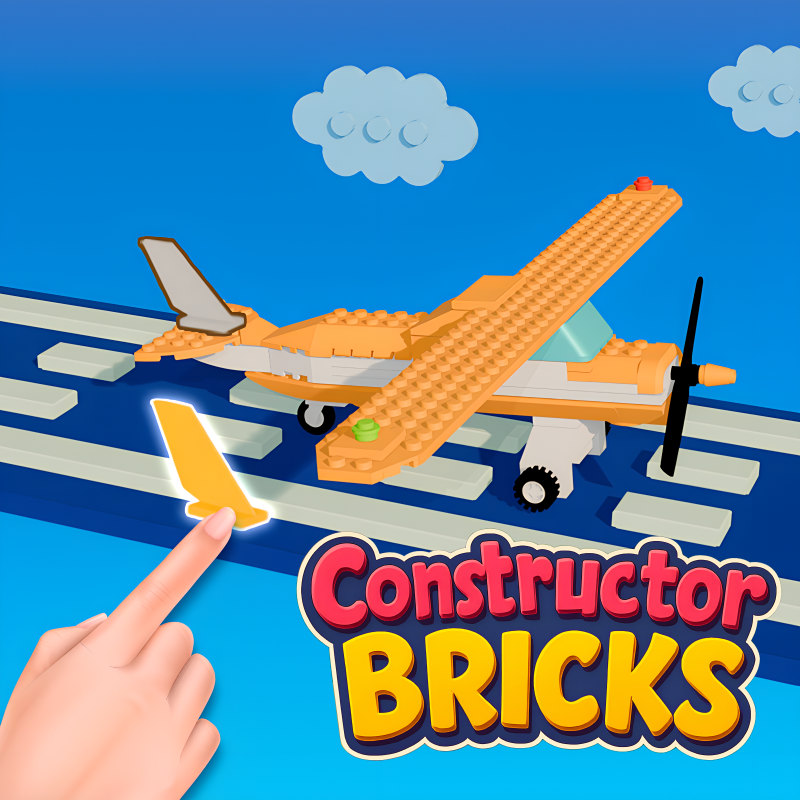
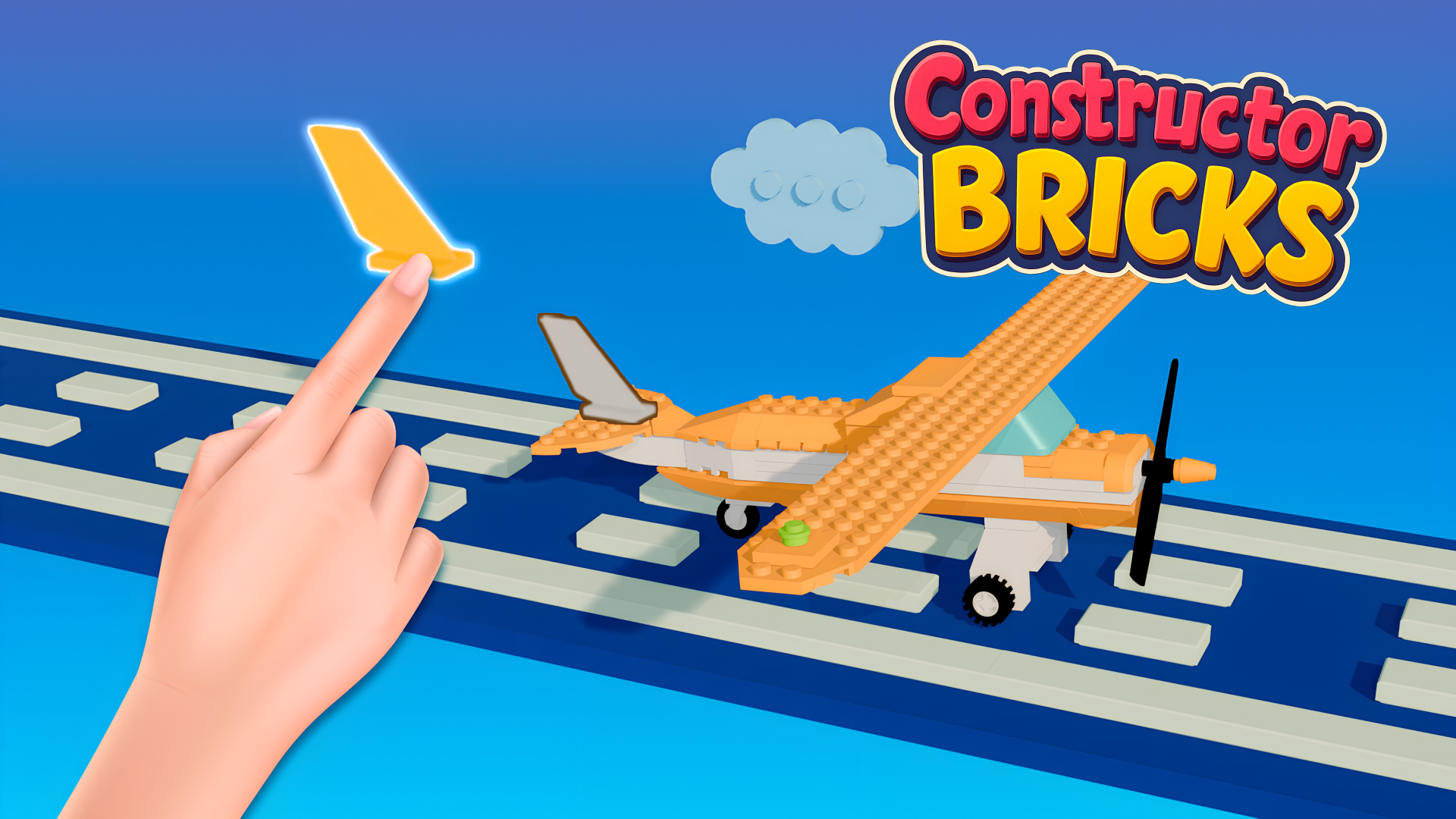
Constructor Bricks is a building game set in a world of creative design, where assembling structures follows clear, step-by-step instructions. The game spans many levels featuring a wide variety of models, ranging from simple everyday objects to complex architectural masterpieces. Each project guides players through the assembly process, making it straightforward to put together unique structures while exploring different design approaches and architectural styles.
Beyond the building itself, Constructor Bricks is designed to develop spatial thinking skills, attentiveness, and patience. Challenges let players compete with friends, and the community aspect encourages sharing successes. Whether following instructions carefully or discovering new design ideas along the way, the game turns imagination into assembled reality.
How to Play Constructor Bricks: Assemble Structures Block by Block
Each construction set is built by clicking on the blocks specified in the instructions. The instructions guide which block to place at each step, keeping the assembly process clear and structured. To move a block into position, hold the cursor or finger on the desired block and drag it where it needs to go.
Progress moves through multiple levels, with models growing from simple objects to more intricate architectural builds. Exciting challenges are part of the experience, giving players goals to pursue and results worth sharing.
Controls
- Click: Select and place the block specified in the instructions
- Hold cursor or finger + drag: Move a block to the desired position
Games You Might Like
If Constructor Bricks has you hooked on block-based puzzles, the broader puzzle games collection on Playgama is worth exploring for more logic and building challenges. Tap 3D Wood Block Away shares that same satisfaction of manipulating blocks to reveal satisfying 3D structures level by level. For something that layers in color and planning, Blockibo: Color Blocks challenges your logic with colorful blocks, gates, and obstacles across gradually tougher stages.
Block Blast 2048 offers a calm number-merging twist on block gameplay, letting you set your own pace while chasing higher scores. For a more relaxed assembly experience, Jigpic Solitaire lets you piece together block pictures at a soothing pace with cozy scenes. The simulation games category is also a natural next stop for anyone drawn to Constructor Bricks' hands-on construction feel.