About Build Your Waterslide: A Relaxed 3D Build-and-Ride Tycoon
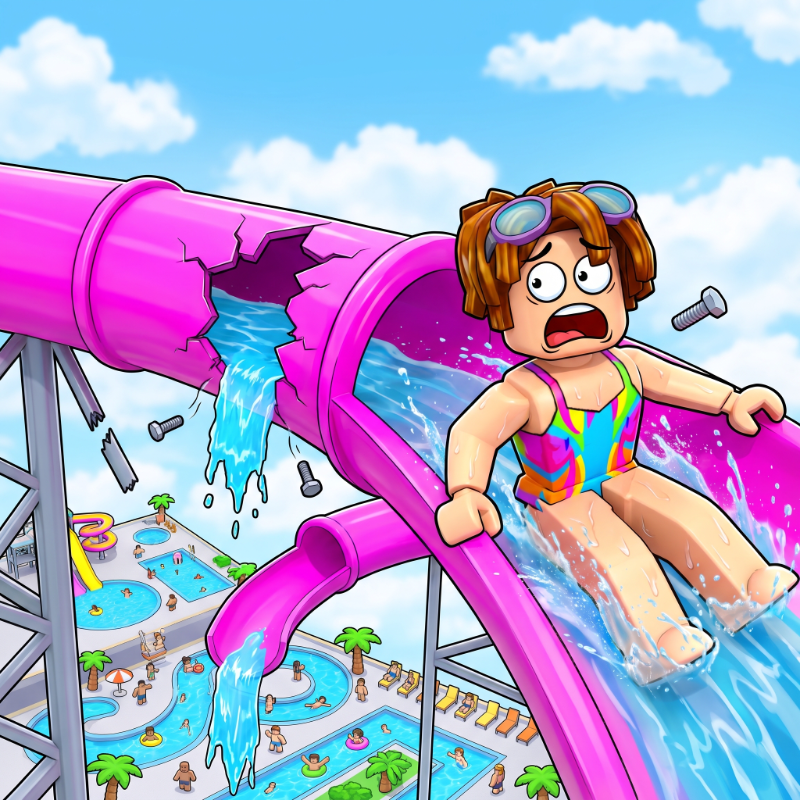
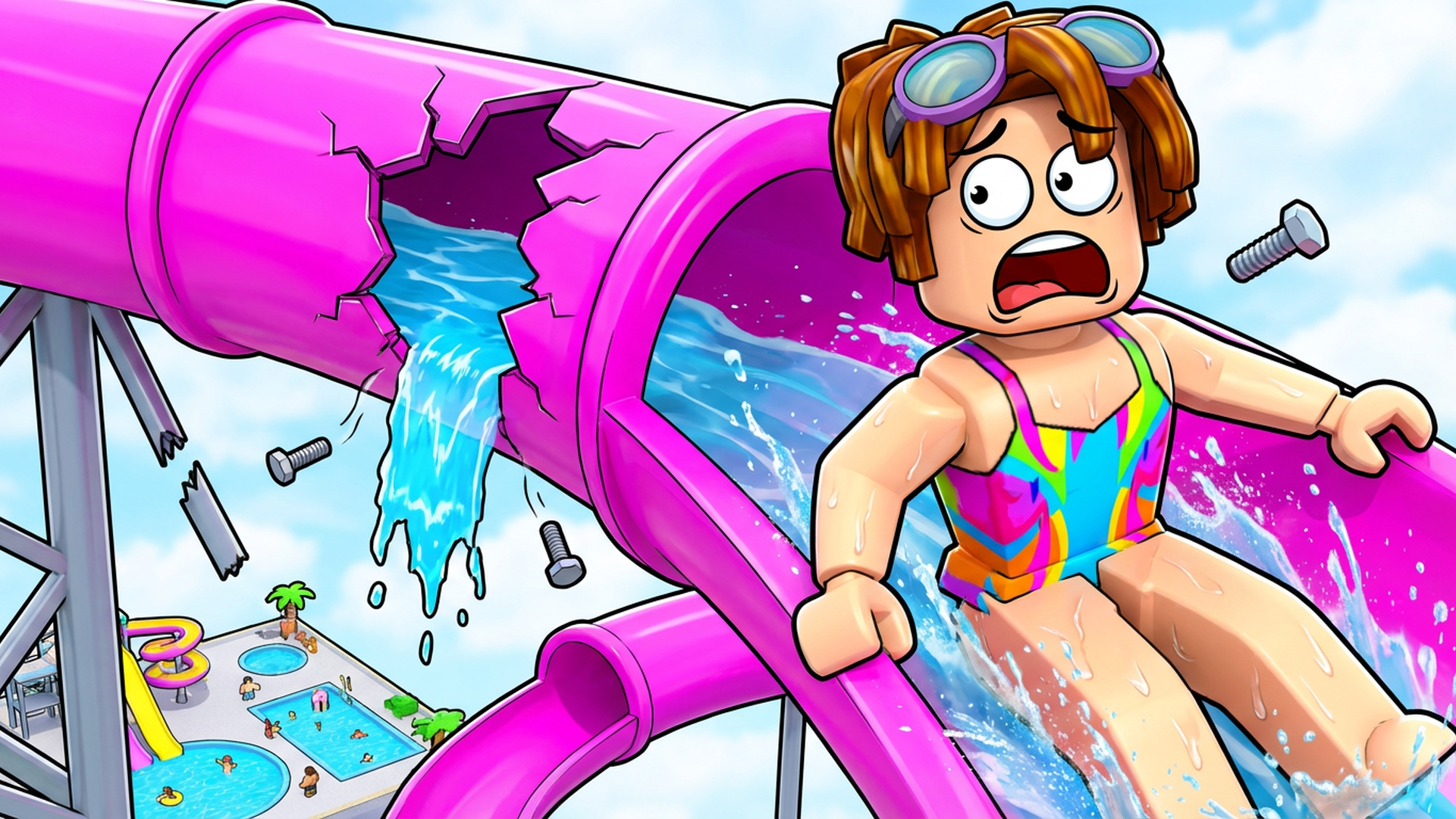
Build Your Waterslide puts you in charge of designing the most outrageous water park slide imaginable — and then riding it yourself. Step on a purchase pad, watch a new segment snap into place and the whole slide reshuffle, then grab a floatie and plunge all the way down to the pool. The longer and faster the ride, the bigger the cash payout when you splash in. The pace is unhurried and the satisfaction is immediate: build, ride, collect, repeat.
The slide catalog spans ten distinct types — Straight, Curve, S-Bend, Spiral, Loop, Tunnel, Waterfall, Rainbow, Tornado, and Mega — so the structure grows wilder with every purchase. Several scenes show the ground laid out in a grid of alternating blue and pink square tiles. In one scene, a green character with yellow spots and a long neck sits inside a green inflatable ring on a light blue water-textured surface.
How to Play Build Your Waterslide: Buy Segments, Ride, and Cash In
Every run follows the same satisfying loop. Stand on a purchase pad to buy a slide segment; the entire slide is rebuilt and reshuffled each time you do. Walk into the ride entrance, slide down to the pool, and collect your payout on impact. Longer, faster slides pay out more money per ride.
Upgrades and Progression
- Speed upgrades: 10 levels available, each multiplying the income of every ride
- Floaties: 10 to collect, each also multiplying ride income
- Milestones: own 10, 25, 50 or more segments of one type to double that type's income
Slide Types
- Straight
- Curve
- S-Bend
- Spiral
- Loop
- Tunnel
- Waterfall
- Rainbow
- Tornado
- Mega
There is no finish line. Unlock all ten slide types and keep growing your park indefinitely.
Controls
Desktop
- W A S D or ↑ ↓: move
- Space: jump
- Right mouse button + drag: rotate the camera
- ← →: turn the camera
- Mouse wheel, or I / O: zoom in and out
- Left mouse button: buttons on screen (Stop Riding, Auto Ride, shop, settings)
Mobile
- Left thumbstick: move
- Drag anywhere else on the screen: rotate the camera
- Pinch: zoom
- Jump button (bottom right): jump
- Tap buttons on screen: shop, settings, and Auto Ride
The game plays in landscape on mobile.
Gamepad
- Left stick: move
- Right stick: camera
- A / Cross: jump
Games You Might Like
If the slide-and-collect loop appeals to you, Obby: Climb and Slide delivers a similar rush — climb ladders and race down slides to gather coins, with pets boosting your haul. The broader world of Obby games is packed with obstacle-course adventures that share the same build-and-traverse spirit. For a clicker-driven twist on the same progression feel, Speed per Click: Obby lets you earn speed with every click and tackle parkour tracks. +1 Speed Keyboard Escape: Obby adds an escape-style obstacle run with rebirths and leaderboard competition. Rounding things out, Obby: +1 Jump per Click charges up jump power through clicks and sends you across moving platforms and traps — a natural next step for fans of incremental park-building. The Arcade games category on Playgama holds plenty more quick-session titles with satisfying reward loops.