About Build Obby World: Gather, Build, and Explore a Magical World
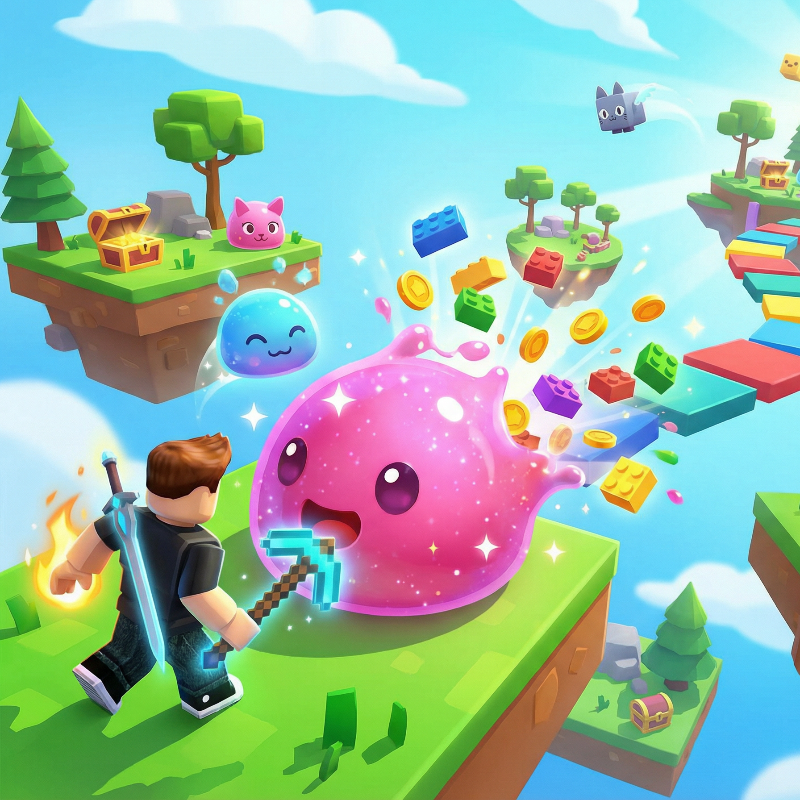
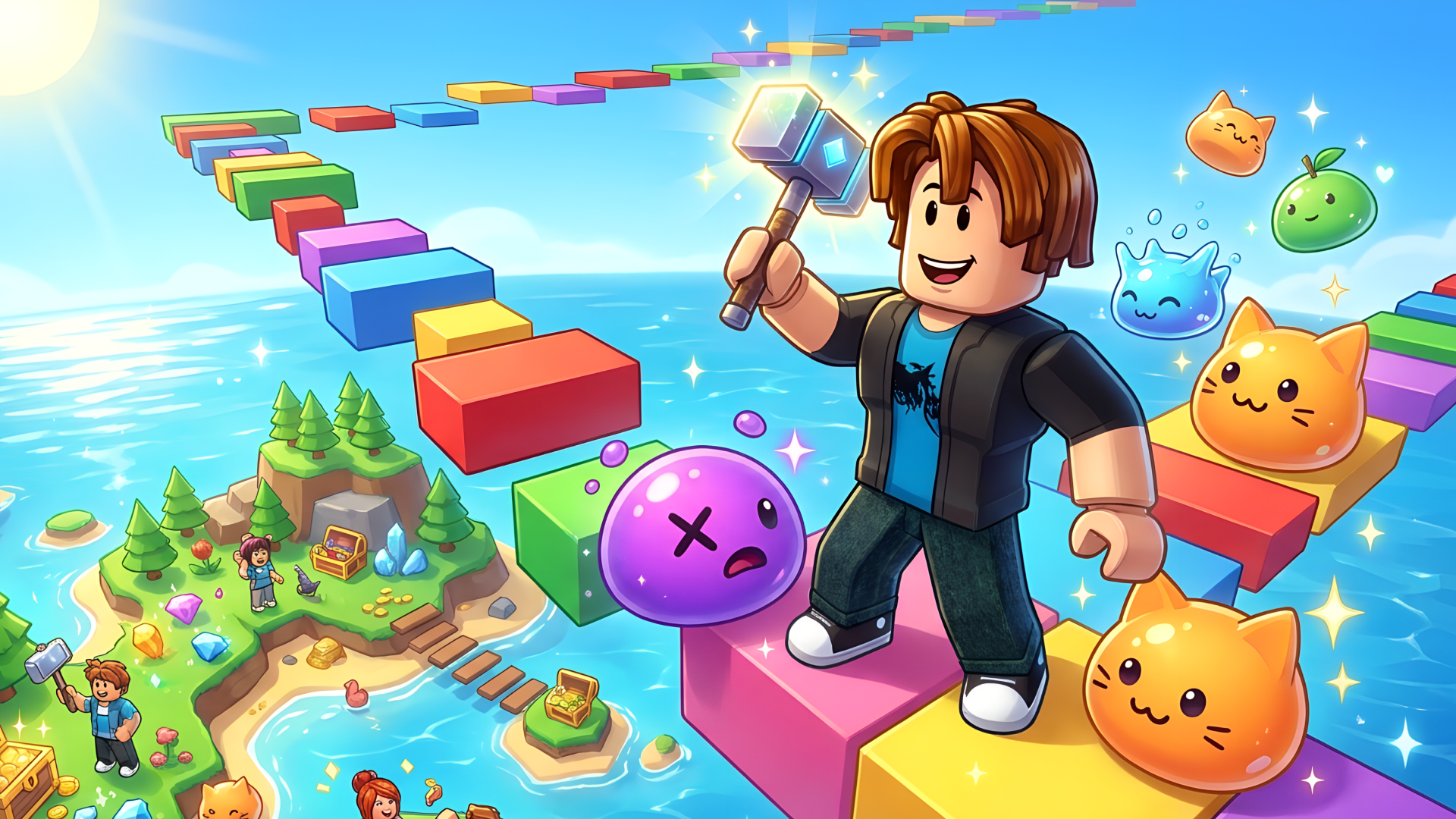
Build Obby World drops you onto a tiny island and challenges you to grow it into something colorful, lively, and full of surprises. The core loop is satisfying in a low-pressure way: gather resources, craft what you need, construct new island pieces, and use those pieces to reach entirely new locations. Pets, slimes, and treasures fill the world as it expands around you.
The game blends resource gathering, building, crafting, and obby-style exploration into a single continuous adventure. Trendy skins — including ones featuring Italian brainrots — give the roster a current, playful personality. Two palm trees with brown trunks and green fronds appear near blue water in several scenes. One scene shows a red barn-like structure with a white-trimmed arched entrance standing beside a field of yellow upright stalks. Another scene places three green cacti with rounded limbs and dark circular markings against a tan textured wall.
How to Play Build Obby World: Build Islands to Reach New Places
Begin on a small island and start collecting resources. Standing near a resource node is all it takes — your character begins mining automatically. Use what you gather to craft and build pieces of new islands, which in turn open fresh ports and locations to explore. Tapping slimes brings the world to life, and upgrading your tools lets you gather resources faster as the world grows.
Currencies and Tools
- Gold: spent on in-game materials such as an axe or an improved pickaxe for resource gathering
- Crystals: a premium currency that can be exchanged for gold to purchase new, improved tools; also available through in-game purchases
Skins and Collectibles
- Skins: purchasable cosmetics, including trendy Italian brainrot designs
- Slimes and Pets: a collection to gather as you play
Controls
- WASD or Arrow Keys: movement
- Right Mouse Button (hold): rotate the camera
- Space: jump
- Joystick (phone): movement
- Small swipes on screen (phone): camera rotation
- Wait near a resource: character begins mining automatically
FAQ
How do new locations open up in Build Obby World?
New ports and locations unlock through building and construction. Gathering resources and crafting island pieces is what drives the obby forward and connects you to new areas.
What are the two currencies and what do they do?
Gold and crystals are the two currencies. Gold buys in-game materials like an axe or improved pickaxe. Crystals can be exchanged for gold, letting you acquire better tools for faster resource gathering.
Do I need sound on to progress through the game?
Music enhances the atmosphere but is not required for completing levels or making progress. The game plays fine without sound.
What can be bought with in-game purchases?
Skins and crystals are available for purchase. Crystals can then be exchanged for gold to buy improved tools that speed up resource gathering.
How does mining work on mobile?
On phone, move with the on-screen joystick and rotate the camera with small swipes. Simply wait near a resource node and your character will begin mining it automatically — no extra tap required.
Games You Might Like
If the island-building and obby exploration in Build Obby World appeal to you, the broader Obby games category on Playgama is packed with obstacle-course adventures worth checking out. For a tower-focused twist on the same build-and-collect formula, Build and Jump: Aura Obby Tower has you stacking blocks skyward, earning gold, and collecting pets much like you do here. If you enjoy the crafting and construction side, Build an Aquapark lets you design and ride your own water slides using a similar build-then-experience loop. For players who want to bring friends into the obby fun, Obby online with friends: Draw and Jump! combines parkour platforming with cooperative puzzle-solving. The Arcade games section is also a great place to find fast, rewarding titles with a similar pick-up-and-play energy.