
Build Lego Cars
Build Lego CarsNew
Build Lego Cars

Build Lego Cars - Play Online

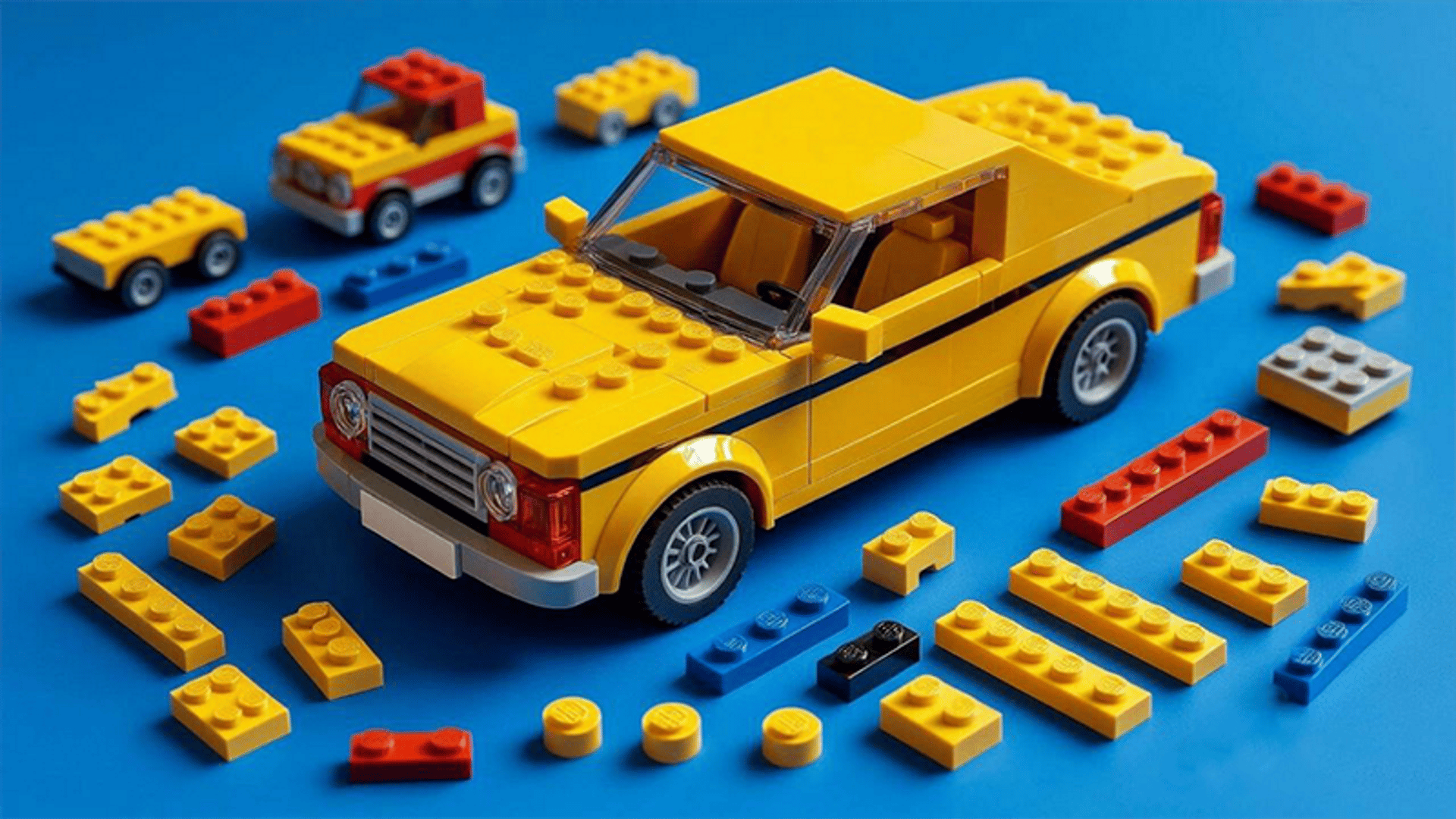
If you ever spent hours snapping plastic bricks together as a kid, this is that feeling stripped down to its basics. Build Lego Cars is a straightforward building game where you assemble different vehicles piece by piece, following step-by-step instructions. It's not official LEGO software, but it captures that satisfying click of fitting parts together. Your goal? Complete a collection of cars by choosing the right brick from a lineup and snapping it into place. Simple, chill, and aimed squarely at casual builders and young kids.

Key Features

  • Multiple Vehicle Models: Build racing cars, SUVs, trucks, and off-road vehicles with different brick configurations.
  • Step-by-Step Assembly: Each model shows a transparent silhouette where the next piece goes—no guessing.
  • Browser-Friendly Graphics: Runs smoothly even on older laptops or tablets thanks to basic 3D rendering.
  • Rotating Camera: Zoom and spin your creation 360° to check every angle before placing the next brick.

How to Play Build Lego Cars

Getting started takes about five seconds, but finishing a model without mistakes? That takes focus.

Choosing the Right Brick

You're presented with four different LEGO-style pieces at the bottom of the screen. Only one matches the transparent silhouette hovering over your half-built car. Click or tap the correct brick, and it snaps into place with a satisfying click. Pick the wrong one, and nothing happens—you just try again. No penalties, no timer stress.

Rotating and Inspecting Your Build

You can drag your mouse (or swipe on mobile) to spin the entire model around. This is crucial when the silhouette is on the back or underside of the car. Zoom in with the scroll wheel or pinch gesture to see exactly where that tiny 1x2 plate needs to go. The camera controls are smooth enough, though the lighting is harsh and shadows don't help much with depth perception.

Completing the Collection

Once you place the final piece, the model lights up and you unlock the next vehicle blueprint. There's no scoring system or time attack mode—it's purely about finishing each car at your own pace. Think of it as a digital instruction manual brought to life, minus the risk of stepping on a real brick at 3 AM.

Who is Build Lego Cars for?

This is tailor-made for kids aged 5 to 10 who love building things but don't have the attention span (or budget) for a full LEGO set. Parents will appreciate that it's totally non-violent and ad-light. If you're an adult looking for a quick creative break that won't fry your brain, it works—but don't expect the depth of something like Trailmakers or the official LEGO Builder app. It's more of a "kill five minutes while waiting for an appointment" kind of game.

The Gameplay Vibe

It's extremely relaxed. No background music to speak of—just the occasional soft click sound when a piece locks in. The visuals are bare-bones: flat shading, a plain gradient sky, and models that look like early Unity asset store prototypes. Everything floats in a white void, which honestly makes it easier to focus on the building itself without distractions. The pace is entirely up to you. I never felt rushed, but I also never felt particularly challenged after the first couple of models. It's meditative in the same way sorting laundry is meditative.

Technical Check: Saves & Performance

The game saves your progress automatically using browser local storage, so you can close the tab and come back later without losing your collection. Just don't clear your browser cache or you'll start from scratch. Performance-wise, this runs on a potato—I tested it on a six-year-old tablet and got zero lag. The graphics are so simple that even integrated graphics from 2015 can handle it smoothly. No downloads, no installs, just click and play.

Quick Verdict: Pros & Cons

A decent little time-waster for young builders, but don't expect innovation.

  • ✅ Pro: Zero learning curve—literally point and click to build.
  • ✅ Pro: Totally kid-safe with no ads interrupting every 30 seconds.
  • ❌ Con: Graphics look like a student project from 2012, and the variety runs out fast.

Controls

Responsive enough, though the camera can be a bit sluggish when you're trying to spin quickly.

  • Desktop: Left-click to select bricks, drag mouse to rotate the model, scroll wheel to zoom.
  • Mobile: Tap bricks to place them, swipe to rotate, pinch to zoom in and out.

Release Date & Developer

Developed by Kagari Games and released on January 9, 2026. It's a newer addition to the browser game scene, which explains the rough-around-the-edges polish.

FAQ

Where can I play Build Lego Cars?

Play it free on Playgama. It works on PC and Mobile without downloads.

What happens if I pick the wrong brick?

Nothing bad—the piece just won't attach. You can keep trying the other three options until you find the right match. There's no penalty or life system, so you can't fail.

Is there a mobile version?

Yes, the game fits any screen size and supports touch controls.